Is there server problem?
-
Hi,what is the problem?
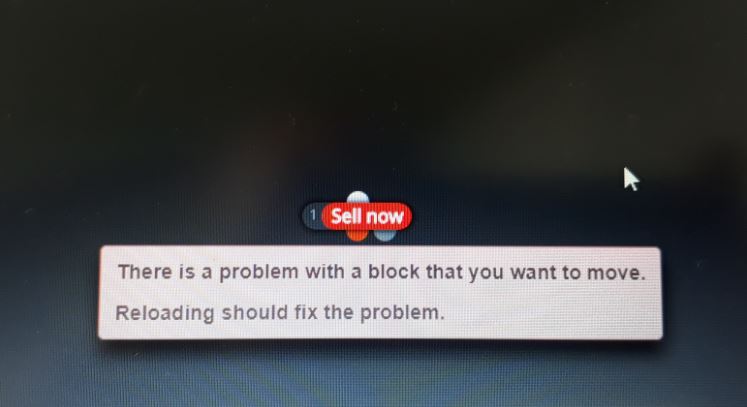
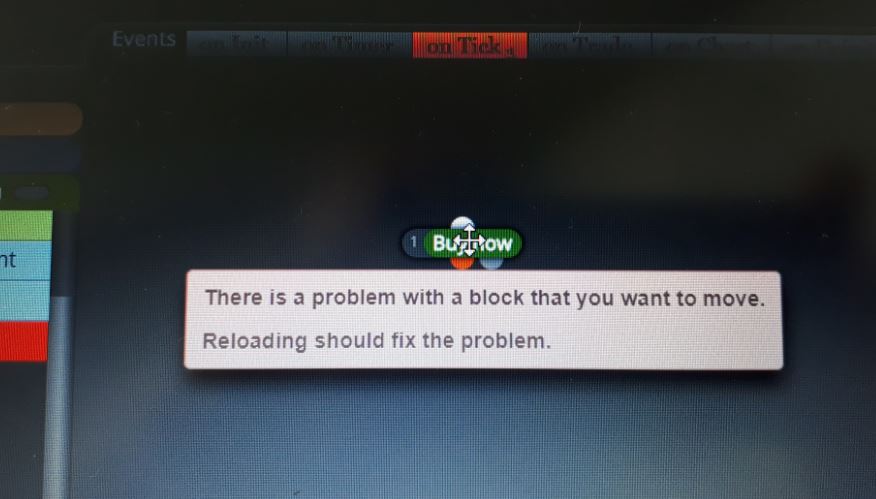

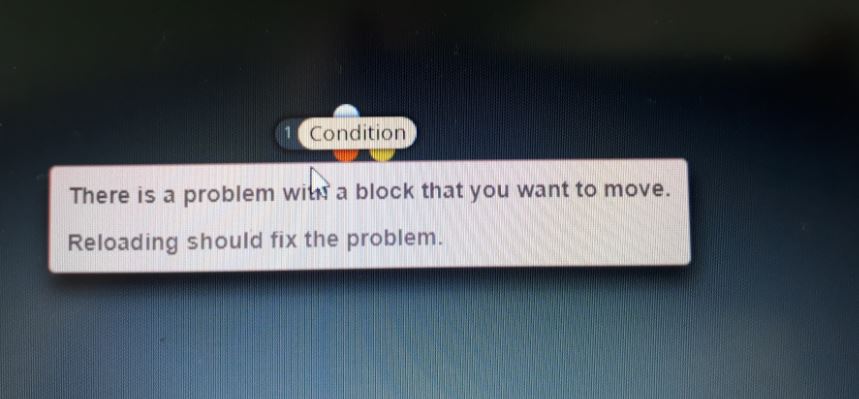
-
Having the same experience for a few days now. @admin? any info on this?
-
Hello,anybody home?
-
Hi @eray-dursun ,
Knok knock... ;DAre you still having problems, it's working ok for me...
Couple of things I'd suggest:
-
If you aren't using Chrome (https://www.google.com/chrome/) switch to it.
I normally use Firefox but came across a few quirks using it with fxDreema.
This is developed on Chrome so best to stick with that.
(If you're using IE/Edge go give yourself a slap!) -
If you're already using Chrome, I came across this cache clearing trick recently.
a) Press F12 and you'll see the DevTools panel appear.
b) With the DevTools Panel open, Right-Click on the Reload button and you'll see a few more aggressive page Reload options.
https://superuser.com/questions/220179/how-can-i-do-a-cache-refresh-in-google-chrome
-
-
Hi drayzen.I solved the problem now.Working in builder.Thank you.......
-
Hello guys! @drayzen I´ve followed your steps but I keep having same problem. Any other idea? Regards!
-
@olmo working in builder..
-
-
@eray-dursun ,
What was your solution? ...sharing is caring

-
hi
demo is not working properly
builder work with your login -
Sometimes it works sometimes it does not work.admin not responding.I think the page received the virus.......
-
drayzen the fxdreema page does not work on any internet browser. I tried your method but it did not work.I think it is a very big problem.admin not responding.have you ever made a robot this week?
-
i have the same problem
-
@eray-dursun yes, I was editing and compiling to .ex5 only a few hours ago.
-
@drayzen said in Is there server problem?:
Hi @eray-dursun ,
Knok knock... ;DAre you still having problems, it's working ok for me...
Couple of things I'd suggest:
-
If you aren't using Chrome (https://www.google.com/chrome/) switch to it.
I normally use Firefox but came across a few quirks using it with fxDreema.
This is developed on Chrome so best to stick with that.
(If you're using IE/Edge go give yourself a slap!) -
If you're already using Chrome, I came across this cache clearing trick recently.
a) Press F12 and you'll see the DevTools panel appear.
b) With the DevTools Panel open, Right-Click on the Reload button and you'll see a few more aggressive page Reload options.https://superuser.com/questions/220179/how-can-i-do-a-cache-refresh-in-google-chrome
Hi, @drayzen
Do you think that this issue can be related to Firefox?
https://fxdreema.com/forum/topic/5852/fxdreema-changing-custom-indicator-parameterThank you!
-
-
So if this error appears, after reload of fxDreema does the block still exist?
-
Ok, I got the error message and it appears that it happens when the block is moved around and then dropped on its initial position. That error message appears, but there is no error actually. I will check why that happens and fix it. For now if anyone sees this error, just ignore it... or click on it to disappear.
-
@fxdreema
I keep having the same problem and I can´t create anything at all, because the connections between the blocks are deleted and any changes I make are not saved. -
@olmo said in Is there server problem?:
@fxdreema
I keep having the same problem and I can´t create anything at all, because the connections between the blocks are deleted and any changes I make are not saved. -
@drayzen Thank you ! Worked a treat after having problems connecting blocks and solo orange dots appearing around the builder screen