How to use ZigZag [advanced]
-
@miro1360 please share me mq4 ,
-
@newby purchase 1 month and compile it

-
@abdelhak thank you very much for share this link. Unfortunately I try it now, but seems to not work. You can help those of us with a new share of link ?
Many thanks in advance for support.
Keep in touch.
Kind regards. -
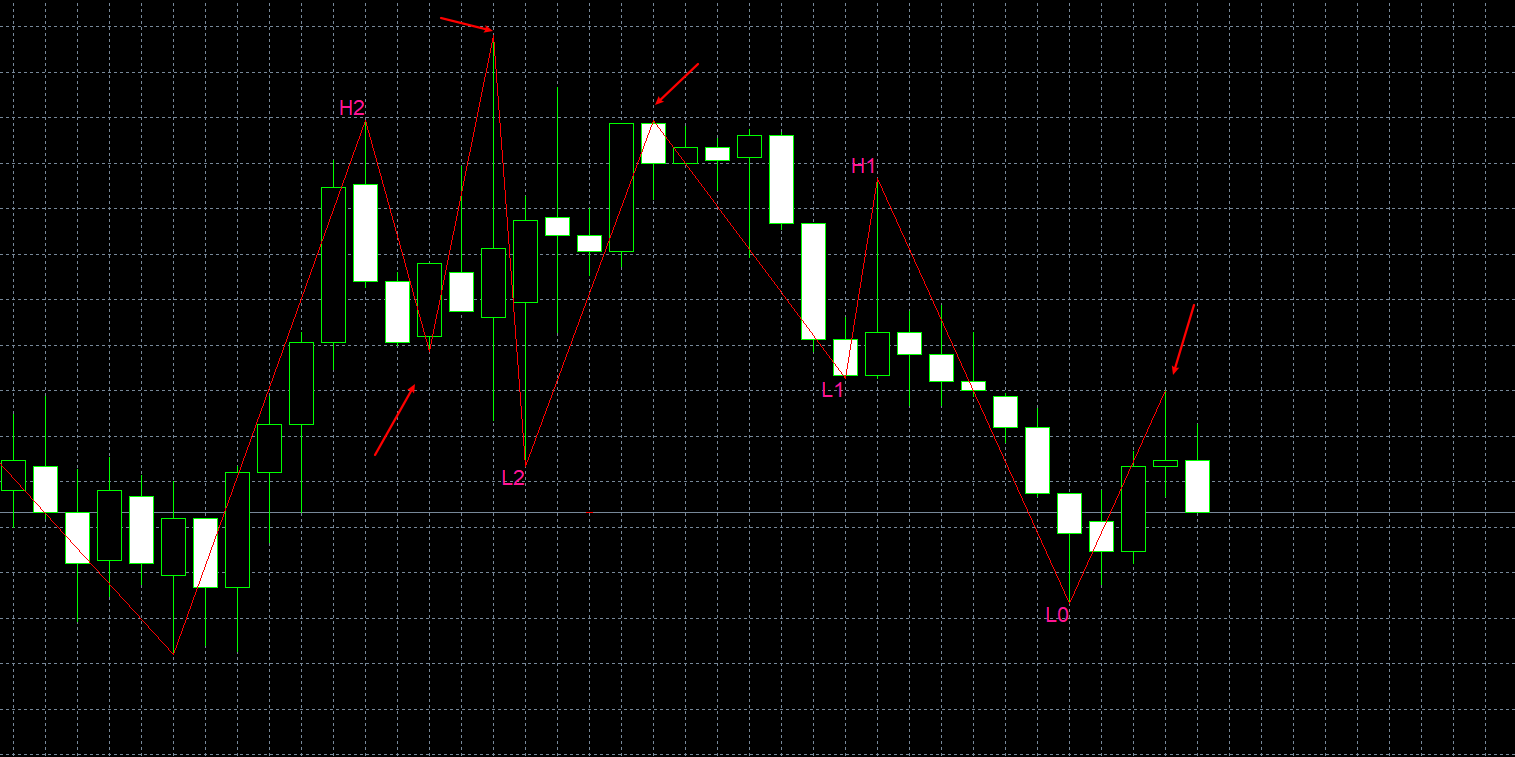
Why is this at the arrow
-
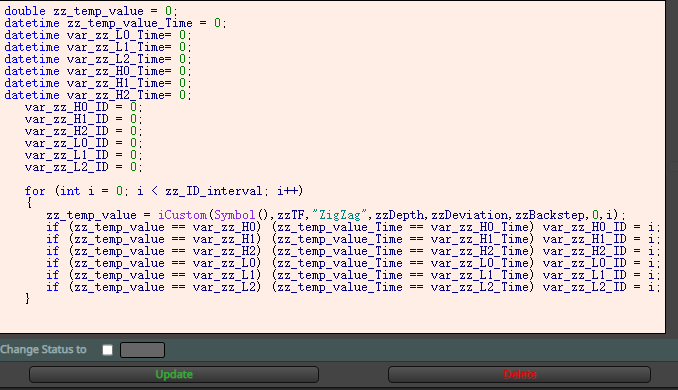
The price corresponds, but the time candle ID is wrong.
I tried to add time contrast, but I couldn't use it.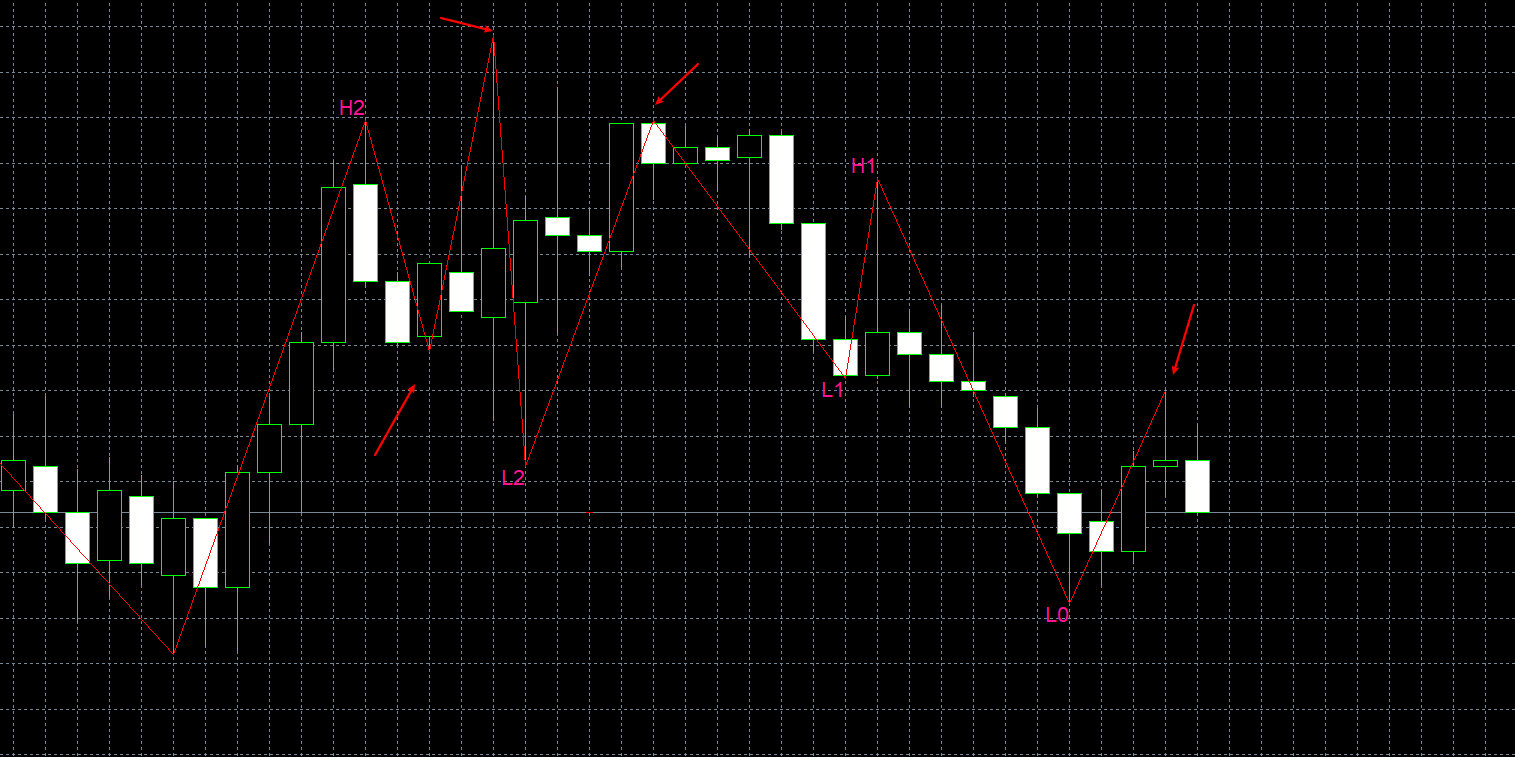
-
-
Great Work, Can you please tell me how can i used this is my EA ?
-
@jstap Sir after a hard work i made this bot, but there is problem i want only 1 trade at one time, my EA is buying in bulk on different levels. Please help me
-
@muneeb00 If you put a shared link here I will gladly have a look to see what is happening.
-
@jstap Sir Thanks For Your Response,
I Think I Am Missing (No Trade) Block -
@muneeb00This should work fine once you add the no trade blocks, I would probably change the pass block for a once per bar because it will likely speed up back test, also drawing lines can slow things down, I would just add the zig zag to the chart.
-
@jstap OK Sir I Will Add No Trade Block, But there is a problem if am adding this block EA is not downloading because of free member

-
@muneeb00
-
@jstap Sir One More Question Please.
I set my EA as per your instructionsbut i want further improvement like
My buy order executed near zigzag string and bullish heikin ashi candle at bottom.
now i want to close my trade at TP (which i selected from input) or upper zigzag string at top with red heikin ashi candle.
It means i want to close my trade on first conditionI hope you understand, Please help this is my last question
Thanks -
Edit: I want close trade conditions only, buying conditions already applied
-
@muneeb00 To close set another tree with if trade at top, conditions in middle, close trades block at bottom.
-
@jstap Sir One More Question
Question is i set my EA on GBPUSD & UK100 for long
after sometime my conditional target achieved in GBPUSD but my uk100 trade also closed with gbpusd.
I think something wrong in (If trade) blocks
Is something wrong in my EA? Please check -
@l-andorrà You can also answer this question.
It's an honour for me. Thanks -
@muneeb00 In your close tree you need a separate one for each symbol, so instead of closing all it only closes the one, if using on separate charts change any symbol to specified.
-
@jstap if i select specified is it compulsory to put forex pair name or it will automatically set to current chart?

