Delete indicator with a button in Backtest
-
Hello friends, does anyone know how I can delete a moving average with a button in the backtest? I want to be able to delete or hide moving stockings that I previously created with another button, if you have any idea how to do this I would appreciate it. Greetings!!
-
You don't need the pass block, they just need to be connected. I do not know how you would delete MAs
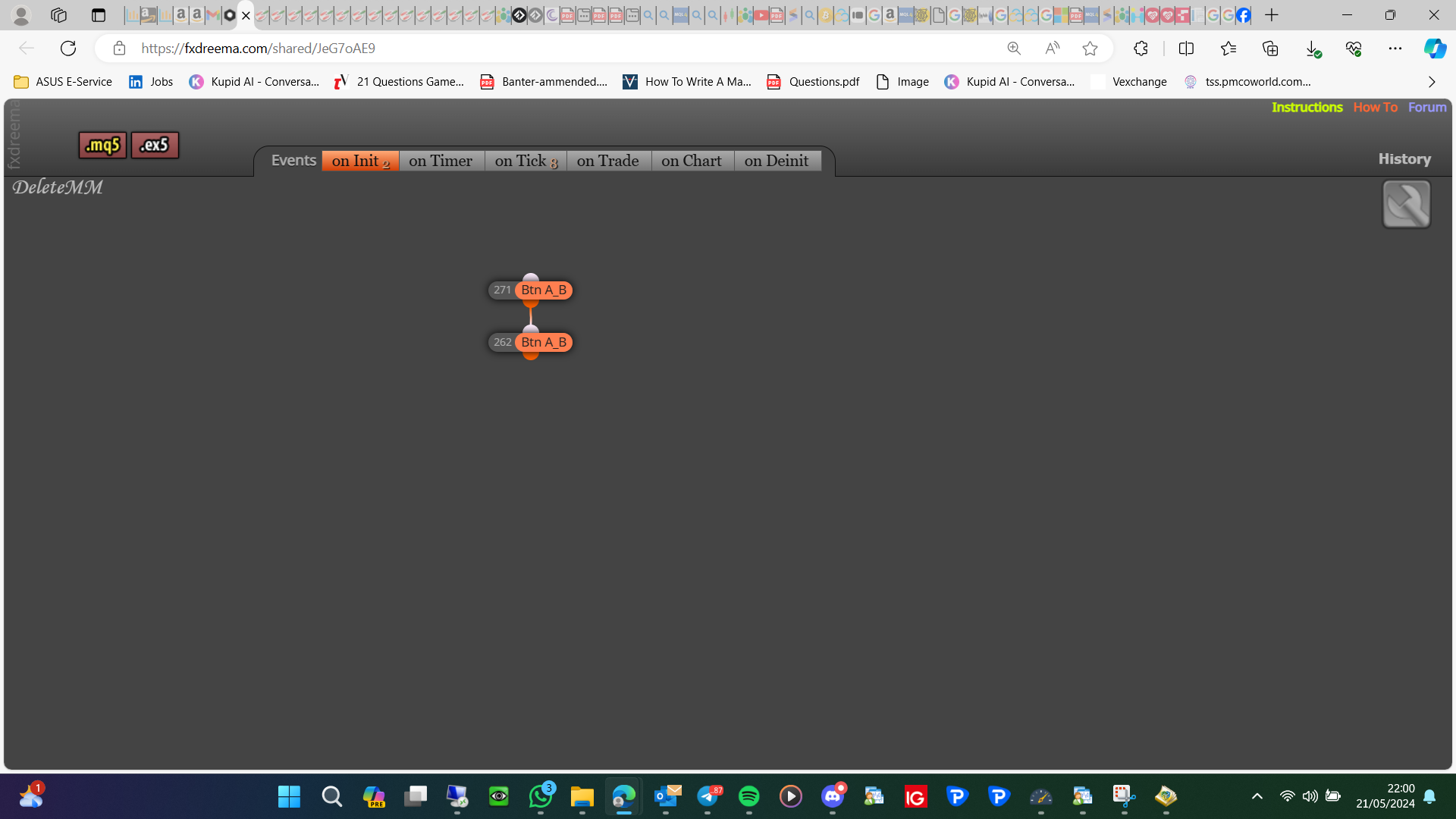
-
try this way https://www.mql5.com/en/forum/155883
-
@pacificnet-lk I tried to use this but I couldn't get it to work in my project.
-
Another way to do by using the "Apply Template" box and pointing to a blank template. you have to create the blank template first.
-
Apply template doesn't work on backtest, would work on a live chart though
-
@jstap you are correct. scratch the "Apply Template" idia. if we do that the EA will unload as well in the live chart.
-
Ok but add the EA to the template, different settings/different indicators/different names, should load all required when it's needed
