My project just crashed
-
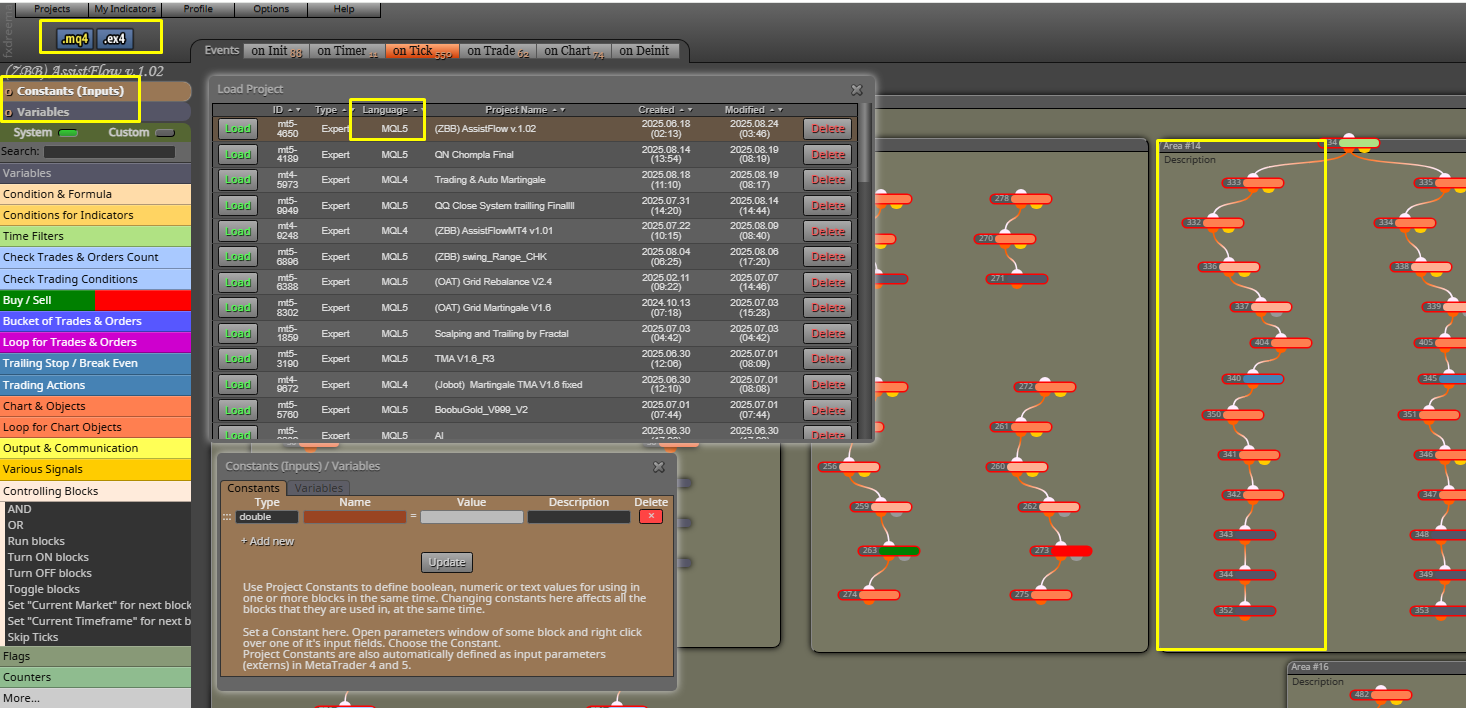
My project just crashed and I don’t know what happened. I was working block by block as usual, but suddenly everything was wiped out. The project was originally in MQL5, but now it somehow turned into MQL4. All my variables and conditions disappeared, and now only empty blocks remain.
Can anyone please tell me if there’s a way to recover or restore my project?
-
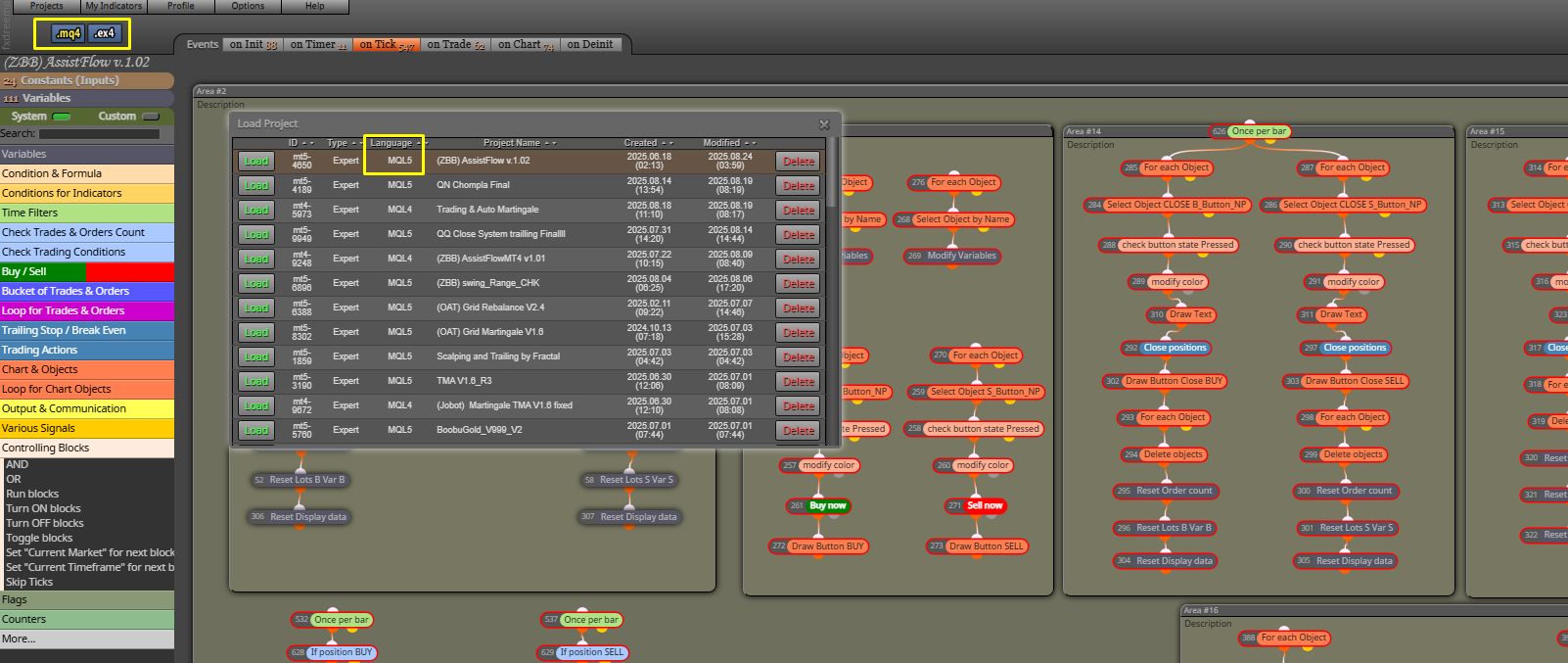
I tried rolling back step by step in the history, around ten steps, and I was able to recover some of the data. However, the project header still seems to have a conflict. I’m not sure if the project base is now correct as MQL4 or MQL5.
What should I do next to make sure the project is set up properly?
-
That's a very weird situation. Never herad of it. I recommend you to contact the admin directly and let him know:
-
You'll have to check what happened with admin, generally though, blocks that say "Position" are for MT5, and blocks that say "Trade" are MT4.
-
I believe I discovered the solution to this type of problem.
1st Make a copy of this project to have a backup.
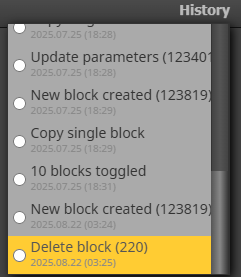
2nd Start a process to "Undo" the last changes you remember having made last. There is even a place in the system for this, but if you don't remember, do it manually by removing some groups of blocks or remove them block by block.3rd As you remove, apply screen update with the F5 button "refresh the web page" and check if the project is back to normal.
I believe that at some point fxdreema is "corrupting" something in the code that generates this problem.
But by doing these steps I solved this problem a few times, try and report back here.
-
Thank you very much, everyone. Everything is okay now. After rolling back with "Undo" and waiting for several hours, I just refreshed it, and the project is now back to MQL5 as well.
-
@teamfx001 said in My project just crashed:
Thank you very much, everyone. Everything is okay now. After rolling back with "Undo" and waiting for several hours, I just refreshed it, and the project is now back to MQL5 as well.
greaatttt! good job.


