fxDreema

    • Register
    • Login
    • Search
    • Back to the main page
    • Categories
    • Recent
    • Tags
    • Popular
    • Search

    Problem in creating arrows for an indicator

    Questions & Answers
    2
    11
    3129
    Loading More Posts
    • Oldest to Newest
    • Newest to Oldest
    • Most Votes
    Reply
    • Reply as topic
    Log in to reply
    This topic has been deleted. Only users with topic management privileges can see it.
    • A
      Arad016 last edited by Arad016

      hello
      although i am registered here for a long time but i recently started doing stuff on fxdreema so i am totally newbie and dont know a thing , a lot of you might think i am asking stupid questions but , ah well , i am gonna go ahead and ask it either way

      so here is the problem i am trying to build an indicator that is suppose to show an arrow on main chart after a certain condition is met but i dont know whats wrong , arrows arent appearing i thought that something is wrong with the placement or my condition so i tried to make a simple crossover indicator that shows an arrow when two Moving Averages crosses but still the same problem so i was wondering if anyone can take a look at below screenshot and tell me if i am missing something , if i am doing it the wrong way! many thanks in advance
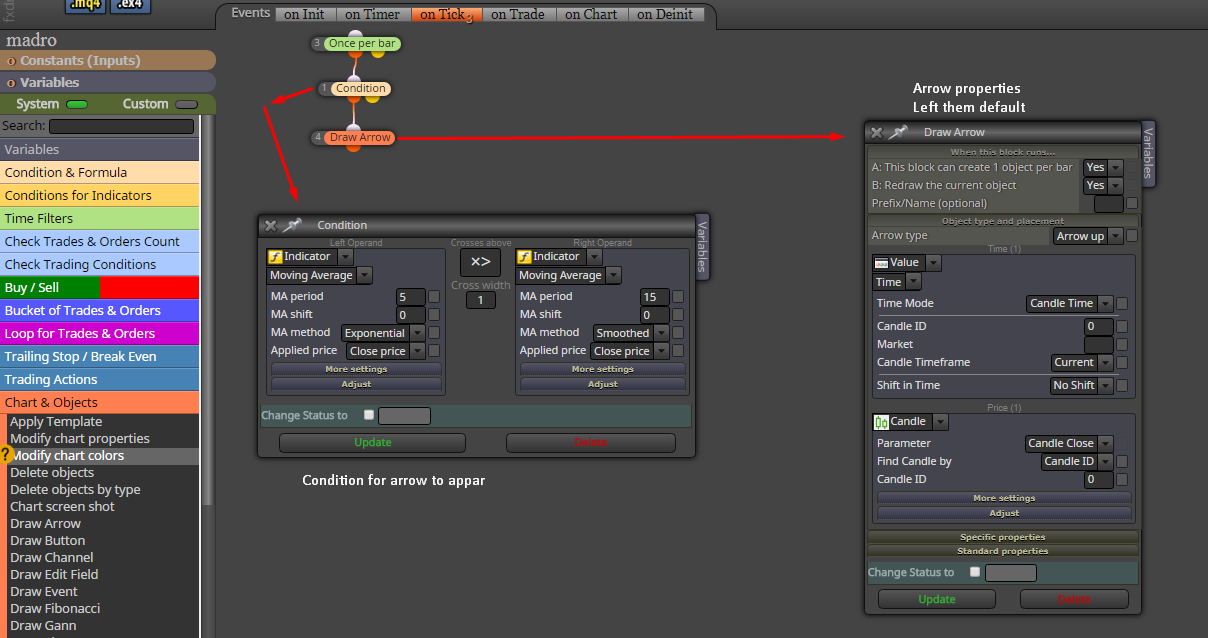
      0_1500040063070_Screenshot_4.png

      timmyhanke 1 Reply Last reply Reply Quote 0
      • timmyhanke
        timmyhanke @Arad016 last edited by

        @Sam83014

        Try this:

        This block create 1 object per bar = No
        redraw the current object = Yes
        Prefix/Name = write something that you want to call it , arrow up for example

        A 2 Replies Last reply Reply Quote 0
        • A
          Arad016 @timmyhanke last edited by

          @timmyhanke
          okay thanks gonna try this

          1 Reply Last reply Reply Quote 0
          • A
            Arad016 @timmyhanke last edited by

            @timmyhanke
            tried that but still arrows do not appear

            timmyhanke 1 Reply Last reply Reply Quote 0
            • timmyhanke
              timmyhanke @Arad016 last edited by

              @Sam83014

              This works 🙂

              https://fxdreema.com/shared/JUtRG9Rfd

              A 2 Replies Last reply Reply Quote 0
              • A
                Arad016 @timmyhanke last edited by

                @timmyhanke
                did you check it on your terminal?
                because i am having the same problem no arrows
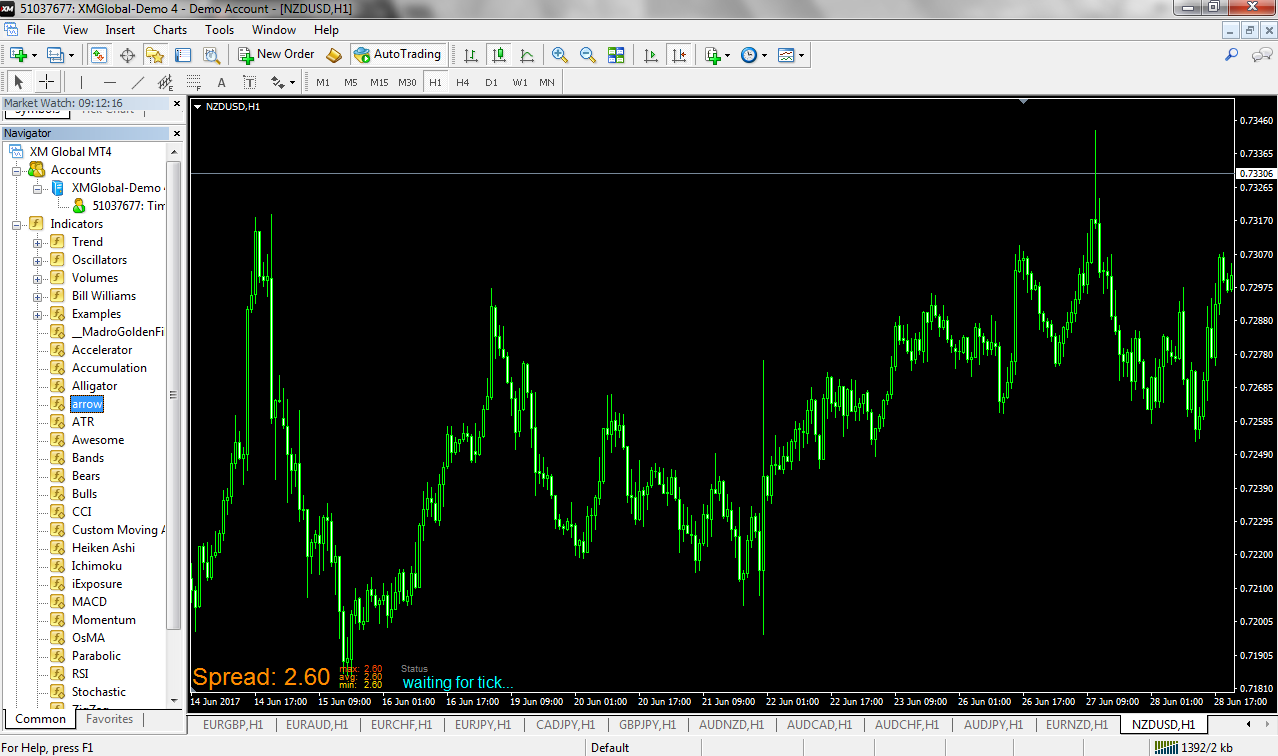
                0_1500272151876_Capture.PNG

                1 Reply Last reply Reply Quote 0
                • A
                  Arad016 @timmyhanke last edited by

                  @timmyhanke
                  does it have something to do with the below screenshot?
                  the color is set to none by default i tried changing it but no luck
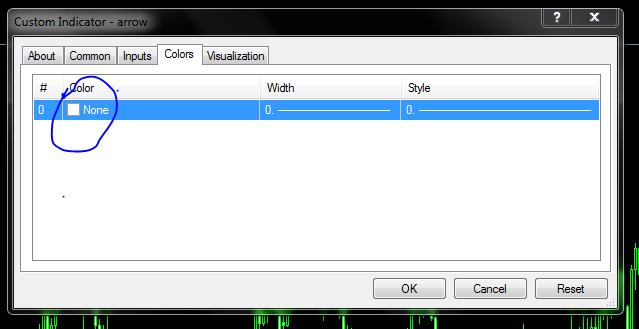
                  0_1500272294939_Capture2.PNG

                  timmyhanke 1 Reply Last reply Reply Quote 0
                  • timmyhanke
                    timmyhanke @Arad016 last edited by

                    @Sam83014

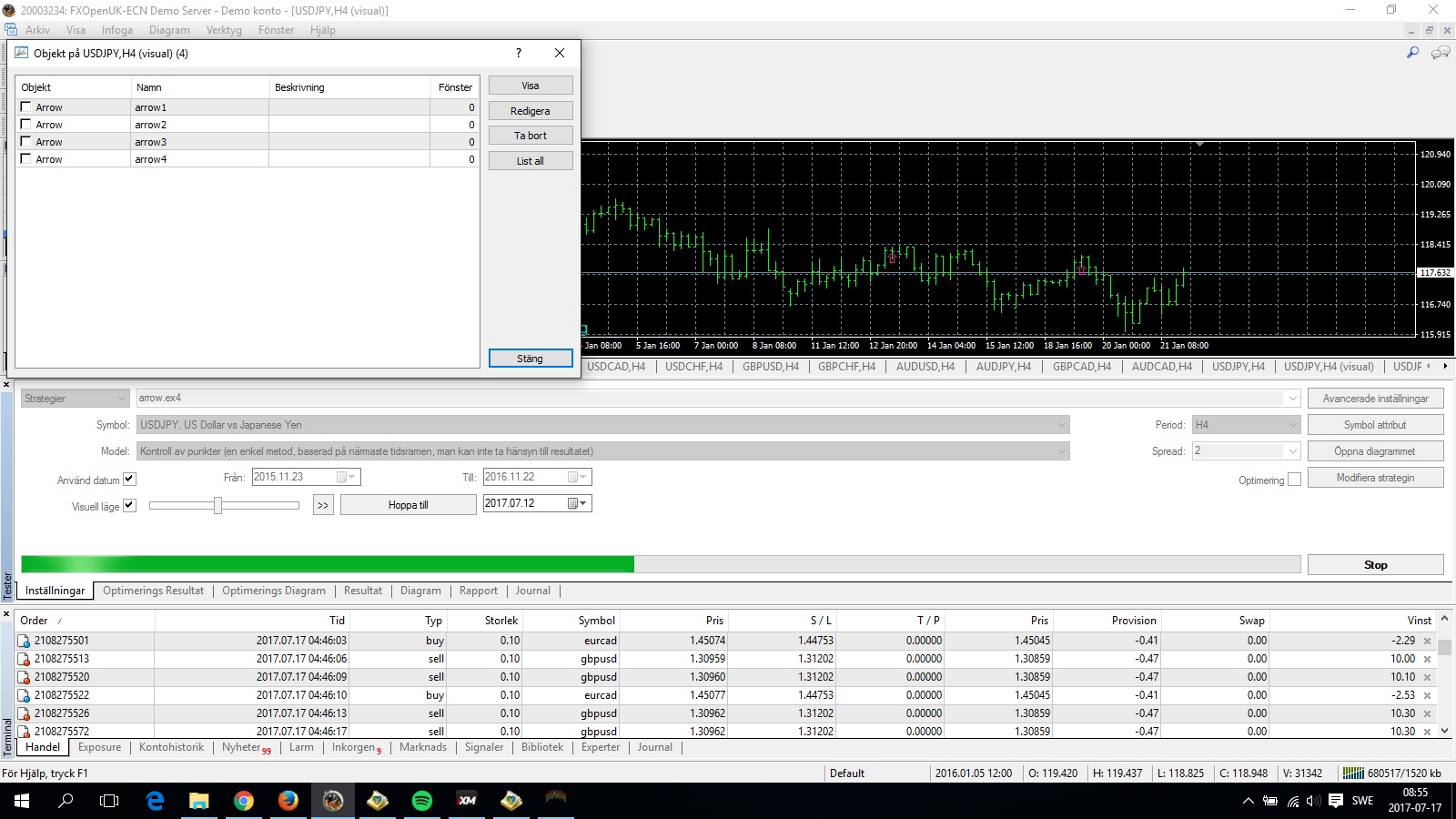
                    firstly its an ea , you need to put it in expert advisor folder 0_1500274635776_arrow.jpg
                    A 1 Reply Last reply Reply Quote 0
                    • A
                      Arad016 @timmyhanke last edited by Arad016

                      @timmyhanke
                      yup i did that as well but no luck 😩
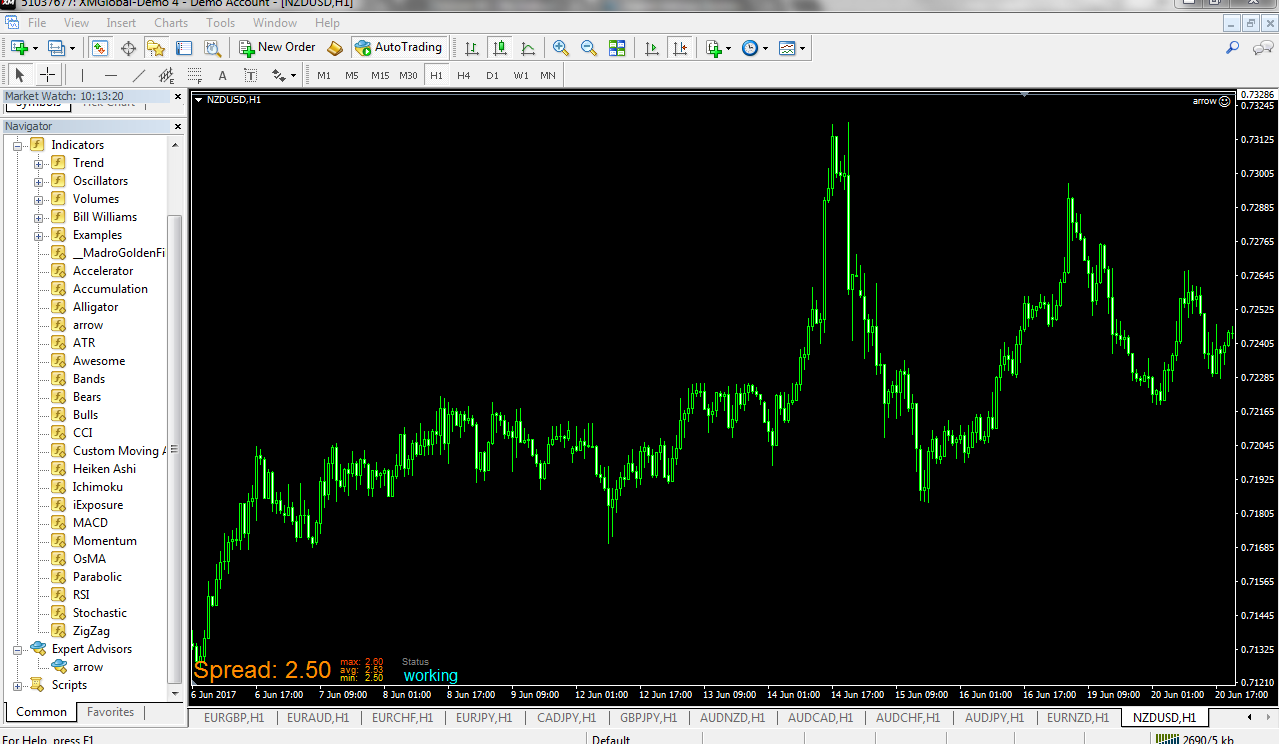
                      0_1500275768529_Capture.PNG

                      timmyhanke 1 Reply Last reply Reply Quote 0
                      • timmyhanke
                        timmyhanke @Arad016 last edited by

                        @Sam83014 said in Problem in creating arrows for an indicator:

                        @timmyhanke
                        yup i did that as well but no luck 😩
                        0_1500275768529_Capture.PNG

                        the arrows i saw were from backtesting , they dont come up that much especially on higher timeframes , they will show eventually on live charts to , you just have to give them time 🙂

                        A 1 Reply Last reply Reply Quote 0
                        • A
                          Arad016 @timmyhanke last edited by

                          @timmyhanke
                          okay
                          BTW thanks a lot

                          1 Reply Last reply Reply Quote 0
                          • 1 / 1
                          • First post
                            Last post

                          Online Users

                          F
                          Z
                          S
                          C
                          P

                          12
                          Online

                          146.7k
                          Users

                          22.4k
                          Topics

                          122.6k
                          Posts

                          Powered by NodeBB Forums | Contributors