Is there server problem?
-
@eklonsousa ,
For me it's pretty simple, we're creating tools to work with our finances, so why take a chance with something that might not work correctly.
My initial Firefox issue was with importing a custom indicator.
Then after reading this in the fxDreema Features documentation I decided to only use it with Chrome.
"- fxDreema works best with Chrome and there is a plugin for easy downloads for Chrome as well. Firefox and Opera are also ok, only God knows about Internet Explorer..."While I've been a long time Firefox user, ... only after the death of Opera 12.xx ;( ... and continue to be for my daily usage, there are times when you find a specific use case like this and have to use what's appropriate and not try to force something that's just never going to work 100% correctly.
-
it not work
there is the same problem every day.
as soon as a block moves, the site tells me to have to reload the page and
the connections between the blocks are canceled. -
@riccardo-0
Yep, same here! I keep having the same problems. Anybody trying to sort it out? -
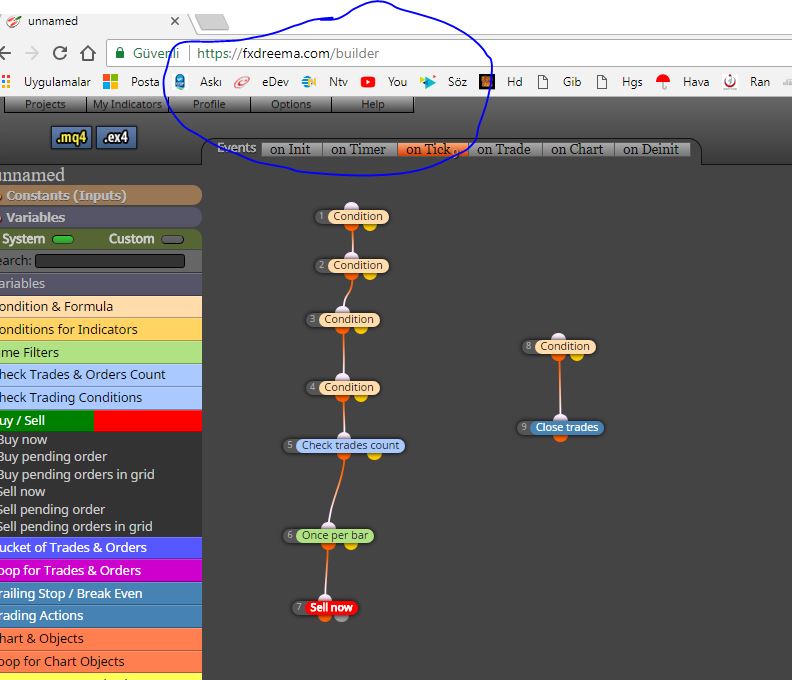
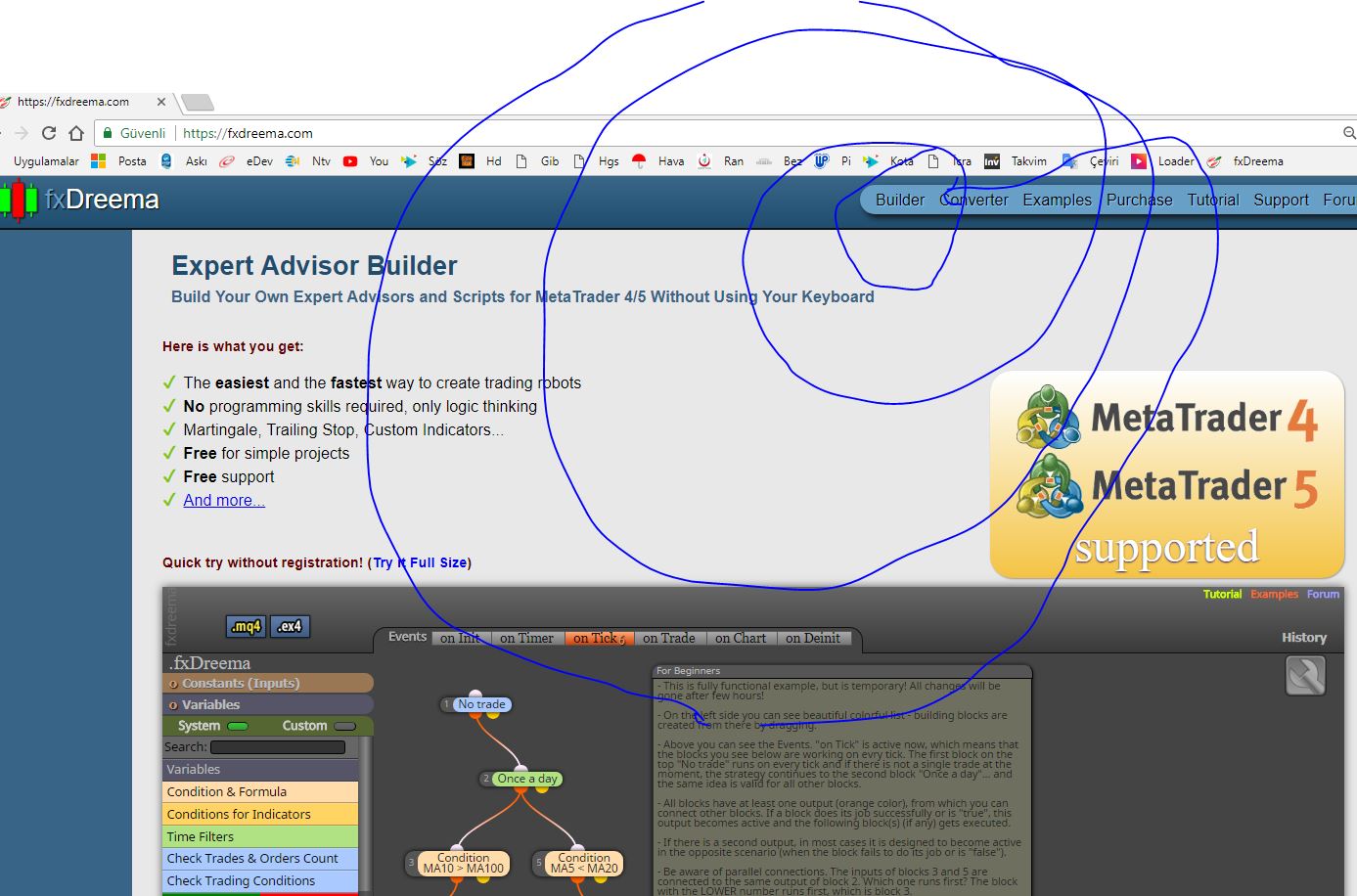
@olmo @riccardo-0 on the builder's page everything works normally.
-
Yep, that could be a good point as a temporary solution, thanks. But after 9 days with the problem I was expecting another response to it from the admins.
-
So have you guys been complaining about it not working on the home page...?
A LOT of time would have been saved if you'd said so.
If you are going to report problems you need to be more specific than "It doesn't work."
Everyone here would expect you were having problems in the Builder page, the homepage is just a preview, not for doing actual systems. -
@riccardo-0 i am having the same problem. have to use back the desktop version sigh but it also did not run after i upgraded my windows 10. I think something has messed up fxdreema server after some updates that cause the builder not able to run properly. As for my desktop version it only work again after reverting to previous version of windows 10 before the upgrade.
-
Maybe check your JS or Cookies settings...
Technical specifications
fxDreema works best with Chrome and there is a plugin for easy downloads for Chrome as well. Firefox and Opera are also ok, only God knows about Internet Explorer...
Almost all javaScript code for the browser is manually written. The connections between blocks are SVG (vector) elements
Cookies are used to store session information and localStorage is used to store JavaScript scripts and (not yet) HTML templatesI'm thinking that it could be it's trying to store the block position to a cookie and your browser settings, or maybe anti-virus/adblocker, are stopping it.
You could try Chrome's sort of Safe Mode with:chrome.exe -incognitoI'm using the following:
- Win 10 Pro x64 1803 (Build 17134.48)
- Java 1.8.0_171 (Both x32 & x64 installed)
- Chrome 66.0.3359.181 x64 (No Extensions, though my daily driver is Firefox so not inconvenienced by not having any)
-
So, for that blocks move problem, I see it happens on that project on the main page and also in each project in /Examples. But I wonder if anyone sees this problem in his own personal projects?