Problem selecting variables
-
In my project, I want to do some calculations store them in a variable & use the variables in a condition block. First I created my 4 variables
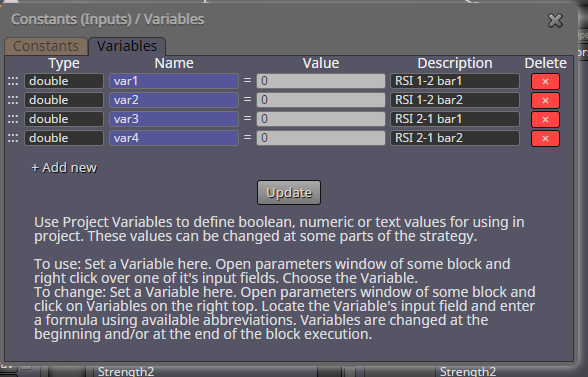
Then I configure my formulas blocks
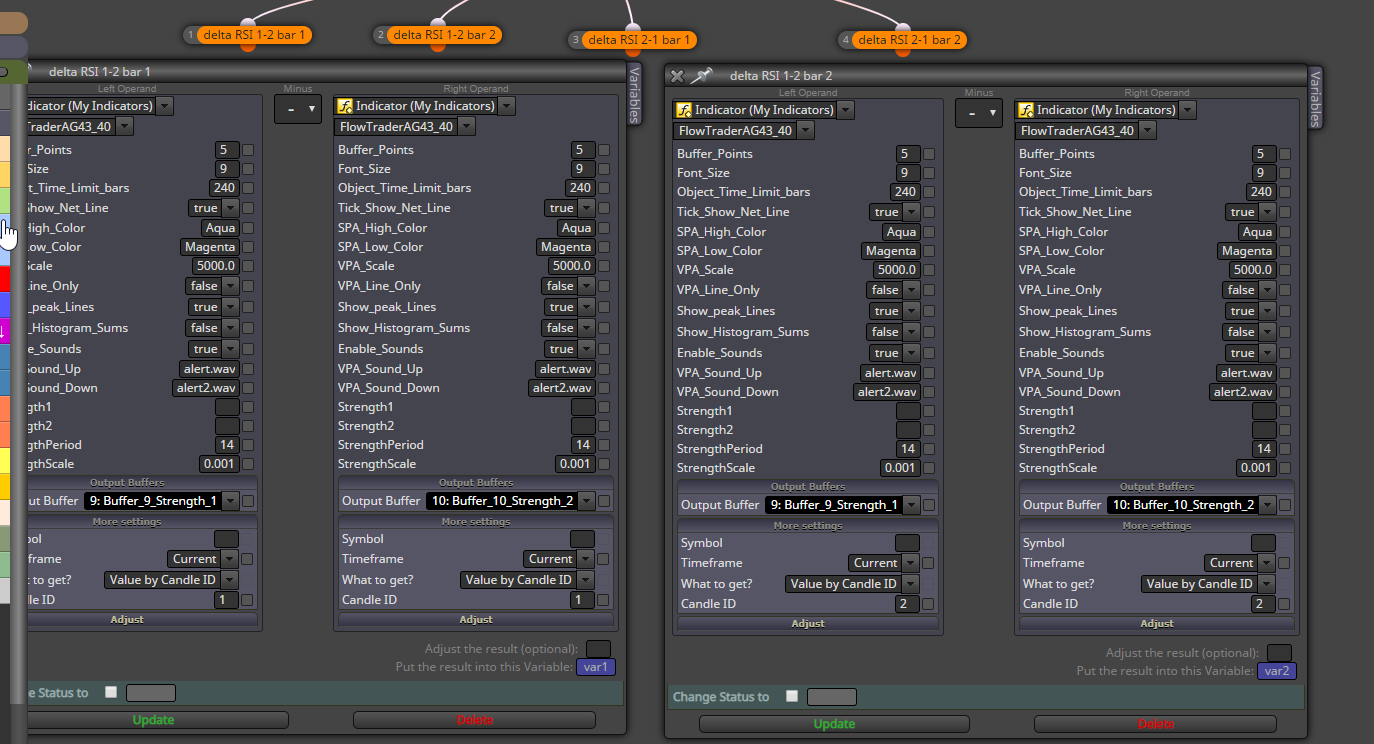
Then I select update. When I reopen the block the variable var2 was not saved & var1 is in its place
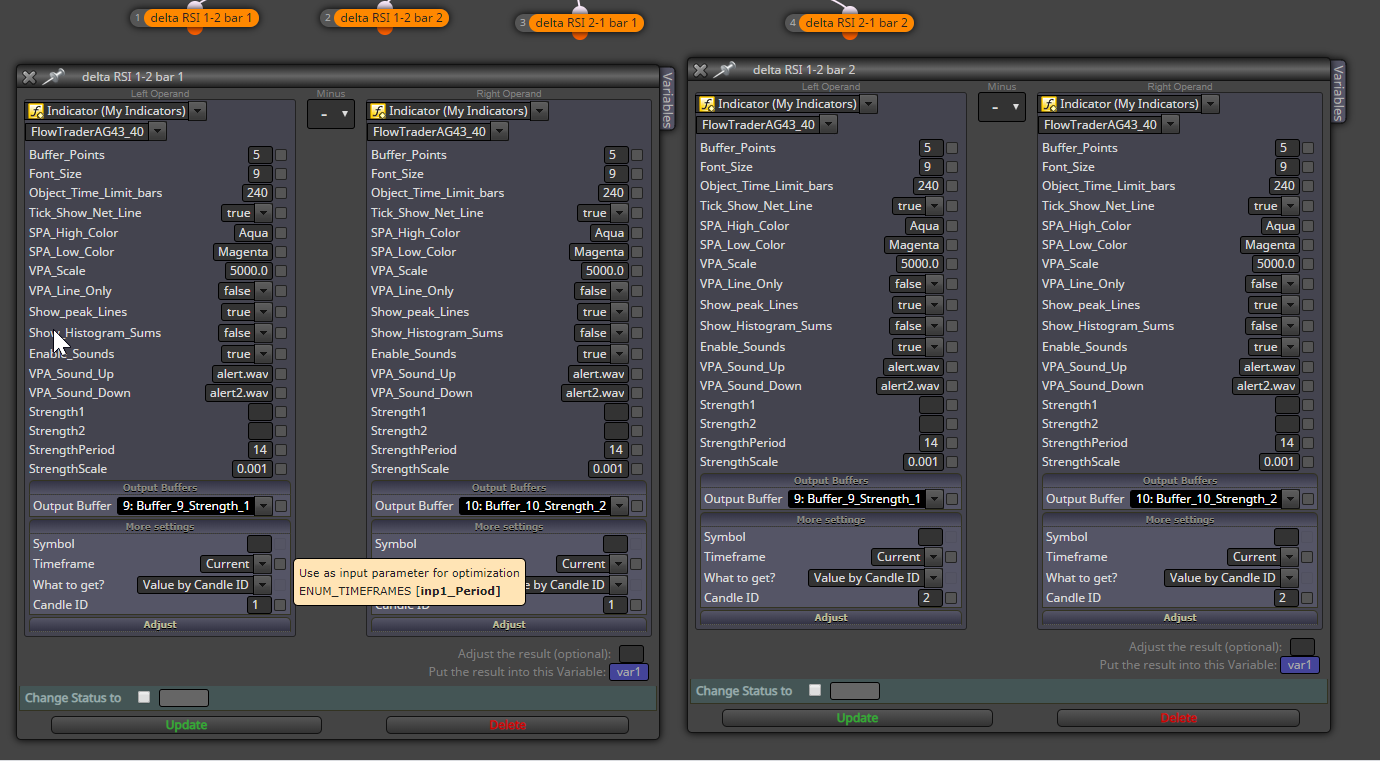
I had this happen in another project then it mysteriously started to work -
I started a new project & reconfigured the blocks from the beginning without copying blocks from the original project. the same thing happened
Closed down fxdreema & reboot my PC . I still have the same problem
When I entered the variables I selected +add new Then entered the variable info then selected " Update" Then added the 2nd variable
Not sure what else to do. What am I doing wrong?? -
This mysterious bug has happened to me too. Try writing the variable into the field instead of inserting it with right-click.
-
Thanks, I will try that
-
I tried writing the variable instead of the right click & I still have the same problem it goes back to var1. I do not see how I can do my project without using variables
-
I deleted the formula block & started from the beginning & tried to write the var2 I get the same problem
-
That is clearly a bug. Please contact the admin directly about it.
-
The strange thing is that I use variables in other projects & they work OK & on some projects the do not
I sent an email to support but have not had a reply -
Sadly he usually answers very late. I don't know why, but he takes a looong time to reply.

-
Yes, it is a bug and it happens when you hit Update when the parameters of both blocks are opened. Somehow the variable of the other block is taken. This could be easy fix, I will try to fix it. Otherwise it works fine when you have only 1 block parameters opened at the time of hitting Update.


