Mc Ginley indicator not working in fxdreema.....why??
-
I would love to test Mc Ginley in fxdreema but I can't get it to work. It is like to program isn't seeing it. Does anyone know why this is? And how it is possible to get it to work? I tried 3 different versions, all doing nothing....
2_1605542518320_mcginley-dynamic-indicator_with_ATR_bands.mq4
1_1605542518319_mcginley-dynamic-indicator.mq4
0_1605542518318_McGinley Dynamic Indicator.mq4 -
@sizqa hello, could you explain what you tried so far?
-
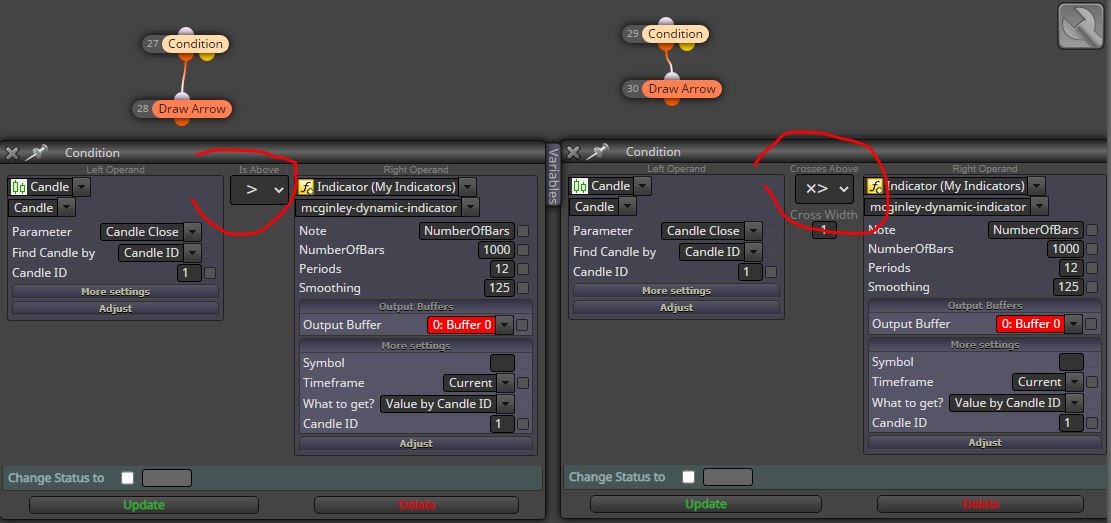
Yes of course. This is a very basic example of getting a buy signal if price closes above the indicator and a short signal if price closes below the indicator. I tested more indicators this way, but with the Mc Ginley it is not giving any signals.
-
@sizqa I think your EA's file is corrupted, anyway take a look at this and make a visual backtest
https://fxdreema.com/shared/v3drMIcYb
-
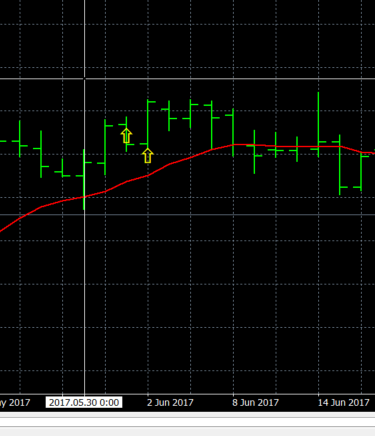
I get 2 yellow arrows for the first 2 candles of the test.
What do you mean my file is corrupted?
-
@sizqa If you run my shared file you get something like this
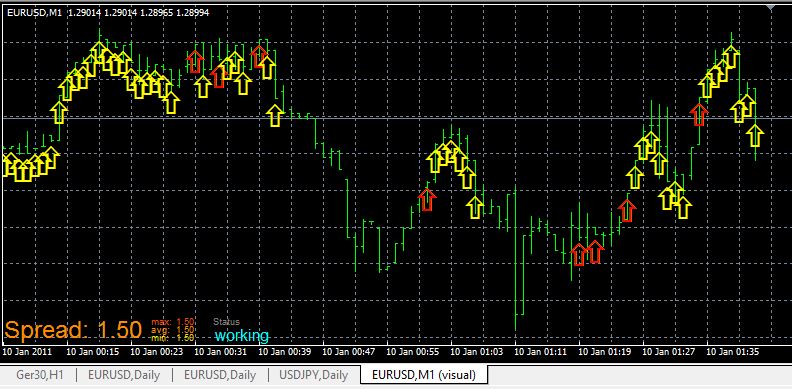
I suggest you to open a new project from scratch, don't overwrtite your actual file. Simply delete it
-
Hee,
I made a completely new EA from scratch and build just the condition - draw arrow as you did. Still only getting 2 arrows on the first 2 bars. I see you're testing on M1. Also that is giving no results. I'm really missing something.....guess a really simple thing... So annoying!
-
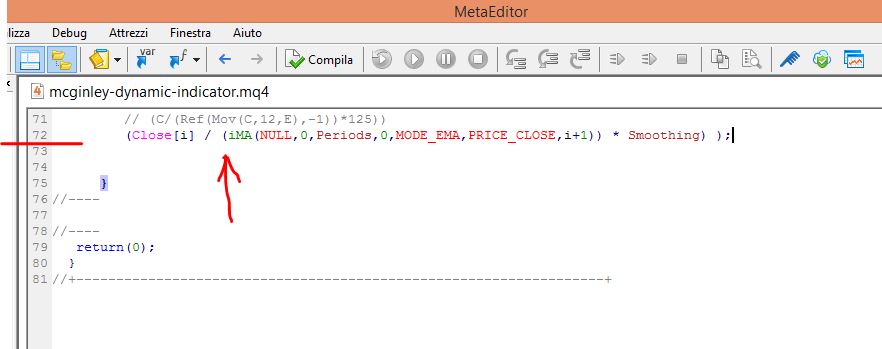
@Sizqa I think your indicator have some problems, now it gave me "zero divide". I suggest you to find another similar one.
-
All the 3 different versions are acting the same. Anyone else knows how to fix this?
-
@sizqa I'm afraid a programmers is needed here. fxDreema is accepting MOST of custom indicators, but not all of them, sadly.
