Node off left side of the screen (SOLVED!)
-
Hey guys and gals,
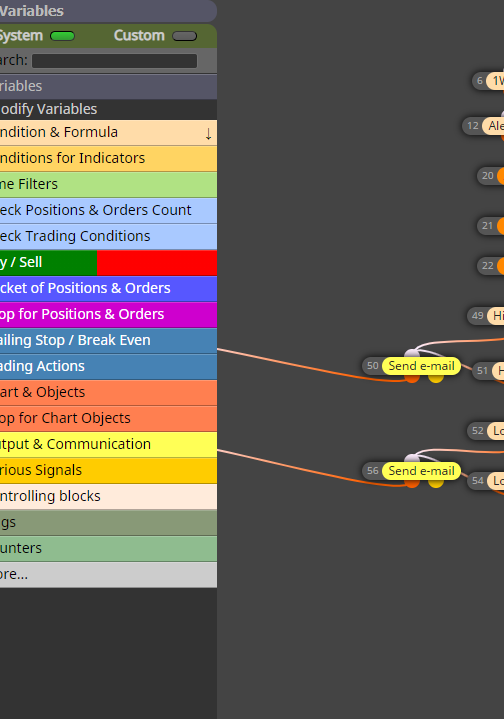
I had selected a bulk group of nodes, dragged them to the left, some of them went off the edge of the screen, then I selected another node (deselcting the group). Now I have nodes off the left side of the screen and I can't find any way to select them, scroll over, etc.
Advice? Did I break the project?
SOLUTION (If it happens to you): Reload the project. Hit the "load project" button up there and select the project. It will move the nodes back on screen.
-
And if you've never had this issue, dragging the little selection box with the mouse does NOT go past the edge of the pane with the node options listed (and the node I'm trying to select is right behind it)
-
Leaving this here in case it happens to you!
If you reload the project (go to load project), it'll reload them on the screen.
-
@cdwilder1 Thank you for sharing.