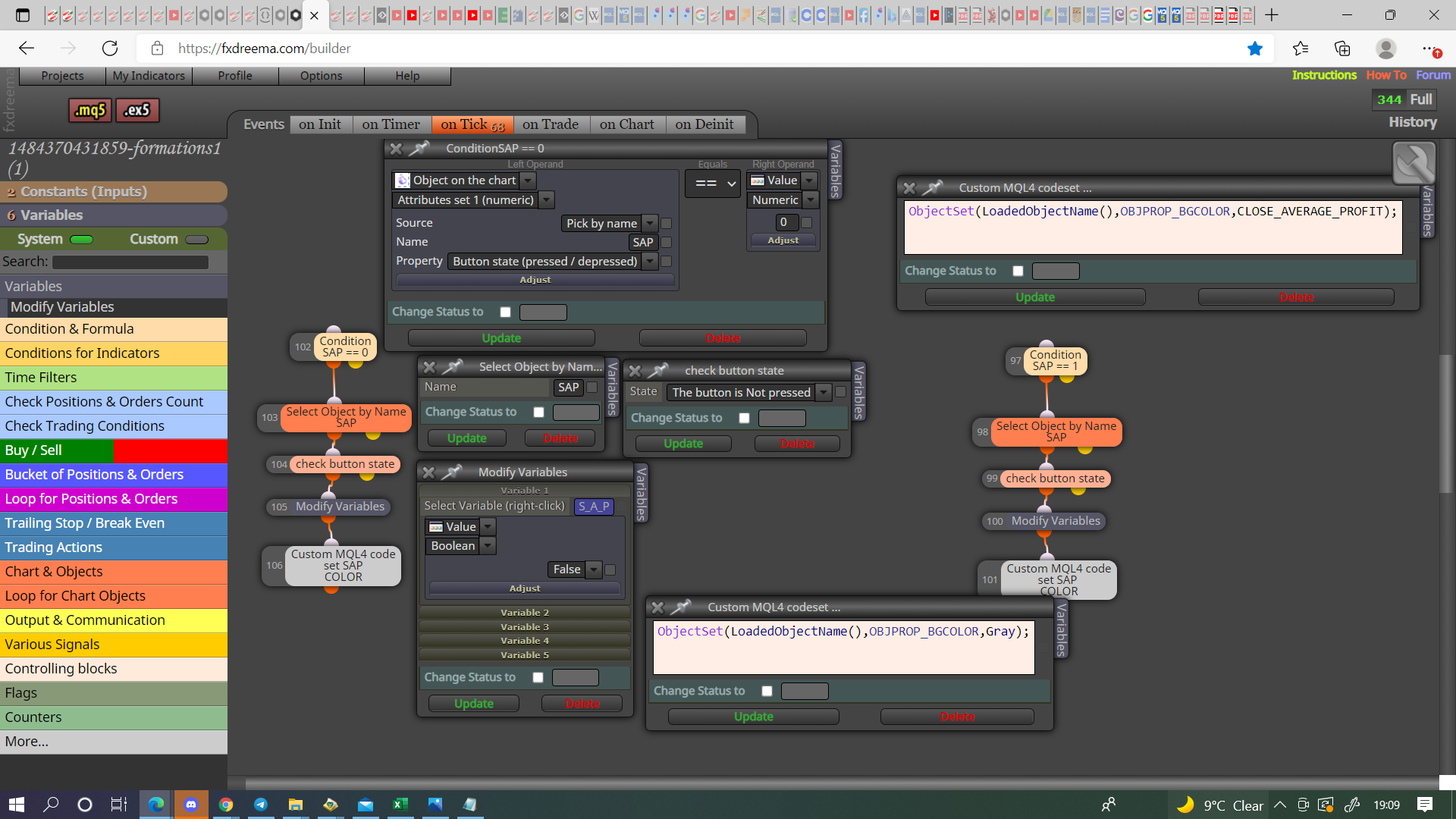
My button won't change colours, anyone knows what I am doing wrong?
-
Hi everyone,
I am trying to get the following to work:
When a button on the chart is pressed, it should change color. When it is not pressed, it should have it's original color.
At this moment, when I press the button, nothing happens to the colour at all and I am still stuck at part one of what I want it to do, namely change colour when it is pressed.In this example I have no "pass" button connected to the on chart blocks, but i found that the results were the same.
I spent time browsing through the tutorials, but obviously I am missing something.https://fxdreema.com/shared/g8Rz0xAXb
Other things I tried were:
I tried creating a block with "mouse clicked on object" but then I run into the problem that the conditions that you can put under there
[object on the chart] - only has button state pressed/depressed and not either/or pressed.Can anyone point me in the right direction?
Thanks for reading!
-
Here is a project that I did that uses buttons. I do not change the color but I change the text. ea on /ea off
But this should work
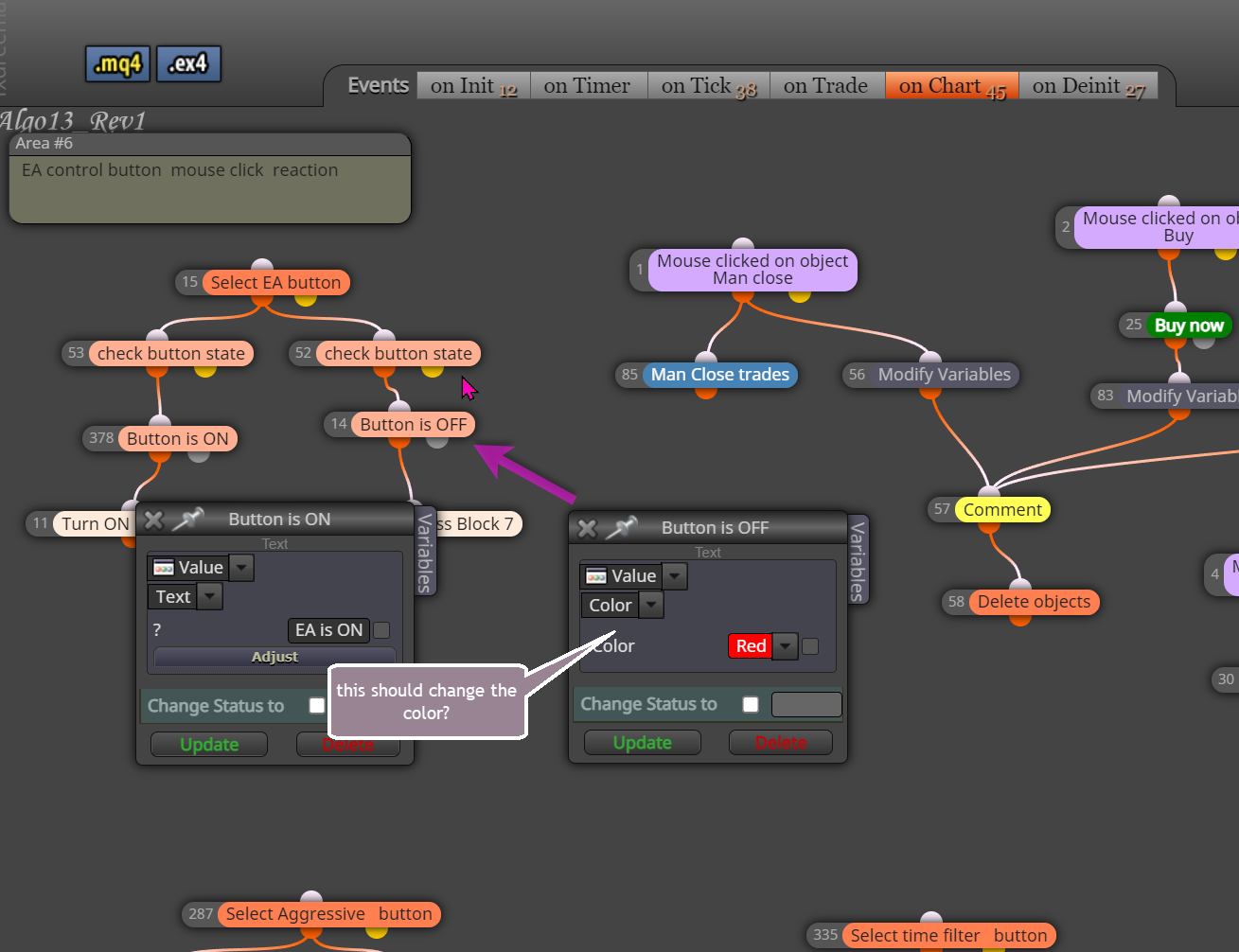
https://fxdreema.com/shared/ItWx4Lxhe -
Thank you, I will try that out! @Dore
-
-
Thank you @jstap !