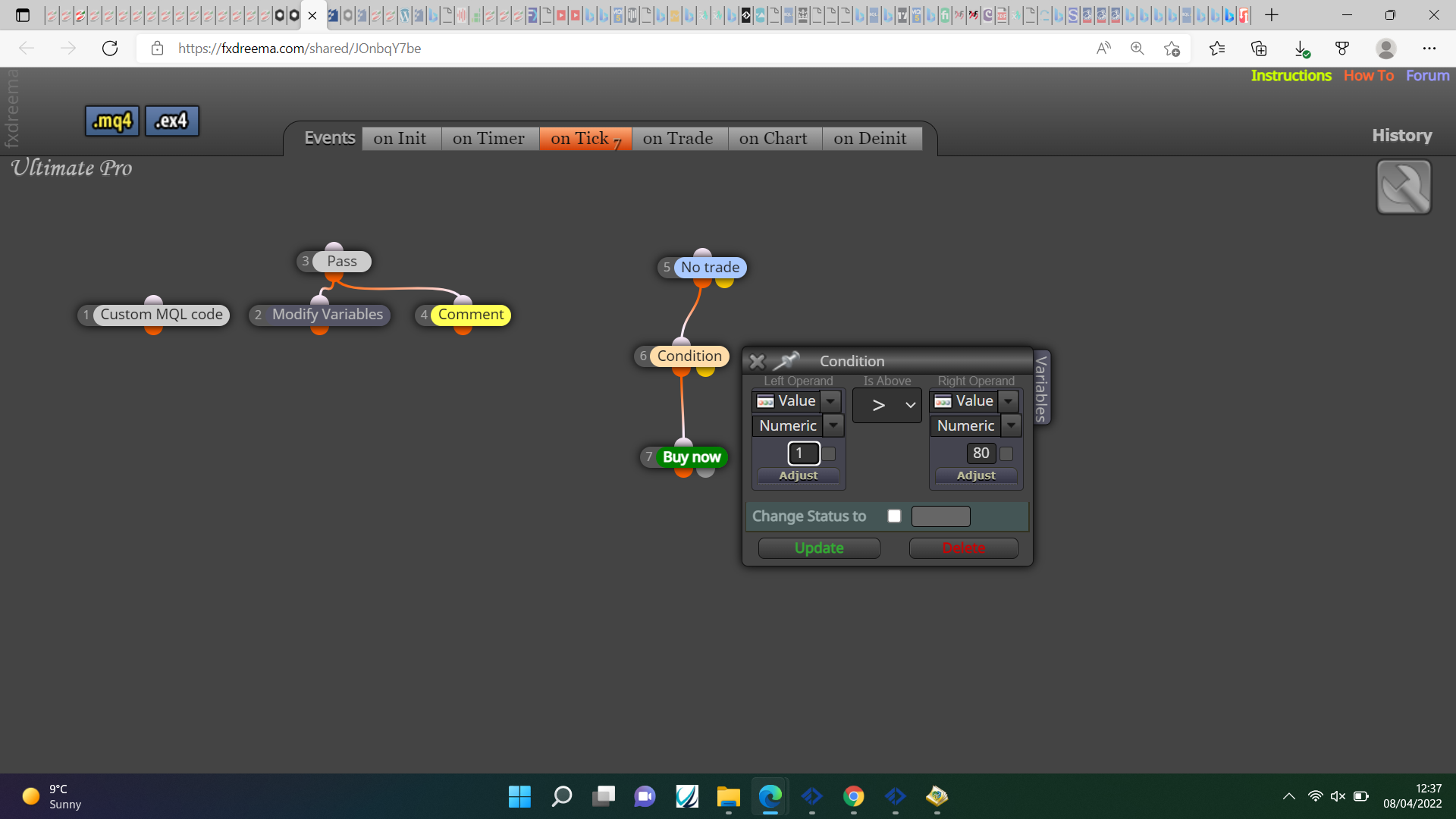
Strength Meter
-
Hi, does anyone knows how to take a trade based on the strength meter from the indicator?
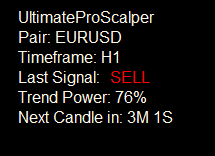
For example when Trend Power >= 60% will open the trade (when buy/sell signal appear) -
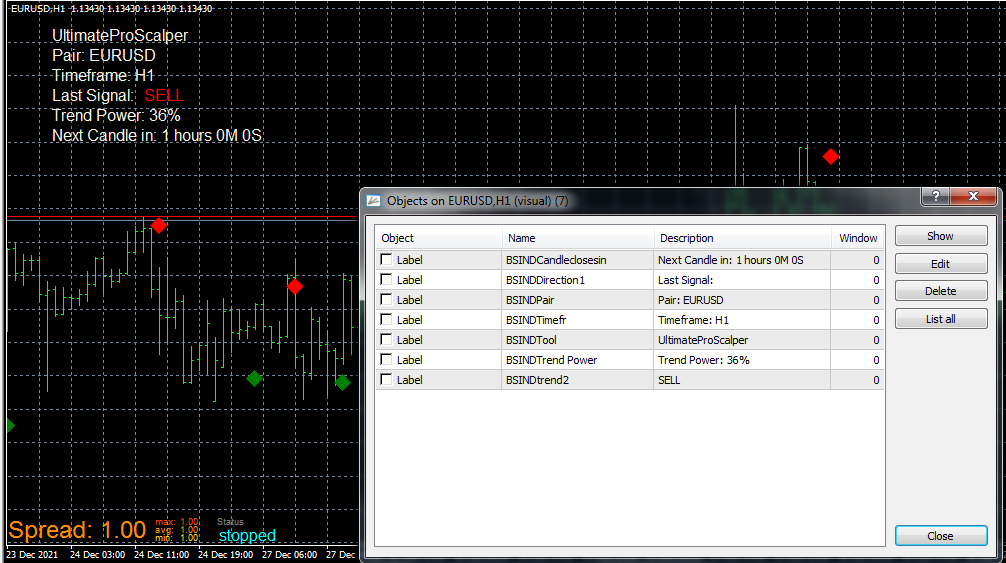
Object List
-
@pais Well, technically, if all those objects are correctly identifed by fxDreema, it should be very easy. Did you check that? Usually custom indicators are messy.
-
@pais Put the trend power in a string variable, use this custom code and save into another string variable:
StringSubstr(string variable name,13,3 );
this should put the number into the variable
convert the string into a new double variable with this custom code:StrToDouble(new variable)
you can then use a condition block to check if %number is > 60.
Try this, it should work, if not let me know.
-
@jstap sorry Mr jstap, i cannot understand your explanation. also i still weak on variable. May you show some example?
-
@pais Put a shared link and the indicator here, I'll have a look.
-
@jstap indicator link https://uploadbox.io/63xqz40eo4rq
project link https://fxdreema.com/shared/kDOQJ7jHb -
@jstap Hi jstap, how about the project? you can make it?
-
@pais Your indicator link doesn't work, upload the file on here directly, is buffer 2 a price level? if not you cannot compare candle close, you cannot compare text to a numeric value, 80% of what? don't think you can use % in this way.
-
@jstap said in Strength Meter:
@pais Your indicator link doesn't work, upload the file on here directly, is buffer 2 a price level? if not you cannot compare candle close, you cannot compare text to a numeric value, 80% of what? don't think you can use % in this way.
I would also like to know more details about how to make this work.
Download page for indicator: https://www.best-metatrader-indicators.com/ultimate-pro-scalper/
If possible, please provide step b step instructions for the custom code required and the variables. Thank you!!!
-
@jjtrader This was giving me an error but this is how to add, if worked I would have tested to see if it had any usable buffers.
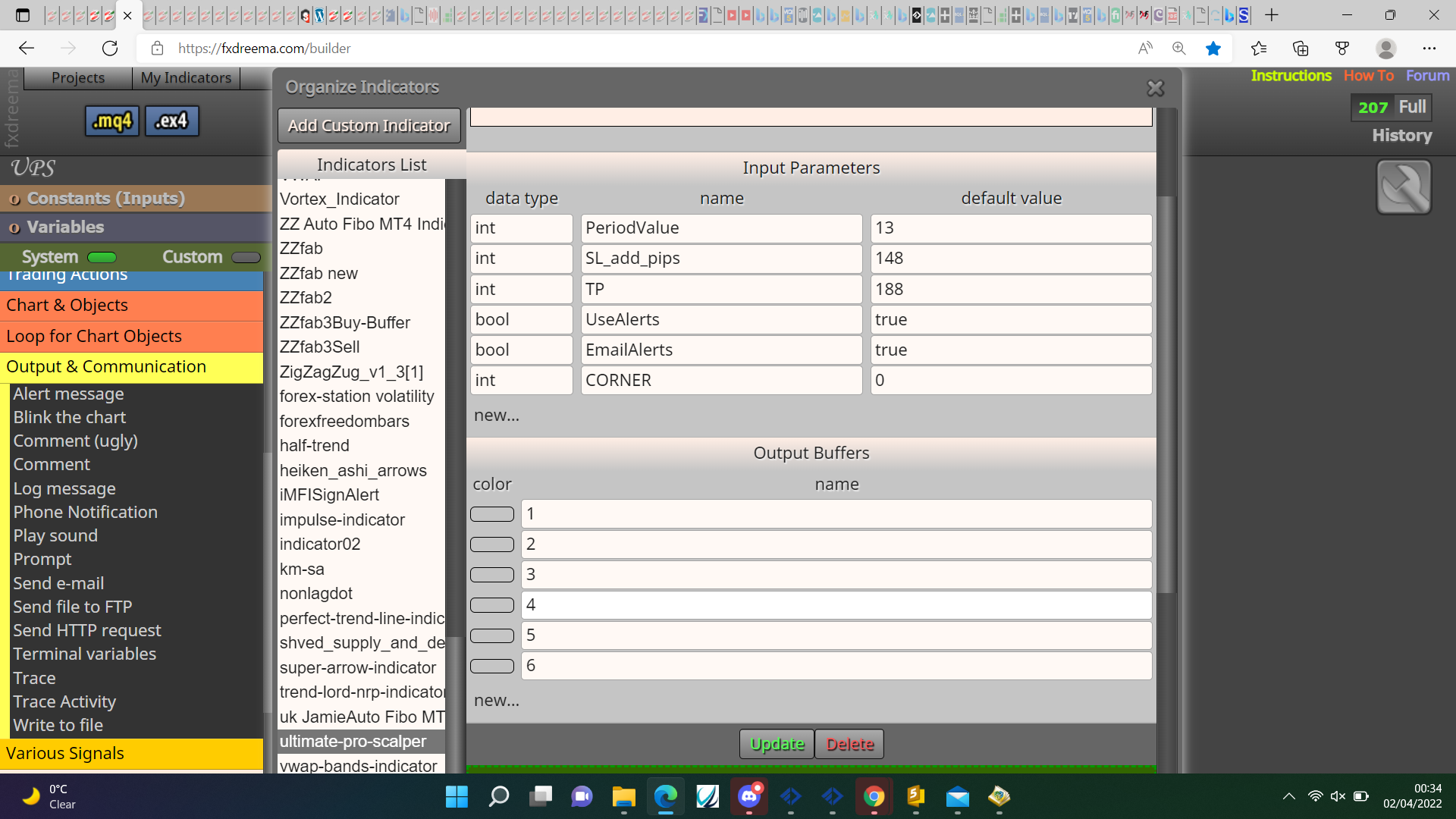
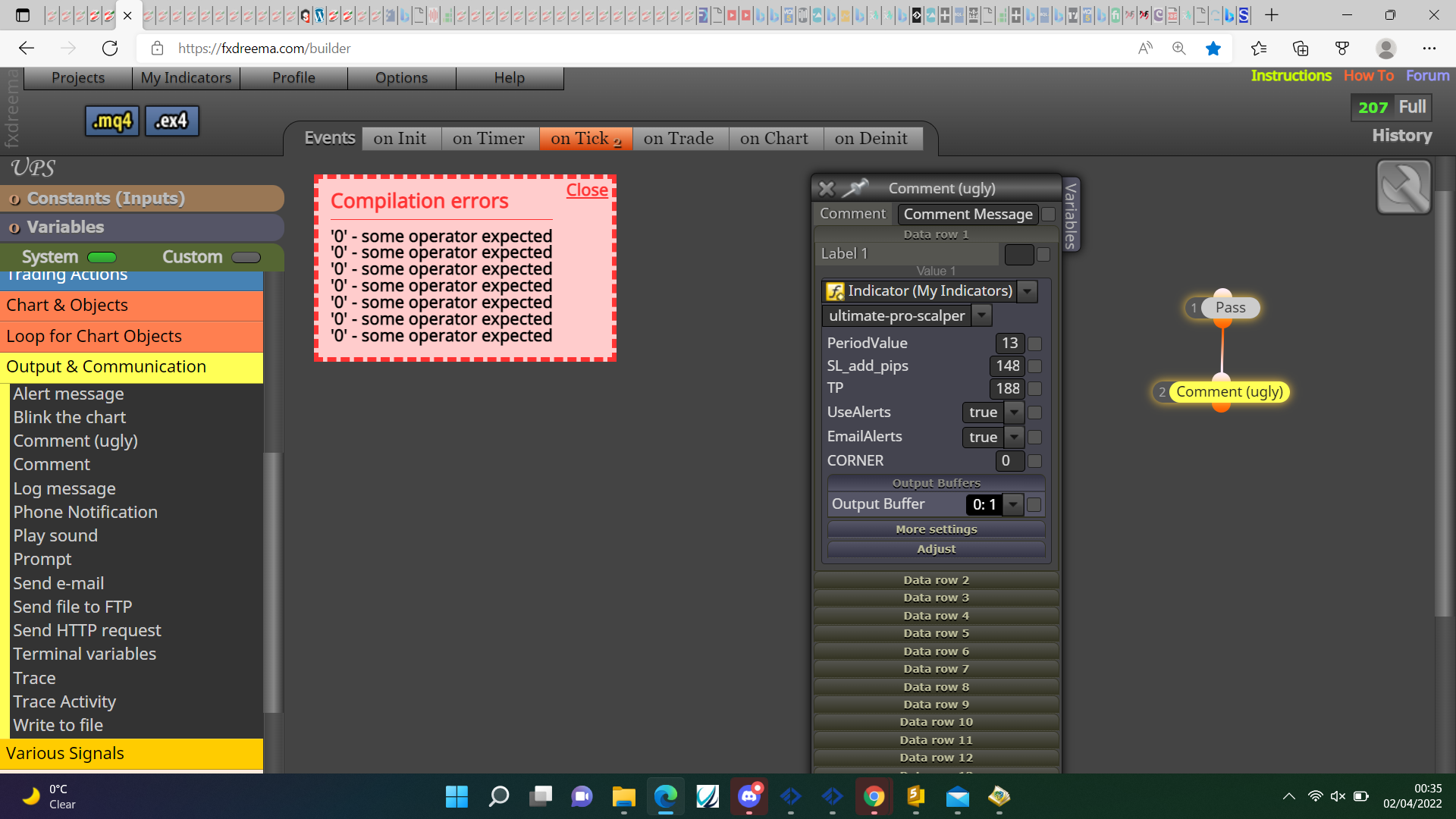
The way to do it is use object on chart like this:
https://fxdreema.com/shared/sb8Vt0bUd
The same principle can be used to get any information that's on chart, right click open object list to get type and name. If you back test this make sure you drag the indicator onto the chart.
-
@jjtrader Just noticed this post started months ago, in this link you'll see how this is achieved, basically the object on chart is put into a variable (normally text), the code then converts this to a numeric value which removes all text value:
-
@jstap Thank you!
-
@jstap i used this method to add indicator, and buffer work fine for me.. only i want it only open trade if strength meter over 80%.
-
@pais Put a condition in your tree, trend number>80.
-
@jstap how can i get the ea to read 80%? since 80% is description from object
-
@paiz Convert the string to double:
StrToDouble(variable);
This will remove all text values.
-
@jstap it supposed working like this right?
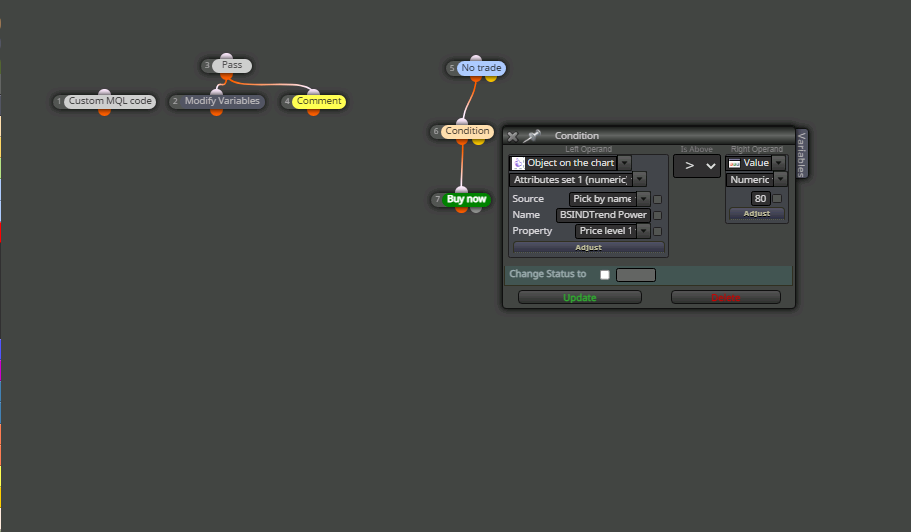
project link https://fxdreema.com/shared/JOnbqY7be
please correct me if im wrong -
@paiz The condision needs to look at the variable that contains the number: