Pullback Trading + Manual Lines
-
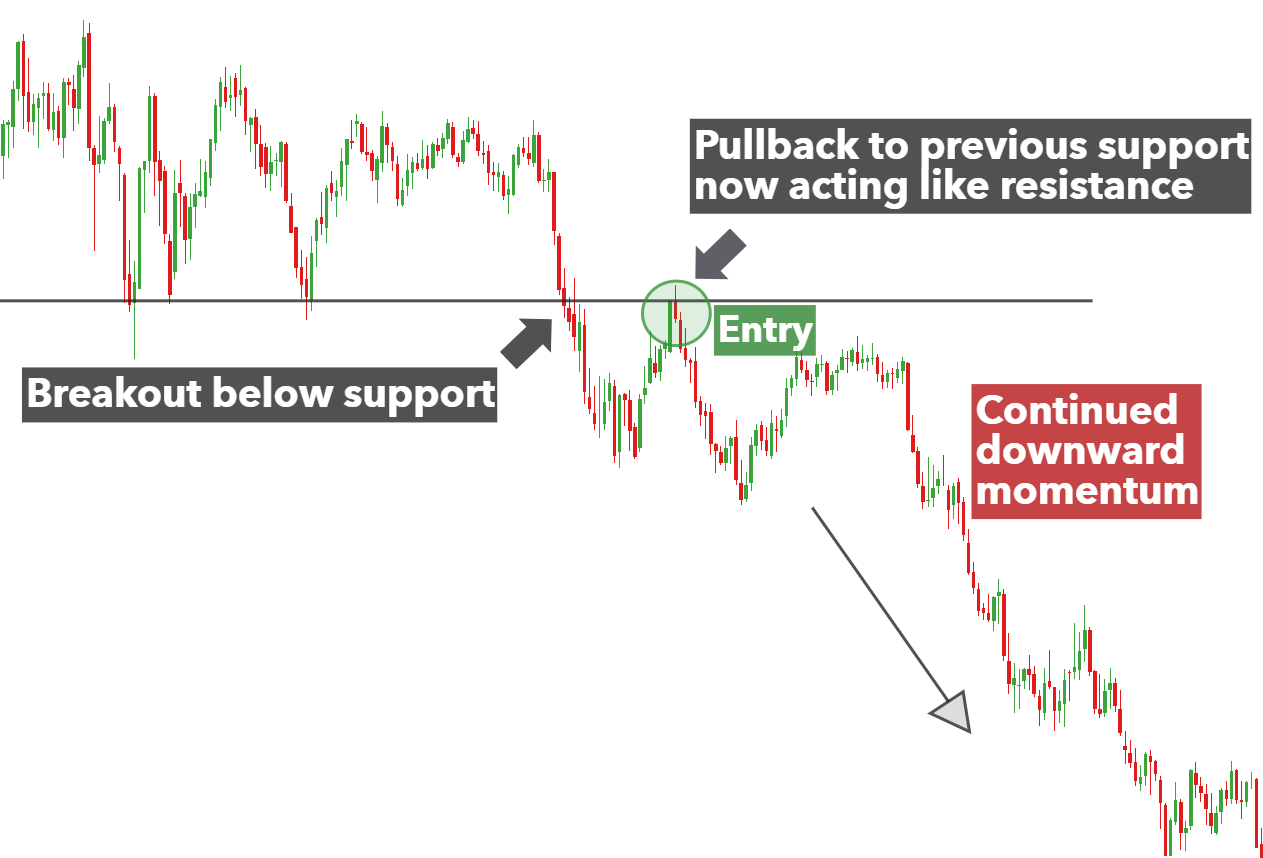
I saw someone did a previous post about this but they wanted it done the over complicated way. My way of simplifying would be manually putting in the support or resistance line and just making it that when price touches my line it executes a trade straight away or puts in a stop order.
How would i go about doing that? I dont have an initial project but the concept is simple, draw line (manually), price touches line, execute trade
-
@gtoat777 When you draw a line you get the price level on the right, use a edit field to type this number, when price X> this number a sell is placed.
-
@jstap You're the GOAT i was expecting it to be some complicated constant variables and formula sequence
-
@jstap How could i set it up so when i draw the line that it automatically does that rather than me having to type it in
-
@gtoat777 Not sure, when a line is drawn it is named, so as far as I know you have 2 choices, either rename the line or type the number. Alternatively draw a line with EA on loading, set up a button to delete and redraw if not on screen, you can then drag the line to where you want it and the EA will know where the line is.
-
@gtoat777 This is how I would do it:
-
@jstap Thank you
-
@jstap How do you add a feature to remove buttons when EA is removed from chart
-
@gtoat777 On the Deinit tab put a pass block with a delete objects by type, put buttons inside.
-
@jstap Ok thank you




