fxDreema

    • Register
    • Login
    • Search
    • Back to the main page
    • Categories
    • Recent
    • Tags
    • Popular
    • Search

    Calling on the Masters

    Questions & Answers
    2
    31
    3693
    Loading More Posts
    • Oldest to Newest
    • Newest to Oldest
    • Most Votes
    Reply
    • Reply as topic
    Log in to reply
    This topic has been deleted. Only users with topic management privileges can see it.
    • AlphaOmega
      AlphaOmega last edited by

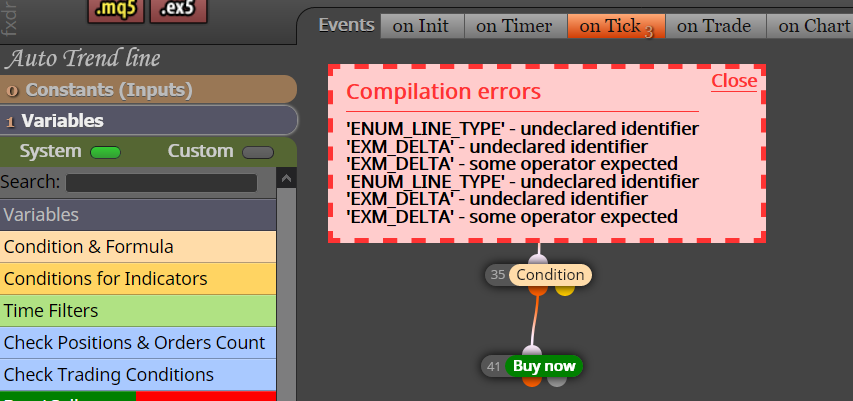
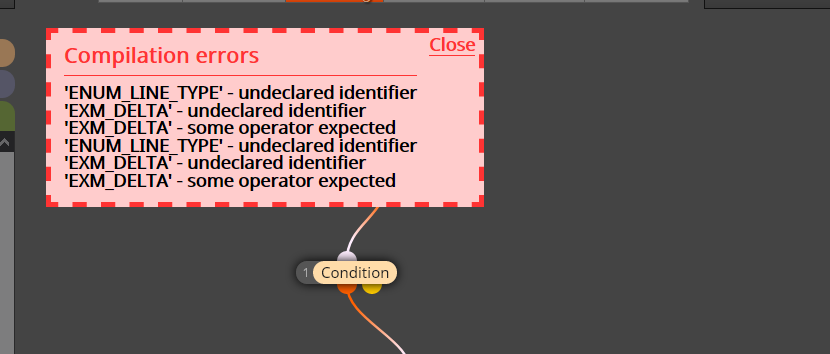
      I am using an indicator called Autotrendlines: It is working well manually on chart but I cannot compile it in Fxdreema. It give an error as the below picture. Can a helping programmer maybe take a look and alter it, so we can use it.
      Thanks in advance

      0_1617820653984_Autotrendlines 3.mq5

      0_1617820292648_5891316e-47f4-477f-b976-85e467fce9f5-image.png

      M 1 Reply Last reply Reply Quote 0
      • M
        miki @AlphaOmega last edited by

        @alphaomega No Error for me, can you see in mql5 file if there is "enum" like in the picture below
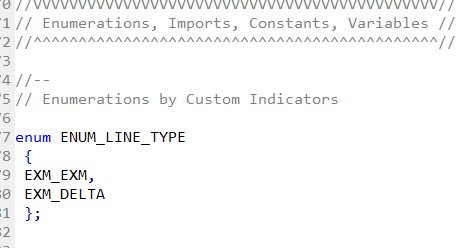
        0_1617823062429_Immagine.png

        AlphaOmega 1 Reply Last reply Reply Quote 0
        • AlphaOmega
          AlphaOmega @miki last edited by

          @miki Thanks for your reply.... no I cannot see it.... Should I insert that line?
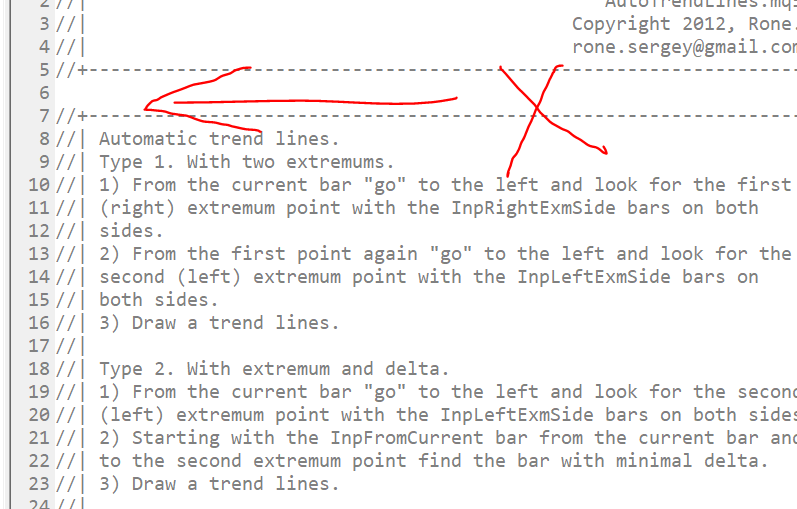
          0_1617824259850_f22db17a-9963-45f9-994d-33b3cbd81e52-image.png

          M 1 Reply Last reply Reply Quote 0
          • M
            miki @AlphaOmega last edited by

            @alphaomega I meant in ea file

            AlphaOmega 2 Replies Last reply Reply Quote 0
            • AlphaOmega
              AlphaOmega @miki last edited by

              @miki Let me check quick

              1 Reply Last reply Reply Quote 0
              • AlphaOmega
                AlphaOmega @miki last edited by

                @miki Sorry ... How to open the ea file?

                M 1 Reply Last reply Reply Quote 0
                • M
                  miki @AlphaOmega last edited by miki

                  @alphaomega in the fxdreema builder download mq5 instead ex5
                  0_1617824928443_Immagine.png
                  and open it with metaeditor

                  AlphaOmega 2 Replies Last reply Reply Quote 0
                  • AlphaOmega
                    AlphaOmega @miki last edited by

                    @miki Ok ... I did that originally ... but then it came to the picture I sent you... wait I will do it again

                    1 Reply Last reply Reply Quote 0
                    • AlphaOmega
                      AlphaOmega @miki last edited by

                      @miki Sorry to waste your time ...

                      If I try to import the project it says no record found
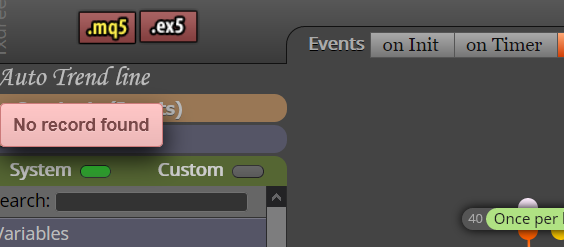
                      0_1617825357281_a2da5623-ba36-46e6-b1d5-32f65149a2aa-image.png

                      But I have it uploaded in My indicators folder
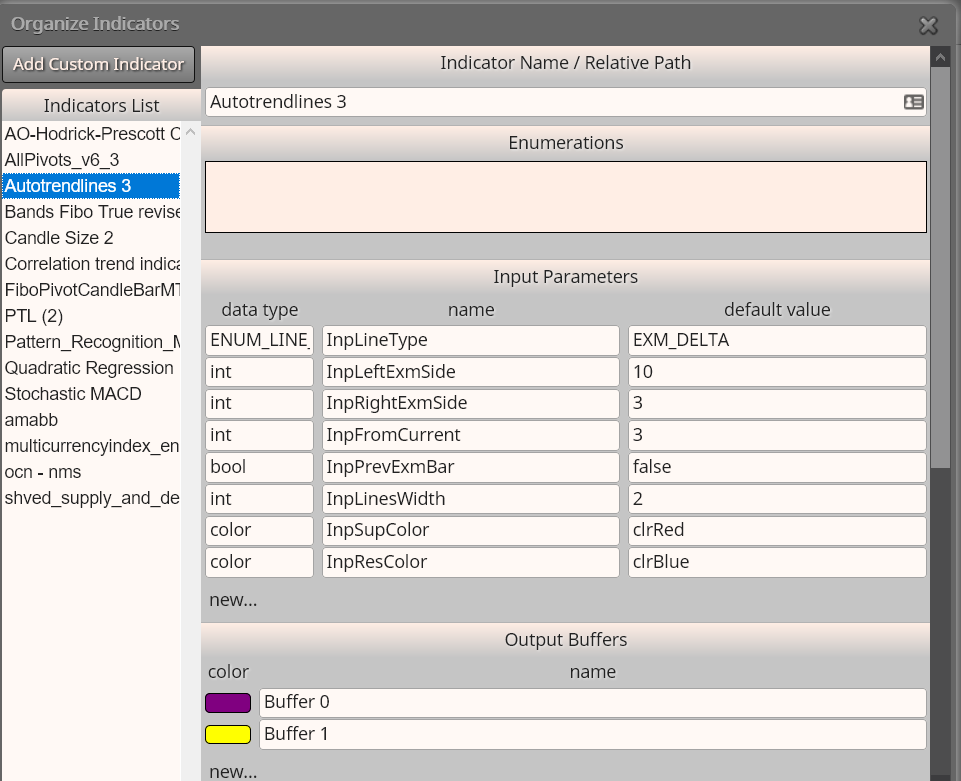
                      0_1617825425706_7bbf7494-aa28-4c5f-a7c2-dde72f63eb21-image.png

                      And if I open the Mql5 file from my computer I get this lines in the editor
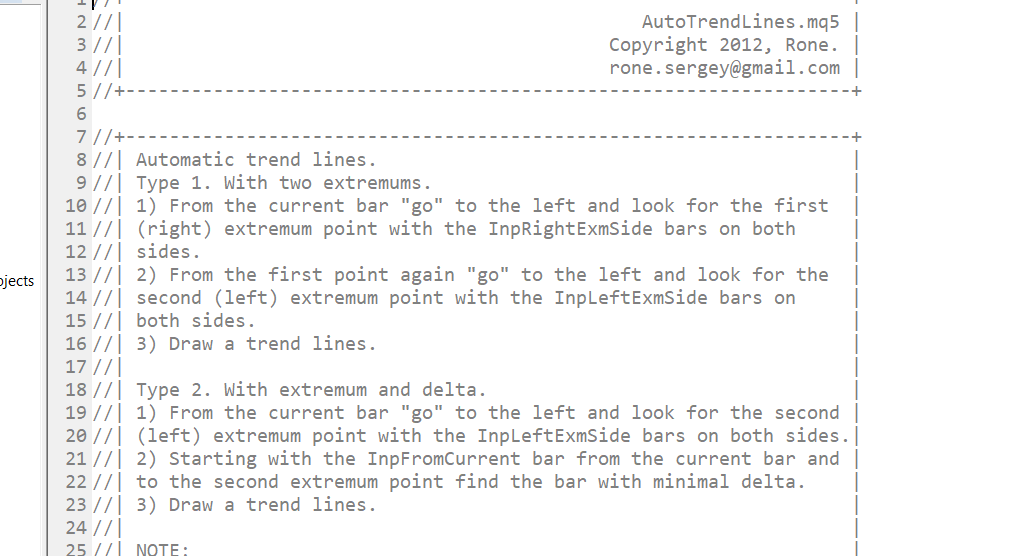
                      0_1617825545532_697d2e63-2d2a-4ef2-847c-bc50e1b55e55-image.png

                      So I do not know what I am doing wrong?

                      M 1 Reply Last reply Reply Quote 0
                      • M
                        miki @AlphaOmega last edited by

                        @alphaomega when upload the indicator in fxdreema you must have enum like me
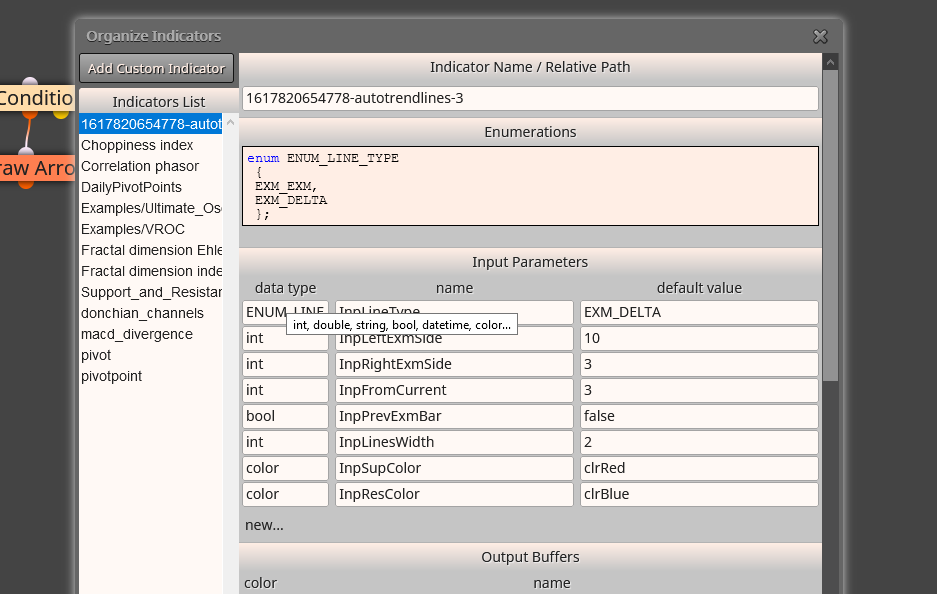
                        0_1617825714122_Immagine.png

                        AlphaOmega 1 Reply Last reply Reply Quote 0
                        • AlphaOmega
                          AlphaOmega @miki last edited by AlphaOmega

                          @miki Yes.... I have deleted it and then uploaded again: I have the same then you now...
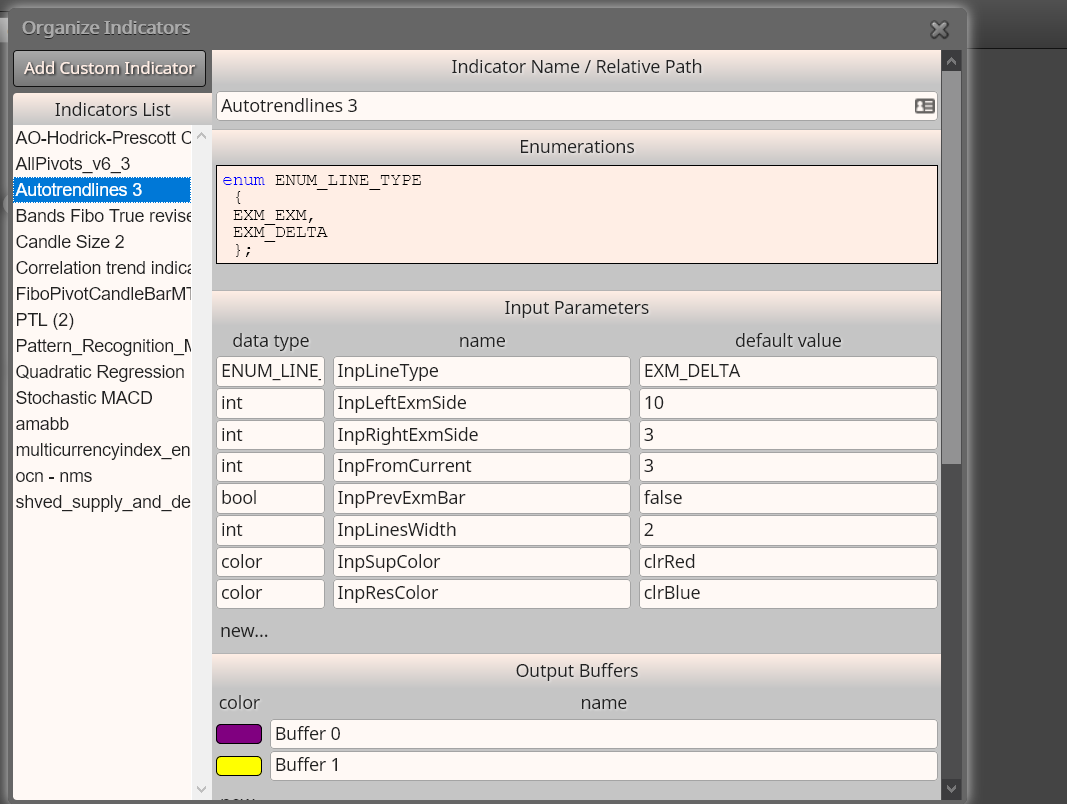
                          0_1617825927328_311de8cc-05eb-44c5-96bd-3f7fec7e2f90-image.png

                          So I will check if it runs this time

                          M 1 Reply Last reply Reply Quote 0
                          • M
                            miki @AlphaOmega last edited by

                            @alphaomega tell me if it's ok

                            AlphaOmega 1 Reply Last reply Reply Quote 0
                            • AlphaOmega
                              AlphaOmega @miki last edited by AlphaOmega

                              @miki Dammit!... still the same error

                              0_1617826197541_187a1fea-49de-4938-a31e-cbdc1ef94758-image.png

                              I am stumped!!

                              M 1 Reply Last reply Reply Quote 0
                              • M
                                miki @AlphaOmega last edited by

                                @alphaomega control again if there is enum in Add Custom Indicator window

                                AlphaOmega 1 Reply Last reply Reply Quote 0
                                • AlphaOmega
                                  AlphaOmega @miki last edited by

                                  @miki Really appreciate your time spent... Yes, the enum is still there:
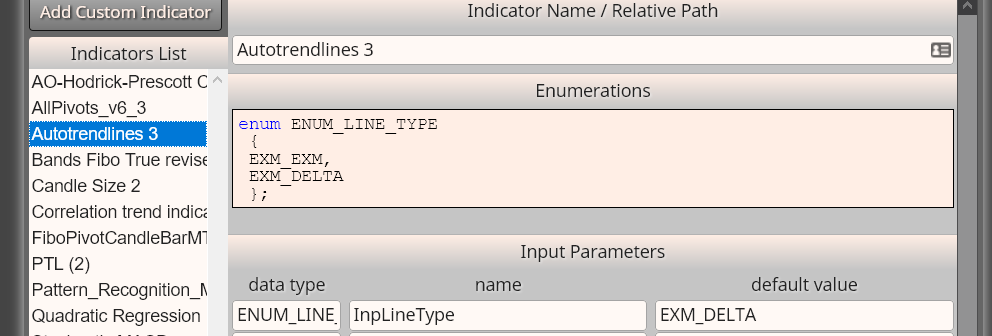
                                  0_1617826433257_8a91495d-1529-4832-96a6-8b37401b95f0-image.png

                                  M 1 Reply Last reply Reply Quote 0
                                  • M
                                    miki @AlphaOmega last edited by

                                    @alphaomega i don't understand, why? To me the problem is that. If i cancel in my expert advisor file enum word i receive the same error
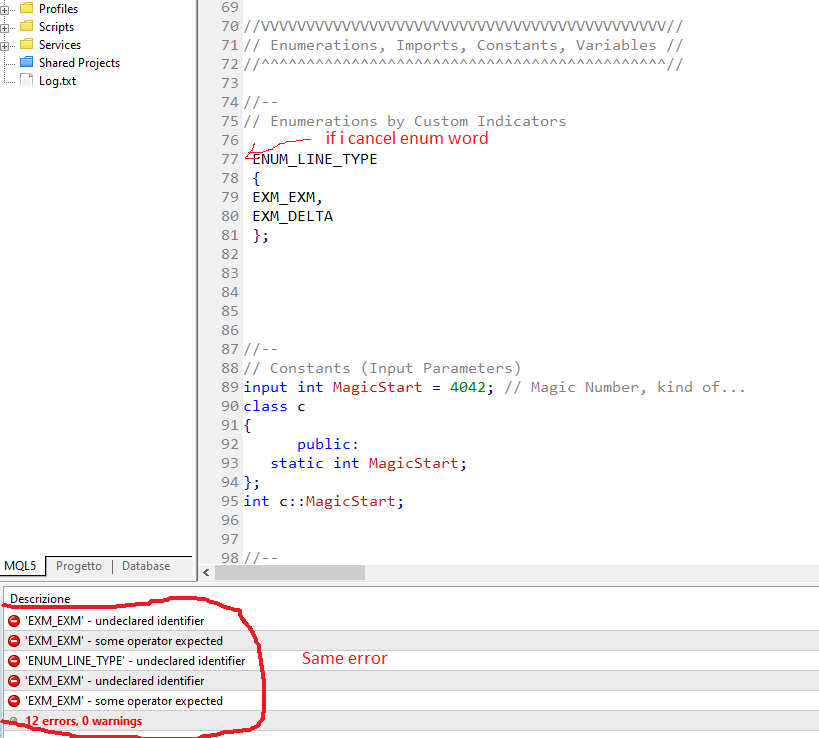
                                    0_1617827092091_Immagine.png

                                    AlphaOmega 1 Reply Last reply Reply Quote 0
                                    • AlphaOmega
                                      AlphaOmega @miki last edited by

                                      @miki Do you get this code from your Metatrader? If yes, then the problem for mine is there because my coding looks different than yours... Check my lines is not the same than in your picture.
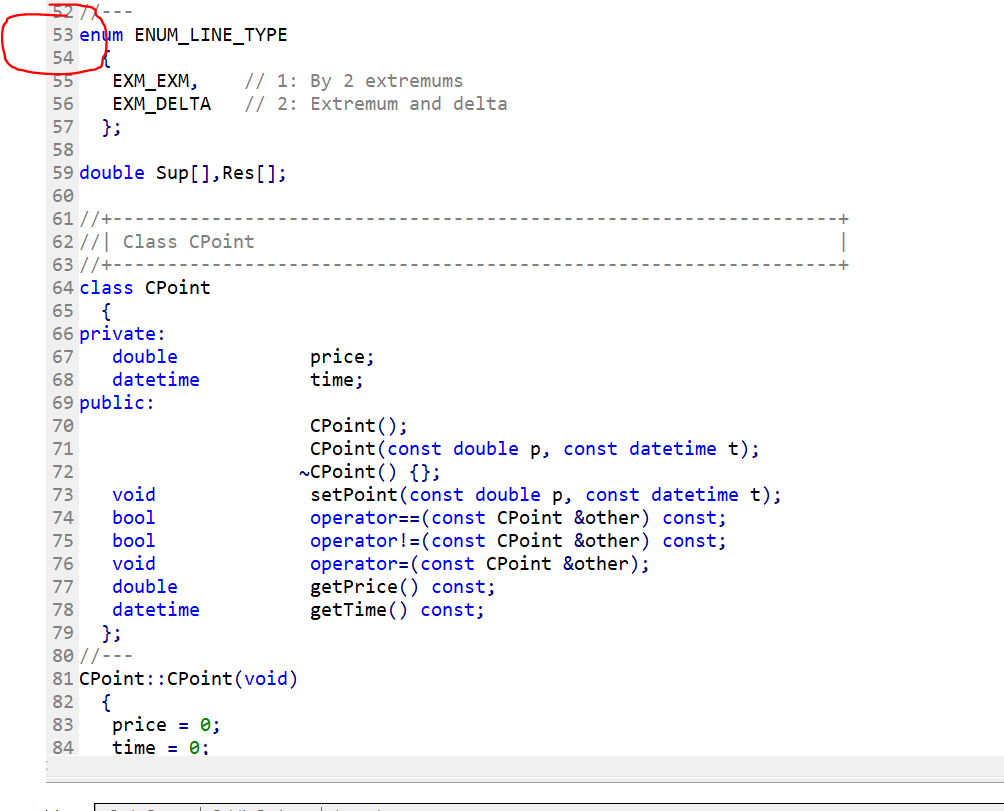
                                      0_1617827410826_ccc40448-186d-4441-ace8-7f07a9789ad5-image.png

                                      M 1 Reply Last reply Reply Quote 0
                                      • AlphaOmega
                                        AlphaOmega last edited by

                                        I am going to download the autotrendlines again ... maybe the file on my computer got corrupt or something

                                        1 Reply Last reply Reply Quote 0
                                        • M
                                          miki @AlphaOmega last edited by miki

                                          @alphaomega you opened the indicator file not expert file. My picture refers expert file

                                          AlphaOmega 1 Reply Last reply Reply Quote 0
                                          • AlphaOmega
                                            AlphaOmega last edited by

                                            Miki I took the same autotrendlines file I uploaded in the first post.. I added it to My indicators file... It compiled the expert file correctly .. But when I want to run it in metatrader it gives me this error
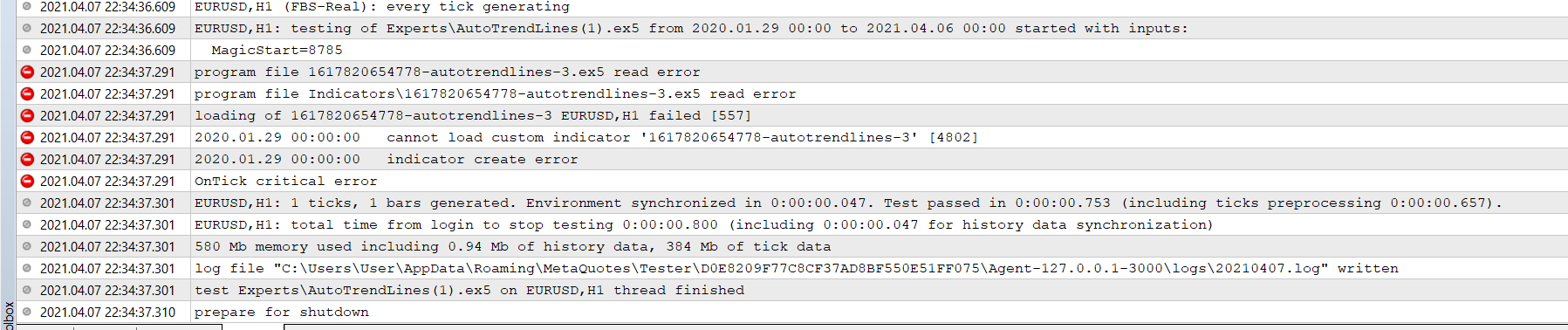
                                            0_1617827887293_8d58b89e-8def-4335-a928-cfa7eaa135ca-image.png

                                            1 Reply Last reply Reply Quote 0
                                            • 1
                                            • 2
                                            • 1 / 2
                                            • First post
                                              Last post

                                            Online Users

                                            A
                                            N
                                            L
                                            A
                                            M
                                            B
                                            E
                                            S

                                            20
                                            Online

                                            146.6k
                                            Users

                                            22.4k
                                            Topics

                                            122.6k
                                            Posts

                                            Powered by NodeBB Forums | Contributors