CHAIKIN OSCILATOR EA - EA WITH CUSTOM INDICATOR NOT RUNNING.
-
Hello Guys,
I have the below project that is now placing trades. Kindly assist by having a look and advice on what i could be doing wrong.
https://fxdreema.com/shared/NDryWuxqc.
Am using the custom chaikin indicator attached. 0_1635759614881_CHO 2 LWMA.mq5
-
@musa-5 If placing trades then all is working, I see no issues with what you have done, if you have a problem with what it's doing just ask why and help can be diven.
-
@jstap The issue is that its not placing trades on demo and its not running during backtesting.
-
-
@jstap kindly explain this to me simply and clearly. Am mot able to follow your perspective.
-
@jstap please note that in comparison to the corresponding indicators line curve, the close levels seem to be within reasonable limit. Advice why you think they may be a bit big. thanks.
-
@musa-5 To be fair I was running on 1 m chart so probably seemed bigger than it was, was probably the lot size. If you click my link, press the EX button import back into FX you get the project as is, look and see, if you struggle with any thing I will explain.
-
@musa-5 This is the secons thread dedicated to the same issue. I replied to the previous one. Please don't duplicate threads.
-
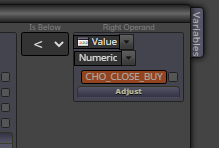
@jstap I have done as per your advice. The ea is still not running on both the demo and strategy tester. kindly also advice on the logic for
-
@l-andorrà apologies. response took a while and i thought that the trail of thought may have been lost. please also see my project as shared here above and my custom indicator which is based on the standard mt5 chaikin indicator and probably share your view.
-
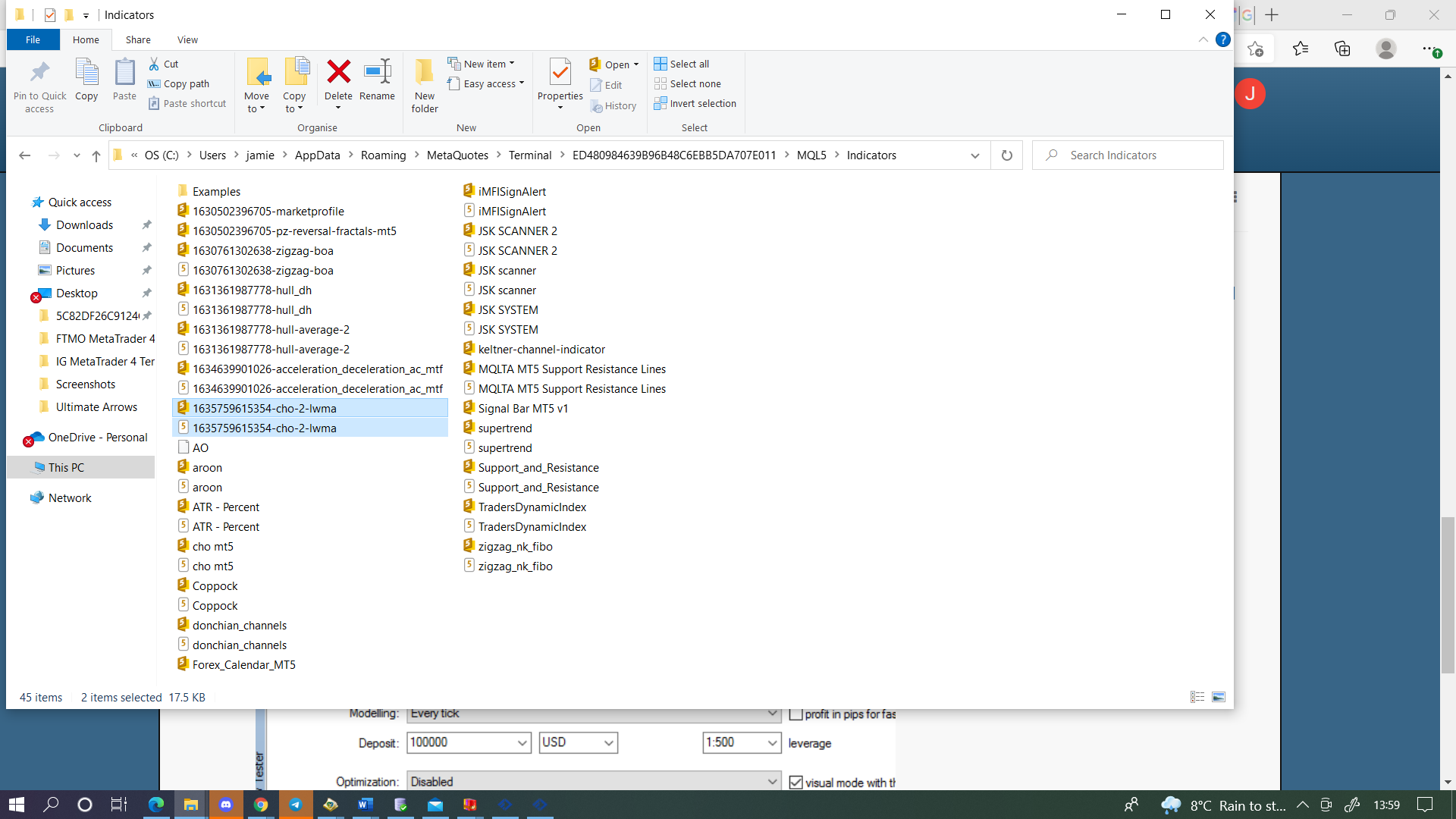
@musa-5 The logic here is just to have these numbers in the inputs so you can change, or have optimisation changing for you. As for not running on demo I cannot help as is running on my back test, have you defiantly got the indicator in the correct folder? If not the back tester will stop.
-
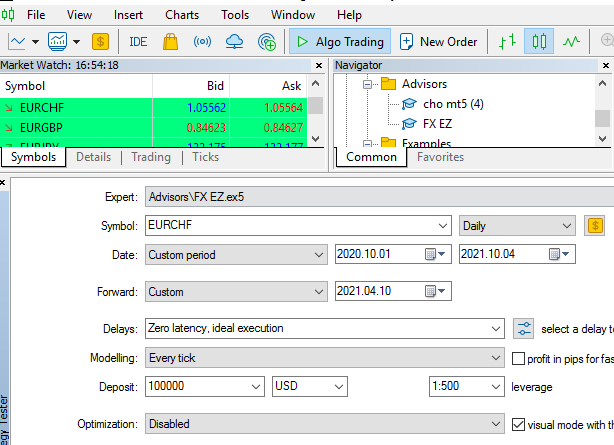
@jstap am not sure what is happening here. the ea name FX EZ as loaded for back testing. It is stopping immediately on opening and you may note the location is o.k. am now almost giving up on this.
-
-
@musa-5 https://fxdreema.com/shared/S3FWG2kxc This is the same but you can change the lot in inputs and it will automatically make the close the same from the one input, have a look.
-
@jstap Please confirm what the EX button is, am thinking that FX stands for fxdreema..this the process I've been using to save the file.
*Create block structure and save.
*Press the mql button in the top right and generate the file.
*Save file and copy to relevant folder in mt5.
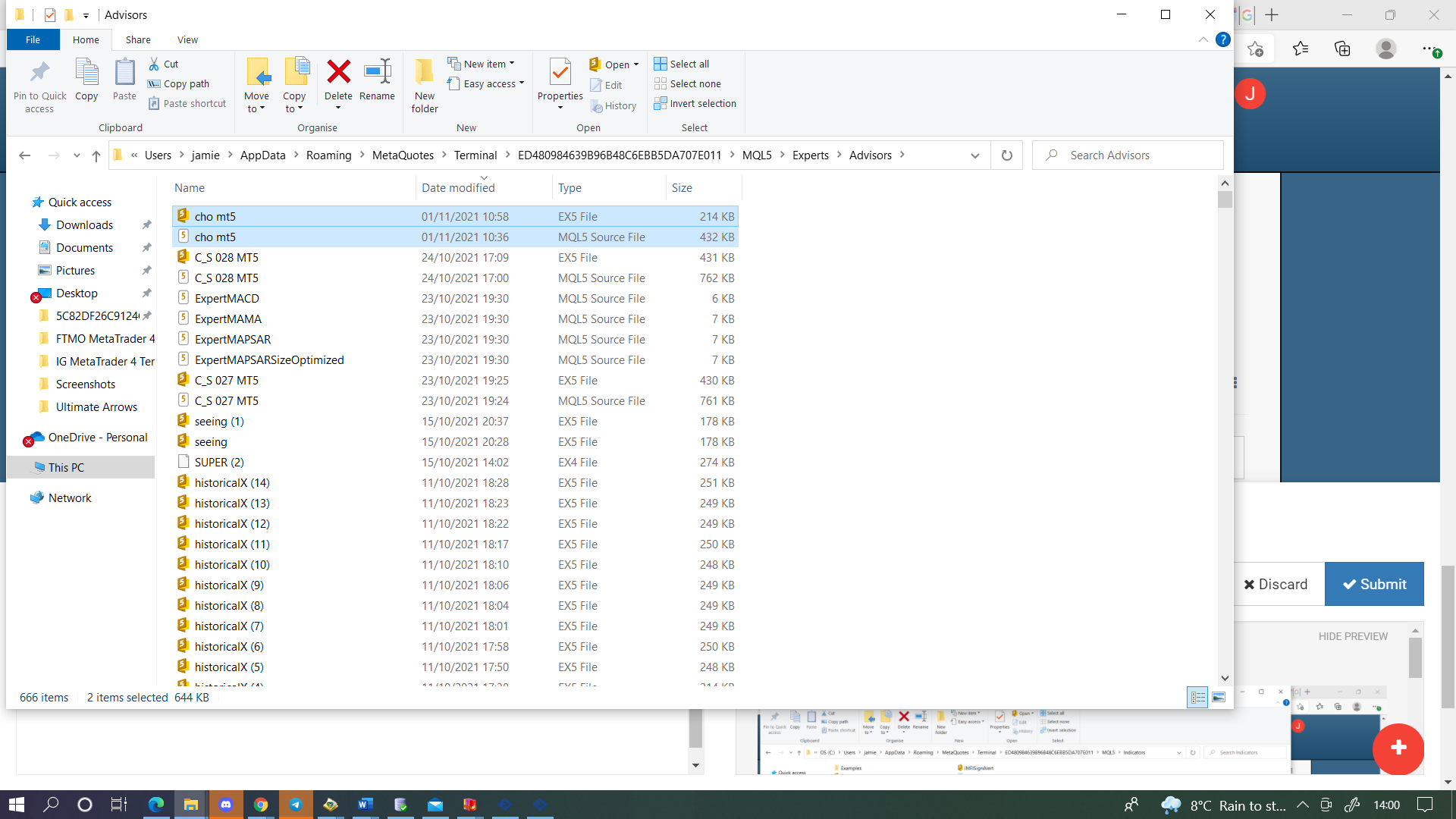
*Refresh and backtest.However, I note that your screen shot show two file .ex and .ql which is not the same in mine and I think this may be the issue. Kindly allow many queries as am still relatively new to FXdreema. Also let me know if I should the file in the examples folder.still struggling with this.
-
@musa-5 EX I mean the button in FX(FXDreema), I save the MQ5 and the MQ4 to just ensure I have copies of both, is not necessary though, just ensure the indicator is in the correct file.
-
@jstap please watch the short video of my screen as i run the ea on strategy and then loading on demo chart and maybe we can figure out what am doing wrong. dous the palform have a email i can share to? if thats allowd. am unable to upload because it is larger than 2048 kb. i really have no clue what is happening and ive been trying to figure this out since last thursday.
-
@jstap could my issues be broker related??