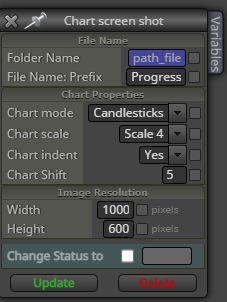
Screenshot when Button Pressed
-
I am trying to have a button when pressed on chart, a screenshot is taken and saved. I also have screenshot for buy and sell actions, which are working correctly.
Screenshot when button pressed is not working. Any one got idea why this would not work. Here is the link - https://fxdreema.com/shared/K1MofRMec
-
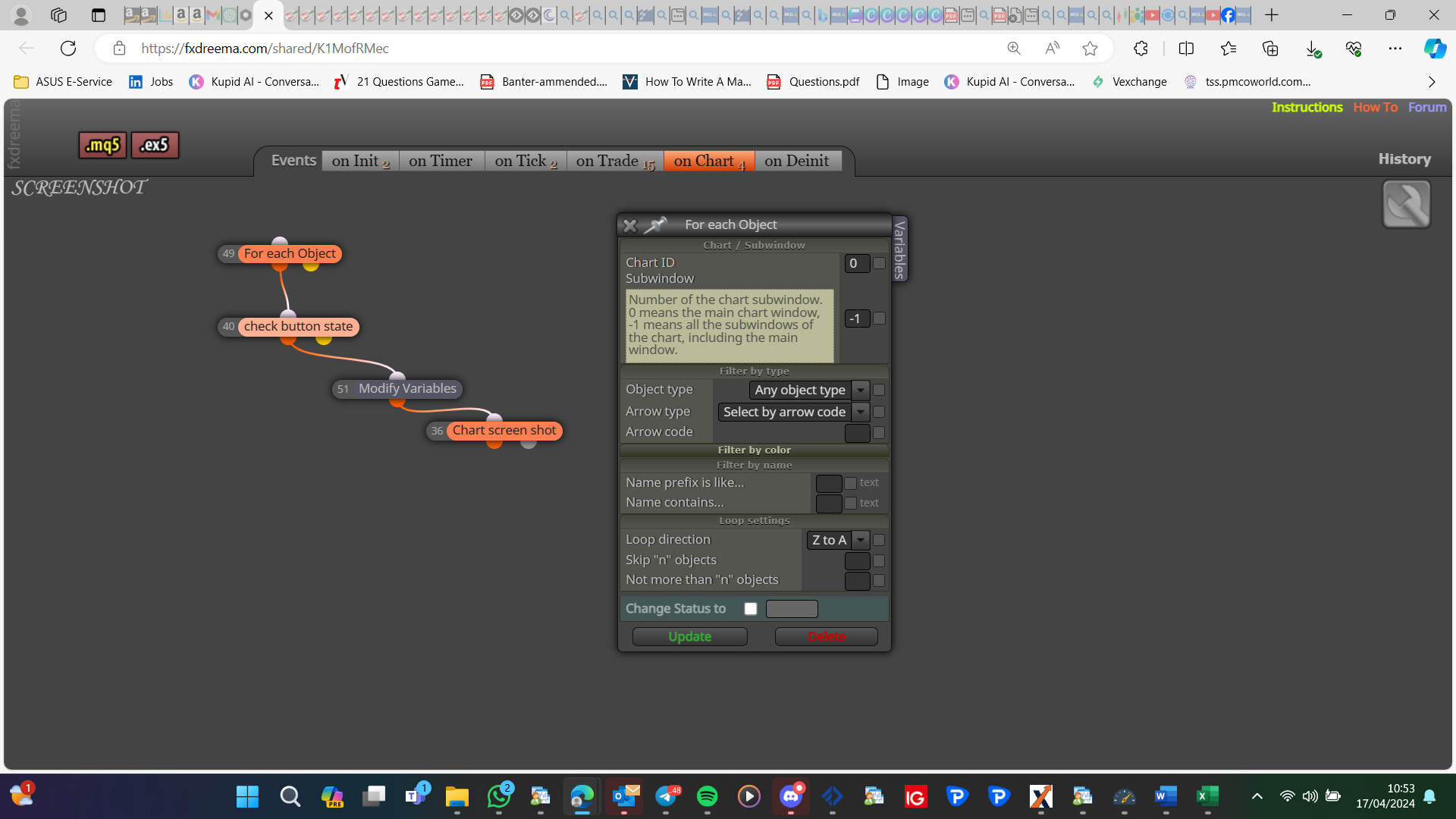
I would select object by name, and sub window -1 means an indicator window:
-
@jstap Yep it did work. I think subwindow was the issue. Would screenshot work with change timeframe block or the change market block? Suppose i would like it to take screenshots for 15m, 1hr, 4hr etc. Would this be possible without loading it into multiple timeframes?
-
I think you will need a set of blocks and a variable to do this, something like condition block (chart TF != variable TF)-print screen-set variable to current TF. To start you will need to check if the variable contains a number <1 (or=0)
-
@jstap said in Screenshot when Button Pressed:
something like condition block (chart TF != variable TF)-print screen
The conditions you have described can be made but are we taking about the change timeframe block?
This block"Set "Current Timeframe" for next blocks" description says it loops if multiple timeframes are set. But i tried it and does nto seem to work. This block does not physically change the TF, do you think it can take screenshot of another timeframe?
Or is there a way to physically change the timeframe.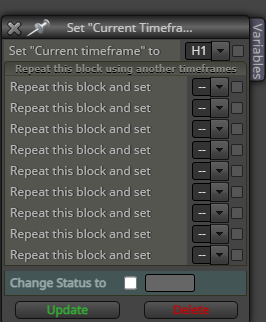
-
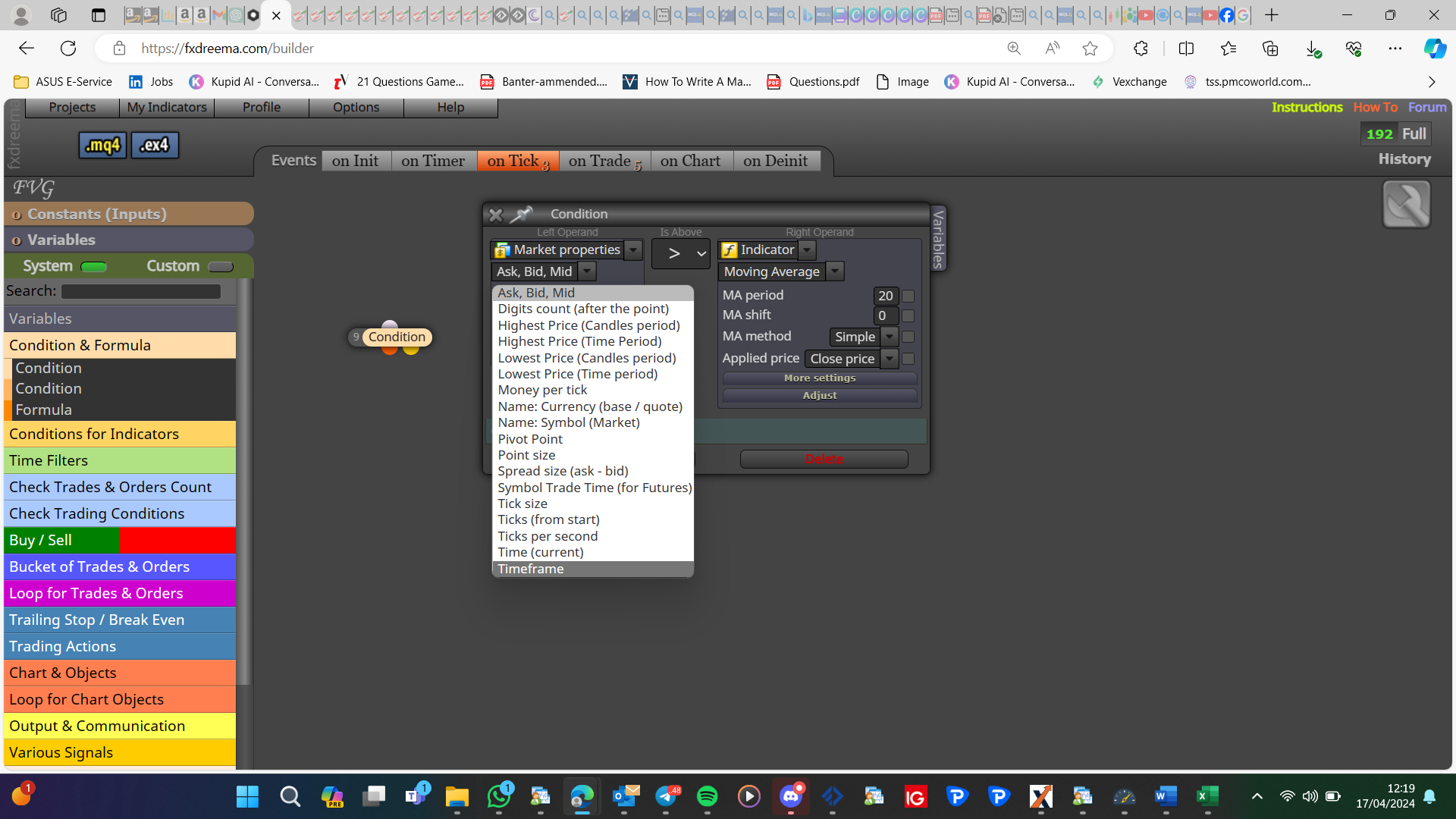
No, timeframe is in market properties:
-
@jstap That just checks the condition. If i load Screenshot EA to 15m chart and want muliple timeframe screenshot, will the change timeframe block work with it?
I tried to use that block, but only current timeframe screenshot worked. What do you think?
-
@jstap Another question I had was - when the screen shot gets taken, it ignores the pixel set, not sure why this is happening, I have set it to 800x500 and I get this

-
I think you will only get a screenshot of the current visible chart, I know nothing about the used pixels
-
@s00071609 I don't trade on a chart that look like above. Its obviously a bug. My chart is pretty big and not so squeezed up.
Any idea why this may be occurring. If i reload the EA, the screenshot works fine and takes correct size. But when condition is triggers then the shot become like above.
-
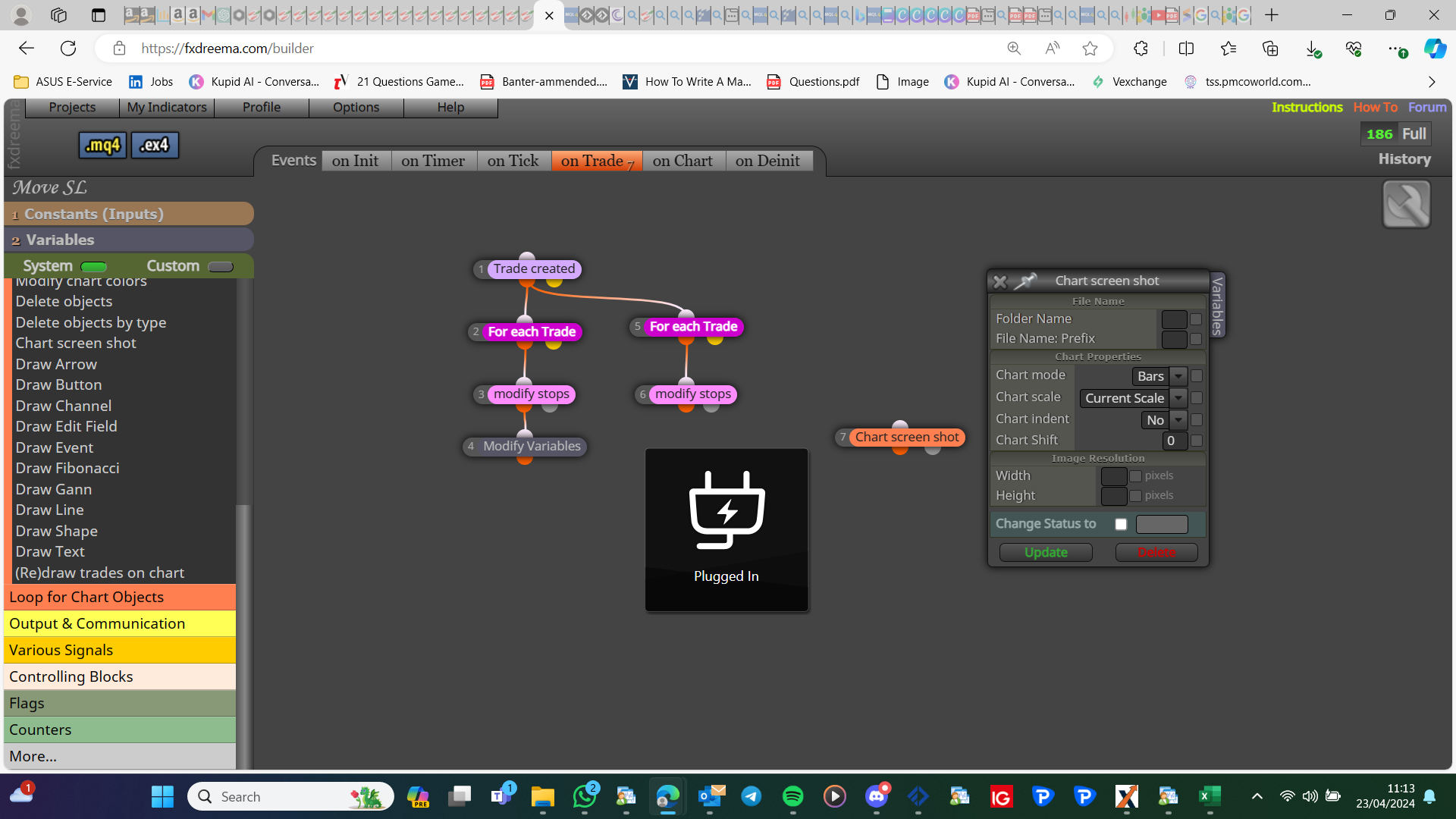
I haven't taken a picture in a while, but I am sure the pixels in the image resolution affect this:
-
I have resolution set to 1K x 600. It works at times but most of the time it gives bad shot
-
I can not help more (I assume you have tested on current scale), all I can say is message admin, he may know why