How can i add a shift parameter in a buffer of a custom indicator?
-
Hi, I have a custom arrow indicator. Buffer 1 holds two values: 0 for buy and 1 for sell. I see that i can add the buffer, but i do not know how i can select the shift parameter inside the buffer. I see in the builder's options in fxdreema "0: Buffer 0", so to work with the EA i should be able to select "1: Buffer 0", and i don't know how can i do it that way in "My indicators".
Anybody knows?
Thanks in advance.
-
If your indicator is the mq4 file you should read them and change the condition inside the code and if is ex4 format you need to read the buffers in the chart when the indicator appers after the disissions go back to fxdreema with two right buffers which contain tge right value.. And .. Start linking the blocks
-
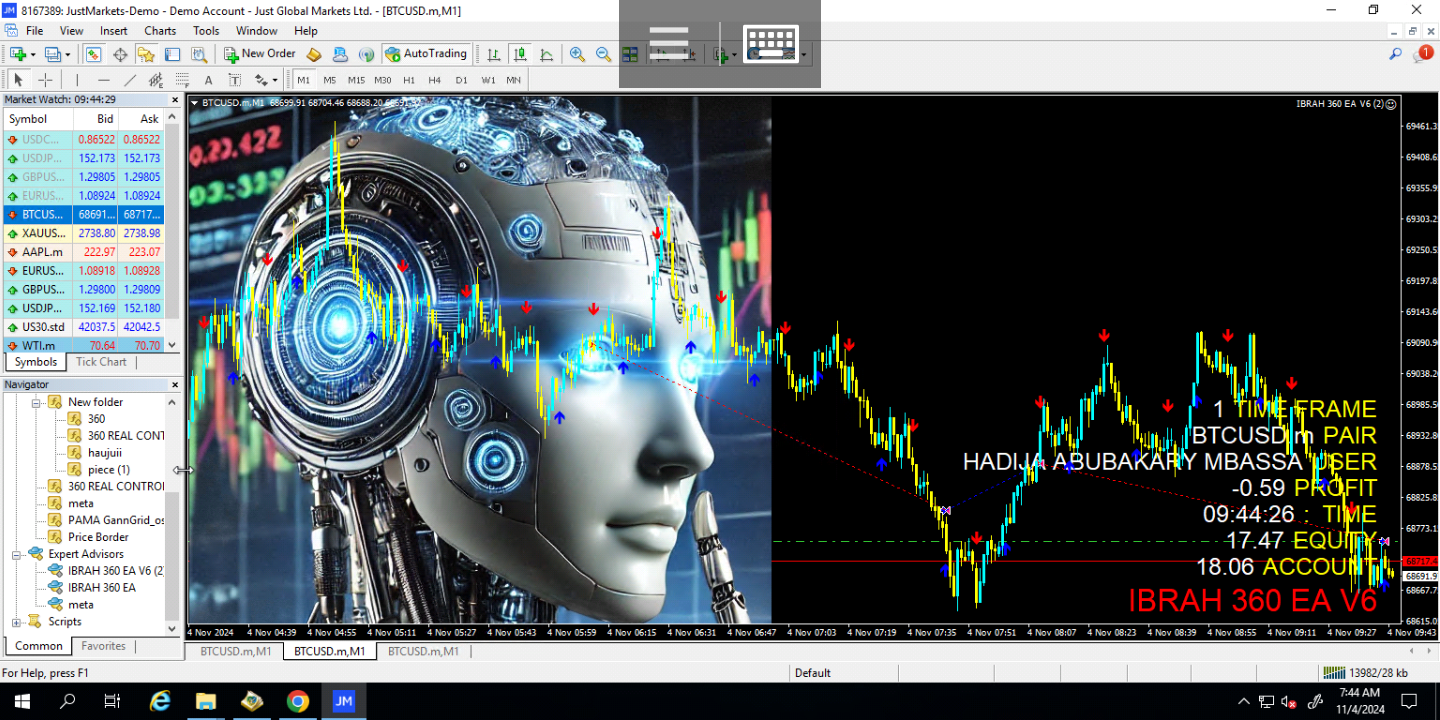
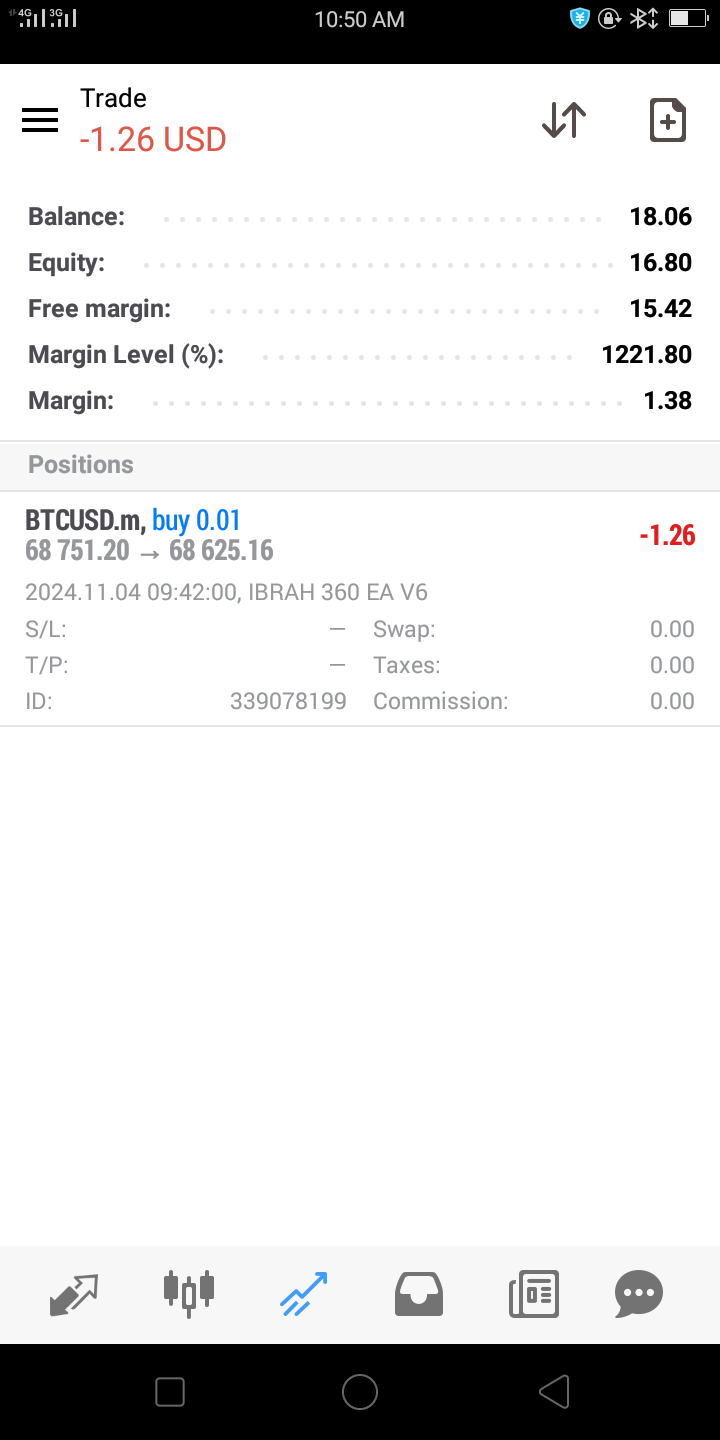
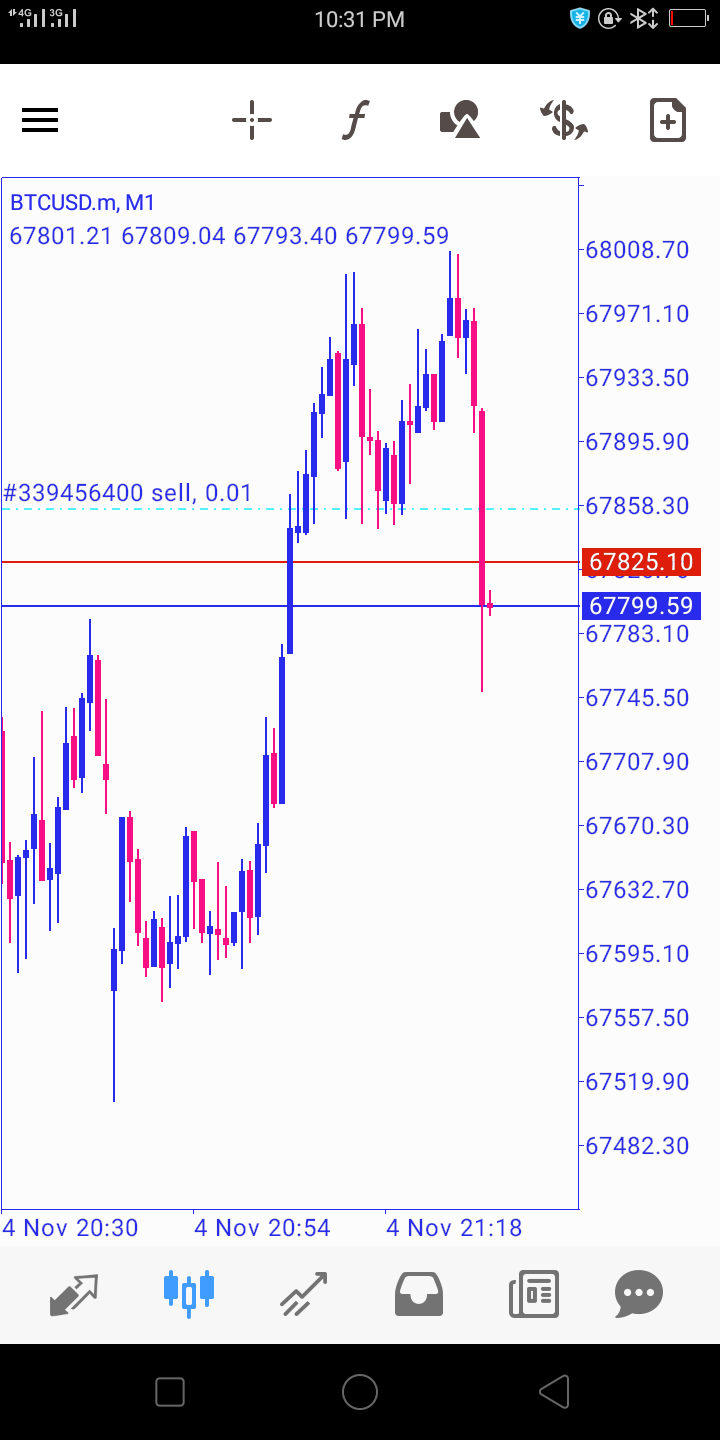
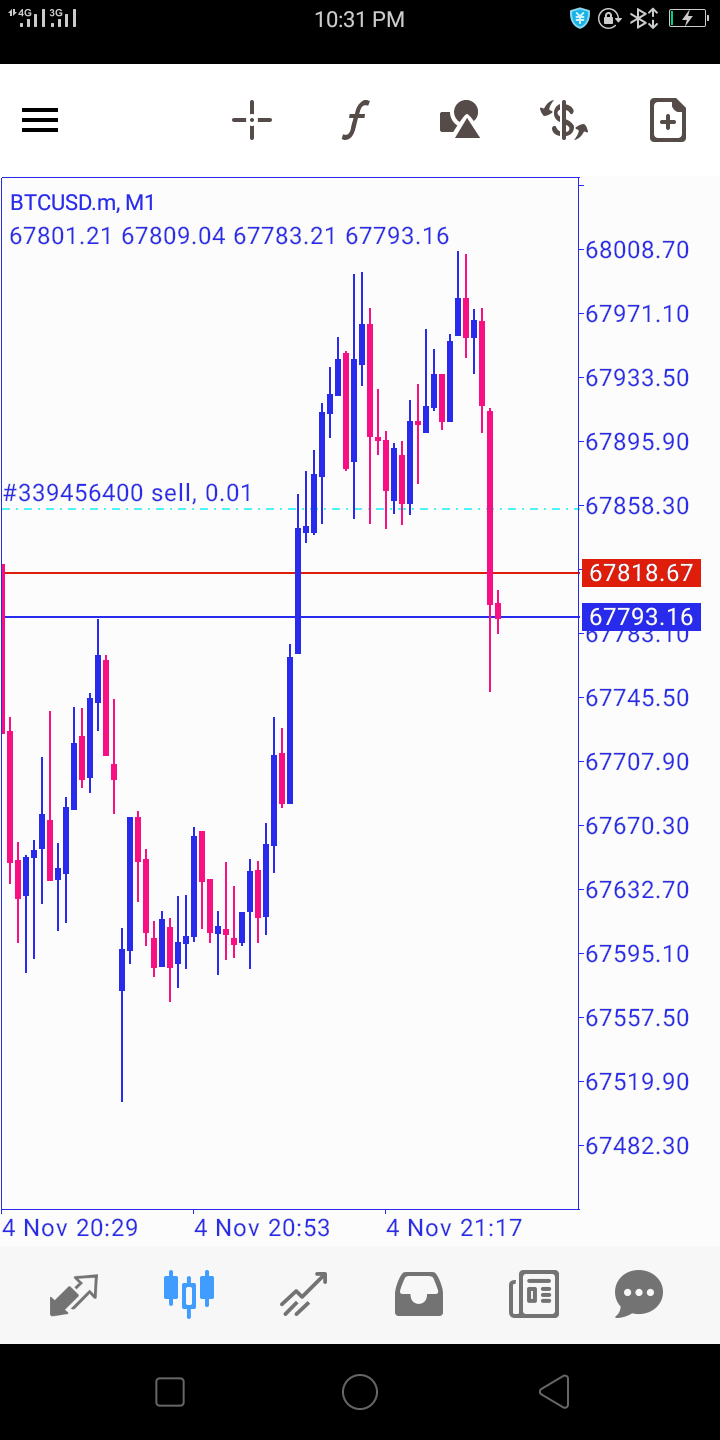
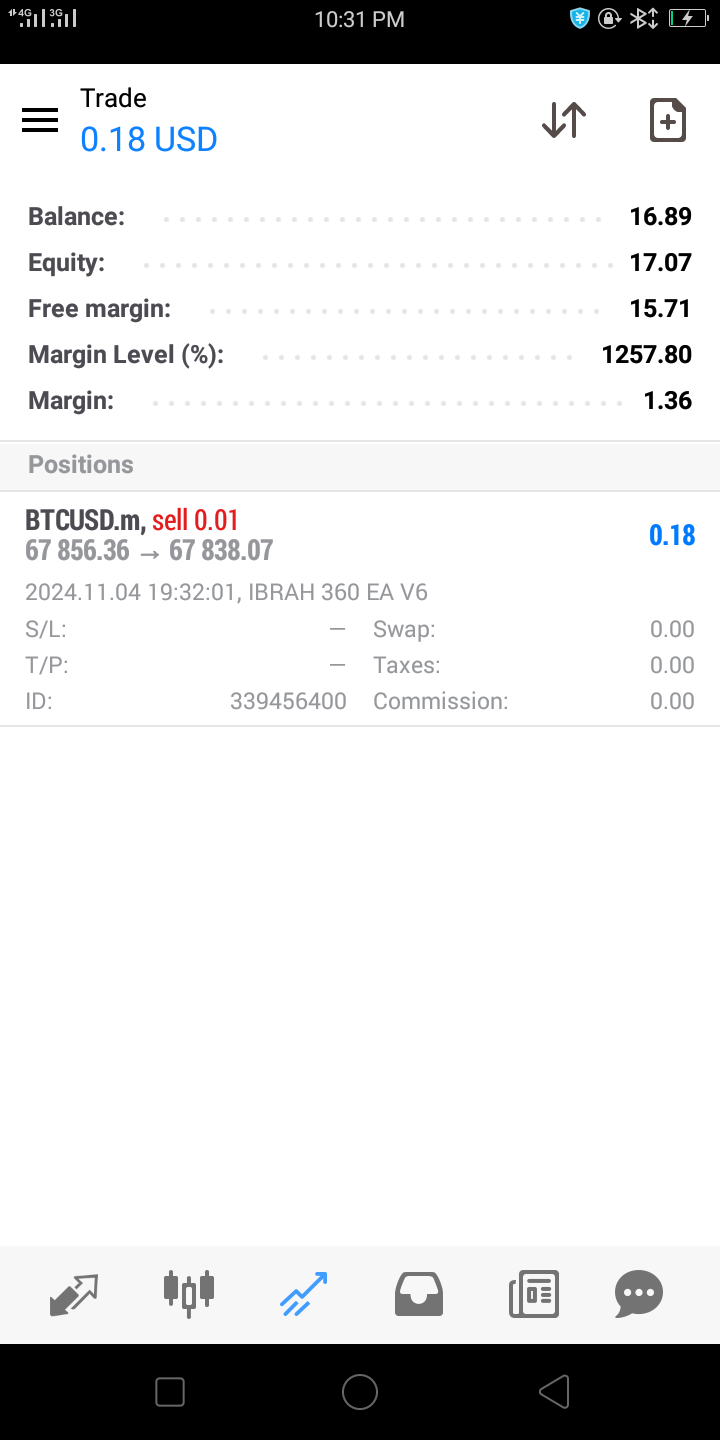
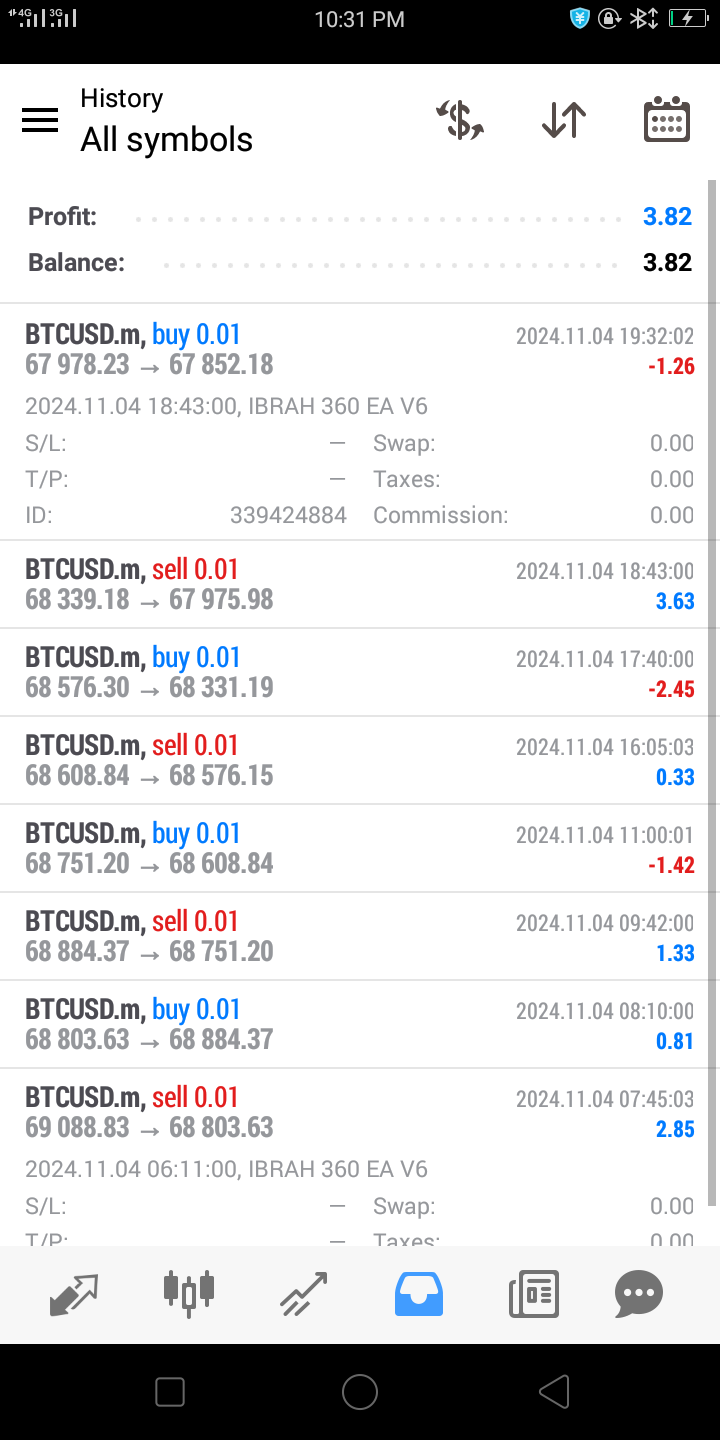
Early of september i was in trobles with the buffers but i've just play with them and dancing with blocks .. Now my boyy peform pretty well
-
@ibrah360ai said in How can i add a shift parameter in a buffer of a custom indicator?:
If your indicator is the mq4 file you should read them and change the condition inside the code and if is ex4 format you need to read the buffers in the chart when the indicator appers after the disissions go back to fxdreema with two right buffers which contain tge right value.. And .. Start linking the blocks
No, i don't have the source code. That is the problem. I have to do it manually, and i don't know how to do it because it is not a normal buffer. It is a shift parameter inside the buffer, and i don't know how to do that. I think it has to be a way. Let's see if somebody knows. Thanks!
-
Nobody knows? If not how can i change that in the source code?
-
@acastilla You will need a programmer to do that. No fxDreema block can do that, I'm afraid.
-
@l-andorrà said in How can i add a shift parameter in a buffer of a custom indicator?:
@acastilla You will need a programmer to do that. No fxDreema block can do that, I'm afraid.
It is a shame. Thanks!!
-
@acastilla You're welcome.
-
Yeah, I've dealt with that before in fxDreema. When you're adding your custom indicator, you can change the buffer in the "Indicator Buffer" dropdown. If your buy is on Buffer 0 and your sell is on Buffer 1, just set it to 1 for sell signals. The shift thing confused me at first too, but you should see a "Shift" option right there when you’re setting up the buffer. That’s where you put the number of candles back you want it to check. I remember messing around with it for a while before I figured it out, so just play around with those settings till it lines up right.
-
@hasanrockefeller Hi friend. Where is the shift option? I can not see it.
My indicator has buffer 0 shift 0 for sells, and buffer 0 shift 1 por buys. That is the problem.
-
Add a shared link to look at, it is in the blocks you usde, candle ID1 = shift 1
-
@jstap But candle ID is not where the signal appears? For example, i have candle ID 1, that means in the candle before, the arrow appears. Am i not right?
Here is the shared link:
https://fxdreema.com/shared/nZaUD5bweSorry for the delay. I was trying to find another indicator that does the same of this one, good double tops and bottoms(PZ double top and bottom), but i couldn't find it, so i came again back to try to make this one work.
For right now, what i know is that buffer 0 is the red painting (it paints a red area), and after that the arrow appears when it is confirmed, and that one is buffer 1, that i have in candle 1.
But i can't find the buffers for buy. The developer told me that they are stored in the same buffer, but in different shifts, so it should be another shift for buy in buffers 0 and 1.
-
Open your data window, and hover your mouse over the signal, if this stays on a candle when a new candle starts then the signal moves with each new candle. If using appear then this is normally on ID0, watch it to see where it appears.
I have never seen buffers on MT4 store more than 1 value

