Constant font size
-
Hello
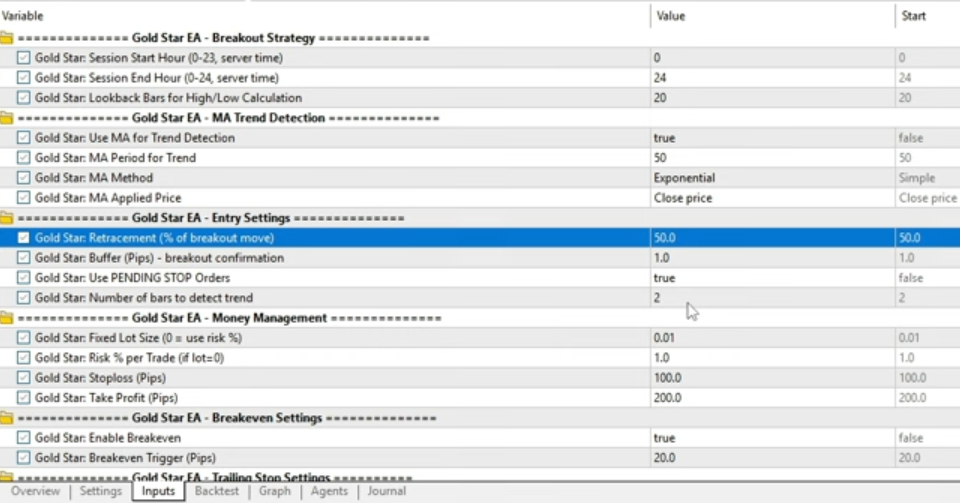
I have downloaded an EA which in its constant, there are some font that's kind of bold
is it possible to do it with Fxdreema? -
Arial Black - Write this in the font box.
-
@Newaccount
how to do that?
its not comment
is one of the constants
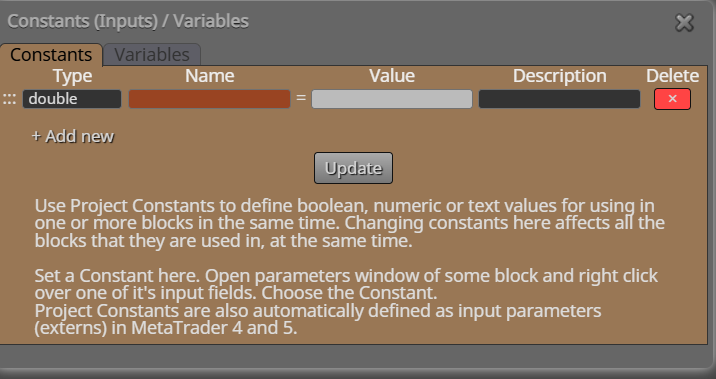
i think i should add something here -
O I see, I do not know how you would do that in FX the heading text ETC is a string but I do not know how to bold it
-
@fxDreema
hi
can you check this? -
@Newaccount
thanks -
Putting three * * * without the spaces may do it, the bold text above was created with *'s added either side on normal text
-
@Newaccount
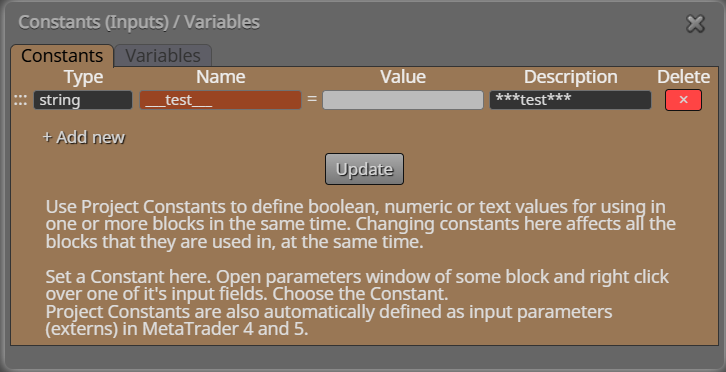
if you mean like this, it didn't work -
I think you are right in doing it in description, according to chatgpt:
input int SessionStartHour = 0; // *** Gold Star: Session Start Hour ***
input int SessionEndHour = 24; // *** Gold Star: Session End Hour ***
input int LookbackBars = 20; // *** Gold Star: Lookback Bars for High/Low *** -
@jstap
i don't think that you can change the input for int type
i should be string
and i only want the headline to be bold, like the first picture
for example
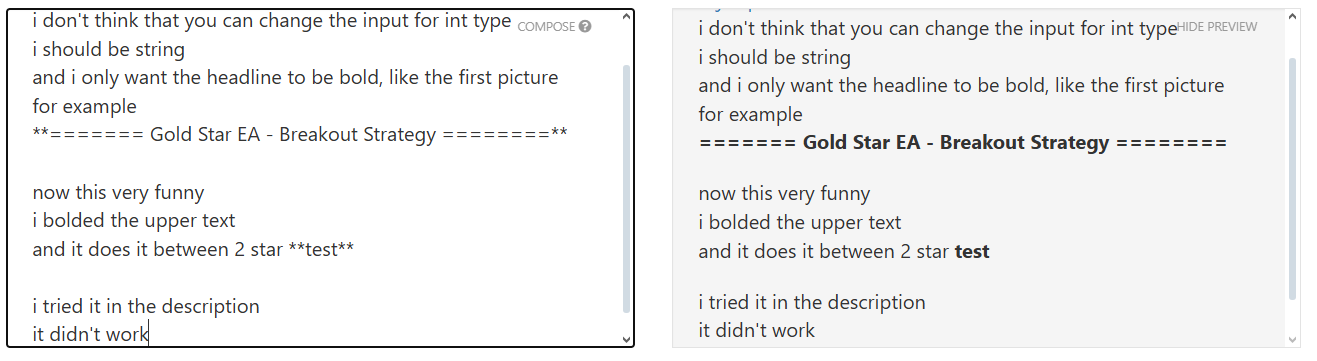
======= Gold Star EA - Breakout Strategy ========now this very funny
i bolded the upper text
and it does it between 2 star testi tried it in the description
it didn't work
-
@jstap
I even tried this
it didn't work
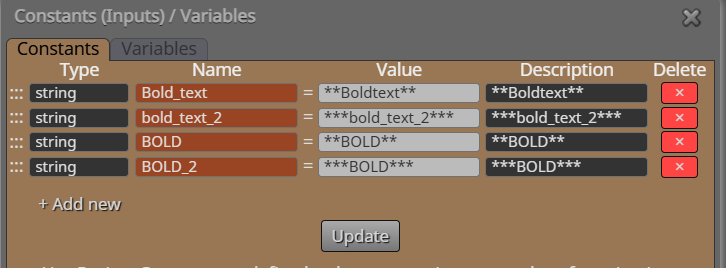
-
I know in MT code it would work, FX must be doing something different behind the scenes
-
@jstap
that's my guess too -
anyone has an idea?
