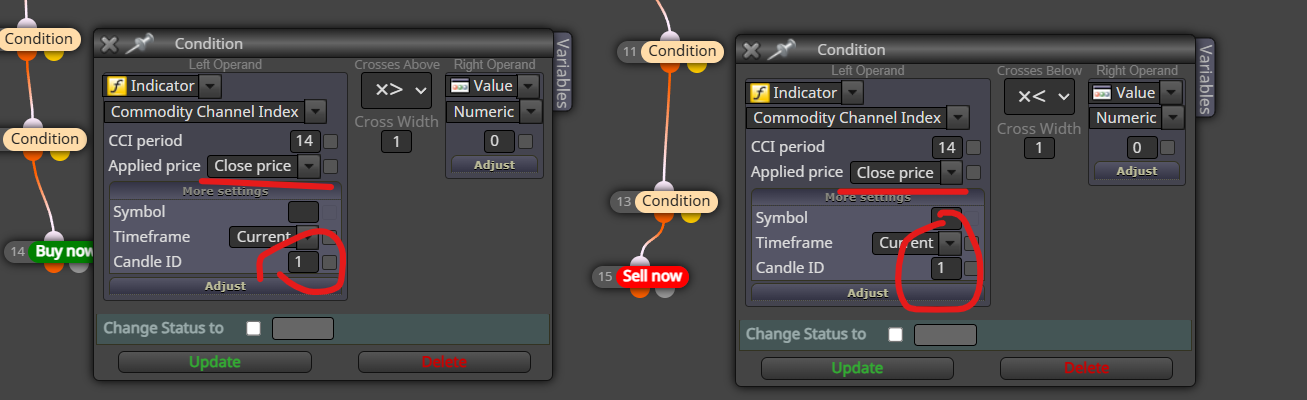
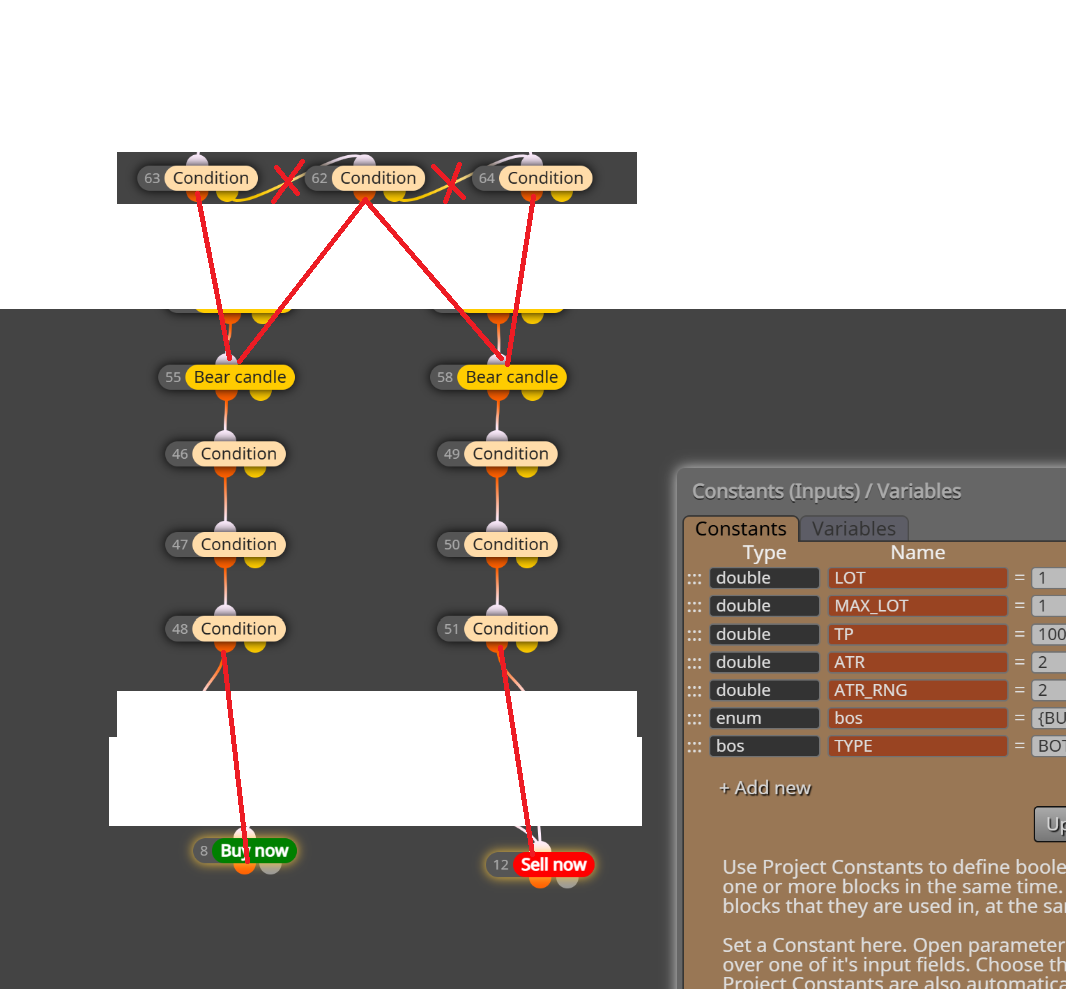
@suleyman-0 said in I want to ask a short question. If the moving value is above 89 price, open a buy transaction after 3 candles, is that correct?:
@ambrogio This didn't work at all.
please, upload the link to the project
@suleyman-0 said in I want to ask a short question. If the moving value is above 89 price, open a buy transaction after 3 candles, is that correct?:
@ambrogio This didn't work at all.
please, upload the link to the project
@suleyman-0 said in I want to ask a short question. If the moving value is above 89 price, open a buy transaction after 3 candles, is that correct?:
this is your initial project, with the error you reported at the beginning. You should fix it
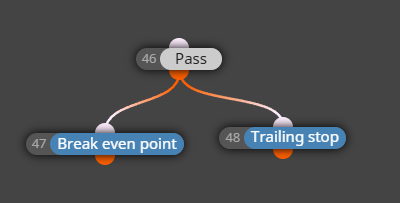
You need a "no pending order" block
@Olahmide you are using "no trade" instead. Replace it with "no pending order"
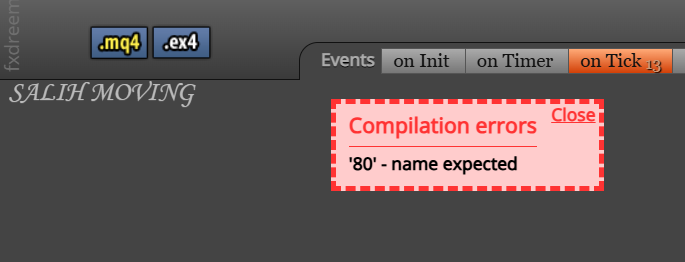
Check also the list of constant and variables, maybe there is that sign misplaced
@PrinceErielle902 said in Has anyone encountered this problem before?:
@ambrogio I've tried that too. It said there weren't any related characters to the symbol nor an equivalent.
Ok, i'm sorry, let me know
This happened to me in the past but I found where it was and deleted it. Is this a big project? How many blocks did you use?
@PrinceErielle902 said in Has anyone encountered this problem before?:
Update: I pasted each area I've built to another project then pressed the download button after every paste to discover what's causing the error. It was somehow invisible perhaps I accidentally pressed the backtick symbol (`) when I selected the symbol or timeframe area of the condition block I have been working on.
well done! 
@ivyzhao said in Hot to Recognize a color buffer:
Hi,
i've made a MT5 indicator that looked like a smoothed MA (a Low-Lag Regression Line) that had upper side of a wave colored in gold and down side in loyalblue (in certain threshold, so only steep slope could be seen). What can i do so FxDreema could recognize different color in the program?here's the demo:
https://fxdreema.com/shared/m35NWDoBc

Many thanks!
most of time "indicator appear" block is the right one. Have you already tried it?
i suggest you to put these variables in a "comment" block (under a "pass" block) and see on chart what happens. I think there is a mistake in the project's logic.
@xburbx said in ORB Not Triggering Short Trades:
Why is this only triggering long trades and not short trades? I have both longs and shorts setup the same.
You're asking at 9:30 to check the M30 high/low candlestick at the 9:30 timestamp. I think this is incorrect. At that time, the candlestick is starting, and the only available price is the M30 open price, so the ask price is always > , but the bid price is never < itself. I think you should check the 9:30 candlestick at 10:00 at least.
@MT4Nutzer Virtual stops should disappear on their own when triggered, if you are closing trades manually instead, double click on the line => delete
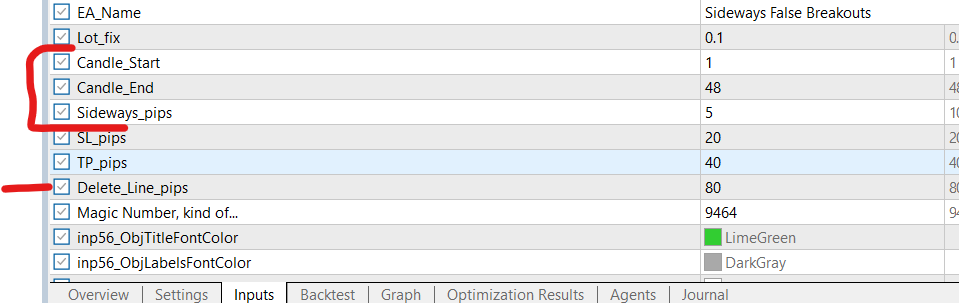
@xburbx From what I understand, it looks for price levels on past candles. You're working on a daily basis. In my opinion, the time frame is too high. I tried playing with these values on M1 and it works. It's just a matter of setting.
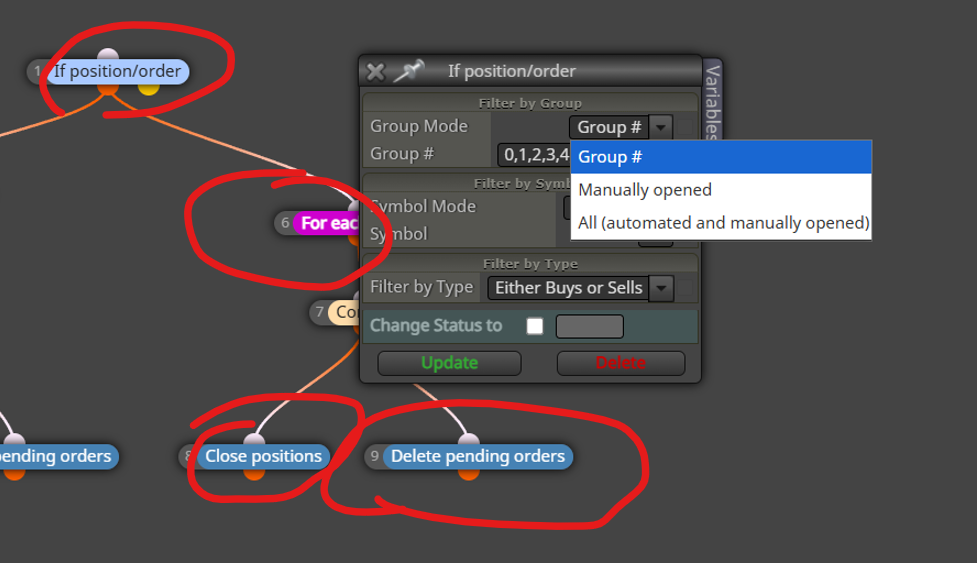
@Campero you are actually filtering trades by group number, you should instead select manually (or all automated and manual)
@NDUBUISI25 said in About the Chrome extension to download files:
PLEASE HOW DO I IMPORT MY EA TO THE TRADING TERMINAL

@MayaxatL mq4/mq5 files doesn't works by itself, they must be compiled to generate the executable files (.ex4/.ex5)
EDIT: by refreshing Metatrader they will be compiled automatically