fxDreema

    • Register
    • Login
    • Search
    • Back to the main page
    • Categories
    • Recent
    • Tags
    • Popular
    • Search
    1. Home
    2. Hellzer
    3. Posts
    • Profile
    • Following 0
    • Followers 1
    • Topics 9
    • Posts 33
    • Best 1
    • Controversial 0
    • Groups 0

    Posts made by Hellzer

    • RE: (buy/sell expiration mode) Not Working...

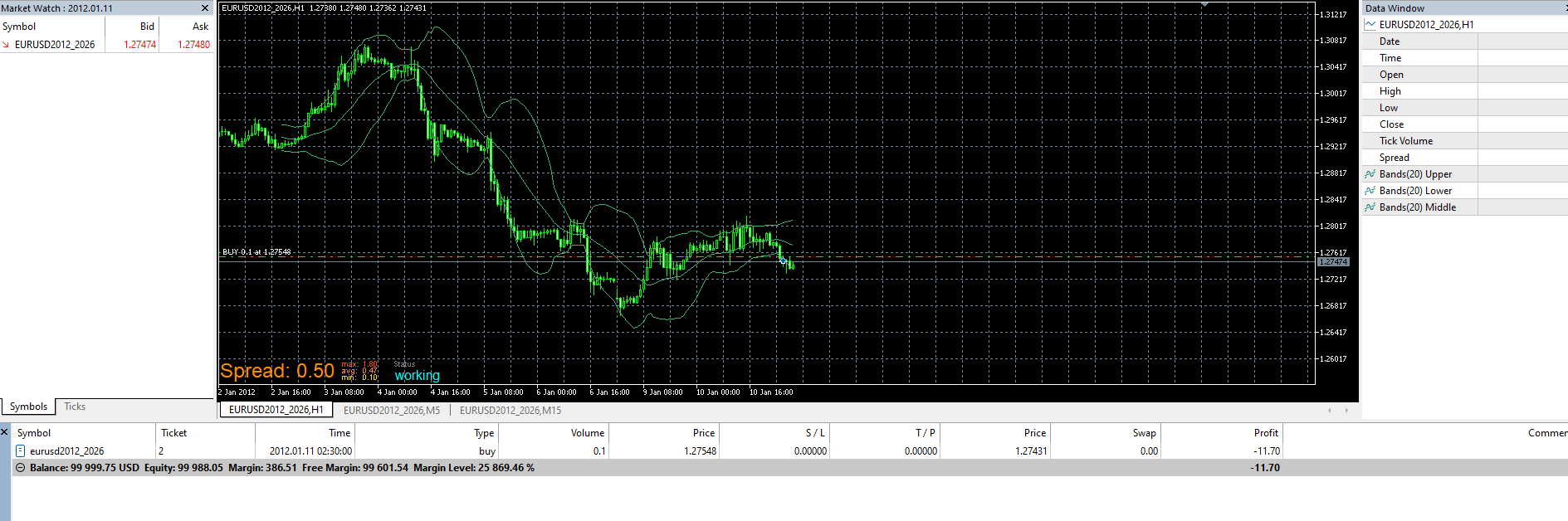
      @l-andorrĂ  I dont see anything and the first trade closed after 11h but the other trade can close randomly. I think the expiration is hidden from the chart and broker. Like I said on my other post, I disable the other closing condition and just keeping the expiration one and it doesnt change anything.
      2026-02-14 09_17_53-Strategy Tester Visualizatio.png

      posted in Bug Reports
      Hellzer
      Hellzer
    • RE: (buy/sell expiration mode) Not Working...

      @sktsec Conditions are fine, Im just testing, nothing is set to stone. But the expiration does not work every time. I disable the other exit type and only use the expiration exit and it still does the issue.

      posted in Bug Reports
      Hellzer
      Hellzer
    • RE: (buy/sell expiration mode) Not Working...

      I dont know what happened, try again with this link:

      https://fxdreema.com/shared/OR61AMeBd

      posted in Bug Reports
      Hellzer
      Hellzer
    • RE: (buy/sell expiration mode) Not Working...

      https://fxdreema.com/shared/zBVIWqfVc

      posted in Bug Reports
      Hellzer
      Hellzer
    • RE: (buy/sell expiration mode) Not Working...

      Im getting this simple issue on MT5 after doing a backtest. Expiration is my only exit and this is what Im getting.

      MT5 Backtest.png
      FX Dreema.png

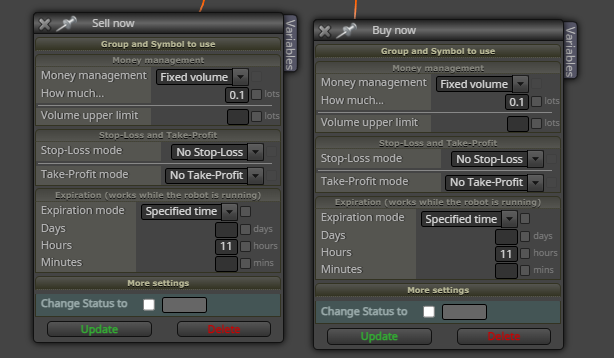
      I dont understand why my trade close randomly when the only way I close them is after 11 Hour on the Sell/Buy block

      posted in Bug Reports
      Hellzer
      Hellzer
    • RE: Trail stop not working at all

      Alright thanks guys

      posted in Questions & Answers
      Hellzer
      Hellzer
    • RE: Trail stop not working at all

      It was a single trade, I guess you just used the group trail stop node for more. I think the reason why it wasnt moving its because I was on a gold chart and the point value is different from a Forex Pair. So, just making a new trail stop node and connecting it to the Sell or buy order work but I want to know if it work without connecting it? Because if I put once per day node+condition+buy+trailstop nodes(in that order), would the trail only trigger once per day, even though it has a Once per day or time filter node for example?

      posted in Questions & Answers
      Hellzer
      Hellzer
    • RE: Trail stop not working at all

      Its a little bit complicated because I dont really know your EA, but Im just want to play around the trail stop with a simple condition - Buy - trailstop node that works. It will trail the stop and pass the break event for a trade to maybe SL into profit instead of using a TP

      posted in Questions & Answers
      Hellzer
      Hellzer
    • RE: Trail stop not working at all

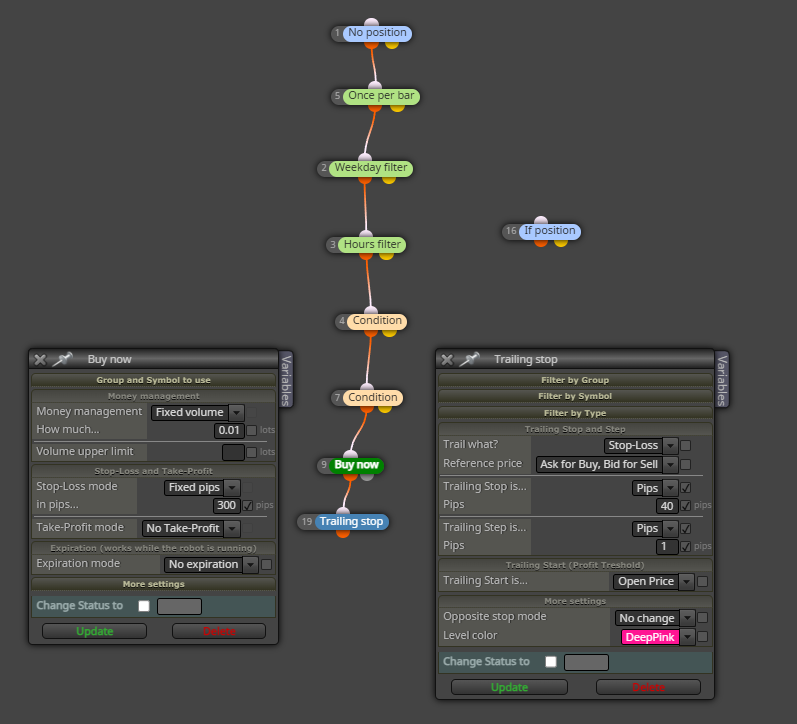
      So I have connected it under the buy and nothing is happening, the SL does not move. These pips numbers doesnt really matter because I just wan to do a Optimization at the end

      image.png

      posted in Questions & Answers
      Hellzer
      Hellzer
    • Trail stop not working at all

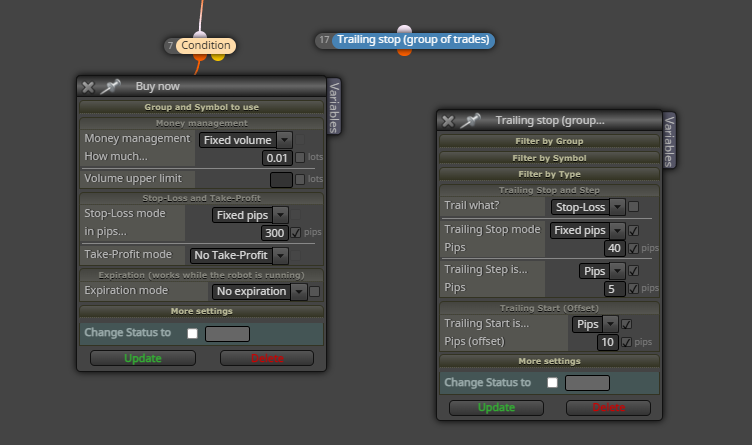
      My trail stop does not move and I want to start a position with a stop lost of 50pips and then every 10 pips it moves up. It will cross the break even point and one day hit the stop lost for a profit or a lost for example. What I am doing wrong in this picture?? I just want my stop lost to trail up

      1bd6de1b-12fe-4b0f-a84e-72ba7ad6d967-image.png

      posted in Questions & Answers
      Hellzer
      Hellzer
    • RE: Complete Optimization on multiple timeframes

      Thank you a lot I forgot but now you made me remember how to do it.

      Simply write: ENUM_TIMEFRAMES in the constant type. With that you get to option to optimized timeframe in the inputs section of MT5

      posted in Questions & Answers
      Hellzer
      Hellzer
    • Complete Optimization on multiple timeframes

      Hi, I would like to know how create a input variable and where to put it to be able to do complete Optimization on multiple time frame?

      posted in Questions & Answers
      Hellzer
      Hellzer
    • RE: project corrupt

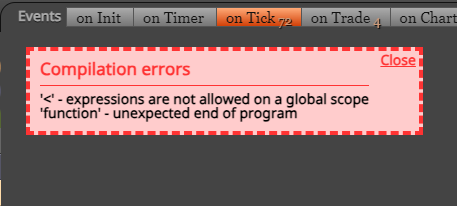
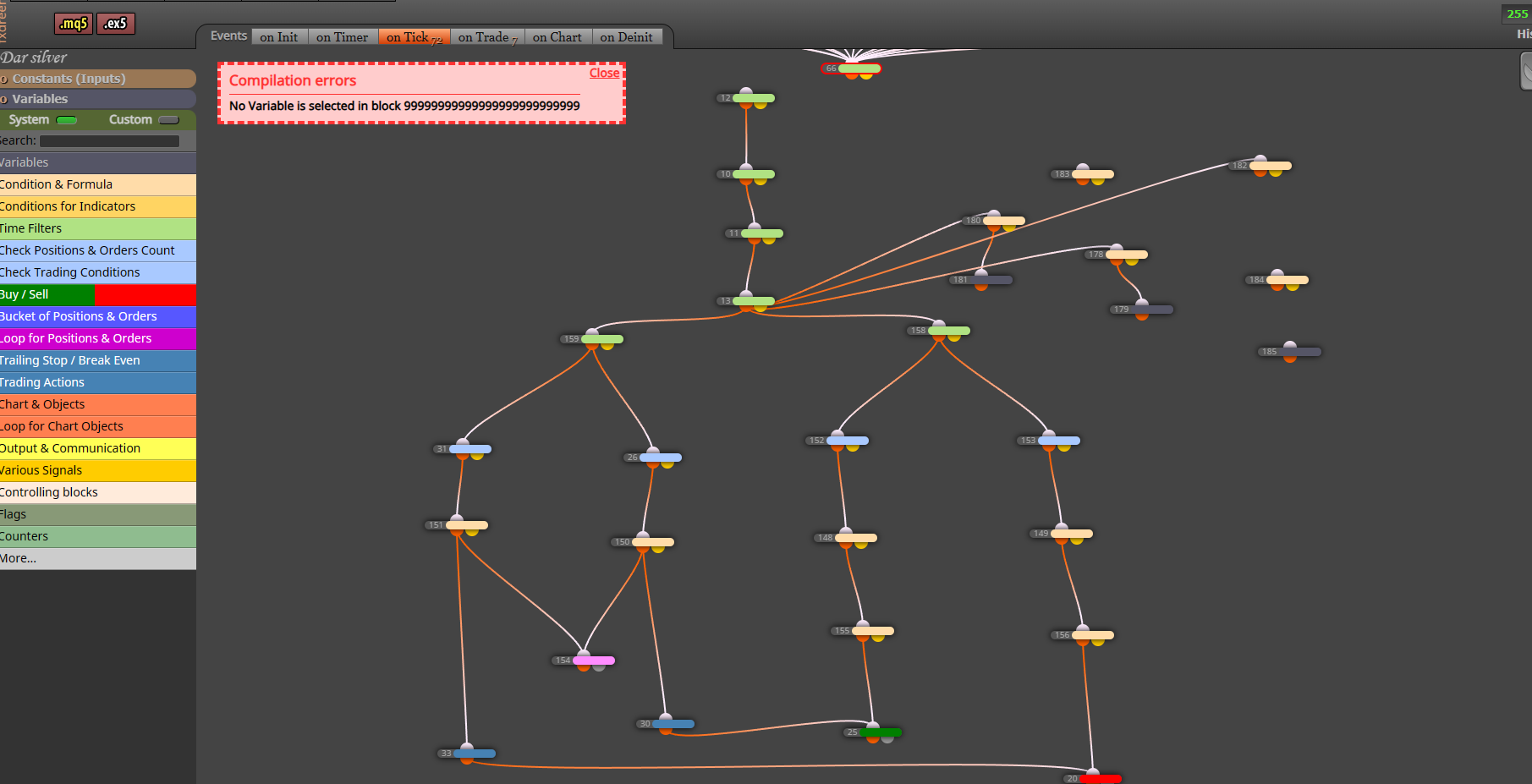
      I found the block I deleted it and refresh the page of my project. Then I got this error while compiling. (.ex5)

      image.png

      And when downloading the .mq5 this is what showing

      69cd597c-70cd-4c93-af5e-ce6c84f956be-image.png

      Only 1 line of code....

      posted in Bug Reports
      Hellzer
      Hellzer
    • project corrupt

      I made a few changes on my project and I decided to download the .ex5
      but then an error occurs saying that block 82 No variable in block . Then I try to find the block but it didnt exist. So I changed the number of a block to 82 to see if I could find the error block but it was still missing. Then I try to press the .ex5 download button and my project became like this. This issue occurs out of nowhere, I was just doing my regulars things...

      879d7195-14b1-4100-a6dc-c63321a14ca9-image.png

      posted in Bug Reports
      Hellzer
      Hellzer
    • RE: Year filter

      Yes after a certain date in the backtest, I can see the number of trades increased because for example I set the time frame of the indicator lower or change the period to a lower number.

      posted in Questions & Answers
      Hellzer
      Hellzer
    • RE: Year filter

      Ok, with playing a lot with it I have found a way to do it

      image.png

      image.png

      Then you must attach those 3 blocks to the top of your project and change every time constant (ENUM_TIMEFRAMES) to current and it will work

      posted in Questions & Answers
      Hellzer
      Hellzer
    • RE: Draw arrow on close

      Ok thank you

      posted in Questions & Answers
      Hellzer
      Hellzer
    • RE: Year filter

      So when I backtest I can see the graph of every out of sample data all together instead of pulling out the info and making a graph in excel for example

      posted in Questions & Answers
      Hellzer
      Hellzer
    • RE: Draw arrow on close

      Yes, each arrows for each different chart.

      posted in Questions & Answers
      Hellzer
      Hellzer
    • RE: Year filter

      So when you do walkforward you can create a chart with only the walkforward result. Normally when you create an EA you should do WF analyzes when backtesting it. This increases the chance to not over fit your strategy and to have better and real result for future/real market.

      image.png

      posted in Questions & Answers
      Hellzer
      Hellzer
    • 1
    • 2
    • 1 / 2