First, thank you for your answer! Regarding to your question I don't care what will happen first and second. I just know that you can close one trade by another opposite trade.
Here you can see picture examples:
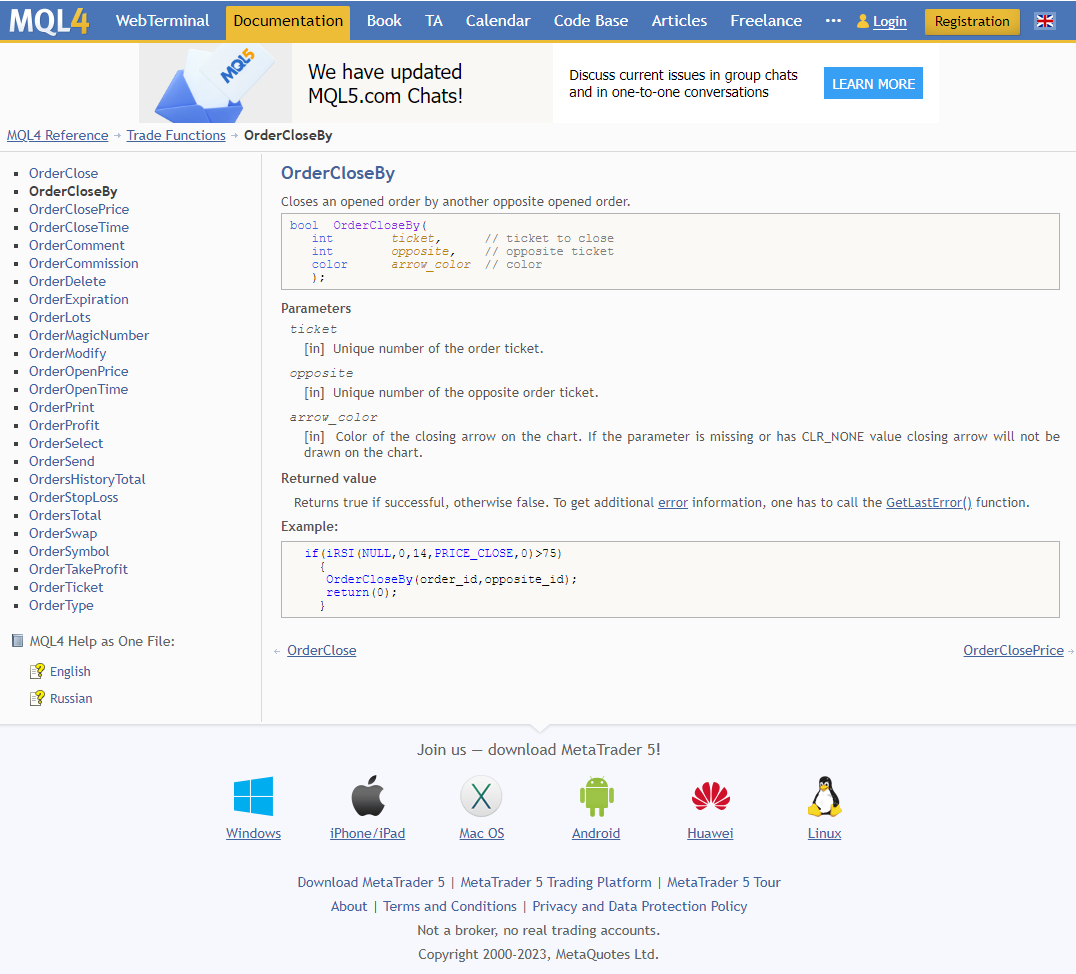

First, thank you for your answer! Regarding to your question I don't care what will happen first and second. I just know that you can close one trade by another opposite trade.
Here you can see picture examples:
Hi Guys,
As I know MT4 offers order named "Close by".
Using it if you close Sell trade by opening Buy trade it cost less and vice versa, if you close Buy trade by opening Sell trade it costs less.
As title says, I would like to open Buy trade by closing Sell trade and vice versa, to open Sell trade by closing Buy trade.
It's because my strategy opens Buy when closing Sell and vice versa, opens Sell when closing Buy.
I believe it is something like "Net off".
Is there any way to implement that function in my EA by fxdreema?
Best regards and thanks in advanced,
Mihajlo
As I understand, the point should be smallest fraction of price. And is one tenth (1/10) of Pip.
Tick should be one movement of price on chart including slippage, so tick could be 1 point or 3 point or 7 point in one movement on chart
Am I right?
Thank you very much, I didn't know that. Can you send me some article about it or any tutorial link?
Thank you for your answer, but why should I better rely on points if it is the same?
Hi guys,
Can someone explain to me, as title says, the difference in "Point Size" and "Tick Size" in fxDreema in Market properties?
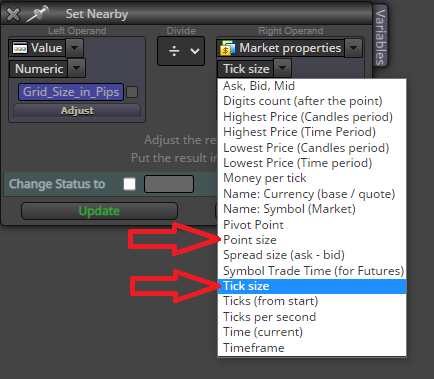
As I measured it's the same, no difference, so what is the purpose than if no difference?
I use it to make grid and nearby because Japanese Yen pairs has different point size regarding to other pairs...
Many thanks in advanced!
Best regards
Hi Guys,
I have 2 constants "Grid_Size" and "Lots" and also 2 variables "Variable_Lots" and "Spread".
I would like to do calculation like in attached picture below:

So, I would like to put this calculation in my variable "Variable_Lots".
Can someone tell me is this code correct? Should I add some prefixes like data type or something?
Thanks in advanced,
Mihajlo
@l-andorrà It works, thank you very much! 
Hi Guys,
As title says, I would like to close 2 positions in 2 different charts at the same time.
For example:
I have one position in EURUSD chart and one position in GBPJPY chart and the EA is attached, for example, to EURUSD chart.
How to use "Close trades" block in order to close both positions?
What I get is that EA closes only one position on attached chart. The EA doesn't see second position on the chart which is not attached to.
Thanks in advanced,
DrScrew
To make it simple, I just want to have implementation like in picture. Trader can choose 1 of 3 options and I would like to deal it like 3 cases

Hi Guys,
I would like to make a custom ENUM constant named ENUM_REFERENCE_PRICES and it should contain 3 elements:
And all 3 should be contained in one combo box or drop down list in EA inputs (like timeframes), so the trader can choose what price will be the reference price in trading.
Very important:
Idea is that the EA decides which position to open (buy or sell) regarding to which chosen price is currently above or below.
So, if trader choose "Starting price" all above that price will be buy and below sell.
Next, if trader choose "Moving Average" all above MA will be buy and below sell.
I hope that I explained well
P.S.
Please detailed explanation because I'm beginner
Thank in advance
Hi guys,
As title says I would like to detect Stochastic %K line crosses the %D line. How to do that?
And detection should happen in overbought or oversold regions.
Thanks in advanced...
Hi Guys,
As title says, I would like to set Constant's description text Bold. Can I put something like <B>Some text</B> in Constant's description field to make text bold in EAs inputs popup?
... many thanks in advanced
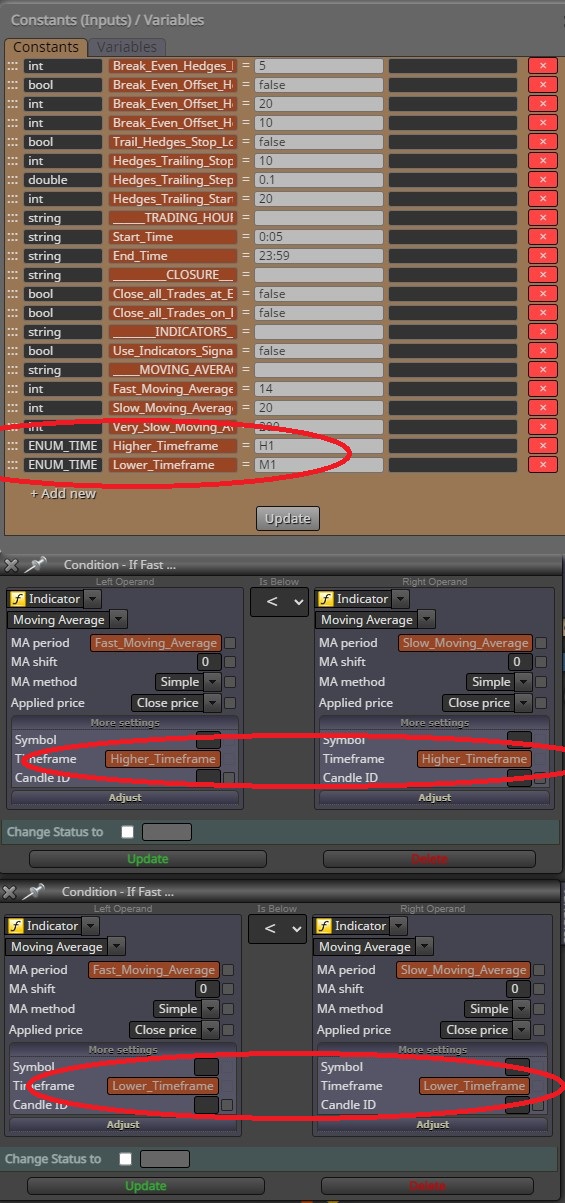
Yes, now I see, I only shouldn't use M and H letters
Many, many thanks bro, all works. I only had to enter "1" instead of "M1" and "60" instead of "H1", so no need even for PERIOD_CURRENT at all
I use FXDreema only for 3 weeks... I'm very inexperience, sorry
Sorry bro, but I don't understand you, I would like something like this in picture