@jstap Yes
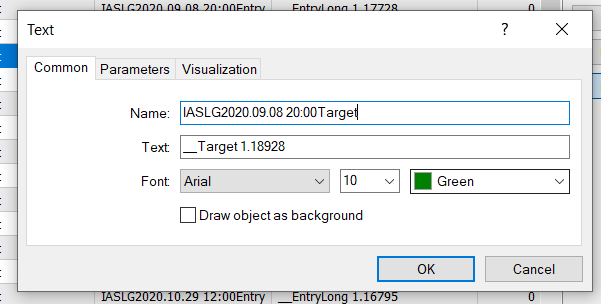
Try any text object and see if you can get its price to a variable. As per my tests, it doesnt. This seems to be a bug.

@jstap Yes
Try any text object and see if you can get its price to a variable. As per my tests, it doesnt. This seems to be a bug.
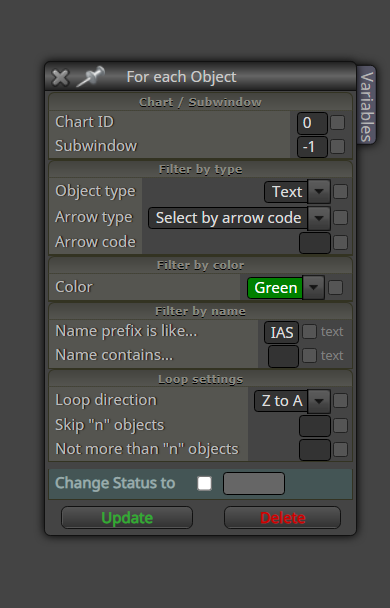
It appears "For Each Object" block (MT4) does not identify text objects. I can not get a text objects price or time into a variable. Has anyone else noticed it?
@jstap said in MT5 EA with custom indicator - compilations error:
@vish That statement is only half? symbol and period should have (), and no , after icustom name?
At a guess it should be handle=iCustom(Symbol(),Period(),"Arrow Indicator"); Whenever I have used iCustom after the name I use 1,2 or something, this returns the buffer value from the data window.
Also this code is not in your shared link.
Can you check again? does it compile without error?
@l-andorrà I know it but my issue is not that. Does my shared project gets compiled without error?
@jstap said in MT5 EA with custom indicator - compilations error:
@vish Is the mode buffer in as an int? things like this have caused me issues before.
This is the block
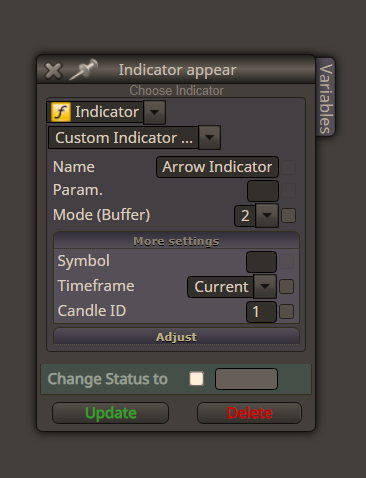
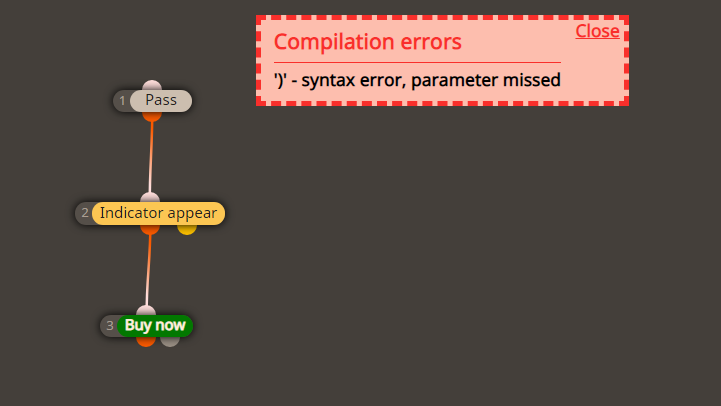
This is the code line that gives the error. If I manually remove the comma after iCustomName, the issue resolves but I can not generate ex5 from fxdreema.
handle = iCustom(Symbol, Period, iCustomName, );
@l-andorrà said in MT5 Calendar Events:
@vish AFAIK any news filter in fxDreema will need custom code. I'm afraid there is no block combination letting it happen without custom code.
Thanks for the reply
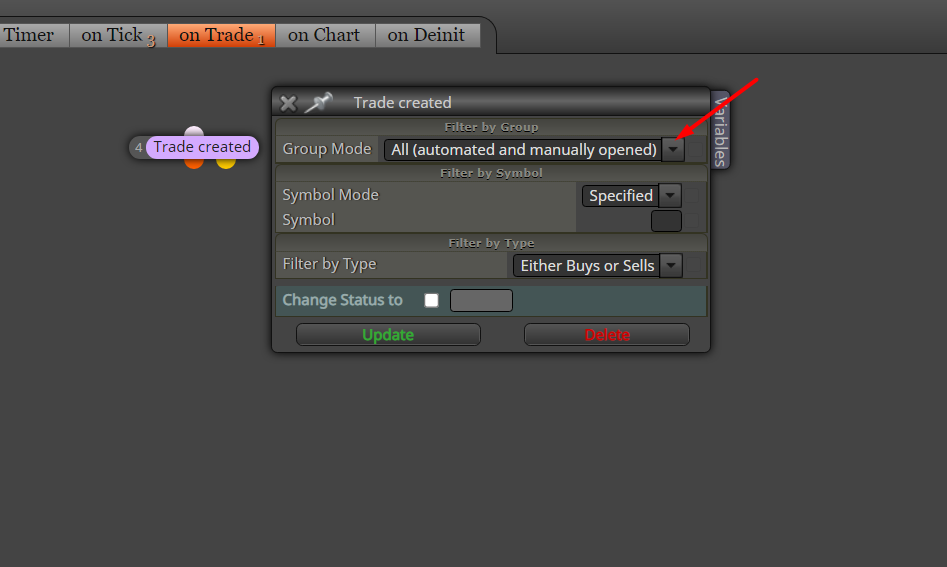
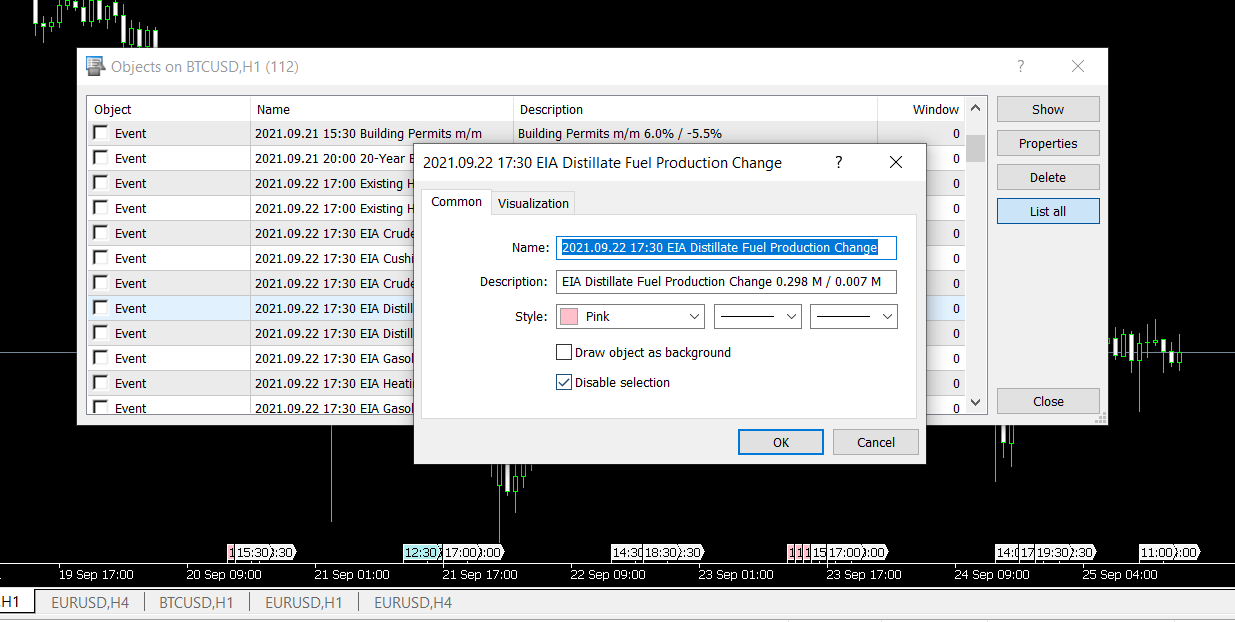
Can we use MT5 calendar events objects to create a news filter? But these event objects do not have any time/price in their properties. Have anyone done a news filer for MT5 on fxdreema?
You will have to use formula block many times to achieve that. But, an easier way would be to use a custom code block and add up the variables.
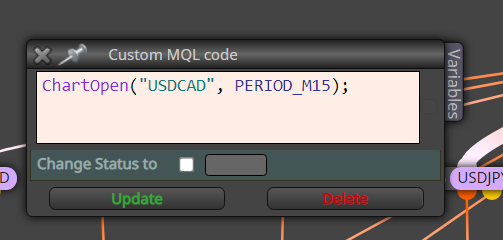
I have an EA running on many charts, when a trade is made by a particular chart, I want to the EA to get the focus of that particular pair (chart). In other words, make that chart the active chart so that I can see the chart that took the trade without clicking on the pair.
Get the pips value of the pair then calculate the no of pips for SL based on amount to risk.
0 pip stop loss = no stop loss
You can simply use 0.1 pips or -0.1 (i.e. SL with a small profit) so that stop loss will move instead of disappearing.
This should also work on onChart tab
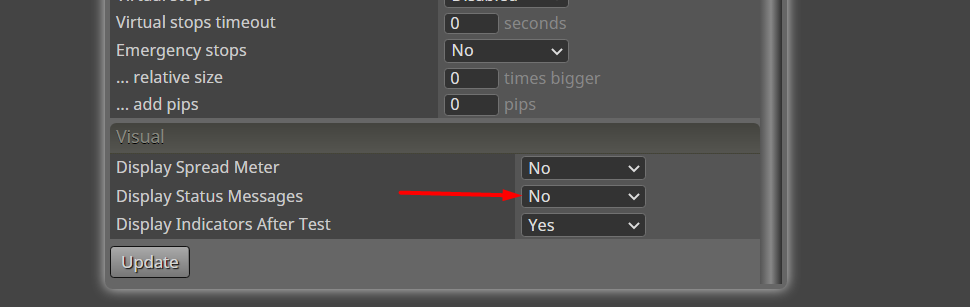
Even if I switched off status messages (after initially turned on), they still become visible until I go to each and every block and remove the status messages one by one from all blocks, which is a quite a hassle. I guess this is a bug.
@l-andorrà said in How to get the highest drawdown value on screen:
@vish You can do it this way:
Thank you!
Instead of this block:
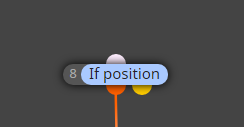
try this:
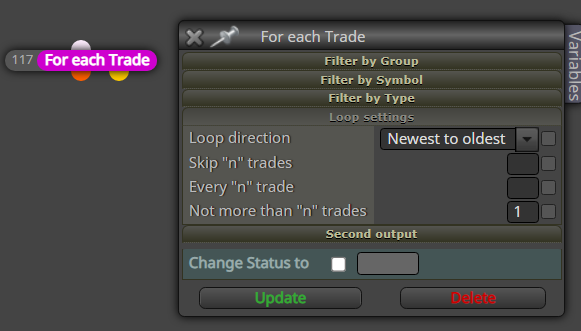
right before the child trade block, add this too
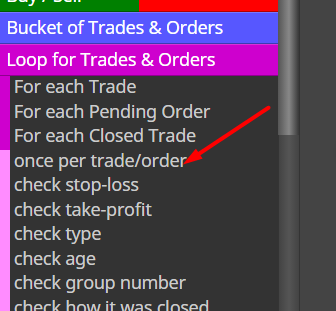
How can I have the highest recorded drawdown value during the EA running period to be shown in a comment (or get the value into a variable)?
@ambrogio Thank you very much. Do I have to add each of the index or is there way to add all?
What if I add like this in a single line 0.01 = 0.1 ?
Also how do I add pip size for crypto pairs like BTCUSD?