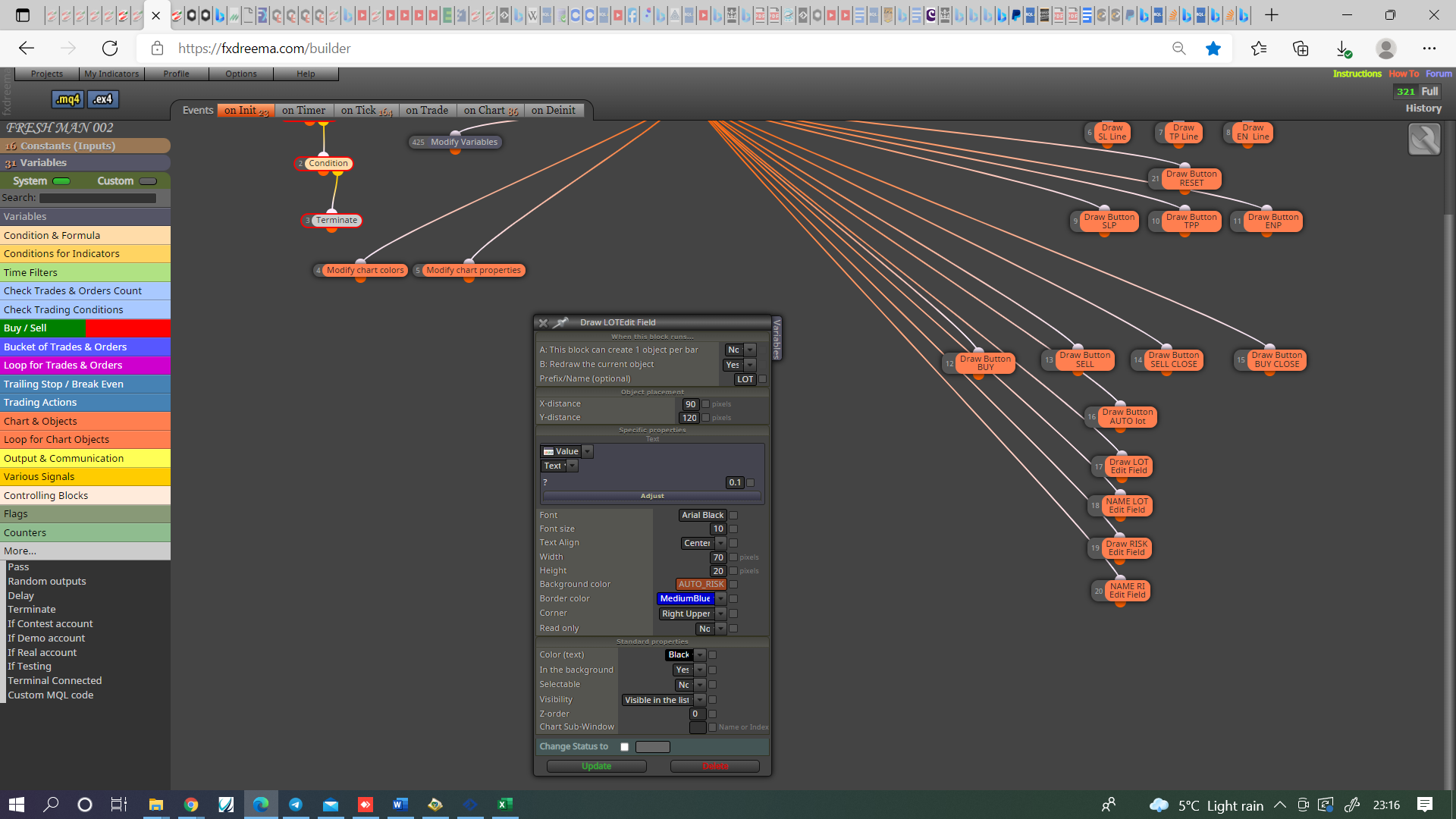
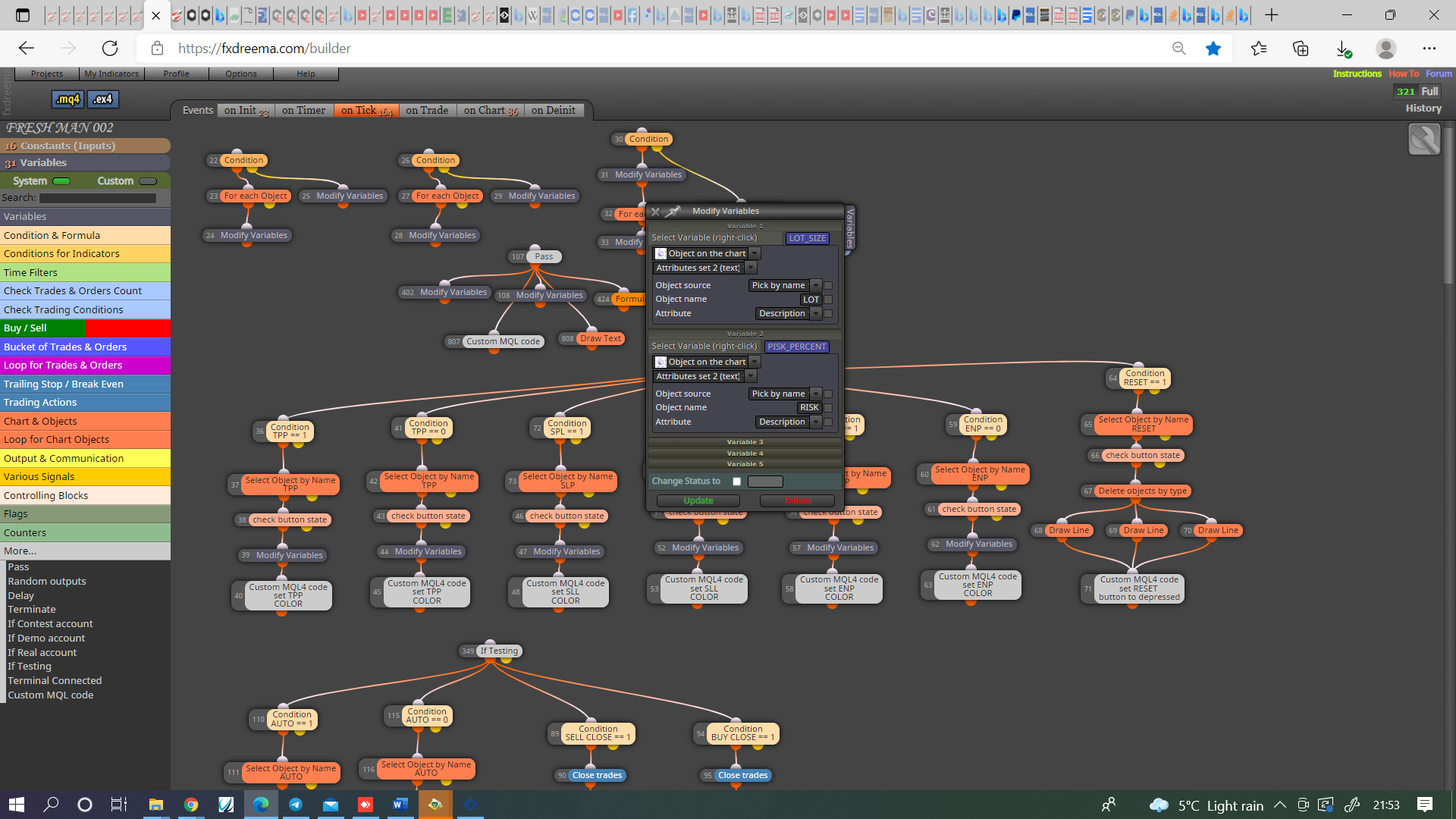
How To Use Edit Field Object?
-
i want be able to edit lot sizes using edit field without going to inputs, any body have an idea how i can do so
-
@ace-fx I'm also interested in that question. I'm looking for exactly the same feature. Any help wil be appreciated.
-
Learn fxDreema Without the Wait!
My comprehensive book, available on Amazon, is packed with examples and invaluable insights to help you fast-track your learning journey.
The paperback and hardback editions include MT4 & MT5 QR codes for easy access to all prebuilt projects and robots, including my latest gold trading robot!
Don’t miss out
Click here➡️ https://mybook.to/fxDreema to get your copy today!
Enjoy! 😊
-
@jstap, I'm not sure that the Draw blocks are very helpful when you want to make many objects. To make few objects... fine. But I think that in this case it could be more beneficial to write the code manually. Object functions are actually not that complicated. I'm saying this to anyone who decides to make fancy panels on the chart.
The question to ask ourselves is - If each of these blocks has to do something relatively simple, like drawing an object, isn't it easier and more manageable to just write the code?
-
@fxdreema This is very true and once the start is made probably easy, working out how to start though may not be : )
-
@jstap Interesting. I will try it. Thank you.
-
@jstap I tried you solution but it doesn't work:
https://fxdreema.com/shared/jh8jP21Gc
I create two buttons. The first one is used to select when I want to modify the lot size (for buys only) Then the edit field object is correctly created with the initial value included by default. However, when I modify manually the value and then click on 'enter', the variable is not modified. Could you please tell me what am I missing?
-
Ok. Forget it. I found the issue. I was using the wrong variable. Thank you for your help.
(English) I will try to help everyone in these fxDreema forums. But if you want to learn how to use the platform in depth or more quickly, I can help you with my introductory fxDreema course in English at https://www.theandorraninvestor.eu.
(Català) Miraré d’ajudar tothom en aquests fòrums d’fxDreema. Tanmateix, si vols aprendre a fer servir la plataforma amb més profunditat o més de pressa, t’hi puc ajudar amb el meu curs d’introducció a fxDeema en català a https://www.theandorraninvestor.eu/ca.
(Español) Intentaré ayudar a todo el mundo en estos foros de fxDreema. Sin embargo, si quieres aprender a usar la plataforma en profundidad o más deprisa, te puedo ayudar con mi curso de introducción a fxDreema en español en https://www.theandorraninvestor.eu/es.
-
@l-andorrà No problem, glad I could.
-
3 years later, i managed to it thanks people