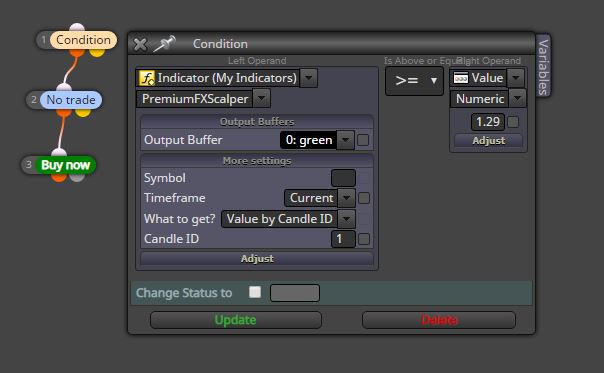
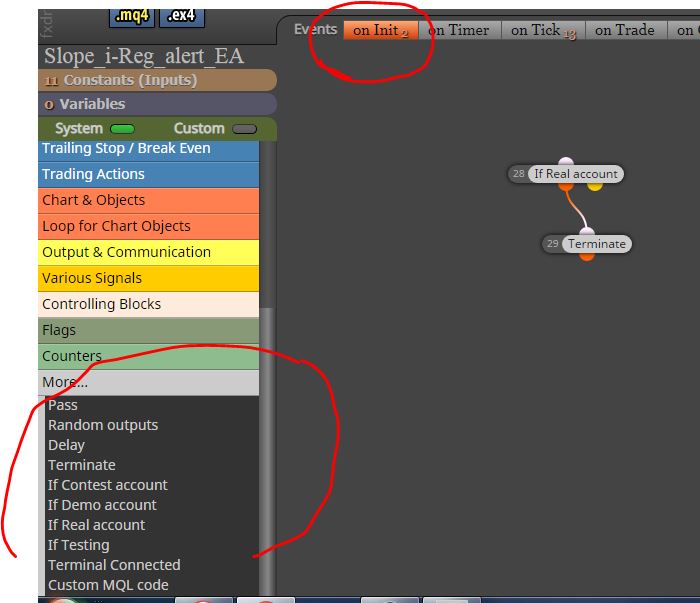
@navid i have no problem also with BBstop
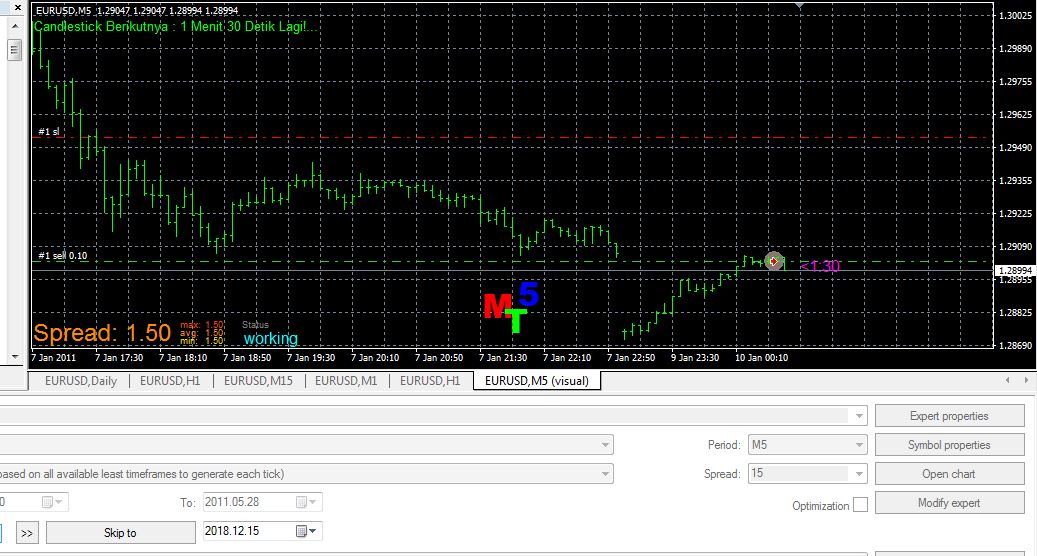
@navid however your indicator "momentum on chart ...." has some problem, it gives me error "zero divide" I do not know why

@navid your tester say "cannot open file unnamed.ex4"
try to click .ex4 button, maybe appear some errors (instead the . mq4 button)
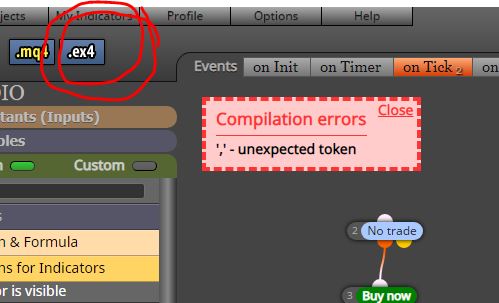
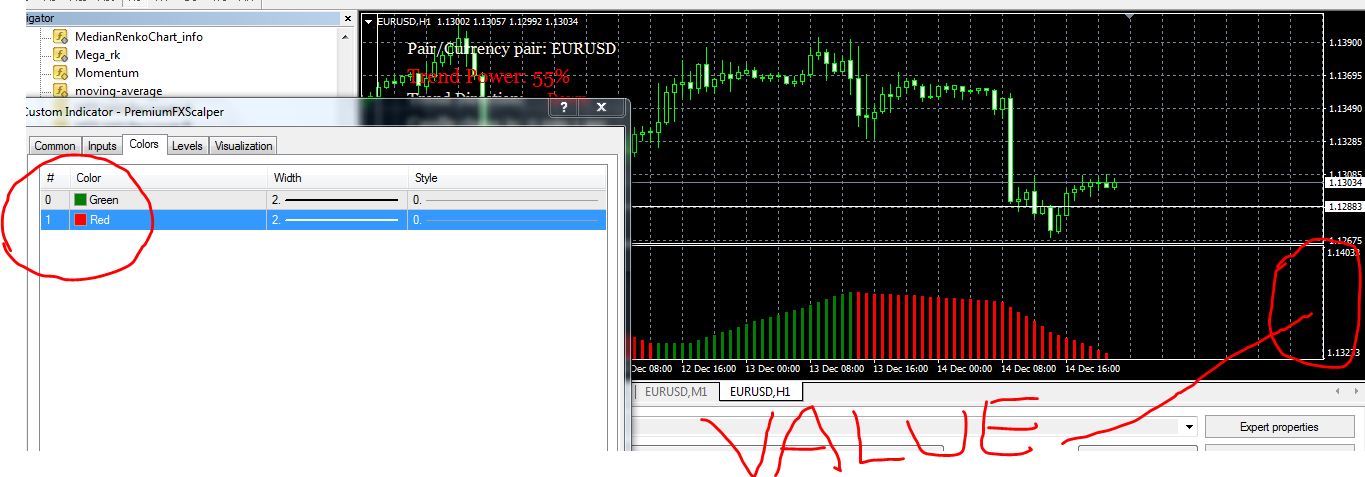
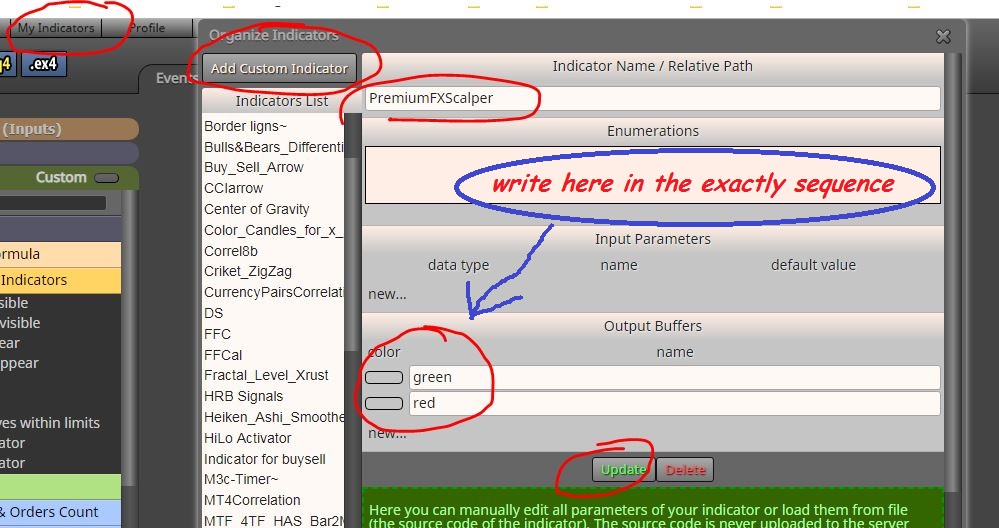
For .ex4 files you have to write the color of the buffer manually, you can find the match of the buffers and colors in the indicator tab when you attack it on the chart
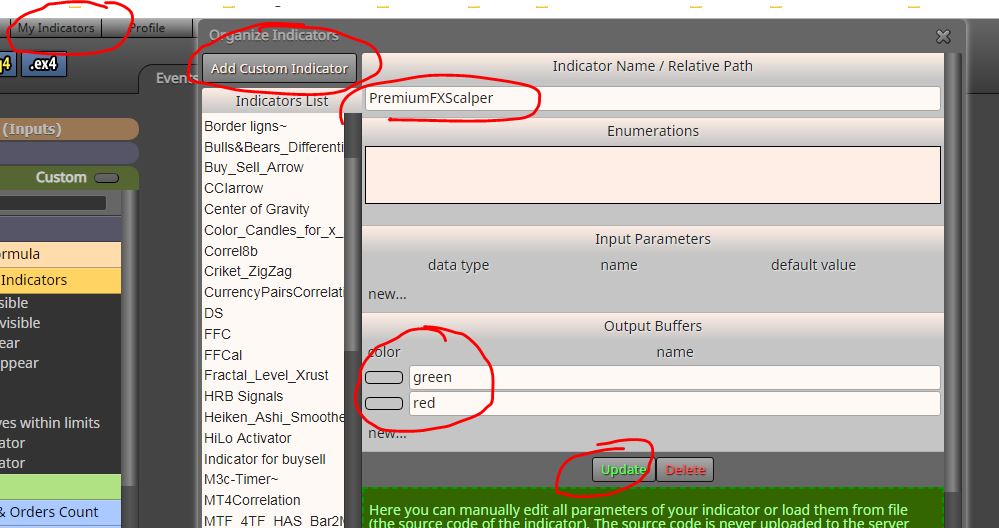
and then as above
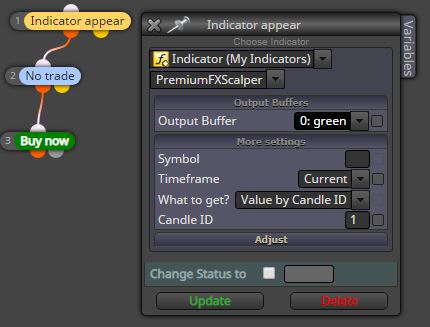
@navid first you need to upload your indicator to the list of custom indicators
I renamed your indicators for convenience
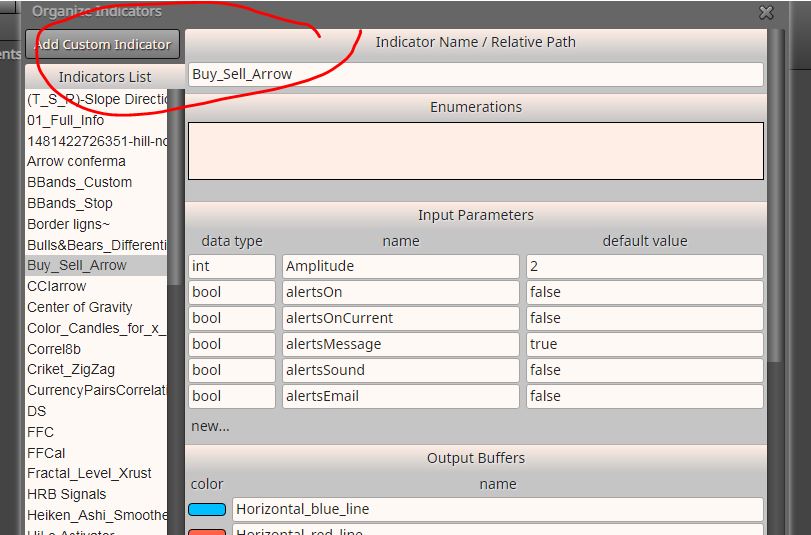
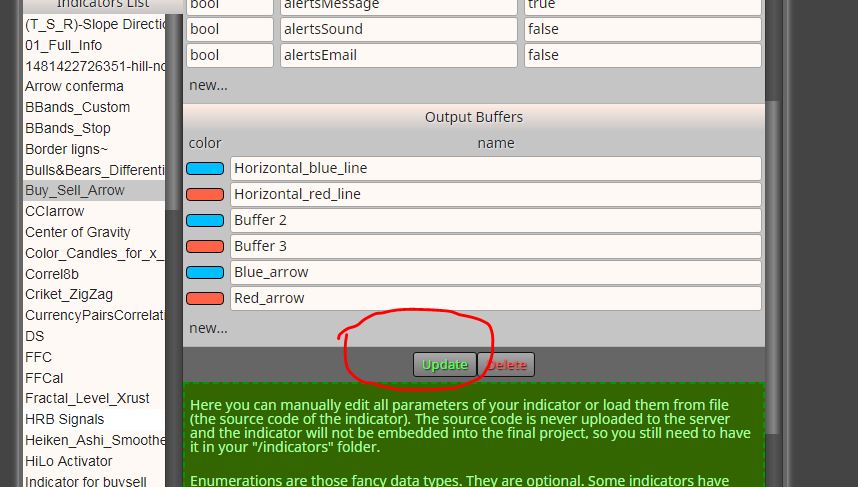
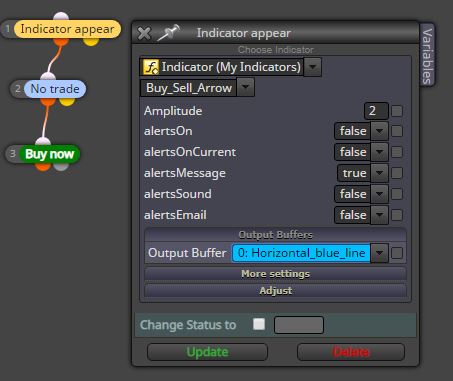
you can use "indicator appear" block, then choose the purchase or sale buffer (blue or red)
@wandile hi, take a look at this page, there are a lot of examples
however this is with the traling stop
0_1544633441918_PARABOLIC_SAR_FX_DREEMA.mq4
@shepherdoak here you go, delete these links
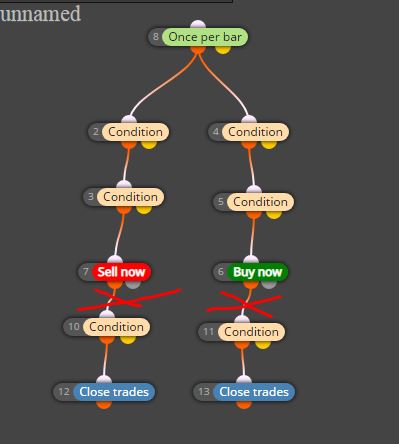
@ali-4 you must search supertrend indicator online and add to the list, i don't have it anymore
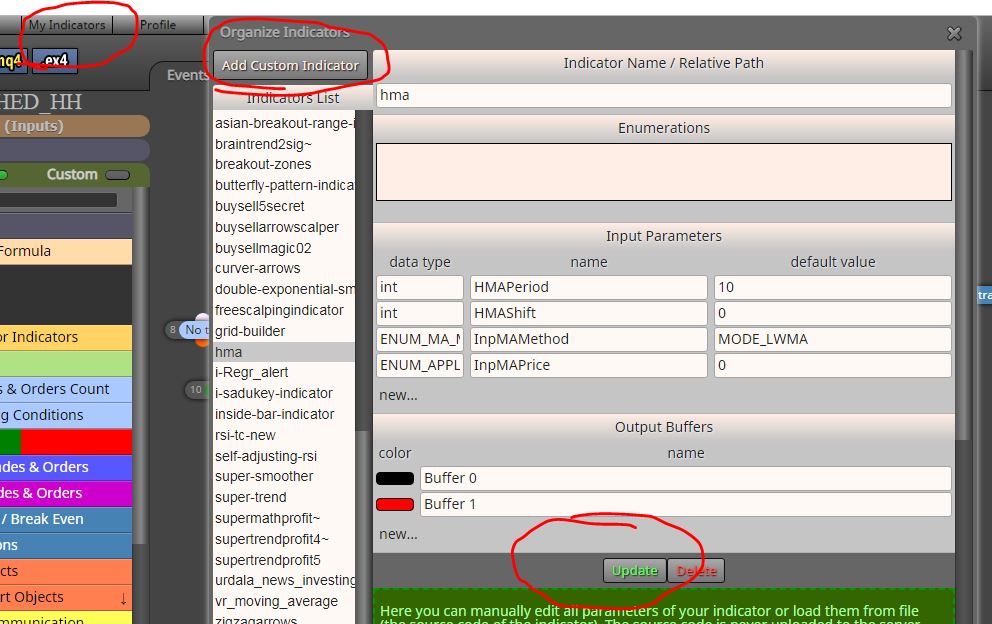
I'll attach the hma indicator to you as i had already
You must place them in indicator folder of MT4 and after add them to the custom indicator list of Fxdrema builder
@ali-4 they are not standard indicators, you must add them to custom indicators
in any case, adjust the condition: closing candle <MA and not crossing
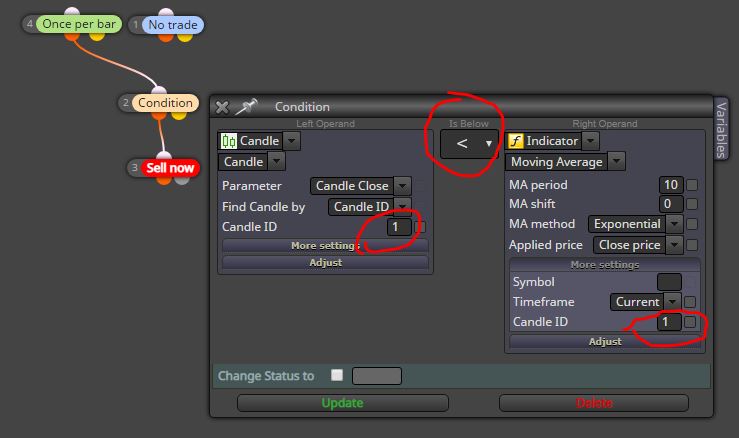
@asif why do not you try? opens at each bar if the condition is reached in that bar
@asif place "once per bar" block instead of "no trade" block
@txzz for the expiration many brokers do not accept value less than 10 minutes for example, other 12 minutes, depends on broker
to set the seconds try with the custom expiration
@moon I do not know, I found this I hope you find it useful
https://www.mql5.com/en/docs/constants/errorswarnings

@thilinawiz repair the arrow block