modify variable to 0 - for each trade/position (buys or sells) - add 1 to a variable with a formula block. This should constantly check if any trades are running, if not reset variable to 0

modify variable to 0 - for each trade/position (buys or sells) - add 1 to a variable with a formula block. This should constantly check if any trades are running, if not reset variable to 0
Good question but, it is likely the account
You can create this with FX blocks. but sometimes custom code works better and is easier, this will draw a line on previous day volume high candle, you can choose hour TF or current chart TF. Test on backtest, it is MT4 if you need MT5 and you struggle let me know: https://fxdreema.com/shared/XYlynIK4
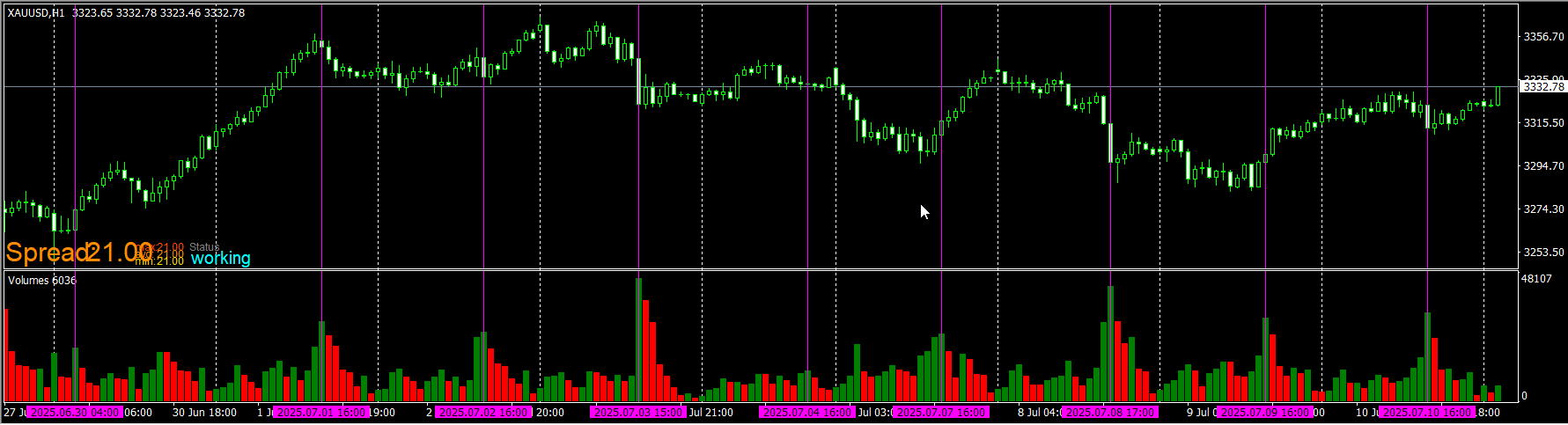
Most forex pairs are converted with the project options, anything else will be points still, if you drag your cross hair over the terminal screen, you will get the points value to use.
You can manually add indicators as you have done, spellings and order need to be correct. But 1st ensure in your terminal data window, there are buffers showing that has data you can access and use.
Set up a test project you can watch visibly on backtest, use pass once blocks, switch on/off evert time a cross happens...
when this happens save the price in a variable, then use that variable as the new trade stop.
To do this you will need to set up manually, something like this, on trade tab - trade closed by (sl/tp whatever works for you) - conditions for placing a trade - for each closed trade/position buy/sell using the last trade lot from a loop adjusted to however you want the new lot to be.
Use components to optimise, and convert them to a string to use in blocks like time filter.
MT4: https://fxdreema.com/shared/IbgvGjJY
MT5: https://fxdreema.com/shared/VpOj39mrc
@jstap Good mate, glad you sorted it. I said that first...
"Magic no is always there, the rest are created by boxes you have ticked in a block or two".
Magic no is always there, the rest are created by boxes you have ticked in a block or two.
Does this help? From Copilot (chatGPT)...
It sounds like your friend’s custom MT5 code used to reliably write to the log file via Print(), but after a recent update, the log location may have changed or the behavior of logging might have shifted slightly.
Here’s how to track down the new log file location and ensure the output is still being captured:
 Where MT5 Stores Log Files Now
There are two main types of logs in MT5:
 ️ If Nothing Is Showing Up
If your friend wants to make the output more persistent or structured, I can help them write to a custom file using FileOpen() and FileWrite() instead of relying solely on Print(). Want to go that route?
depends on traded asset and pip rules set in settings.
Trailing stop is the easiest way to achieve this, in the block using a separate tree to the one placing the trade, you can set start in pips from open price so stop doesn't move until price goes in the right direction. Stop is how for behind current price the stop should be, if price retraces the stop will stay in place until it's hit. Step is how often stop should move.
They are numeric, because although text is a string, it counts the tecx as a position (buy=0 sell=1, both=2) All I know is this compiled for me, it is tried and tested. Basically check if the enum text is what is selected in the inputs, if so activate blocks below, if not go through yellow and check the next. this https://fxdreema.com/shared/m27SSDMZd you can run on MT5 back test, and see that every time you change a input the drawn text will change.
