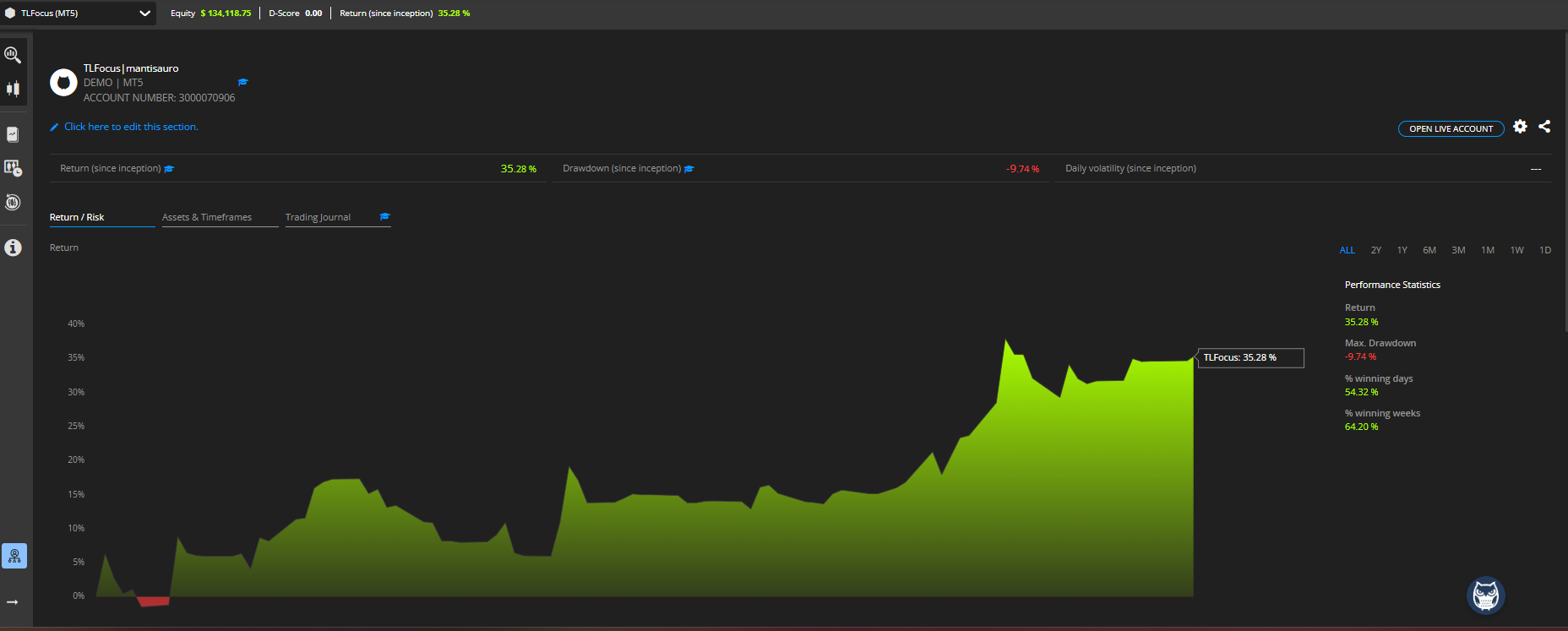
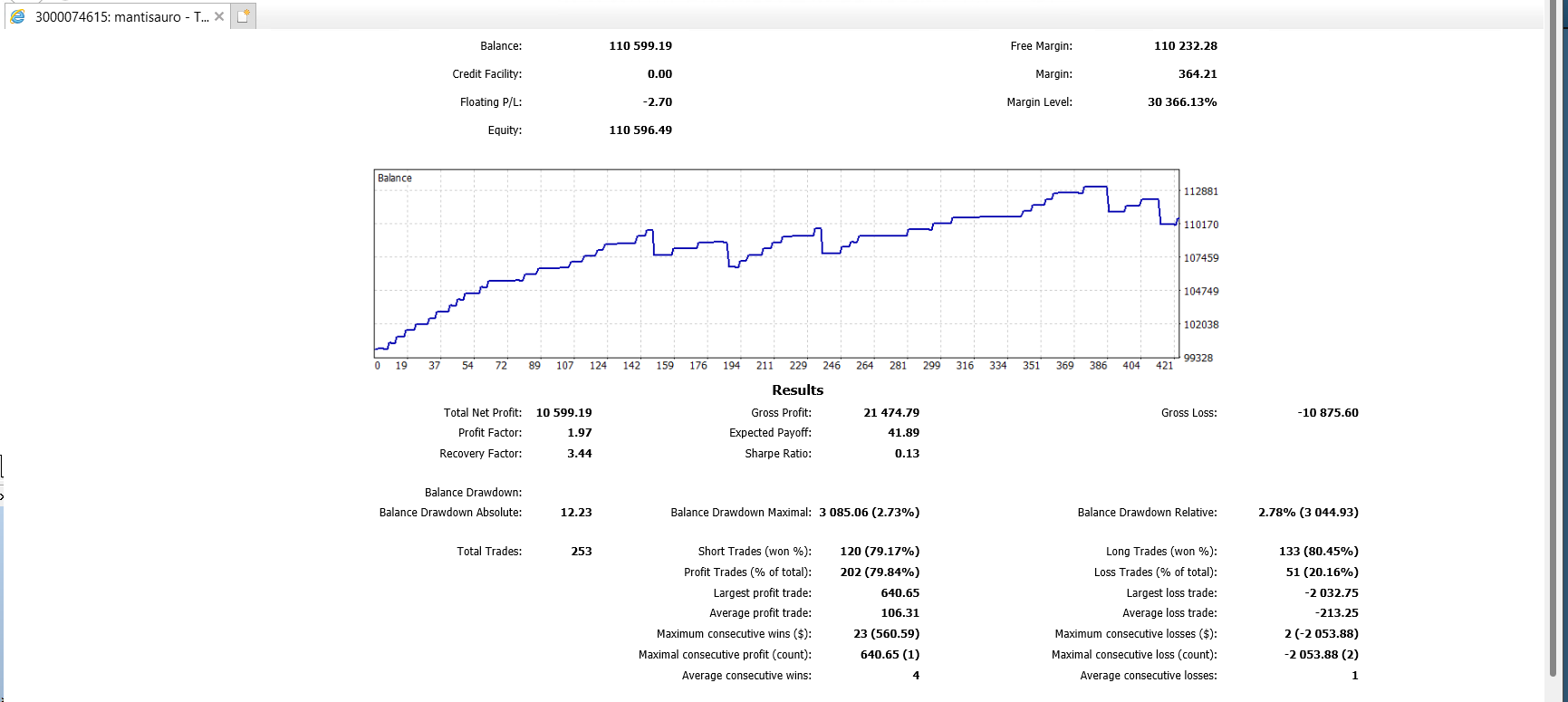
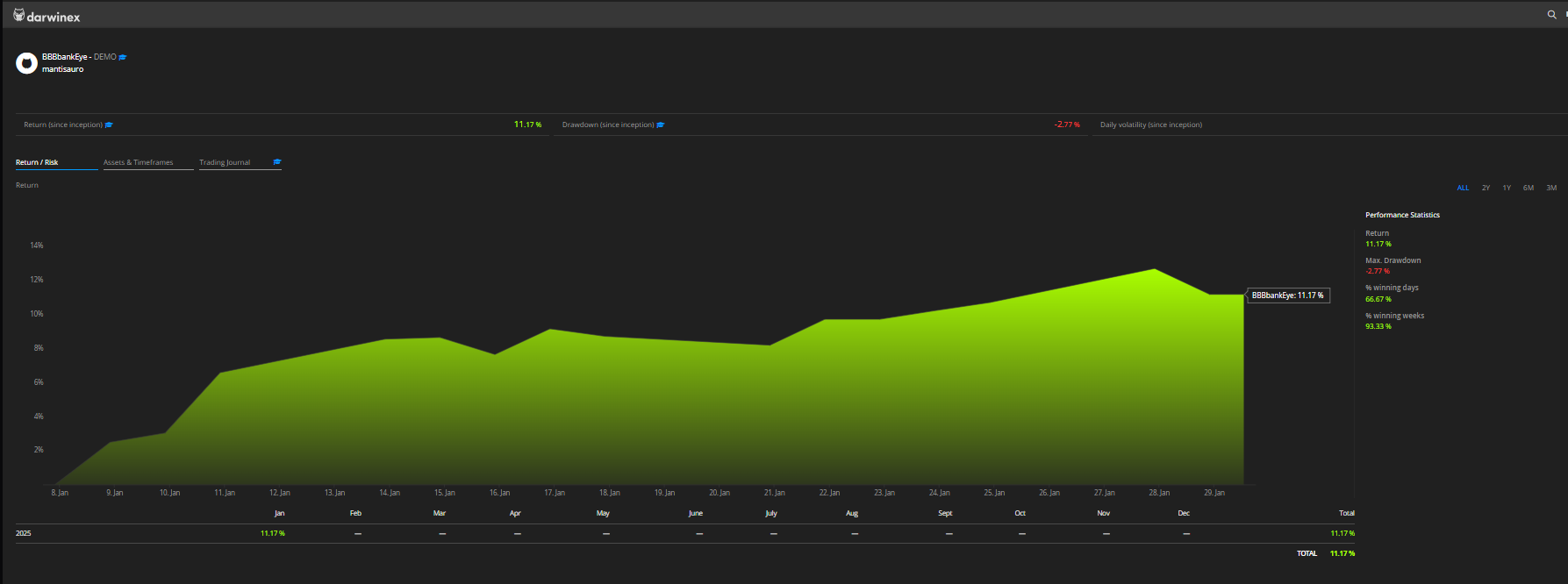
Hi mates here is an interesting tool is like an Strategy Quant but generates strategies with structions to build them in fxDreema, lol, you heard of it?, its name is Hyperion.
https://hyperion.clubpqtraders.com 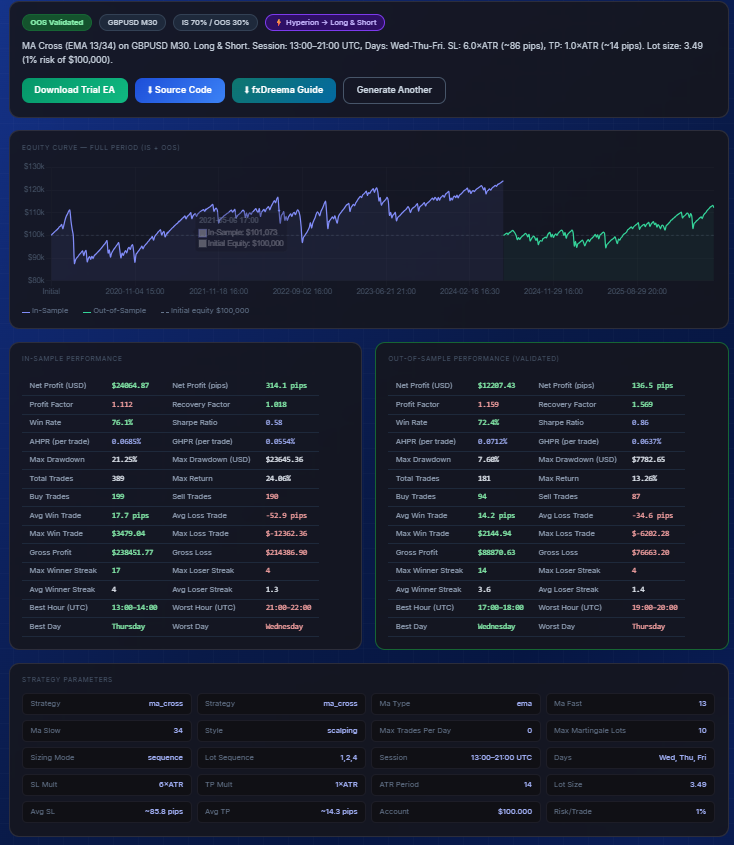
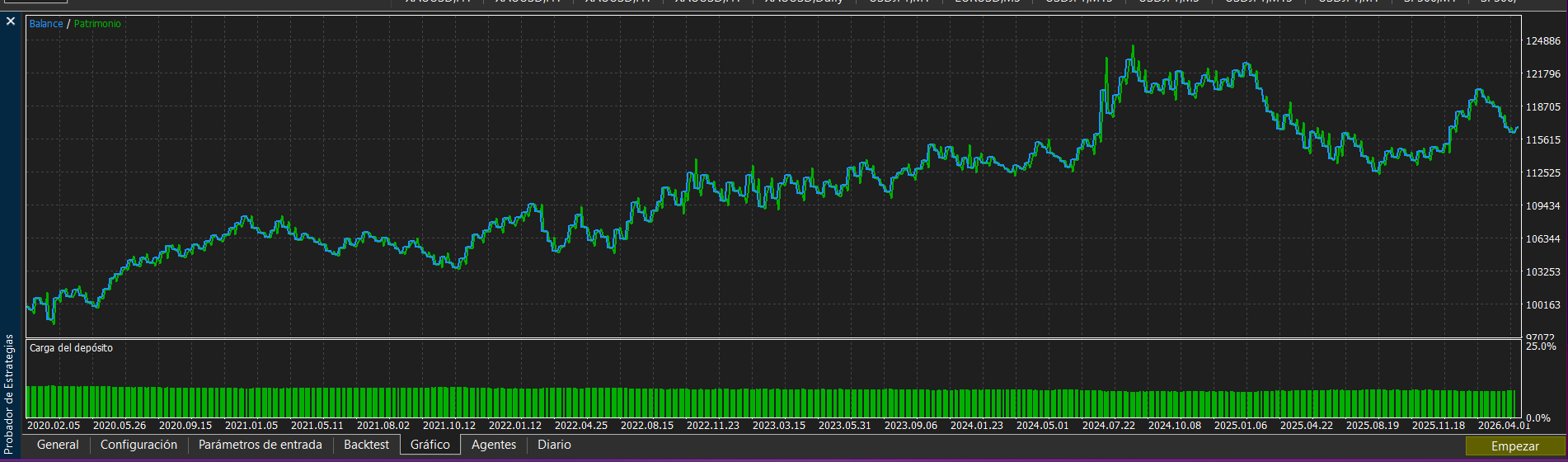

Here the instructions: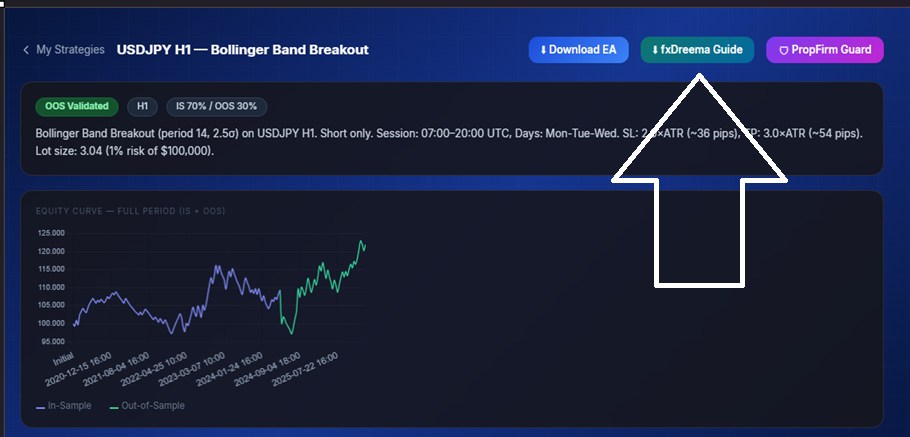
fxDreema Recreation Guide — Strategy Prime X (Hyperion)
IMPORTANT: fxDreema cannot import external MQL5 files. This guide walks you
through building the equivalent strategy visually from scratch in fxDreema.
STRATEGY SUMMARY
Strategy : Bollinger Band Breakout (period 14, 2
Pair : USDJPY
Timeframe : H1
Direction : Short only (Sell)
Session : 07:00 — 20:00 UTC
Days : Monday, Tuesday, Wednesday
SL : 2.0 × ATR(14)
TP : 3.0 × ATR(14)
Lot Size : 3.04
OOS Results (out-of-sample validation):
Profit Factor : 1.54
Win Rate : 50.0%
Max Drawdown : 7.09%
Total Trades : 52
HOW fxDreema WORKS (quick reference)
- Blocks are connected VERTICALLY (top to bottom)
- Orange output = TRUE / condition met → goes to next block
- Grey/White output = FALSE / condition not met → flow ends or goes to fallback
- Each block is a "checkpoint" the trade signal must pass through
- Project URL: https://fxdreema.com (create a free account to start)
STEP 0 — CREATE A NEW PROJECT
- Go to https://fxdreema.com and log in / create account
- Click "+ New Project"
- Set Platform: MetaTrader 5 (MT5)
- Set Symbol: USDJPY
- Set Timeframe: H1
- Click "Create" — you will see the visual editor canvas
STEP 1 — SET UP THE EVENT TRIGGER
- From the Blocks panel, drag "OnTick" event block to the canvas
(this triggers your strategy on every new tick/bar)
- Connect OnTick orange output downward to the next block
STEP 2 — ADD SESSION / TIME FILTER
- Add block: "Time Filter"
- Start Hour: 7 (UTC)
- End Hour: 20 (UTC)
- Add block: "Day Filter"
- Enable only: Monday, Tuesday, Wednesday
- Orange output from Day Filter → next condition block
- Grey output → do nothing (end of flow)
STEP 3 — ADD POSITION CHECK (NO STACKING)
- Add block: "Has Open Position?"
- Check for open trades on this symbol
- Grey output (no position open) → next condition block (signal logic)
- Orange output (position already open) → do nothing / end
STEP 4 — SIGNAL LOGIC (ENTRY CONDITIONS)
Step 1. Strategy type: bb_breakout — refer to the MQL5 source code signal logic section for exact conditions.
Step 2. In fxDreema: add the corresponding indicator blocks and connect them matching the signal logic.
NOTE: In fxDreema each condition block has an Orange output (condition TRUE)
and a Grey output (condition FALSE). Always connect Orange → next step.
STEP 5 — ADD ATR INDICATOR FOR SL/TP
- Add block: ATR (Average True Range)
- Period: 14
- Timeframe: H1
→ Store result as "ATR_Value"
STEP 6 — ADD BUY ORDER BLOCK (LONG ENTRY)
- Add block: "Buy Now" (or "Market Order — Buy")
- Lot Size: 3.04
- Stop Loss: ATR_Value × 2.0 (below entry price)
- Take Profit: ATR_Value × 3.0 (above entry price)
- Comment: "SPX_bb_breakout"
- Connect Orange output from LONG signal condition → this Buy block
STEP 7 — ADD SELL ORDER BLOCK (SHORT ENTRY)
- Add block: "Sell Now" (or "Market Order — Sell")
- Lot Size: 3.04
- Stop Loss: ATR_Value × 2.0 (above entry price)
- Take Profit: ATR_Value × 3.0 (below entry price)
- Comment: "SPX_bb_breakout"
- Connect Orange output from SHORT signal condition → this Sell block
(Skip the Buy block if Direction = Short only)
STEP 8 — COMPILE AND DOWNLOAD
- Click the "Compile" button (top toolbar in fxDreema)
- Fix any red indicators (wrong connections or missing block params)
- Once compiled successfully:
- Click "Download" → choose "MQ5 + EX5" (MetaTrader 5)
- You will get: strategy.mq5 (source code) + strategy.ex5 (compiled)
- Copy strategy.ex5 to:
MT5 → File → Open Data Folder → MQL5 → Experts
- Refresh MT5 navigator and drag the EA onto the USDJPY H1 chart
STEP 9 — BACKTESTING IN MT5 STRATEGY TESTER
- Open Strategy Tester: Ctrl+R (or View → Strategy Tester)
- Select your EA, Symbol=USDJPY, Timeframe=H1
- Set date range and modeling: Every Tick (most accurate)
- Click Start — compare results to SPX OOS metrics above
FULL MQL5 SOURCE CODE (for reference)
This guide is a companion to the .mq5 file downloaded from Hyperion SPX.
For the exact compiled logic, use the Source Code download button.
The fxDreema rebuild is for visual editing and further customization.
================================================================================
Generated by Strategy Prime X — Hyperion SPX
https://hyperion.clubpqtraders.com