I rented a indicator to do a only robô an ex5 file I can not put it in the fxdreema. How I do??
-
The indicator is an ex5 file from metatrader 5 and I can not put it on the custom indica |(
-
https://fxdreema.com/help/working-with/custom-indicators
https://fxdreema.com/forum/topic/4208/tutorial-06-my-indicators-in-fxdreema
in both topic is info how to add ex file into my indicators
-
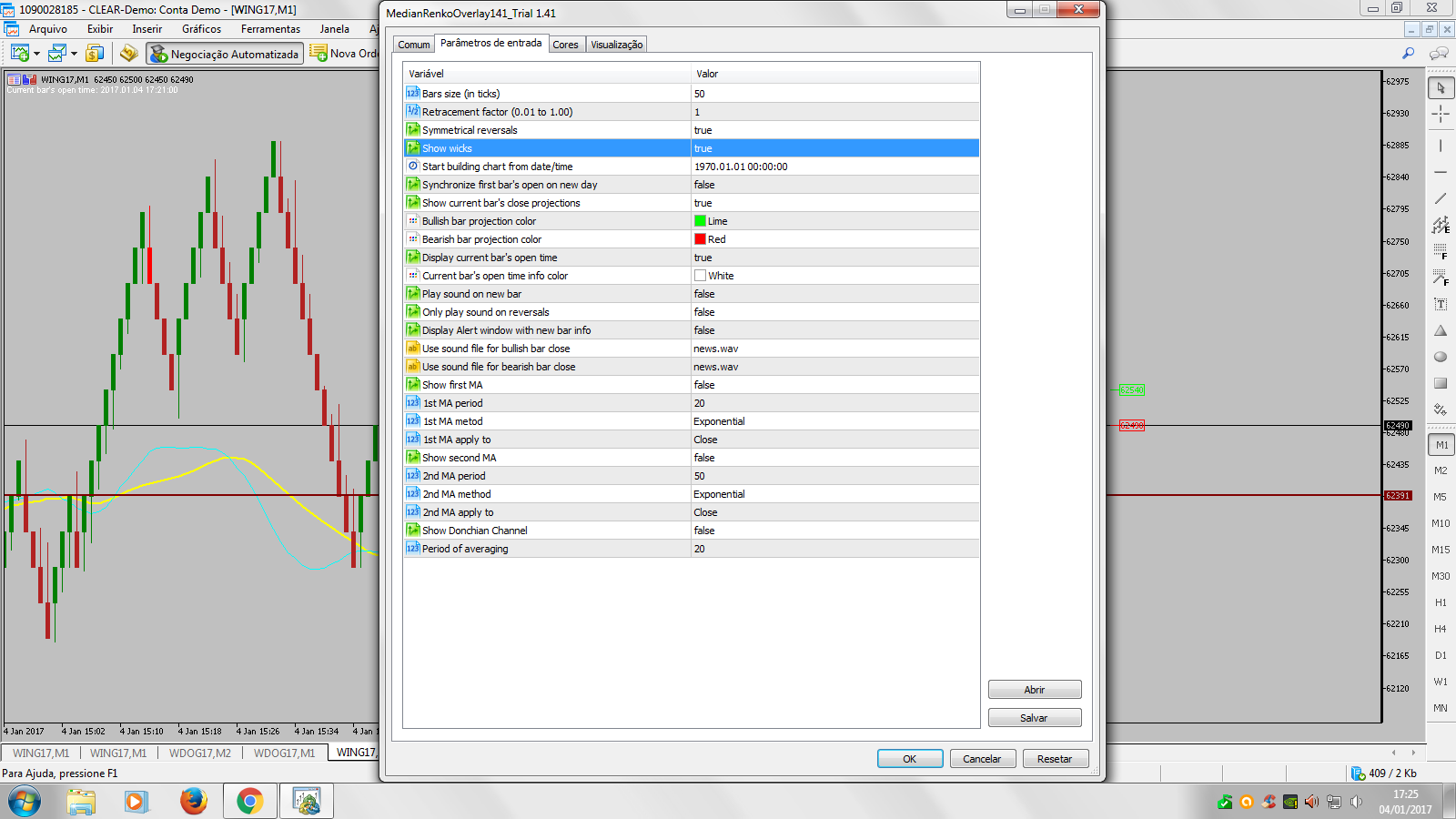
@miro1360, You are my hero kkkkkkkk, but I still can not, what are the other variations because I think not all are INT, see if you can decipher by the image ??
Variables
Buffers
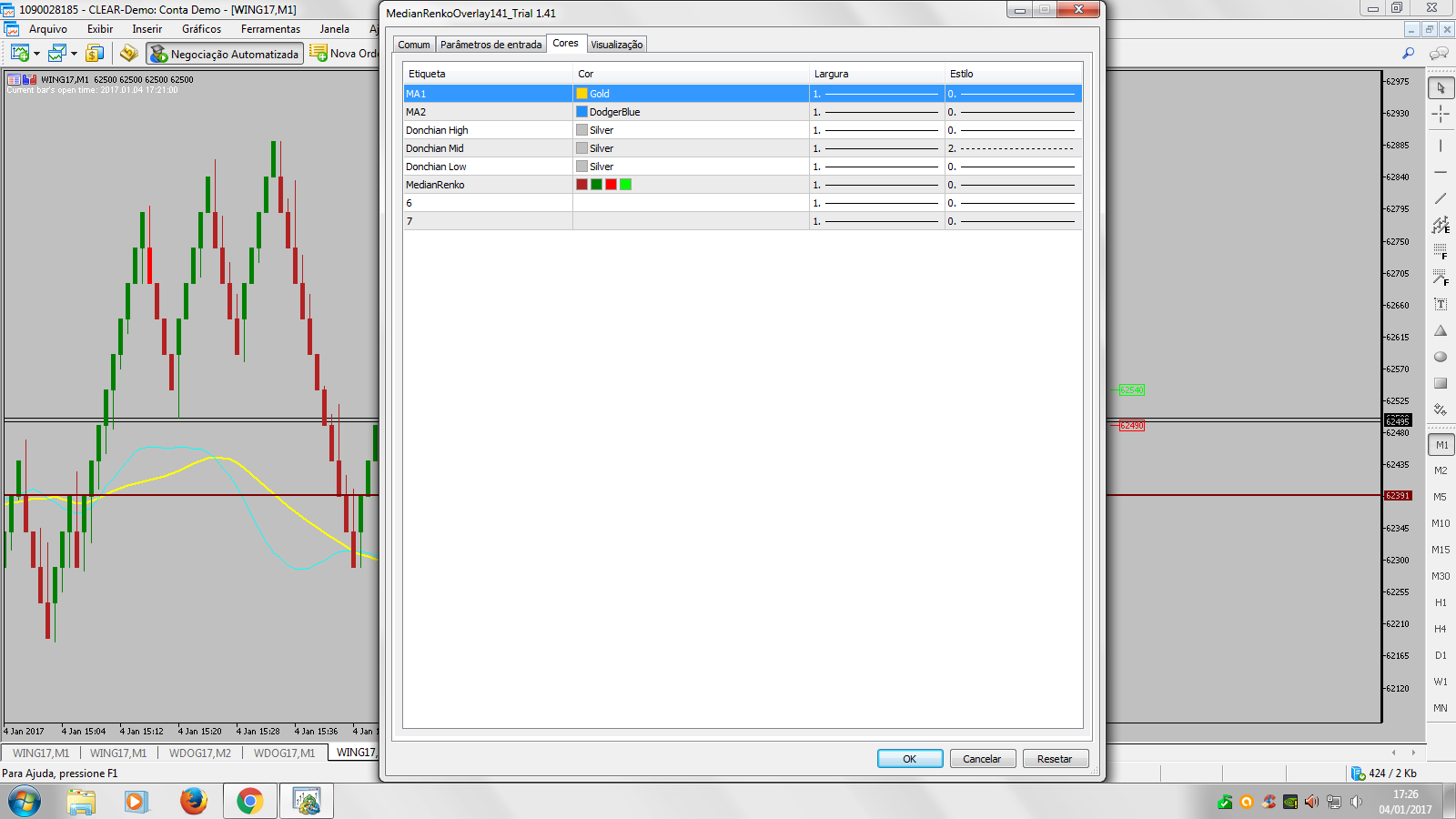
I think I'm doing it wrong.
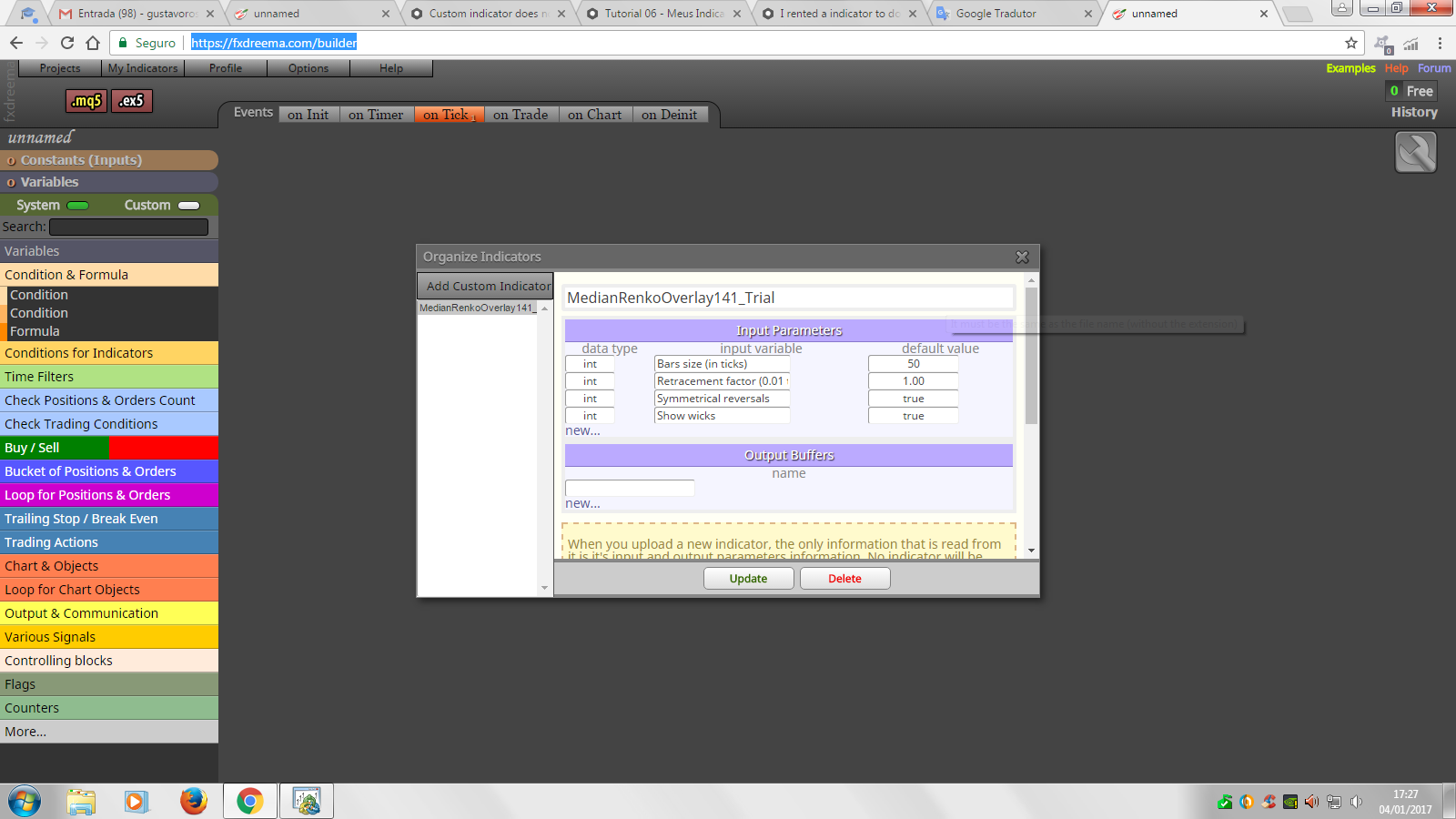
-
here are types:
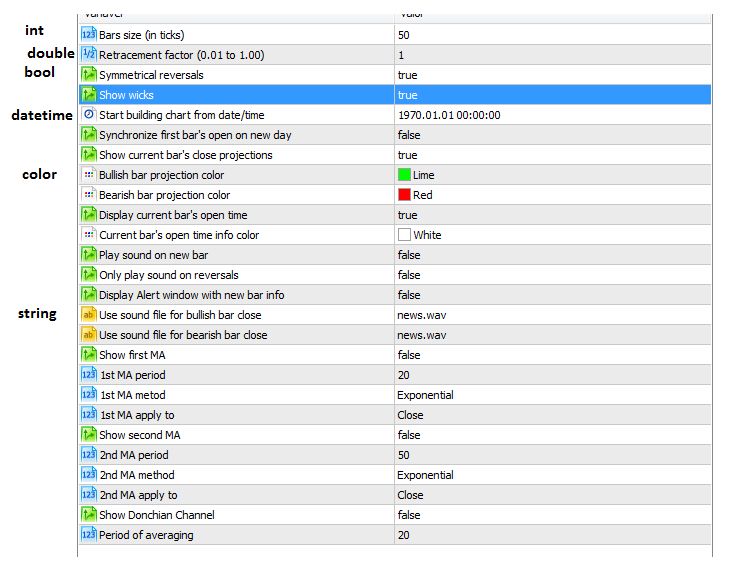
and buffers are numbered from 0 to 7 ...
-
Creating a robot is more difficult than I thought, the names of the various I think should not be put those. How do I find the right ones ?? Sorry my stupid !!
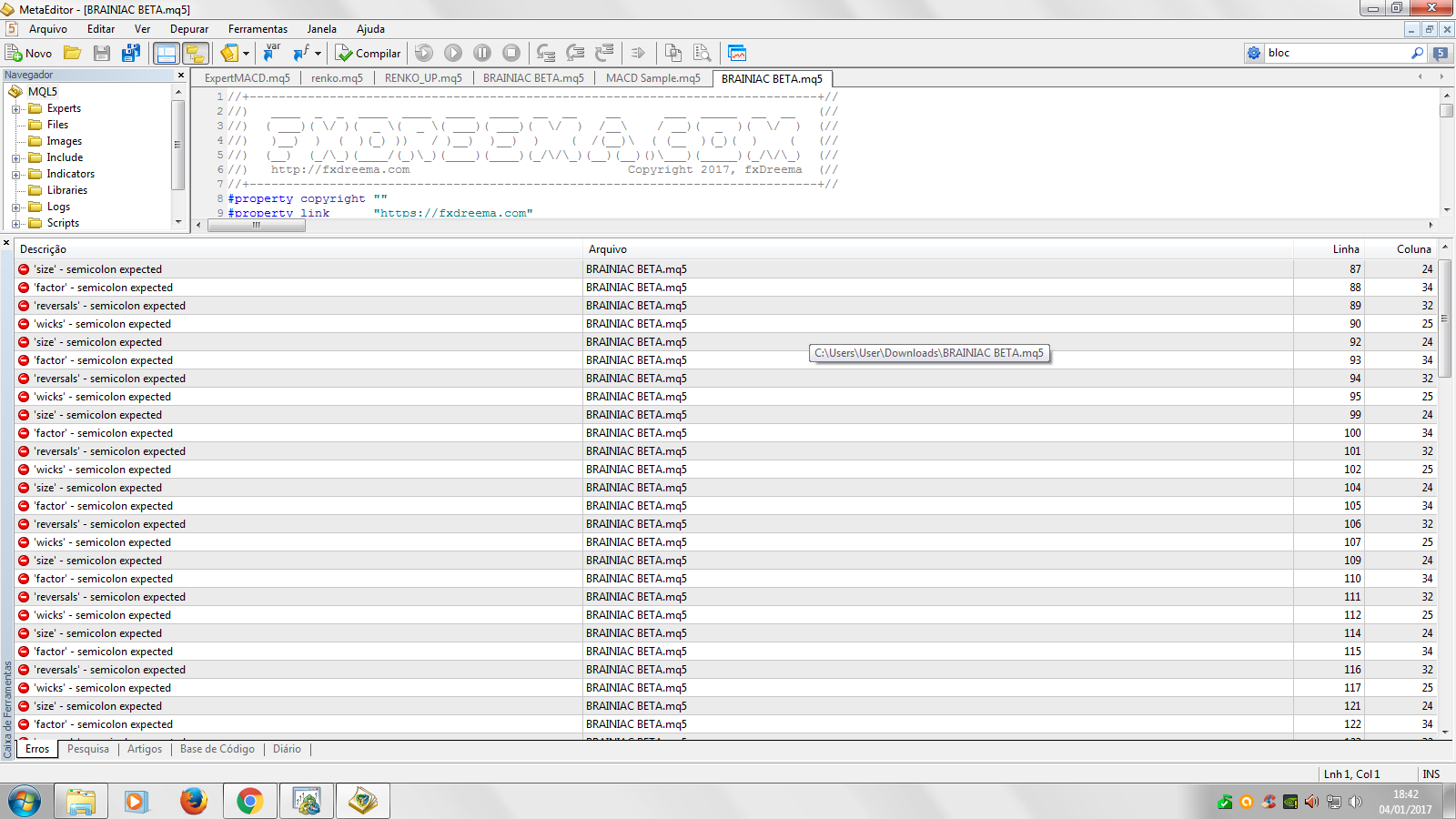
I think I did the opposite ?? Kkkkkkkkk
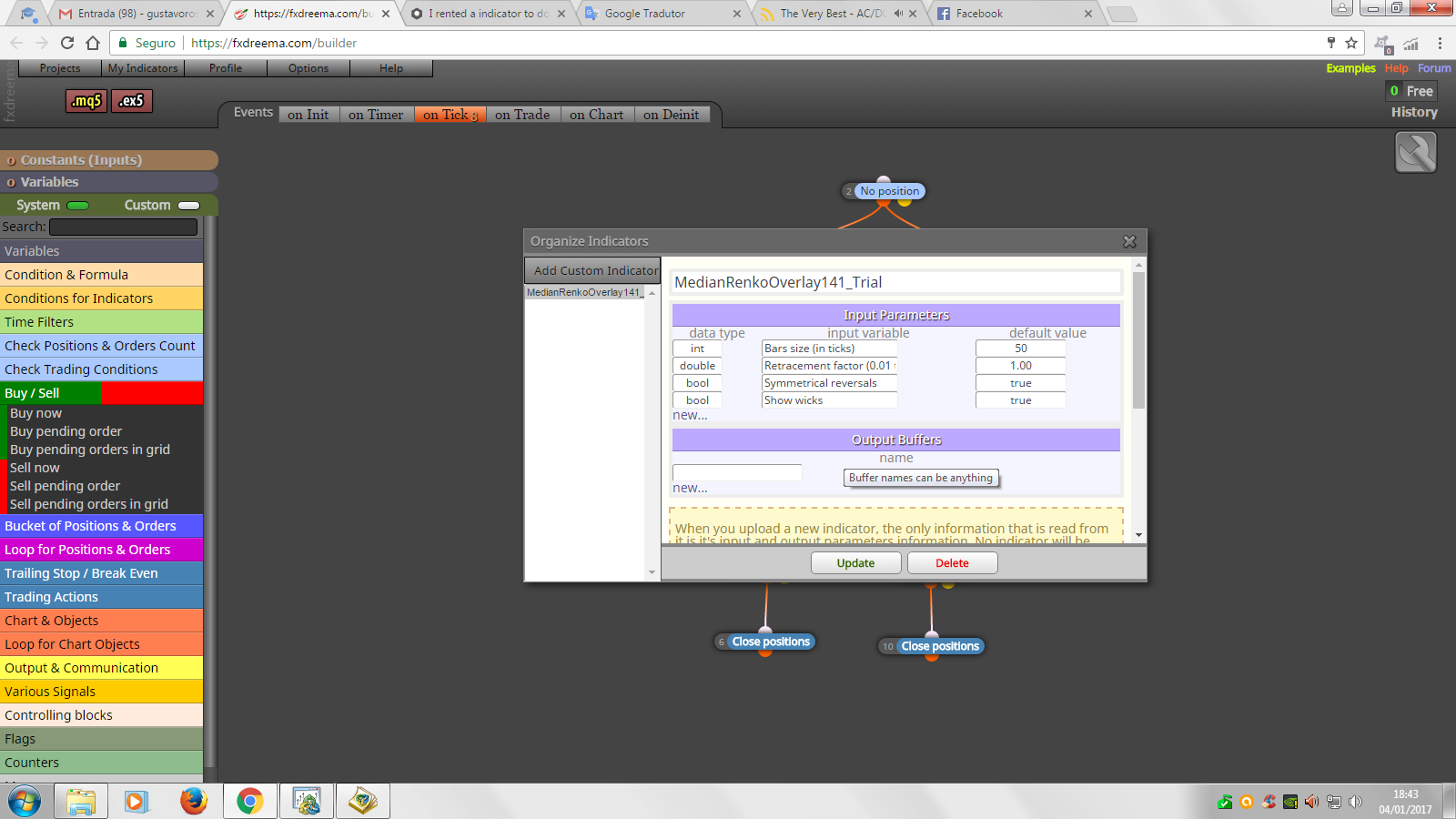
-
type all input parameters, one after another, like:
int barSize 50
double retracementFactor 1.0
bool symmetricalReversals true
bool showWicks true
datetime startBuilding D'1970.01.01 00:00:00'
bool synchronizeFirst false
bool showCurrentBar true
color bullishBar clrLime
color bearishBar clrRed
etc., add all parameters ... last one is
int periodOfAveraging 20and output buffers names, define there 8 different buffers, like:
0buff
1buff
2buff
3buff
4buff
5buff
6buff
7buff -
@miro1360, What I want to do is easy but I'm still not getting it, it does not execute any order.
:S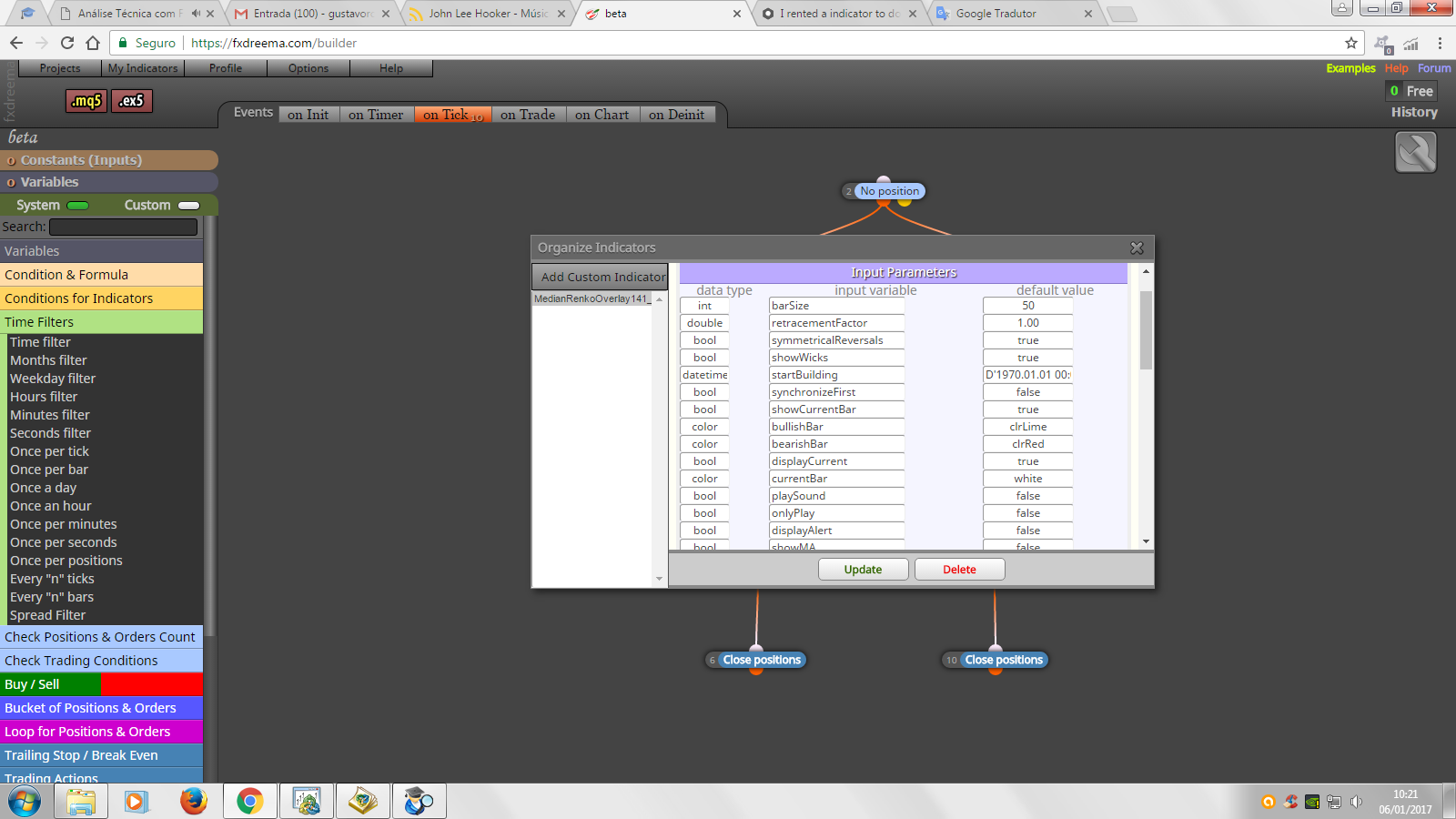
I need only 3 first variables.
Simple strategy when the bar renko 2 closes above the bar renko 1 buy and when the bar renko 2 closes down the bar 1 close position.
On sell when bar renko 2 close down from sale 1, when bar 2 close above 1 close position.
https://fxdreema.com/shared/KgpHGJtae -
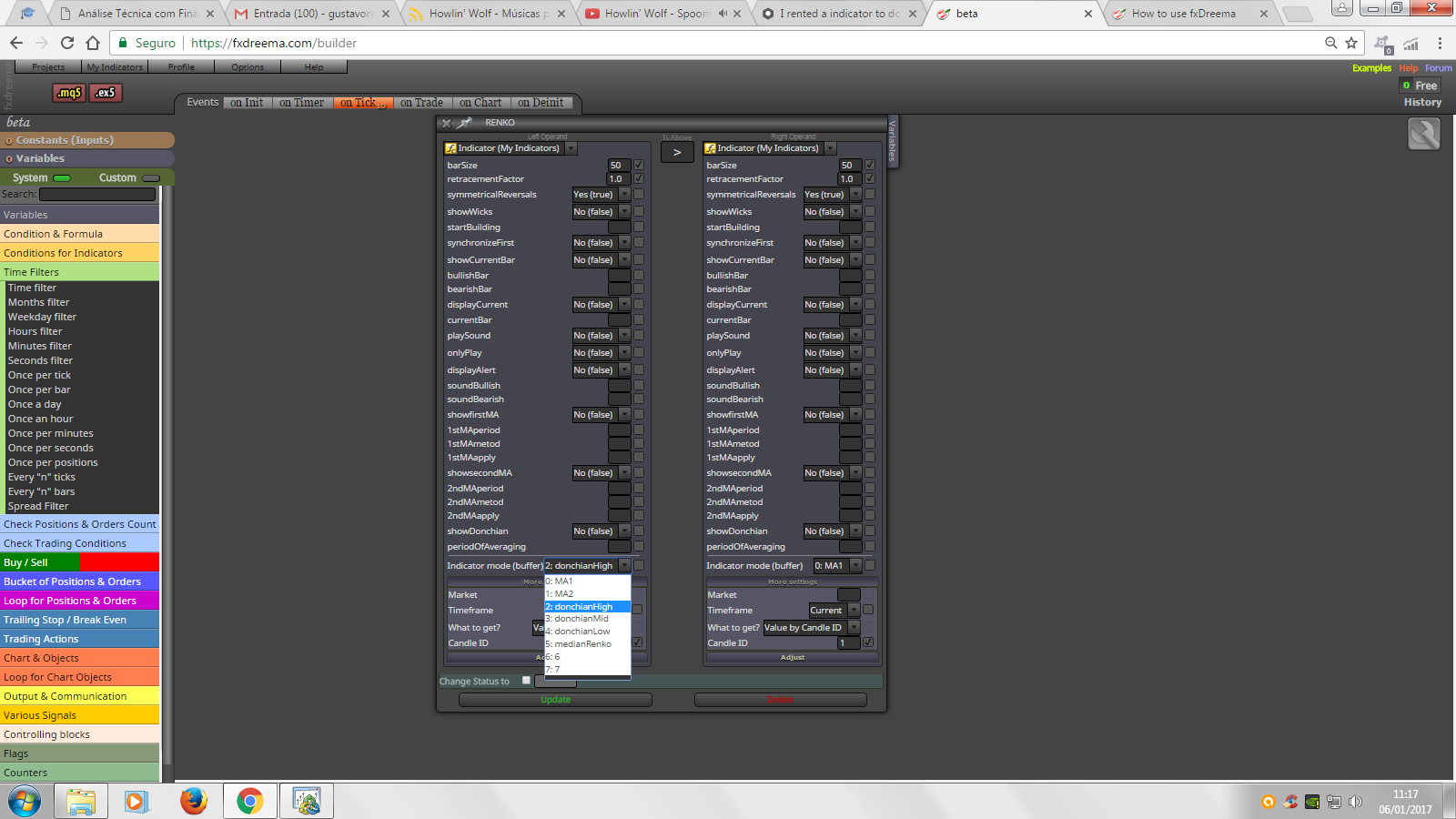
-
I dont know tell you exactly where is problem, but maybe it is possible to figure out ...
as buffer try to use "medianRenko" and compare it with value 1 for bull candle and 2 for bear candle, but this is only my blind shot, because I have not worked with this type of indicators ...
https://www.mql5.com/en/docs/customind/indicators_examples/draw_candles -
@miro1360, I continue with several problems, but now I've got a skeleton in mq5 that the FxDreema understands. These are Buffers
The list of individual output buffers is listed below for your reference:
#define RENKO_MA1 0
#define RENKO_MA2 1
#define RENKO_DONCHIAN_HIGH 2
#define RENKO_DONCHIAN_MID 3
#define RENKO_DONCHIAN_LOW 4
#define RENKO_OPEN 5
#define RENKO_HIGH 6
#define RENKO_LOW 7
#define RENKO_CLOSE 8
#define RENKO_TICK_VOLUME 9
#define RENKO_BAR_OPEN_TIME 100_1484078491223_MedianRenko_Skeleton.mq5
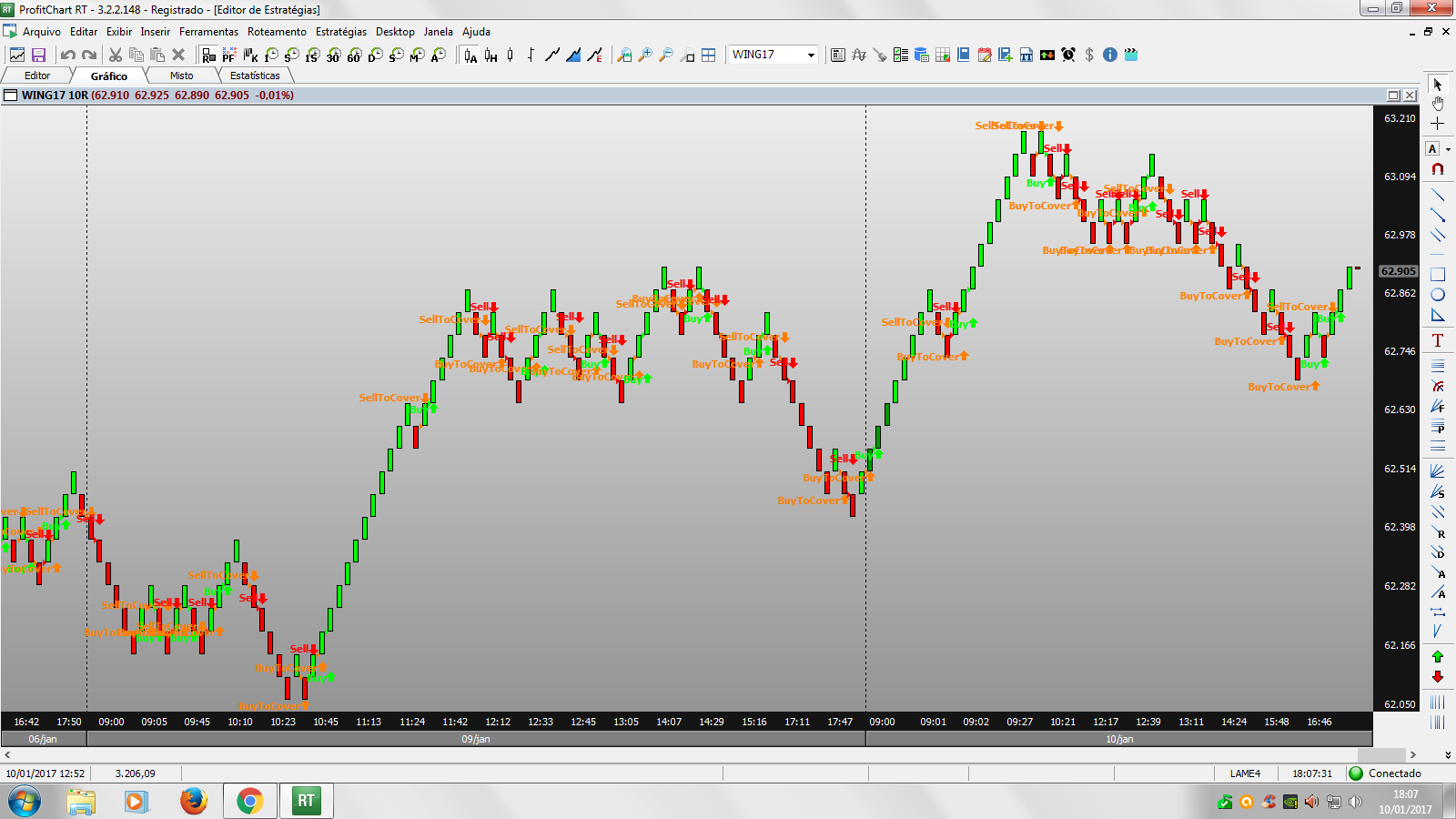
The idea of a robot is as in the image, if you form a bar renko green purchase, and the next red ends is simple !!
-
try to work with CandleColor[] buffer ...
it is buffer 6, or if are numbered from null, it is number 5 (0,1,2,3,4,5) ...
-
@miro1360, Do not understand! :s
-
it is hard to explain you what are buffers
 read about it more on mql5 ...
do you also know, that this renko strategy is not profitable? ... you are wasting time ... there was plenty strategies tested with renko, filtered with all types of indicators and was not profitable ... maybe something manually controlled ... -
#define .... This is not a buffer, this is just a constant definition that is available in the indicator only.
input ... These are the input parameters. Each one of these must be defined in fxDreema.
Now, there are some issues that can cause problems:Here...
input int barSizeInTicks = 100; // Bars size (in ticks)
      double customBarSize = barSizeInTicks * Point();
barSizeInTicks is an input parameter, but customBarSize is not. It only appears in the middle of all input parameters, which is kinda bad structure. Don't add customBarSize to the list of input parameters.
input MaMethodType MA1method = Exponential; // 1st MA metod
input BufferDataType MA1applyTo = Close; //1st MA apply to
MaMethodType and BufferDataType are defined inside the indicator file. If someone knows how the EA can see these, let me know. But I don't know. What I know is that the EA don't have a clue what these mean. The EA knows only those data types and enumerations that are defined by the system (that exist in MQL natively) or those defined in the EA itself. But the indicator is a separate program that connects with the EA via some function called "iCustom".
So, instead of MaMethodType use "int". The possible values are 0, 1, 2 and 3, but not Simple, Exponential, Smoothed or LinearWeighted.
Again, if someone knows how the EA can see those enumerations in the indicator, let me know.




