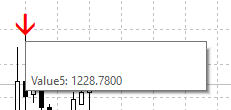
How To Extract data from every bar
-
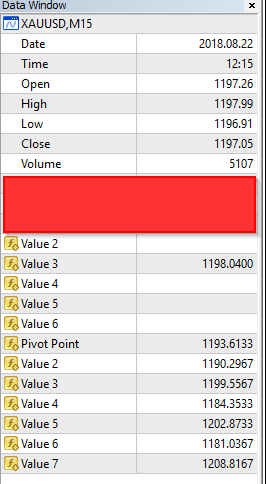
How to extract all the bar information from the Data Window?
-
extract where? into a file?
if you want every bar where signal arrow appear, you must create loop which goes through each bar or given bars count
I provided a lot of replies for loop examples, search for them in forum.
-
[0_1535361870544_Eurusd.png.pdf](Uploading 100%) Hi,
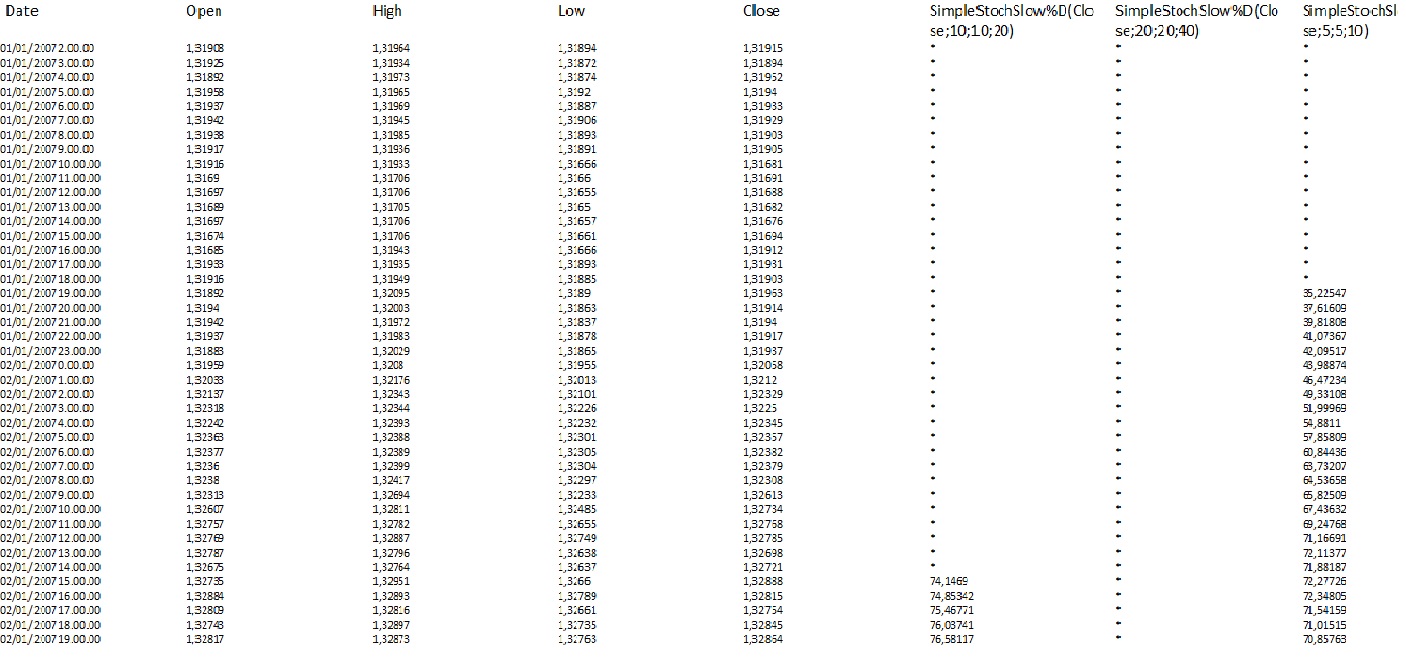
Me too; I would need to export data from the History Center (in .csv format) with attached values of the indicator I have chosen. (see example I attached).I would need a small example to follow; then I proceed alone: using "WritetoFile" Block
Thanks to those who want to help me.
-
I think this is not related to fxDreema.
I think it is possible to get the bars data from any data resource available over the net mainly if you want to get it in a CSV file.
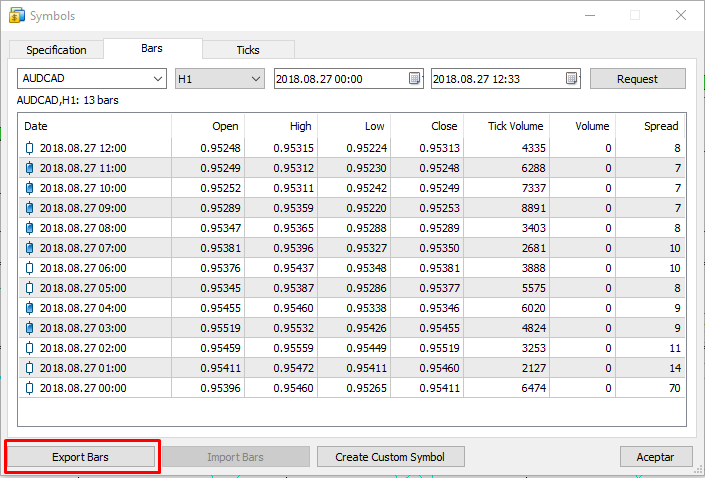
I think it is also possible to export the bars data from MetaTrader using the "Symbols" menu (Ctrl+U)
-
Thank you for your answer. I already knew how to export individual "quotes". But I am also interested in integrating them with the values of the indicator I have chosen.
Maybe you're right that with FxDreema, you can not do ... maybe, however, someone could help us.
Ex. Miro 1360 and / or others ... I do not despair.
-
lets say you are looking for example: save candles data into a file, where MA1 cross MA2 above
use tester, set Date period From-To to desired range
3 blocks is all will you need
and run this EA in tester
https://fxdreema.com/shared/l1FroNppccreated file is located in folder "tester\files\yourfile.csv
based on that you can change Condition block for your own to get another signals
-
Hi Miro 1360,
you are the Man!It works perfectly.
Many, many thanks
-
Hi Miro 1360,
can teach me how to write a script to loop back 50 bar and extract out the value 5 from an indicator
https://fxdreema.com/shared/yHrljsX1b
This is not working. -
maybe this Candle ID in Write to file block should be 1?