Copy and Paste Area
-
Hi all,
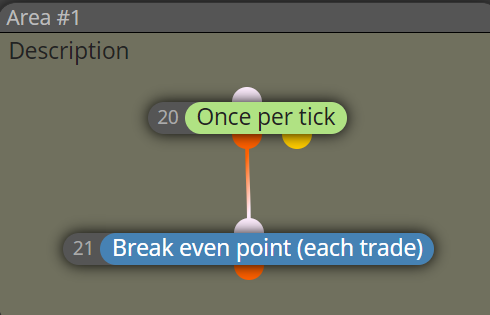
Is it possible to Copy and Paste the whole area - ie Copy and Paste Area#1 including blocks contained within?
Or even select multiple blocks (ie 20 and 21) at once to Copy and Paste?
Have tried "Shift + click" and "Ctrl + click" but doesn't work ....
-
@jim67
Drag your mouse and hold left button to highlight the block you want to copy, then right click, Copy. Then right click and paste. -
@cedietradermax Can still only copy and paste one block at a time. Can't seem to select multiple blocks - obviously doing something wrong ... thanks for your reply, I'll keep trying because says can copy and paste multiple blocks
-
@jim67 Apparently there must be a problem with your browser. You should be able to do it as CedieTraderMax explained.
-
As other people have said this is how to do it, I have found that using ctrl C & V doesn't work and you must right click, sometimes ctrl V will just past the last block copied and sods law says it will be just 1.


