How to add Custom MQL blocks to "Custom" blocks section?
-
Hi @fxDreema
I would like to save my "Custom MQL code" blocks in some way and have them available for other projects. I am doing that by copying my custom code blocks from one Project to other one.
I think that you have that option because there is a button beneath the "Variables" menu called "Custom" but I don´t know how to add them into it.

Please, could you explain how to do that? I mean to add our custom code blocks into the custom block menu.
Thanks
-
at the bottom is "Create Custom Blocks", click on that and it will navigate you to this page
https://fxdreema.com/studio/MQL4 -
Thanks @miro1360
I did not see that button.
-
-
try to follow this reply:
https://fxdreema.com/forum/topic/3375/Vectors-matrices-arrays-in-memory/3 -
Thanks @miro1360
I think that this block builder seems to be addressed to coding experienced people.
I was asking for a someway to add the "Custom MQL code" blocks that I have been using almost in every Project. As an example, I like to use one block from one of your tutorials:
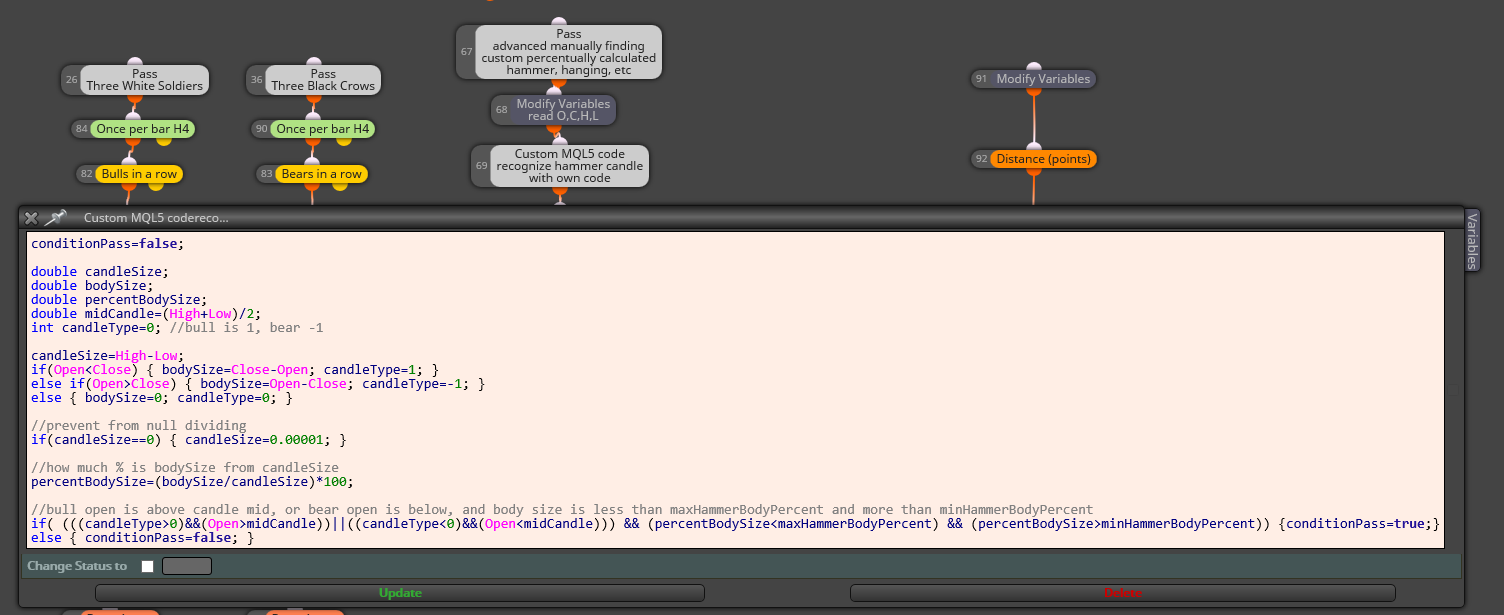
I would like to add that block to my "custom" block area to have it available on my account.
-
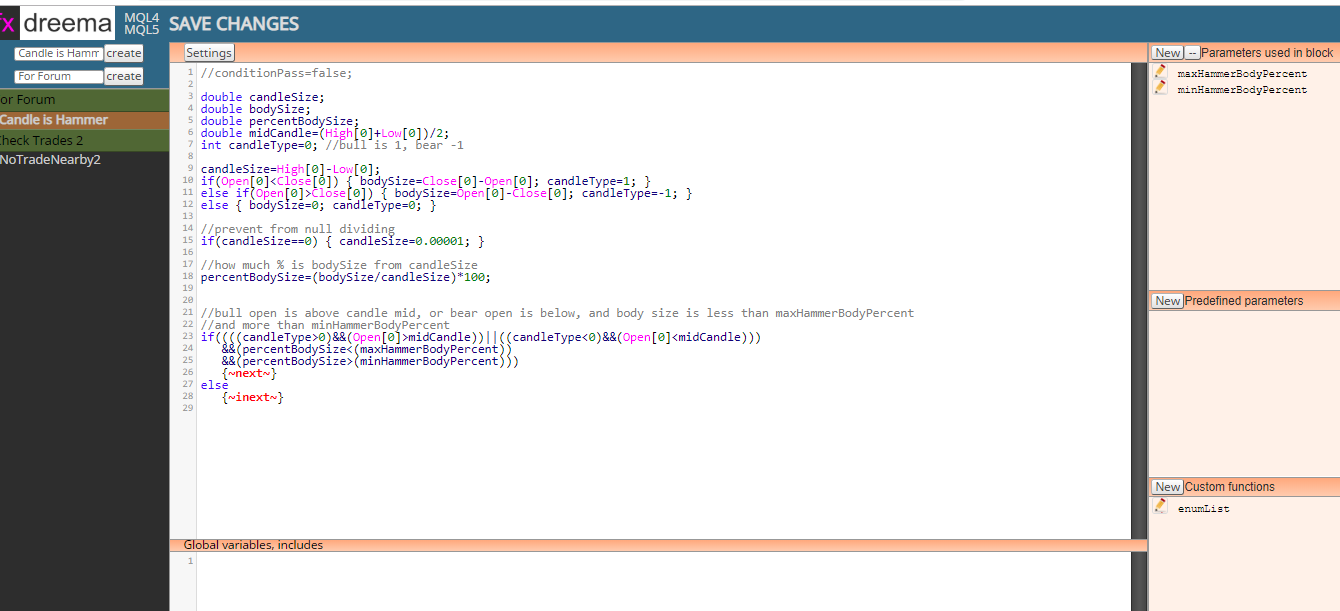
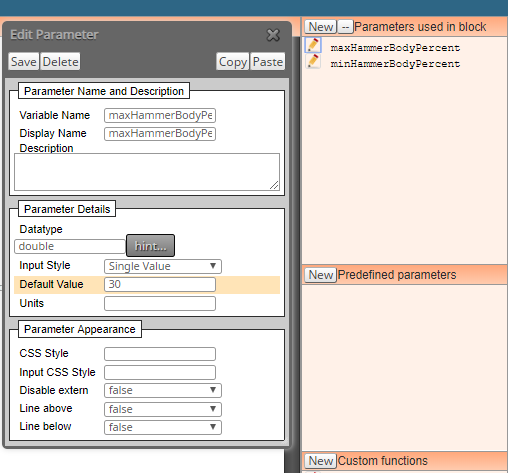
yes it needs a bit of coding experience, but not much, it depends ...

fast ctrl+c ctrl+v and result can be on the screen
-
Thanks @miro1360
I will try it.


