@stantham
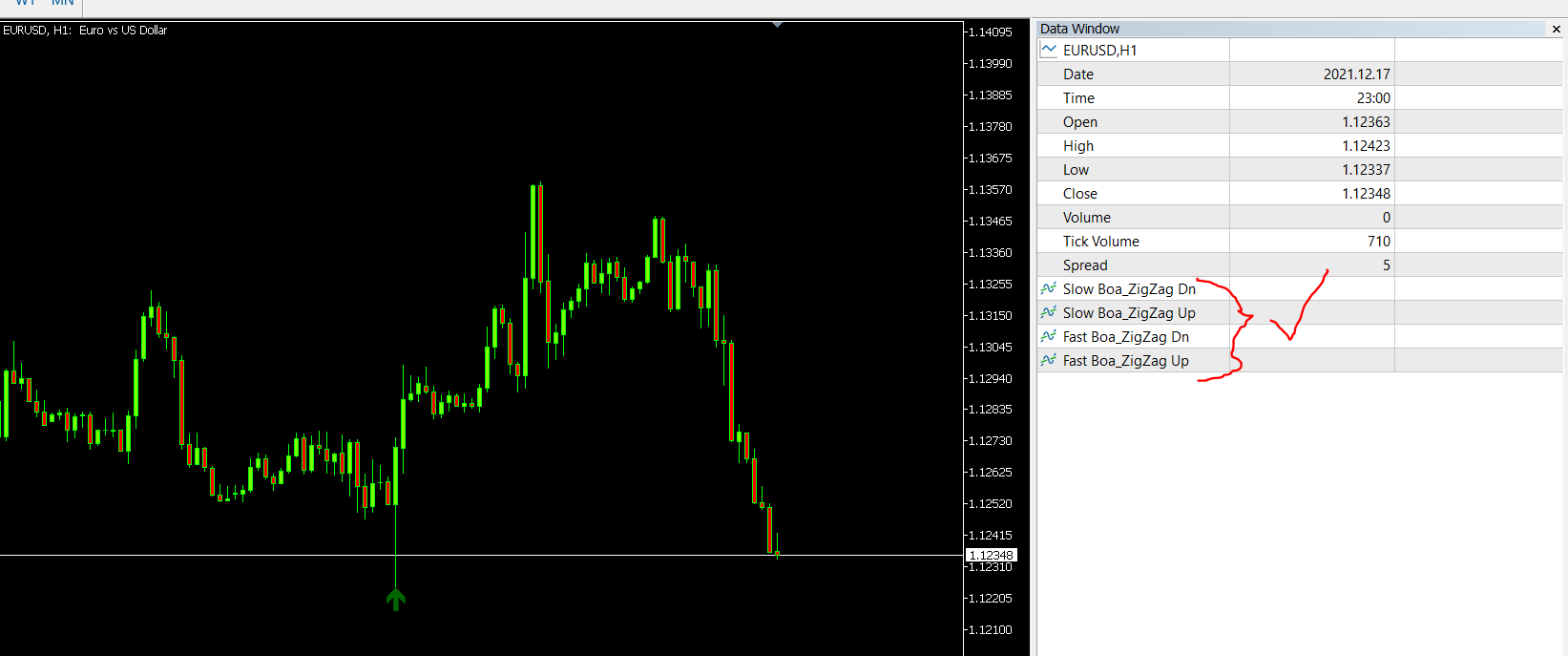
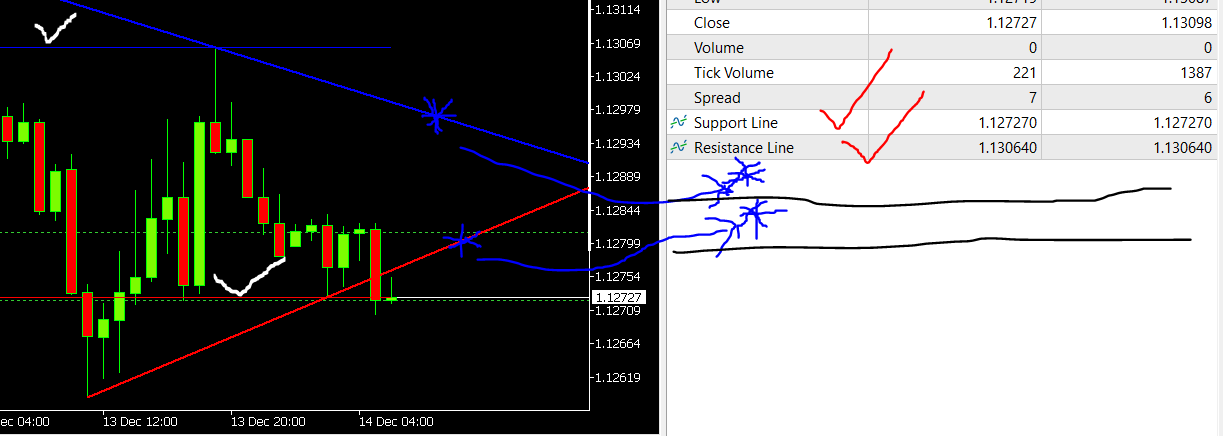
I know it does it... I have explained above there is some lines missing which is not showing in the data window. I also explained to you check each buffer output of the arrows(all 4 of them).
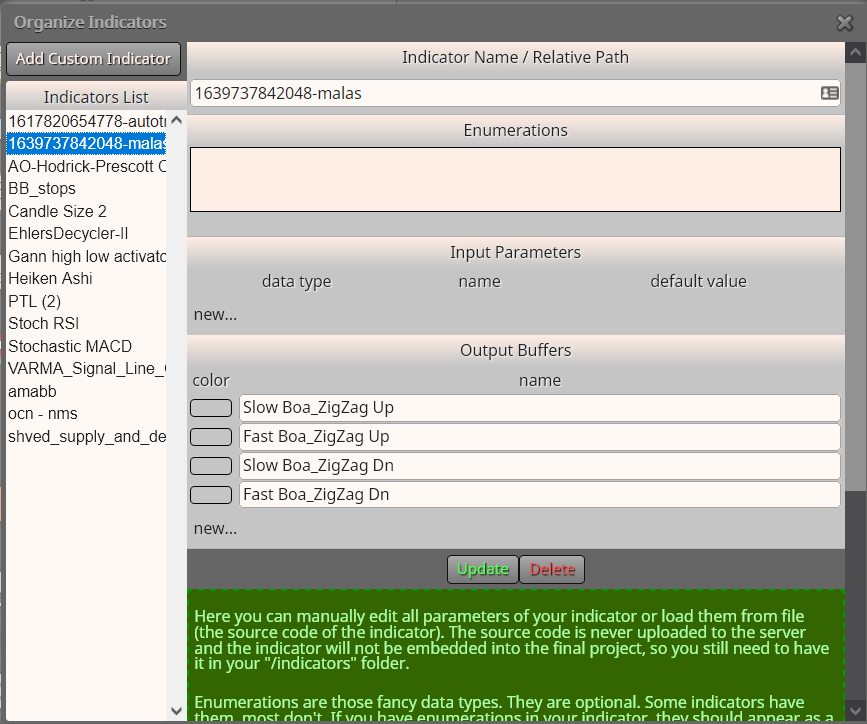
You will find there is slow and fast arrows.. I created 4 different buffers for you in Fxdreema , my indicators........... Two up for fast and slow and two down for fast and slow.
So what you can do, if you persist on using this indicator is, one of two things.
- You can contact the original coder and ask to show the missing buffers
- Choose a buffer of one of the arrows that's suitable for your strategy, and then use a condition block to help you take the order you are looking for.
You must know ..there is no way any coder can change the .ex5 file type. If it was a .mql5 file type then no problem they can change the code for you, but not the other way around.
This is my two cents... Maybe there is someone else with more knowledge and experience that can help you further, but I doubt it.
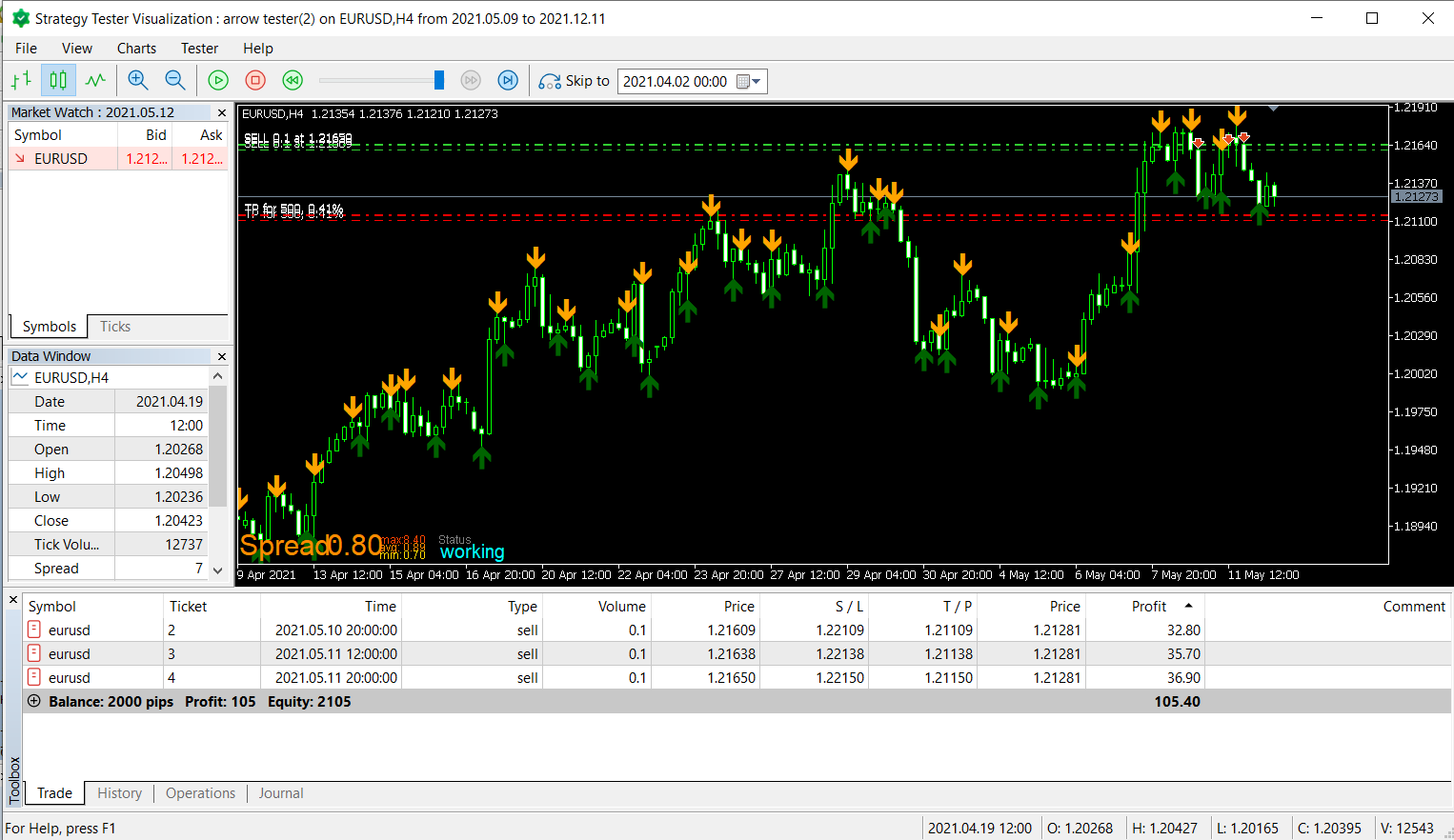
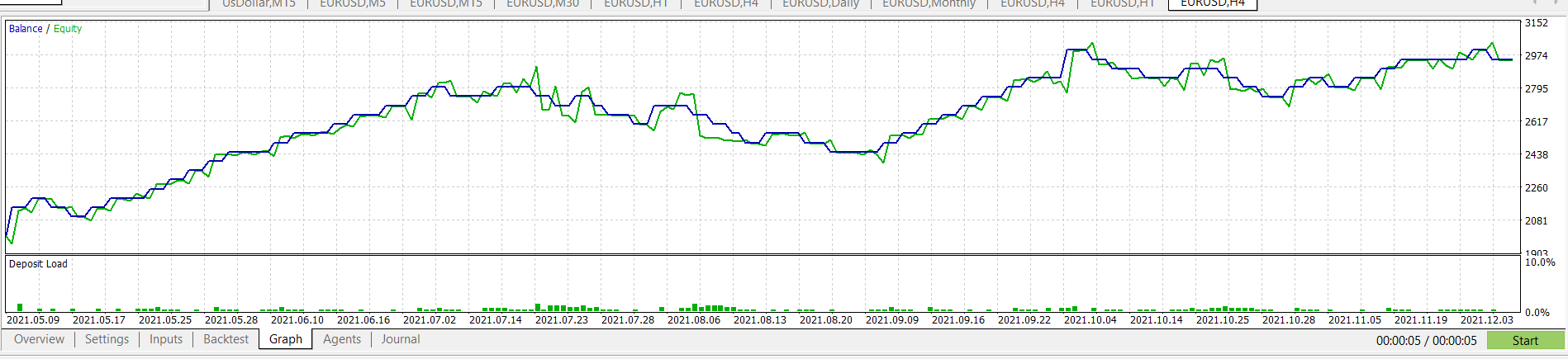
Btw... the project you are showing here is my project I made to show you as an example... Where is your project?

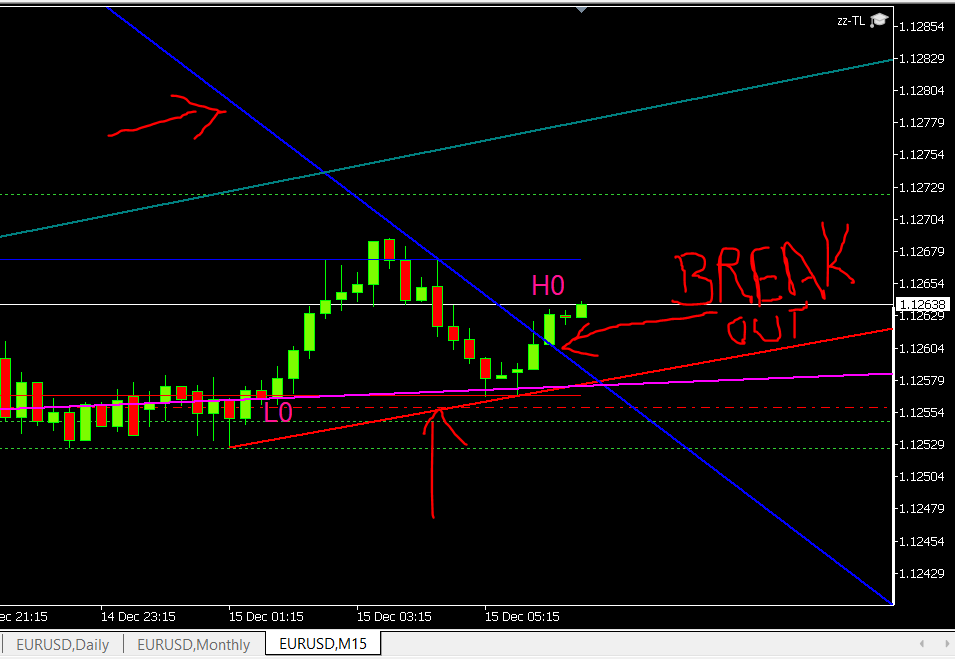 eurusd M5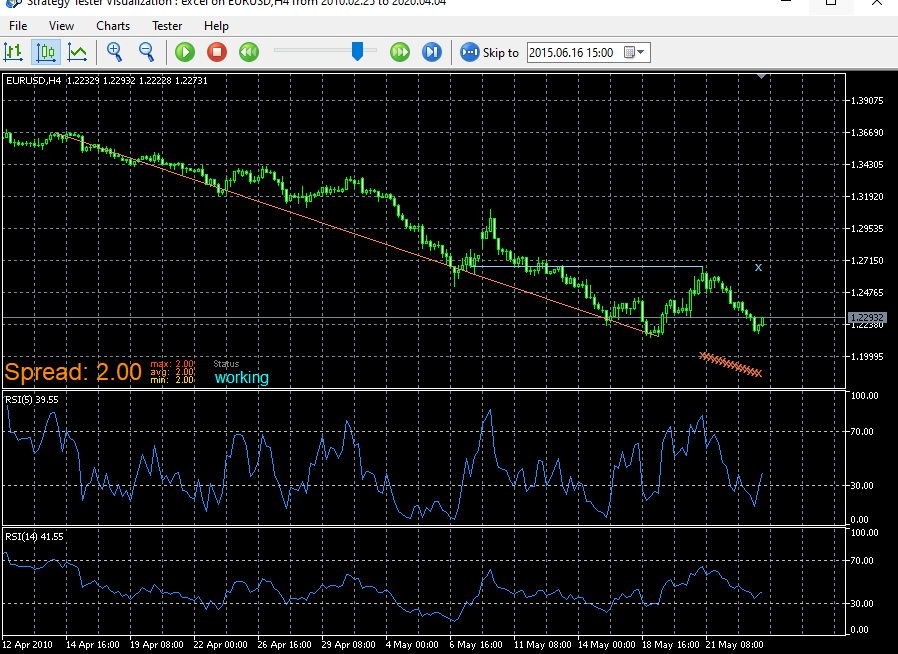
 Thank you for doing some maintenance again.