@tipsywisdom No I am working with MT4

@tipsywisdom No I am working with MT4
@l-andorrà Now that's a secret. But I will try to create a part of it and see if I get the same results and give the link. Anyway my bot works perfect but when I want to make changes or add a condition the modify stop doesn't work anymore and that means I can't use it. 1 part can't work without the others. I will work on a link tomorrow. But thanks in advance 4 sure.
@FXDREEMA Any Idea why it could export (convert) wrong. Or should I start over?
Ok I discovered where it goes wrong. Both A and B are the exact same robots. (A) is made in August 2019 and (B) is imported in to fxDreema today. I exported it with a different name and there are absolutely no changes made. The result is that modify stops isn't working anymore. See extra picture added.
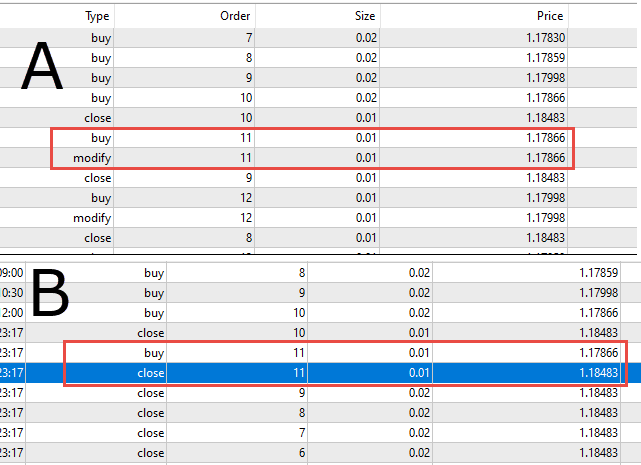
Below part of my EA and the error must be in block 75-78 I guess. Not in the way it was created but in how it's exported because nothing changed.

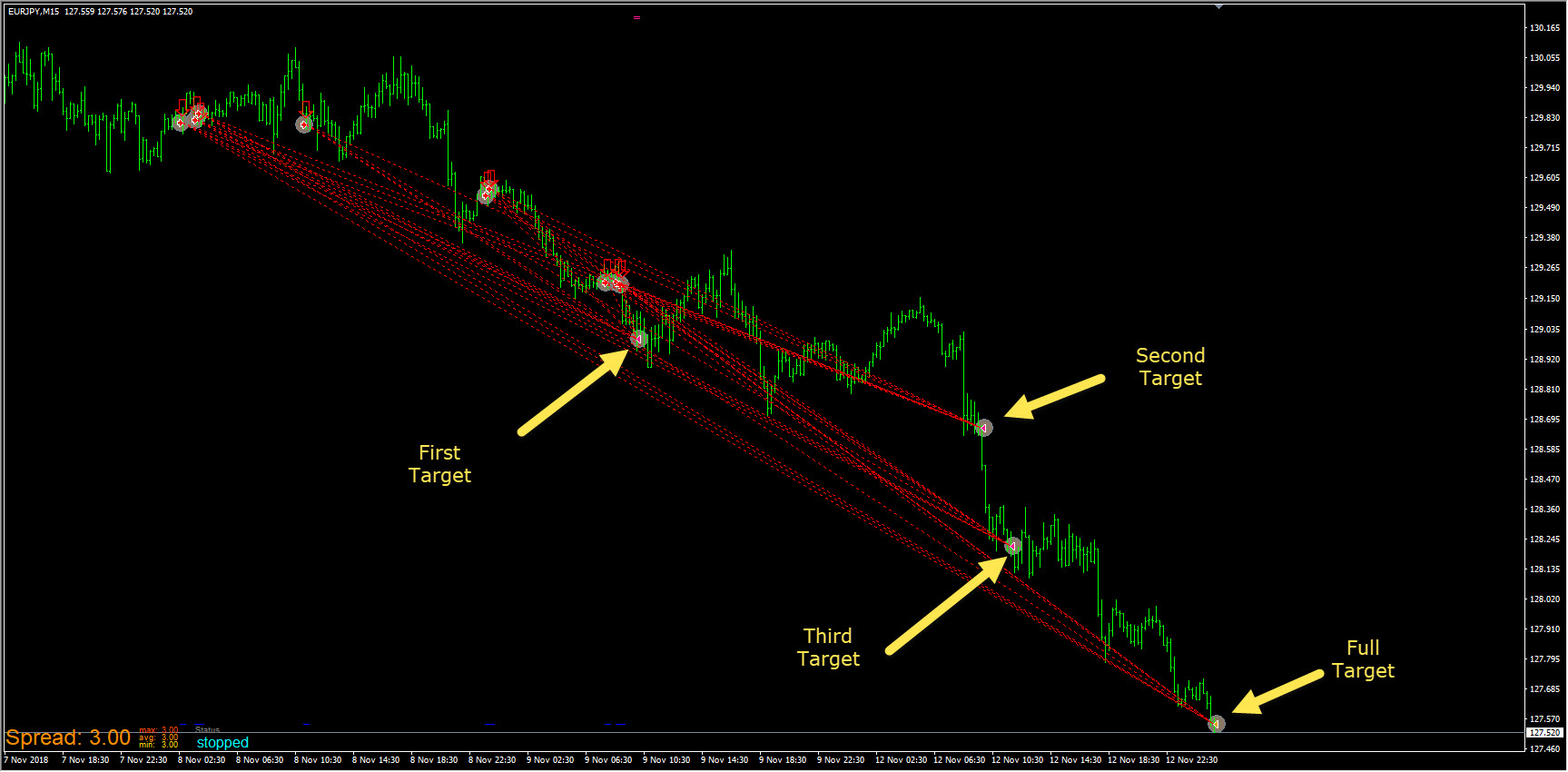
Ok this is simple. Picture A shows my old robot. First target hit and half out before going to the final target. Picture B shows the exact same robot but has been exported today. It doesn't get half out anymore, it just closes all. So what has changed??
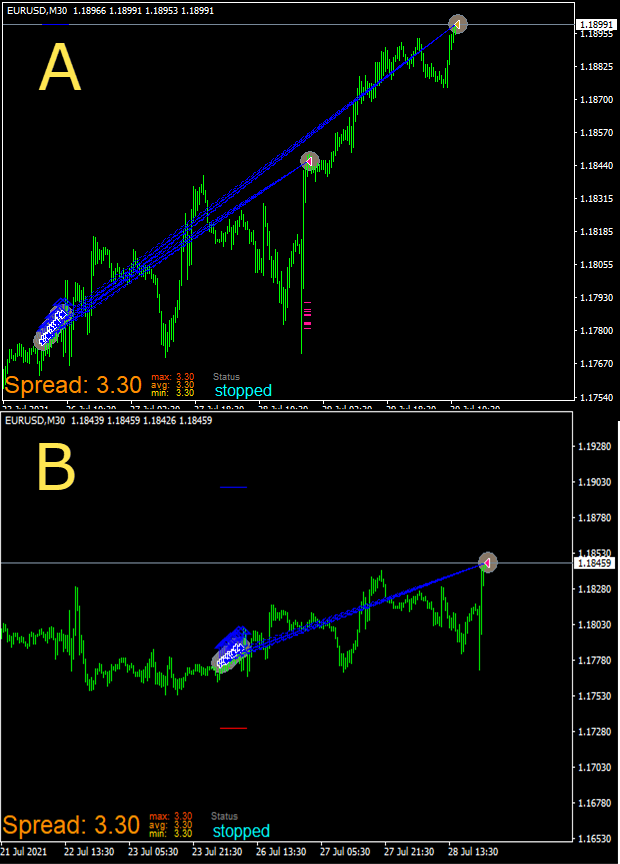
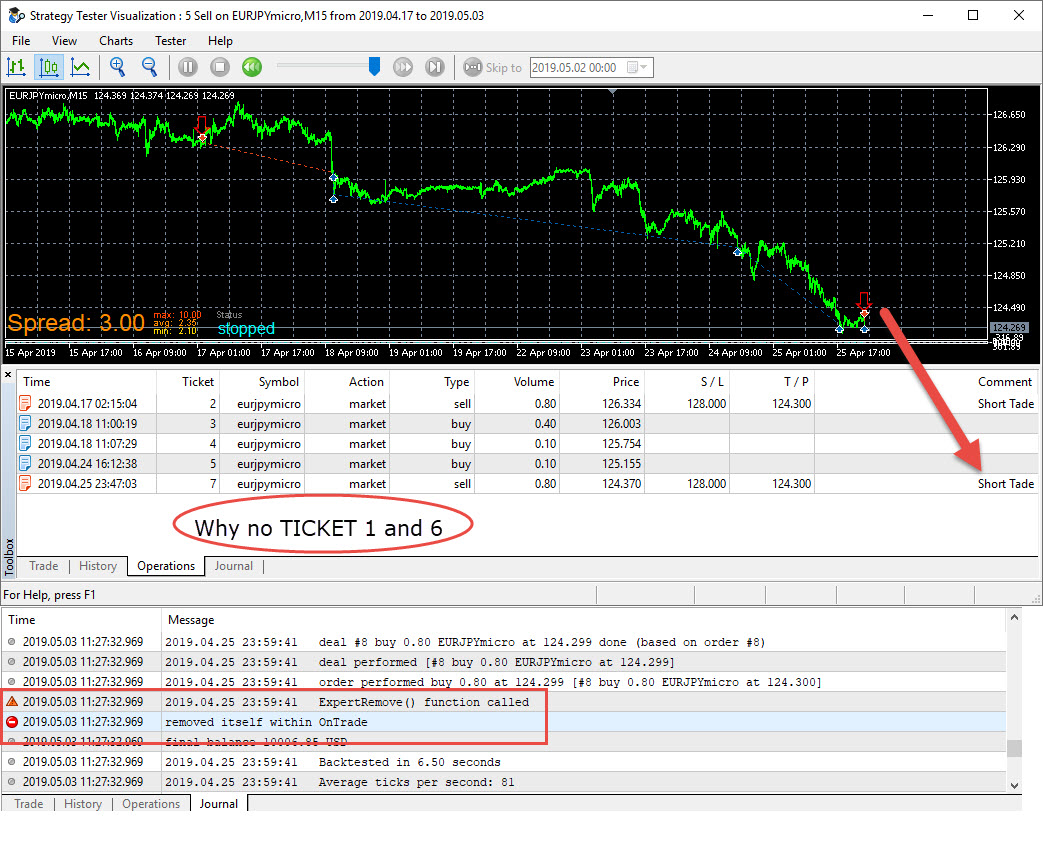
So I need to get used to MQ5 tester because just saw in History all trades did close which is not visible in operations. But that still doesn't explain why the EA does not terminate with "ON TRADE" settings.
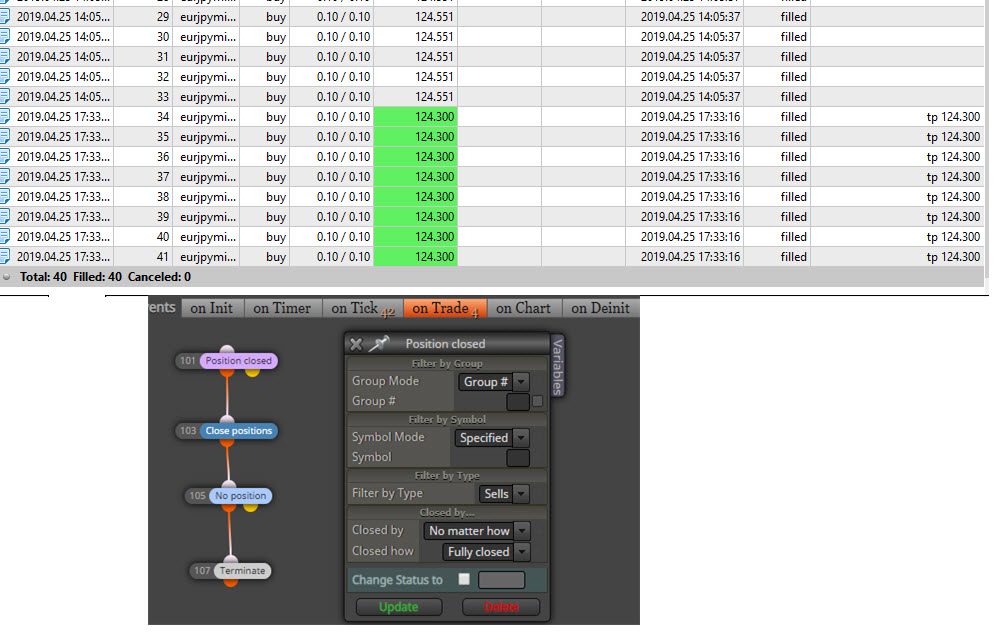
Error is clear but no Idea how to solve this. The EA works good until full target gets hit. At full target the EA doesn't close the last 0.1 lot size of each trade and because of that the EA cannot Terminate. (small note: After hitting first target no more trades are allowed)
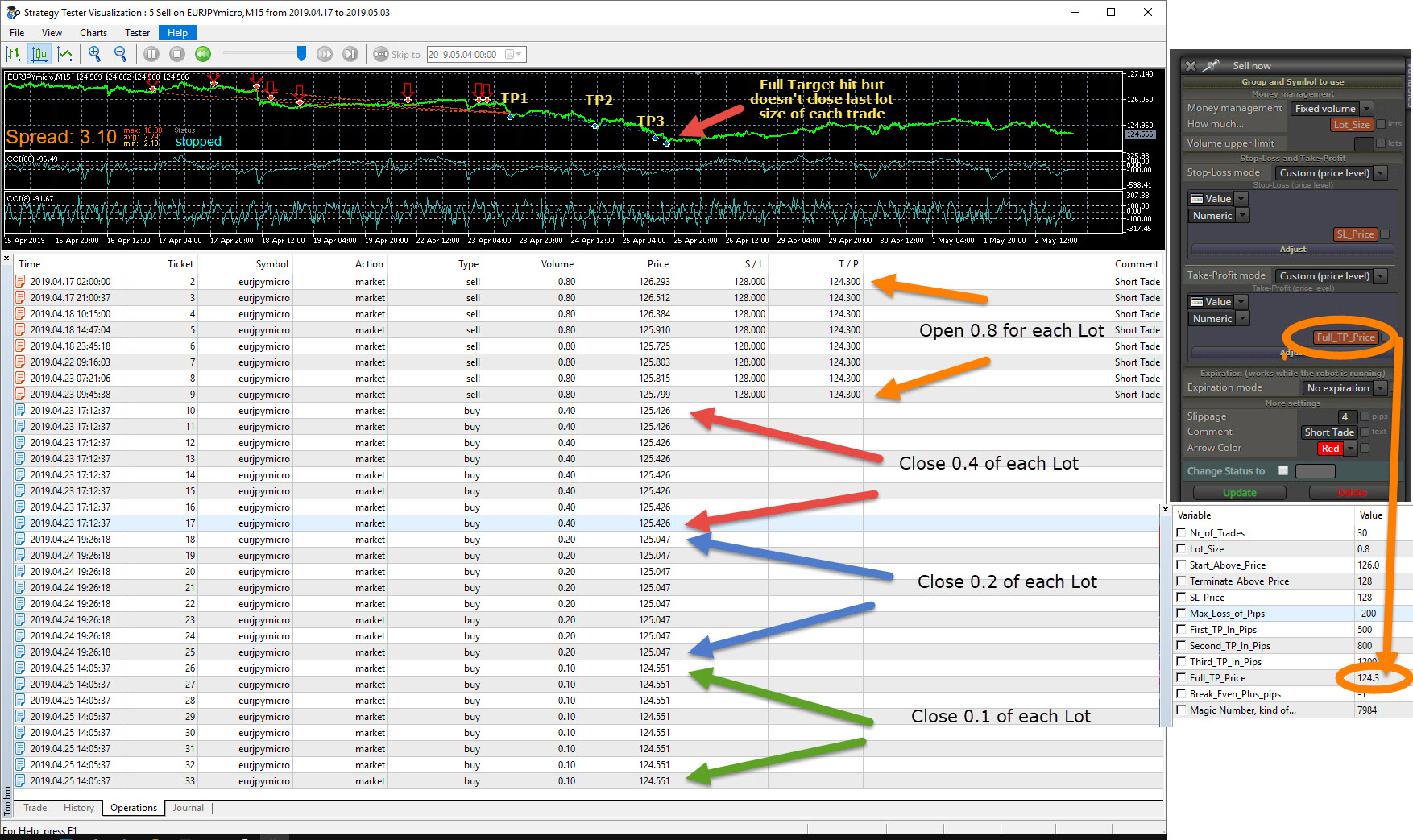
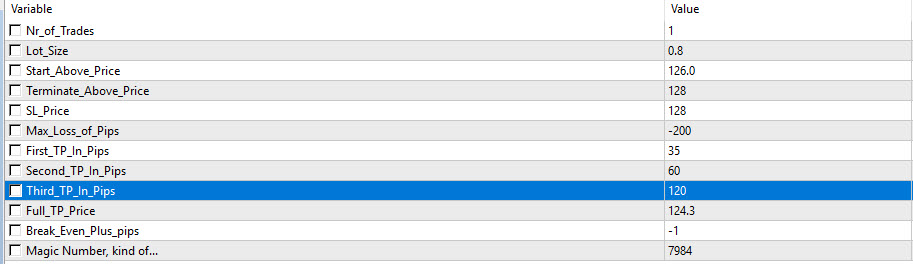
Below the input fields. Partial closes not visible are 0.4>0.2>0.1 and 0.1 at full target. This all works perfect except terminate on trade.
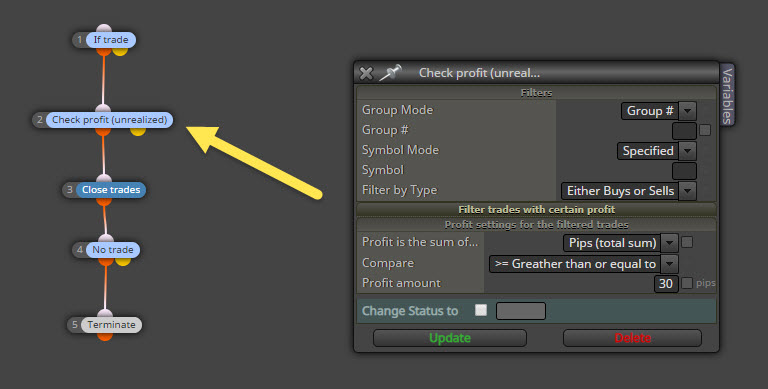
Update with journal. Looks like it starts selling again before the function TERMINATE on trade is called. When selling again it means a trade is in play and the terminate function can't execute. Again its the same EA as in MT4
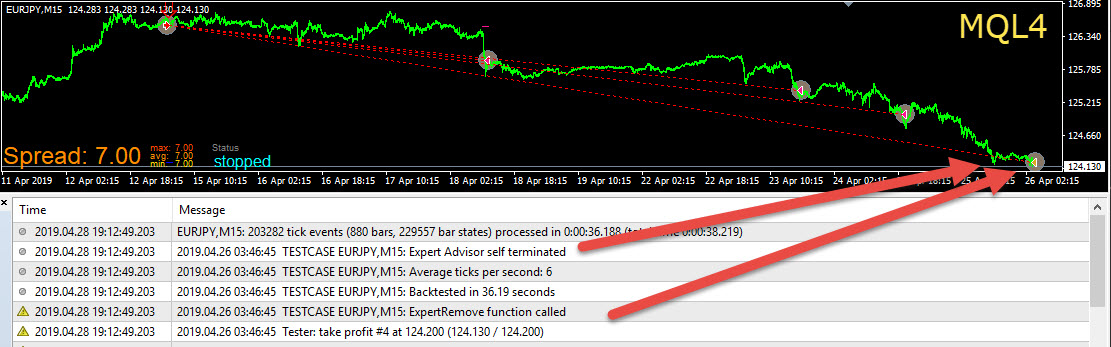
 which operates perfectly.
I created my MQL 4 EA in MQL 5. I didn't convert anything, I just did the (hard work) all over in MQL5. For some reason the MQL5 EA will not Terminate. 2 pictures below for clarification. Settings in both EA's are the same. Do I need to understand something more about MQL 5???

I tried to get it right but Random Outputs doesn't give the right result and most other blocks will place a buy and sell every 5 candles on the exact same candle. So I hope someone else has a better Idea. All I can do for now.

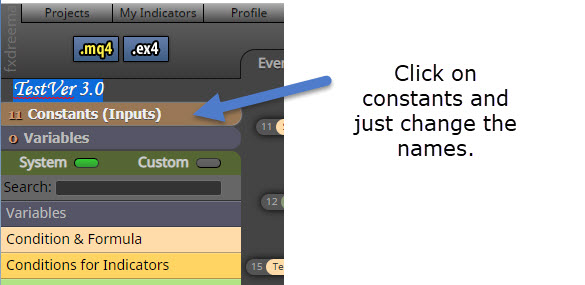
@fxDreema The problem was indeed in Pass Once ID's. The example bot can be found now under TestVer 3.0 Thank you very much because I can now move to the next phase whatever that may be. 
Not sure but you might try this
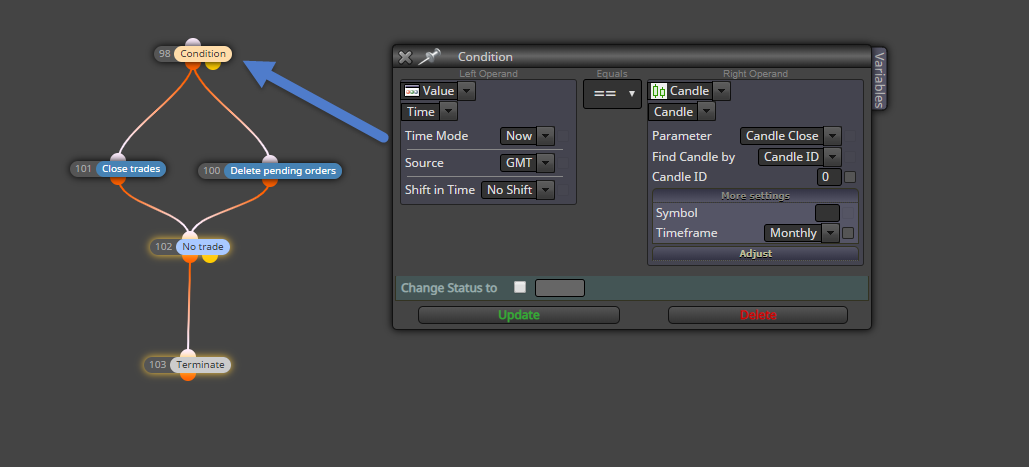
Example. You can also use Close on candle ID 1. This will open a trade as soon as candle ID 0 opens.

Been playing. Will set it up again and let you know. But the hint was very welcome. Thanks for the reply.