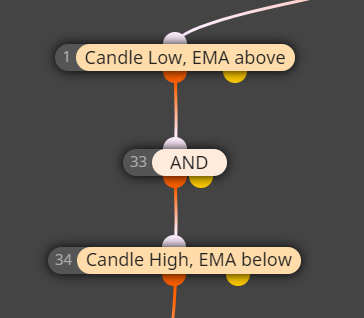
swap '$' for your variable

And if the block does not pass, how do you control behaviour if it's in a loop? Does current loop just stop? And you can't process blocks afterwards to output error messages to trace bug etc?
Even when I specify candle types I am getting some very strange behaviour that is unexpected.
Find a pair that has current/previous HA candles that are different and I always get flase positives.
I've even tried simply detecting whether current/previous candle are both same direction, again, false positives. The way the block works is confusing in the documentation, or there is some kind of bug.
For example:
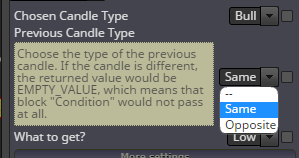
If you leave '--' in the dropdown for 'previous candle type', is previous candle ignored? Is that allowed? Clarity from admin would be great on this!
I am unsure whether this is user error.
I wish to write a log message with a simple (bullish) signal:
Same with bearish signal:
So the below would be a bullish signal and I would like to write a message to log file.
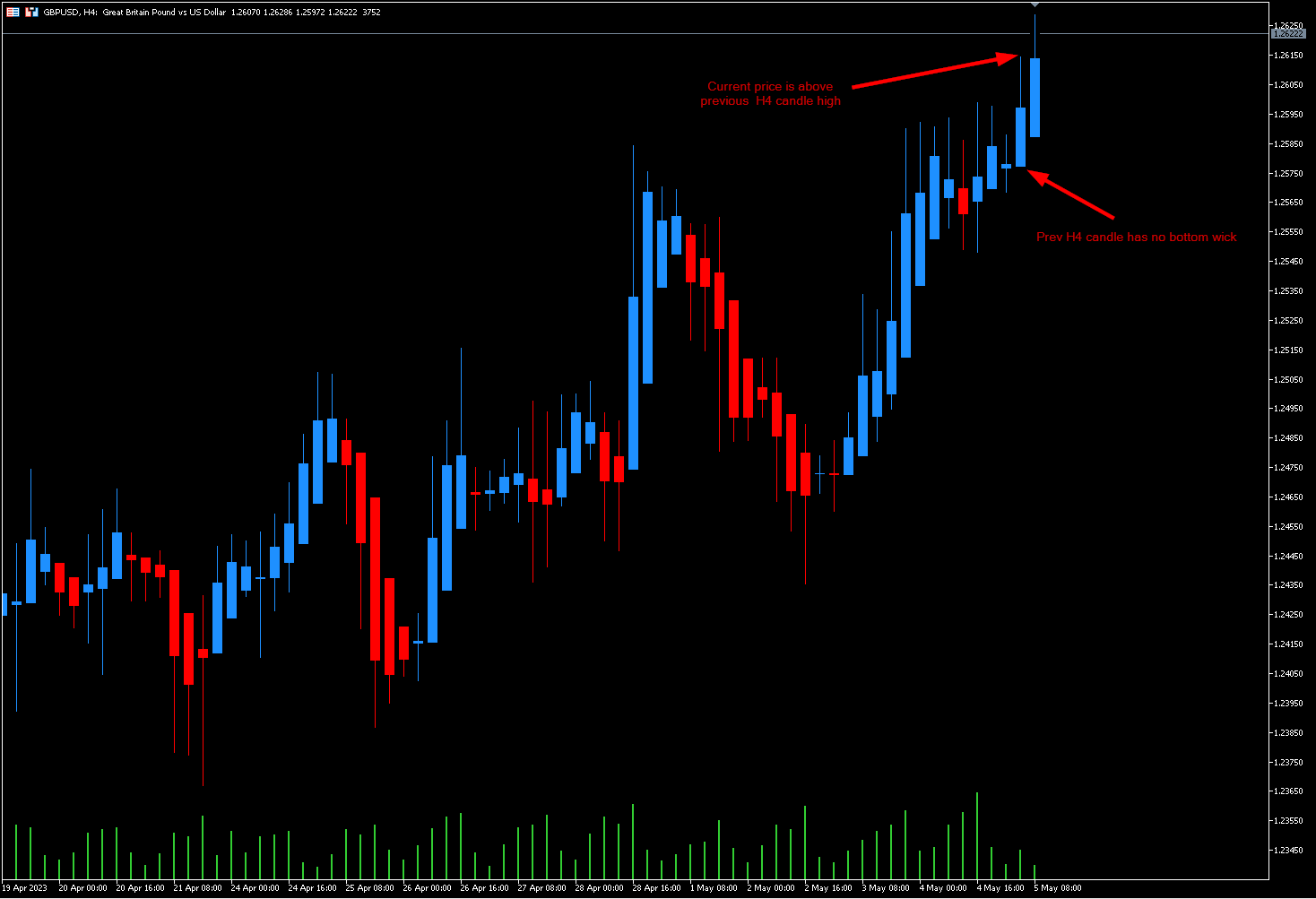
But I am having problems with the conditional statement which is not working as expected.
I am checking the HA open is the same as the low. This would mean bottom of candle has no wick. But the conditional statement seems to provide incorrect output in some scenarios. For example, the prev H4 in this instance definitely has a bottom wick. And you can see values in data window, but my EA is not functioning correctly, it should simply output 'Has Bottom Wick' to log:
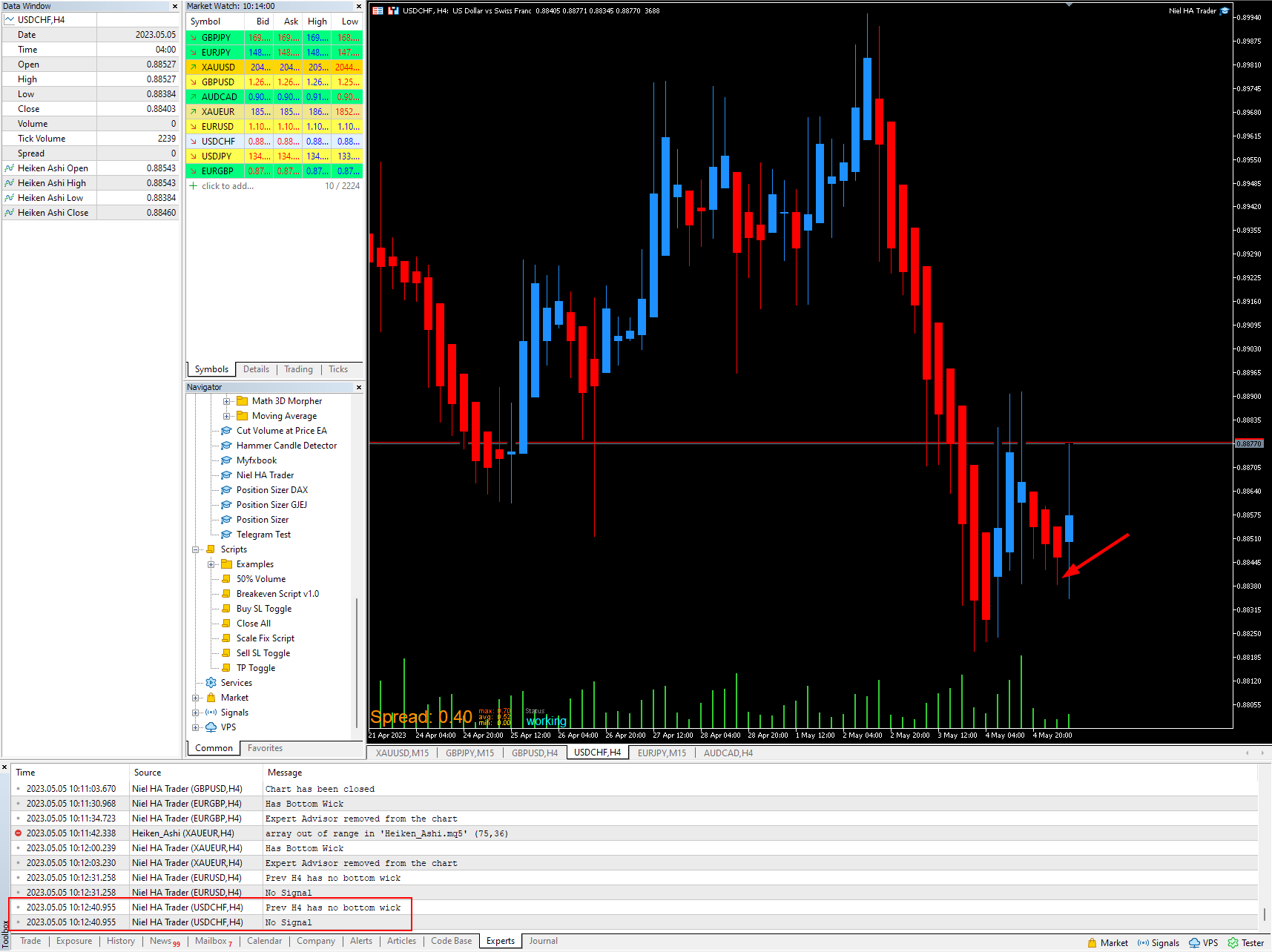
Here is shared project, can anyone advise on what I'm doing wrong? I have tried numerous combinations in the 'chosen candle type'/'previous candle type' as well. Can't get it to work.
(Ignore the blocks to the right, they are turned off anyway):
https://fxdreema.com/shared/IvP3gqDbb
Yes, you can just calculate pips profit and close when it hits 2 pips
Wow I never knew about that block! Thank you @jstap !
(For those that are curious it's under 'controlling blocks':
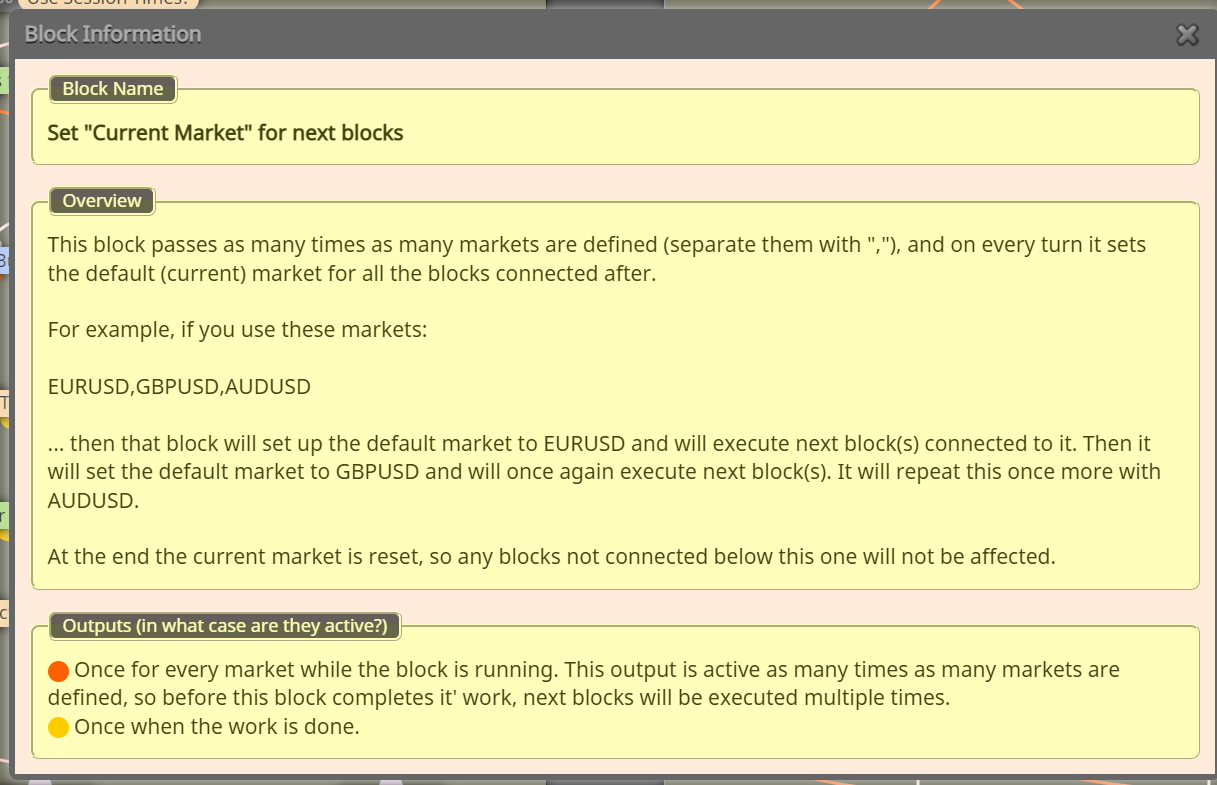 )
)
So you can specify multiple symbols? eg 'EURUSD, GBPJPY' in that input box?
Is this the 'Any Symbol' option? As I thought that only applied to the symbol the EA was applied to
I have a commercially available EA that can trade a chart that it is not placed on. eg EA is placed on EURUSD chart but in input settings, you can specify pairs to monitor. So it can detect/place trades on for example GBPUSD, AUDJPY and GER40 chart, even though those charts are not open. Is this possible with fxdreema?
Risking what? How many more trades? As a grid? Martingale? Still need more info.
Shouldn't it be int? Double has decimal place, int are only whole numbers, which is how time is processed afaik
For my EA I'd like the user to define the key they'd like to use to perform some function.
For example:
To detect this key press I need the key code for it. I can get it to work if I already know the keycode. But I can't seem to find how to to convert a key into keycode (rather than get user to convert to keycode using this for example: https://www.w3.org/2002/09/tests/keys.html)
This is closest thread I can find: https://www.mql5.com/en/forum/159049
But I am still not clear how I could perform this conversion using fxdreema, can anyone advise?
Is @kestra DMing everyone else with requests to save his work for him? Unfortunately I can't block him but have reported his profile a few weeks ago but nothing has been done. Just pay for a subscription @kestra then you will be able to save your work.
Can one of the admins @fxdreema @l-andorrà please ban him

I have created a button on the chart. Let's say for example it places a buy stop on current candle high with SL at candle low.
I would like trader to be able to see where the entry/SL will be placed when they mouseover the button.
Is there any way of doing this? Like a behaviour on mouseover or hover state?
Also: on my 'on tick' tab, these objects delete fine when expected (last, bottom blocks). Even copying these blocks to the 'de init' tab, they don't seem to work
Hi all
I have a trade management EA that creates some lines and text on the main chart, all with name that begins 'Partial'. I have checked they are named correctly.
On deinit, I try to delete the objects by selecting the ones that have prefix 'Partial'. It works fine in MT4 version of this EA but does not work on MT5, the objects all remain on the chart and must be deleted manually. Can anyone help me what I am doing wrong?
(I recently added the 'For each object' loop, but it didn't work before when there was just the 'delete objects' block).
@general-melchett said in Test whether x candles have been touching moving average line in a row:
In case anyone is interested, I had to modify the conditions: basically if price passes ABOVE candle low AND price passes BELOW candle high, for this to work...
Aaaaaaaaah yes! Thank you! Will try that, cheers man
Thanks @SirLuk was just looking at that BUT...how do you ID the candle? There's no candle ID selector in the crossing block so I'm not sure how I could specify what candle to test.
Unless I would have to store variables for candles with pass/fail flags until x candles passed the test?