@alexitoeve50 you need to define your function in https://fxdreema.com/studio. No need to make any custom block in the studio, just add the function to the list here.
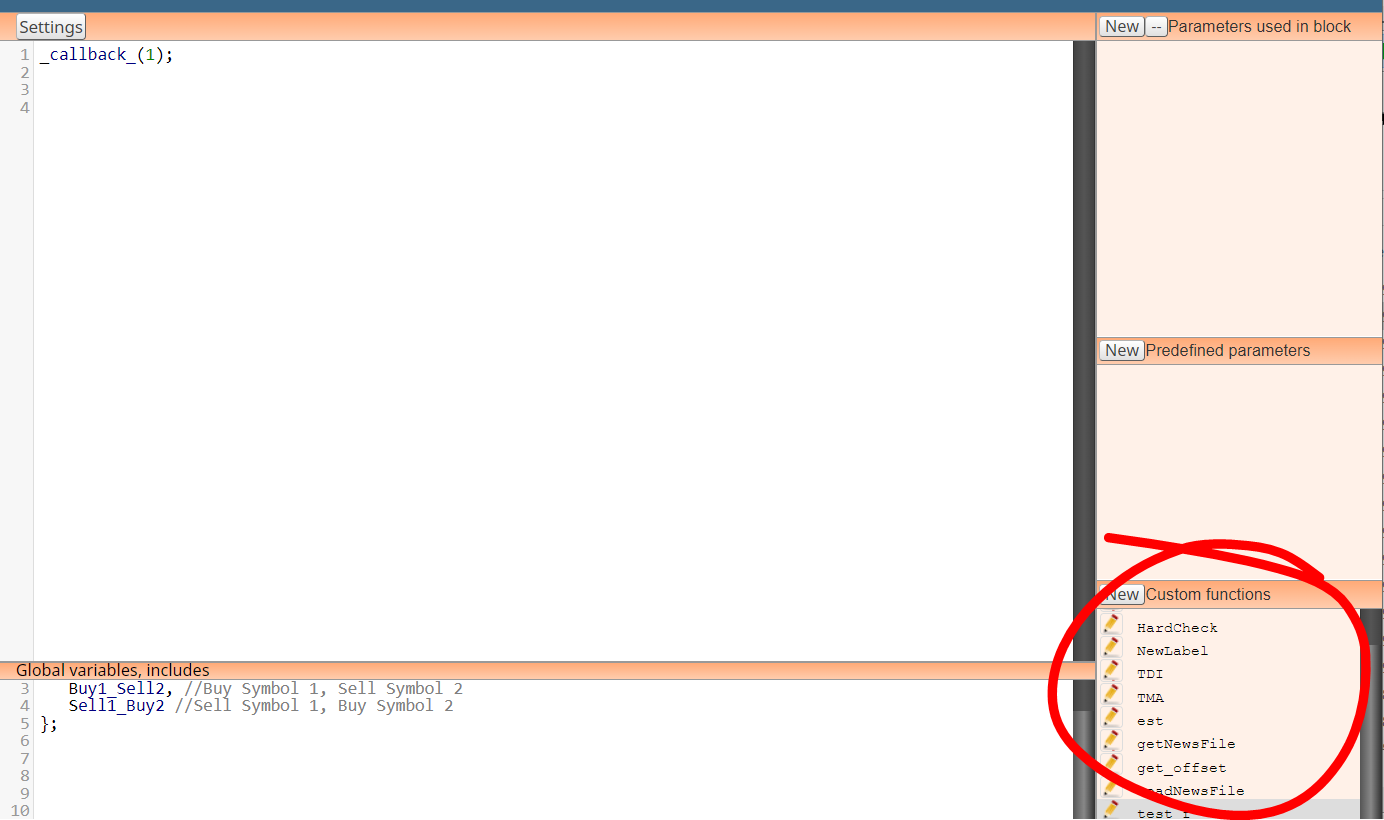

@alexitoeve50 you need to define your function in https://fxdreema.com/studio. No need to make any custom block in the studio, just add the function to the list here.
@ItzShahzad-X look at your Objects list in MT4 - you will see that technically its just a bunch of label objects with a background rectangle label.
You could do the same with fxdreema block draw text by x and y coordinates, but it takes a lot of time. Faster method is building the graphical panel using custom mql4 code in Metaeditor, and then copy-paste that code into fxdreema custom code block.

@jed711 think of enumerations like integers with some text label on top of it. In fxdreema the dropdown selection should be numeric or code input.
@DragonZueloTrends what are "correct" bos and choch? You ask that question from a million traders, you get a million different answers.
Its totally subjective, and thus not a good basis for trading strategy imo.
@BBMess I guess DayOfWeek() doesnt accept any parameters, it always uses current time
@StefanMichelle This EA will add trades to losing position, again and again until either profit is reached or account is blown. You can run a 10 year test to get the latter outcome.
All EAs should have some mechanism to unwind losing positions safely, blindly adding more lots is not enough long term.
@StefanMichelle the link you posted compiles without any errors
https://fxdreema.com/builder/shared/NAIY2Lv2c
@RajVoCash you have a block "For each closed position", very simple to get the closed profit using that block and "modify variables". No need to use custom code.
Technically its possible to use custom functions by either
These 2 methods will be 50x more difficult than using the standard blocks, but youre welcome to try if you like making things difficult lol
@StefanMichelle picture looks ok, need to see the full project to find out
@sajjad3245 something like this, roughly
https://fxdreema.com/shared/Go1k7q4Pc
Don't duplicate, you could have tagged me on the original thread
Set group number to "all (automated and manual)".
Then it skips the magic number of other EA
Typed user input from prompt function is not supported by fxdreema, and actually it is not supported by core mql4 or mql5 either. But you can do your custom dashboard with edit fields and buttons.
Why would you post this as a bug report...
ATR scale isn't standardized, its "normal" values can float under 0.01 or above 1000, anything, depending on your symbol and timeframe.
https://www.mql5.com/en/docs/constants/errorswarnings/errorcodes
This page is your best friend. You have wrong symbol selection somewhere

@DragonZueloTrends the trade arrows are just standard arrow objects that you can find from the drop-down menu, the dotted line is a standard trend line. So its possible to make this manually by looping through your position history and drawing the objects. Not easy though.
Technically you can also take the source code of that mql4 block and manually convert it to mql5 format in the fxdreema studio.
All bug reports are very urgent to the poster lol.
It would help if you posted an example project that shows what you mean.
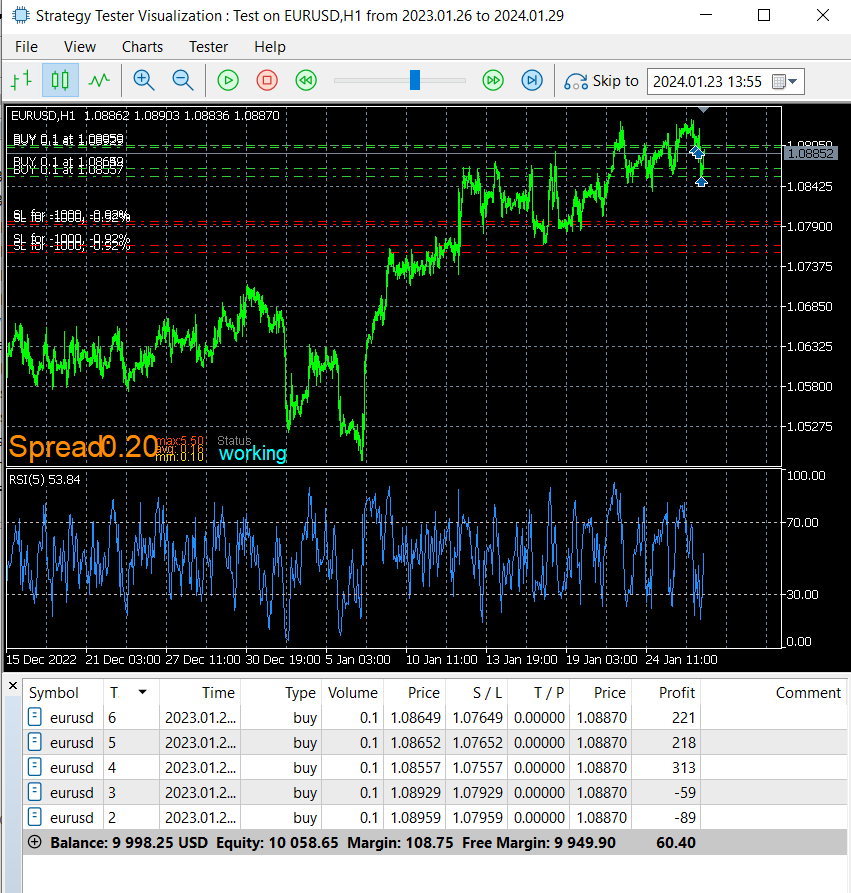
@ekanters again, you need to post an example project and make sure the real issue is exactly what you say it is. Here you can see MT5 working perfectly in this kind of setup as well: each trade updates their own SL relative to open price.
https://fxdreema.com/shared/LAWg0SpBb