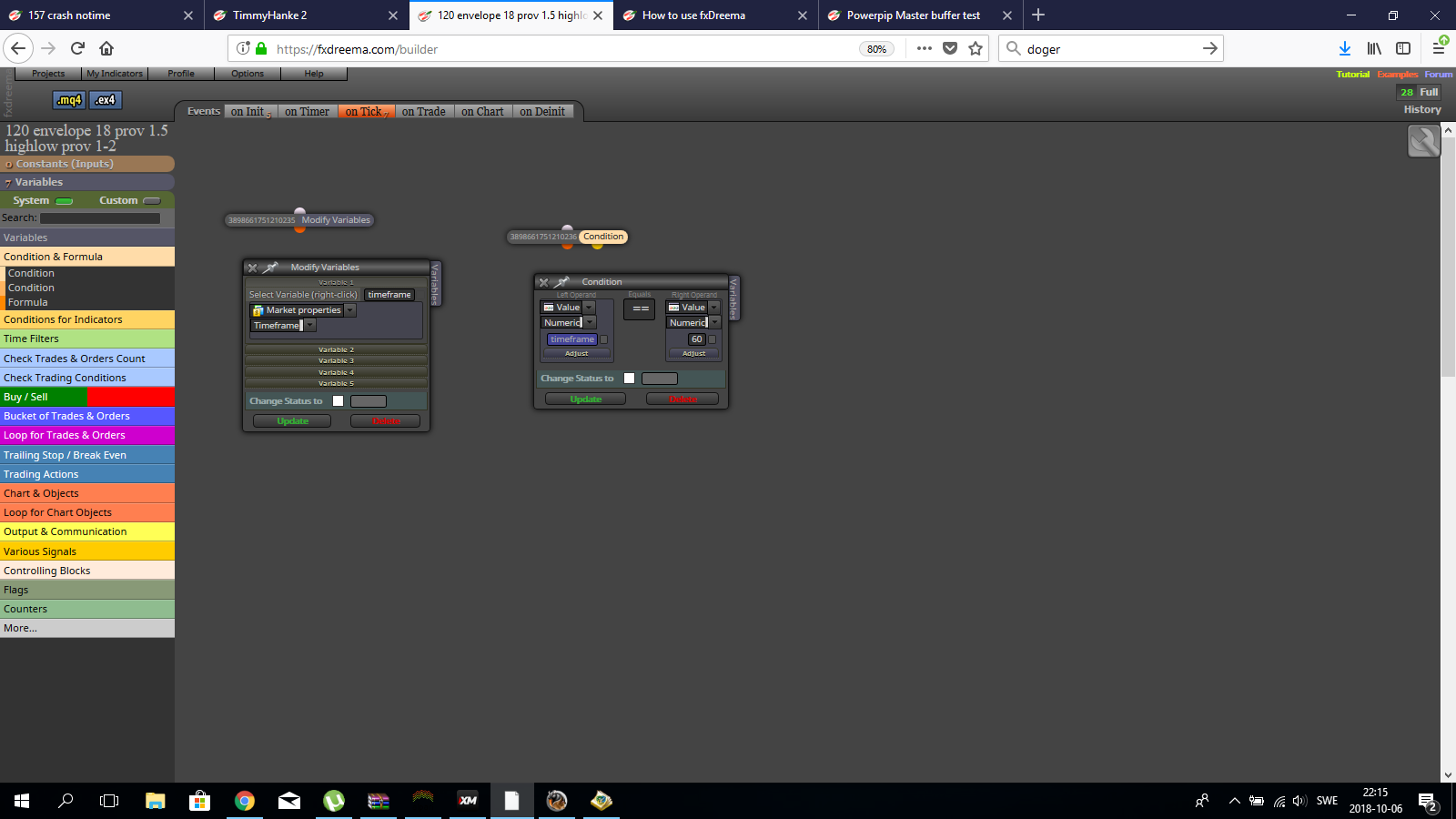
Can be something ?

@rpf1 said in help, Pullback Solution.ex4 no buffers:
anyone know how to make an EA with this indicator?
this indicator has no buffers, the arrows appear.
how to do an EA to scan the arrows and open the negotiation?https://www.dropbox.com/s/v84bii4mulzml96/Pullback Solution.rar?dl=0
It may use objects instead of buffers, use select object by name block, and use your actions after that, witch means that it looks for the object and if it finds it it will act
check the space in your actual mail, if you had the ea at wrong settings for a while and it spams your mail it will fill up fast . Try removing some and see what happends 
sorry , havent seen that you wrote back , but got the same problem again.
https://fxdreema.com/shared/Sbkr45Jec
it seems when you try to copy past a major part of the blocks , some dosnt follow with it .
If you see under the 3 block , i have exited the connection because i was going to add the part of the idea before it trades up there aswell , but change it a little ,so try copy past the 6 blocks that are before buy and sell.
Seems to be a problem when copy pasting blocks , some blocks goes missing and the strings to the blocks goes everywere. Tried Firefox and chrome
Those values will be a couple of bars back always since the indicator works that way , try to use indicator visible block and check for a range of candles like 10 or so , then it should be able to find them
check type ( last closed ) set to filter like buy trades , the orange connect from it will be the a buy trade , the yellow will be a sell.
Try working with Firefox or something else, u have alot of problems with chrome.
There is check trading conditions blocks were you can check for what trade buy/sell closed before and so on.
I know how it is, I've been there to many times , but the relief when a solution come to the rescue is worth it 
@abade69 said in Select Object by Name & Modify Properties:
@timmyhanke I see, perhaps i am a little lost, but there is way to make these work with the "for each object" block? Or just the "select object by name" can detect whether an object exists or not
(never looker at it myself).
They are suppose to work with select object by name but still dosnt , found out that if you just place new draw blocks instead of using that block it should do the same
@rafaelgrecco said in Help detecting this indicator's values:
@timmyhanke said in Help detecting this indicator's values:
have to add that i assume its the same type of indicator in a subwindow making a corridor channel , dont use mq5 and it didnt show a picture , but the one i am talking about came in many different methods such as rsi / stochastic / ssa and so on , buy no one had the ability to alert when it penetrated one of the lines because of what i wrote before , only when it passed the 0 line if im not mistaken.
In this case it's not on a subwindow, it's on the main chart, but I don't think there is a difference when trying ti get values from it.
I need either to get the value from the object where it reads "Current value: 67.82", which is a text, or be alerted somehow when the price penetrate a specific channel level.
You can use price </> the correct buffer for that
The object </> a specific number you can find a great explanation how to do it from miro1360
https://fxdreema.com/forum/topic/5524/read-partial-text-of-a-description
have to add that i assume its the same type of indicator in a subwindow making a corridor channel , dont use mq5 and it didnt show a picture , but the one i am talking about came in many different methods such as rsi / stochastic / ssa and so on , buy no one had the ability to alert when it penetrated one of the lines because of what i wrote before , only when it passed the 0 line if im not mistaken.
I was asking for the specific question to Mladen , one of the former coders of forex-tsd / forex-station a few years ago and he had a battle to do it once then the knowlage was lost , and he could't / had the time to help with it.
So if anyone have the answer to it im all ears
Add the block before buy and sell block .
And to be curious is something great
https://fxdreema.com/shared/GyXNmHzbd
Here is one on random , i use the market movement to change the places of horizontal lines that are placed x pips from closed price or the price i want to use , but i have thought about the pip part and work more with % instead , hopefully its better fitting to all charts but will test it further
Hahaha , think of me that have a total strategy based on horizontal lines movements , im in a hold right now and can't improve anything at all until the problem is fixed 
Its the same in mq4 , hope its resolved soon
sorry didn't realize it was possible that way , will take a look at it !
