It always do that , because you set the ea on a specific timeframe and when you change it everything in the ea stops working, so you need to reattach the ea when you change timeframes

It always do that , because you set the ea on a specific timeframe and when you change it everything in the ea stops working, so you need to reattach the ea when you change timeframes
@cheaponreay01
You can use flags to control different sections of your ea , for example if you use different strategies in raging and trend market
https://fxdreema.com/shared/JDNl3jAGc
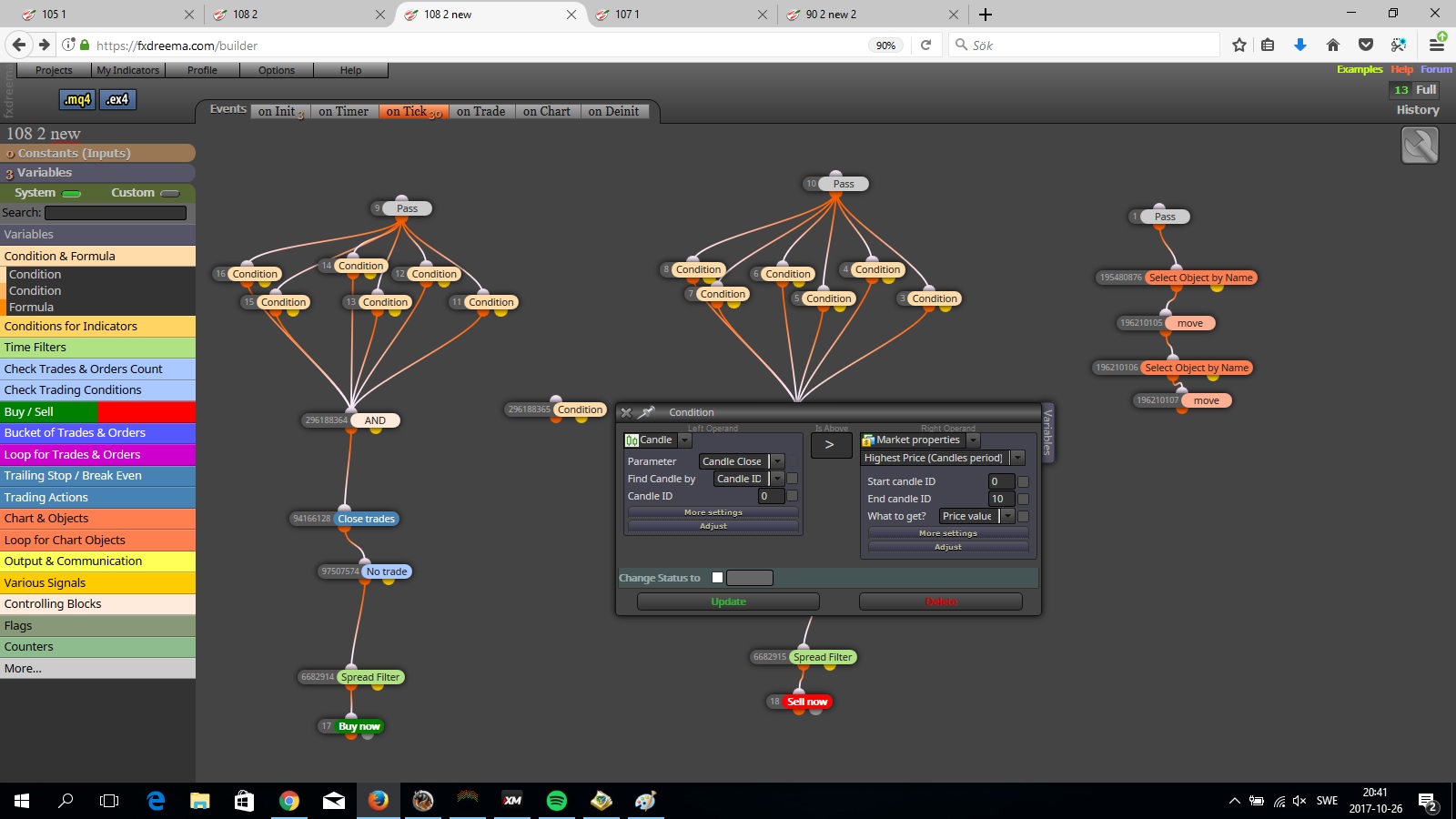
In this one i made it easy , if the body of the candle is > 10 pips it take that as a trend , switches the flag trend to true and the flag range to false , and if the opposite happends it turns the range flag to true and the trend flag to false .
It does that before checking the condtions for buy/sell , if that conditions are true it goes down and checks the flag in this case '' trend '' if that is true or false , if its true it continues for the trade .
sure that you figured it out ? beacuse what i know you will have a line above everything and a line below evertything , based on your knowlage and your risktaking, so to make a condition that are between those meaning < high and > low and connect that to an and block and use that as a filter and add that to your buy/sell conditions , and drag the and yellow dot to continue your jouney , meaning if its not between those two lines , in your case that the market isnt raging .
use 2 conditions , price is below the upper line and price is above the lower line , connect that to an and block and there you have it 
You can use one block and write the group numbers were you drew the circle
for example 1,2,3 remember that you have to seperate them with a comma between
you have a range of candles or time option in the block , even visible range
cant you use the skip ticks block for that ? or use time filter once per X seconds ?
the block only work with the number id in it , so if you want to link them so you easy can see what triggers what you can do that , but only if you write the id to the block below it .
Linking will work as you want to if you write the block number that you want to link to in the block itself . 
I think Miro1360 is right , a tick is a happening in the market , either it goes up or down , if nothing is happening then there will not be a new tick .
First you have to try it otherwise it's pointless .
Otherwise you put in the id's numbers in the block you want to turn off and on .
@ch-infinity
If you have saved it you can retrieve it by load button , or if you have applied it to a mt4/mt5 terminal then it's saved in there
Use closed price instead of open , closed price is the moving one and the actuall price .
Open price is were the New candle opens
@Jennifer I think you have the option to use if the spread is above average spread , otherwise 3-5 pips I think .
Spread filter will work in the way if you set the spread higher on tester then you have in the ea it won't open trades, mt4 have a fixed spread.
Spread filter is one way of doing it , in big news events the spread goes crazy
use closed price < lower line then you will have the trades you want
https://fxdreema.com/shared/MNKBjeG6e
this should work by using flags , that it checks for a flag state before it buys and sells , and when your equity > balance and that it closes the trade it turns the flag to the opposite state of were it can buy /sell
and activates the value were it can trade again at the beginning of a new day
made an ontrade option to but i think it should work with only the on tick option .
@Abade69 for each trade with 1 set on not more than n trades - check stoploss, use the yellow dot to the next block , then it will check each trade to see if It has a stoploss and the yellow means if it dosnt