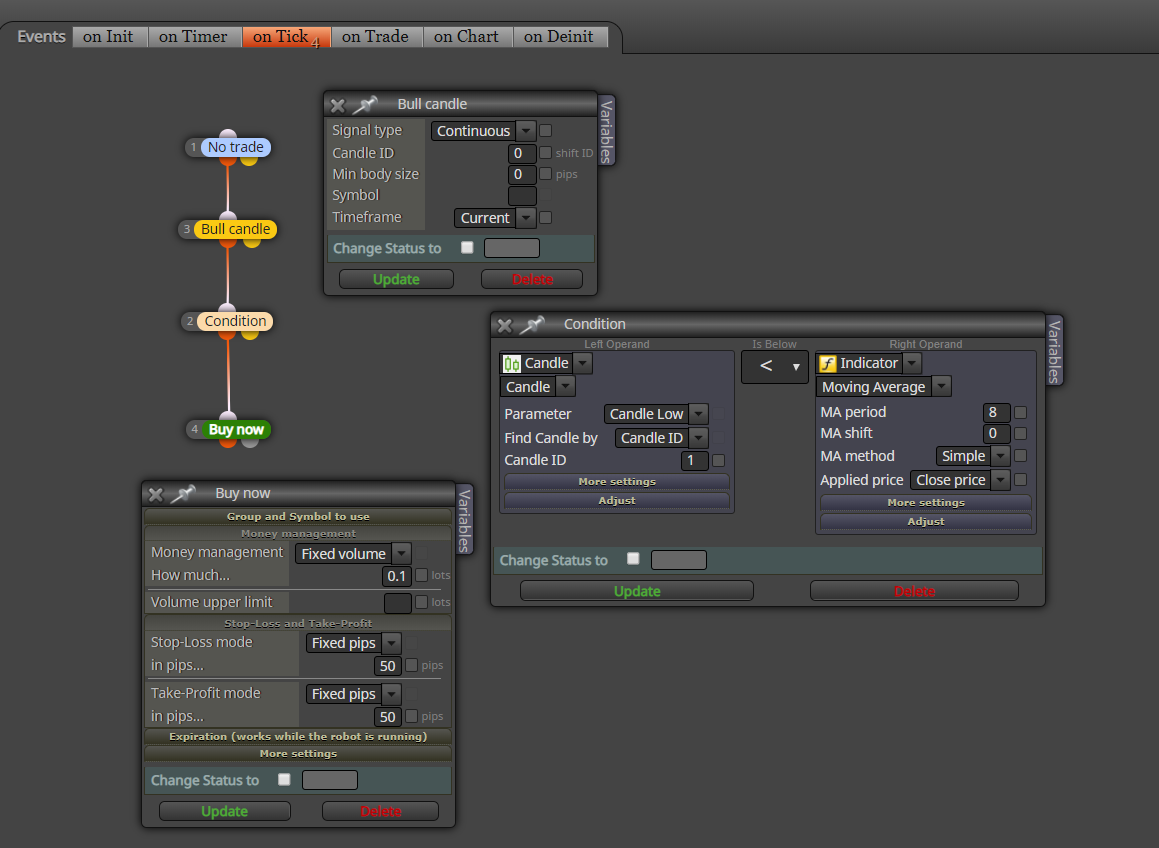
Heiken Ashi is available as an indicator in condition block

Heiken Ashi is available as an indicator in condition block
How to find the loss/profit of the last trade in pips?
How to find the volume or the lot size of the last closed trade?
I cant see any other issue without your indicator. However, if your indicator creates more than one demand/supply rectangles at a given time, then this EA might not work properly as for each object block may pass more than once in a single tick. Hope someone else will help.
Your AND block makes no sense to me and the system should work in the same way without it because AND block gets only one pass from above. Also the second "check price coordinate" block makes no sense either to me. E.g. If the price is above price 1 of a rectangle for a buy trade, shouldnt it always be above price 2 which is always below price 1?
Are they objects created on chart? Then you may use blocks under "Loop of Chart Objects" to read values
@ezzyxo Nope. check out above links. If you could just tell us too
@fxdreema
I was able to send signal already but I really need to send a screenshot to the Telegram channel.
Can you have a look at this link that has some example files/code that can be used
https://www.mql5.com/en/articles/2355
This is what it is telling:

Here is a discussion on the same:
https://www.mql5.com/en/forum/89826
I tried myself but I just couldnt do it. Hope you will help on this.
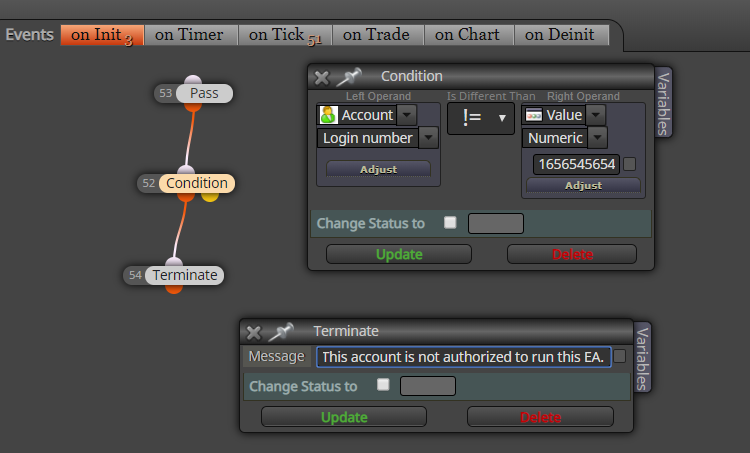
You can lock the EA to the account number, broker. etc. with "Account" settings in condition block
E.g. locking to account number
I think "For each object" block does not recognize text objects. It has not worked with text objects in my tests.
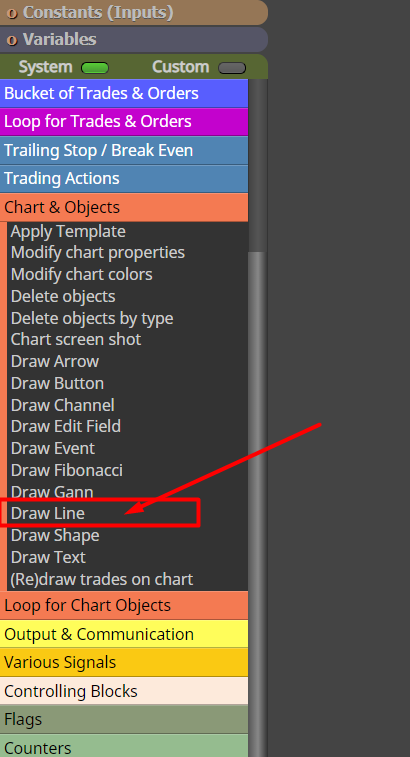
Use this block to draw the lines and then use condition block to to make required trades!
Use condition block to select the timeframe so it will pass only in that timeframe

What is the folder path for screenshots taken by "Chart screen shot" block? I just cant find the location
Create 03 variables. Get the original trade price into the first variable and then add the required pips to that price and put it in the second variable (for price turns after buys). Then deduct the pips from the original price and put it into the third variable (for price turns after sells). Then just add a condition to buy or sell when you reach the price levels of second or third variable depending on your original trade.
How do I send a screenshot to a Telegram channel via HTTP requests? I guess I need to use "Send HTTP request" and "Chart screenshot" blocks but I just cant figure out how to do it. I have created a Telegram bot and I want to post screenshots to my telegram group when there is a signal. I see several EAs on mql5 market that can do this and I want to create similar one with fxdreema. Can anyone help me achieve this?
If mq4 had not been created with fxdreema, it might not convert in conveter tool as I believe. Maybe an admin can confirm this...