fxDreema

    • Register
    • Login
    • Search
    • Back to the main page
    • Categories
    • Recent
    • Tags
    • Popular
    • Search
    1. Home
    2. AlphaOmega
    3. Posts
    • Profile
    • Following 5
    • Followers 16
    • Topics 46
    • Posts 565
    • Best 42
    • Controversial 2
    • Groups 0

    Posts made by AlphaOmega

    • RE: icustom ex5 arrow indi buffer help

      @stantham
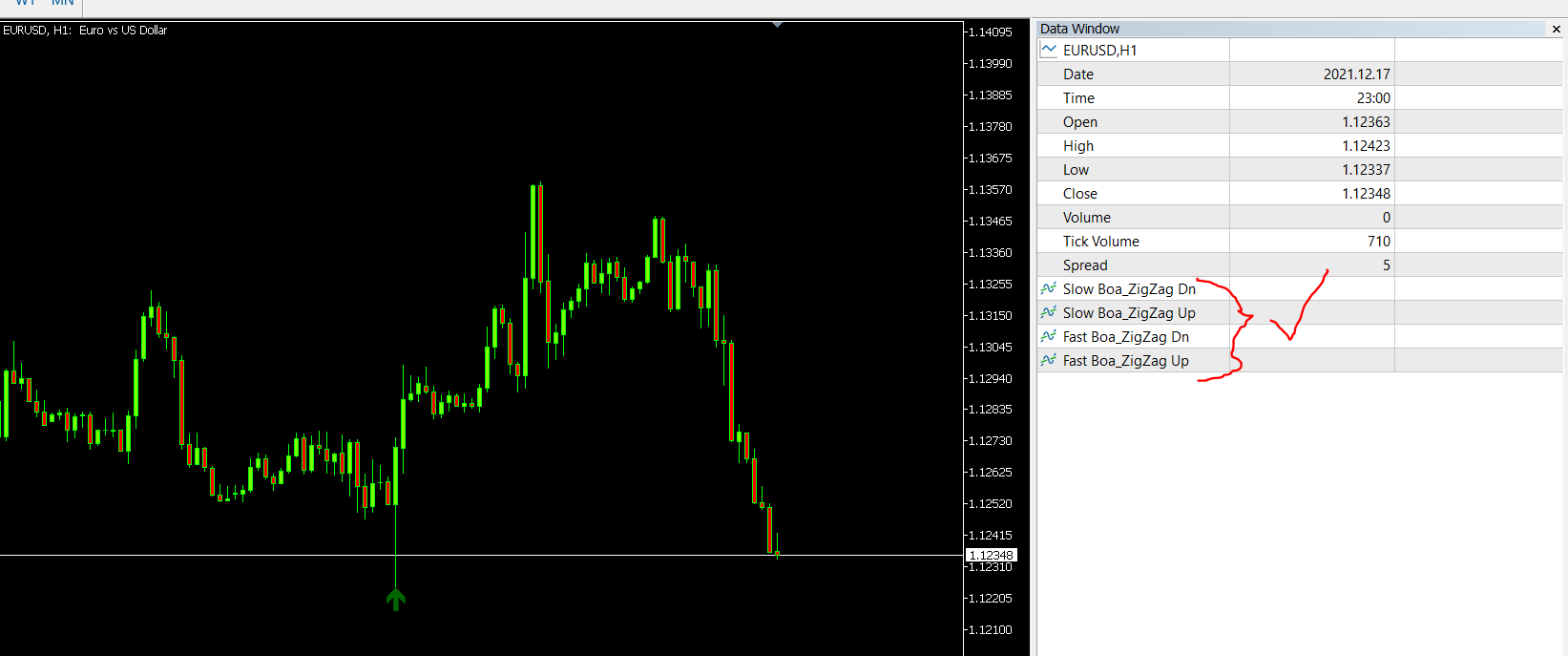
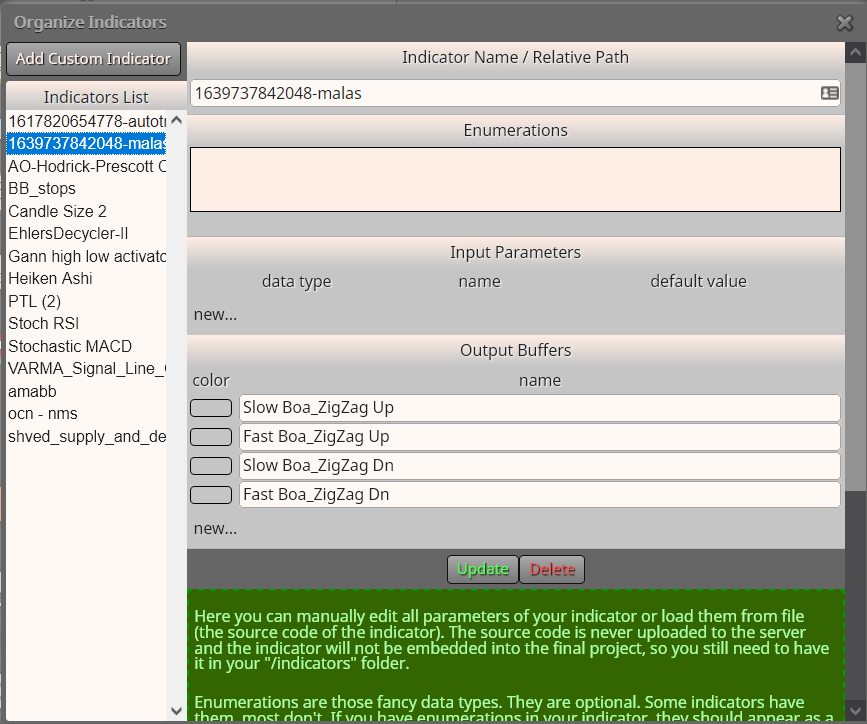
      I know it does it... I have explained above there is some lines missing which is not showing in the data window. I also explained to you check each buffer output of the arrows(all 4 of them).
      You will find there is slow and fast arrows.. I created 4 different buffers for you in Fxdreema , my indicators........... Two up for fast and slow and two down for fast and slow.
      So what you can do, if you persist on using this indicator is, one of two things.

      1. You can contact the original coder and ask to show the missing buffers
      2. Choose a buffer of one of the arrows that's suitable for your strategy, and then use a condition block to help you take the order you are looking for.
        You must know ..there is no way any coder can change the .ex5 file type. If it was a .mql5 file type then no problem they can change the code for you, but not the other way around.

      This is my two cents... Maybe there is someone else with more knowledge and experience that can help you further, but I doubt it.
      Btw... the project you are showing here is my project I made to show you as an example... Where is your project?

      posted in Questions & Answers
      AlphaOmega
      AlphaOmega
    • RE: icustom ex5 arrow indi buffer help

      @stantham Where is your project?

      posted in Questions & Answers
      AlphaOmega
      AlphaOmega
    • RE: icustom ex5 arrow indi buffer help

      @tipsywisdom
      https://fxdreema.com/forum/topic/9146/a-line-tool/6
      https://fxdreema.com/forum/topic/11957/plot-macd-swings-on-chart

      This could work the same .. only insert the objects, in this case arrows on every turn. Would work out much easier than to re-code and indicator

      posted in Questions & Answers
      AlphaOmega
      AlphaOmega
    • RE: icustom ex5 arrow indi buffer help

      @l-andorrà I also put pictures of where I found the buffers... This indicator he wants to use is working in conjunction with a zz line or something but there is no signal/data of that ma.. This is the best it is going to get otherwise I would suggest he use miro1360 tutorial Object on chart. Another option would be if some coder will have a code looking for that ma... The help I gave is in the best of my little knowledge.

      edit.. Another way would be to use roar, line code and Stantham could just insert his own conditions?

      posted in Questions & Answers
      AlphaOmega
      AlphaOmega
    • RE: icustom ex5 arrow indi buffer help

      @stantham I got it from this tutorial
      https://fxdreema.com/forum/topic/9105/tutorial-working-with-ex4-ex5-indicator-file
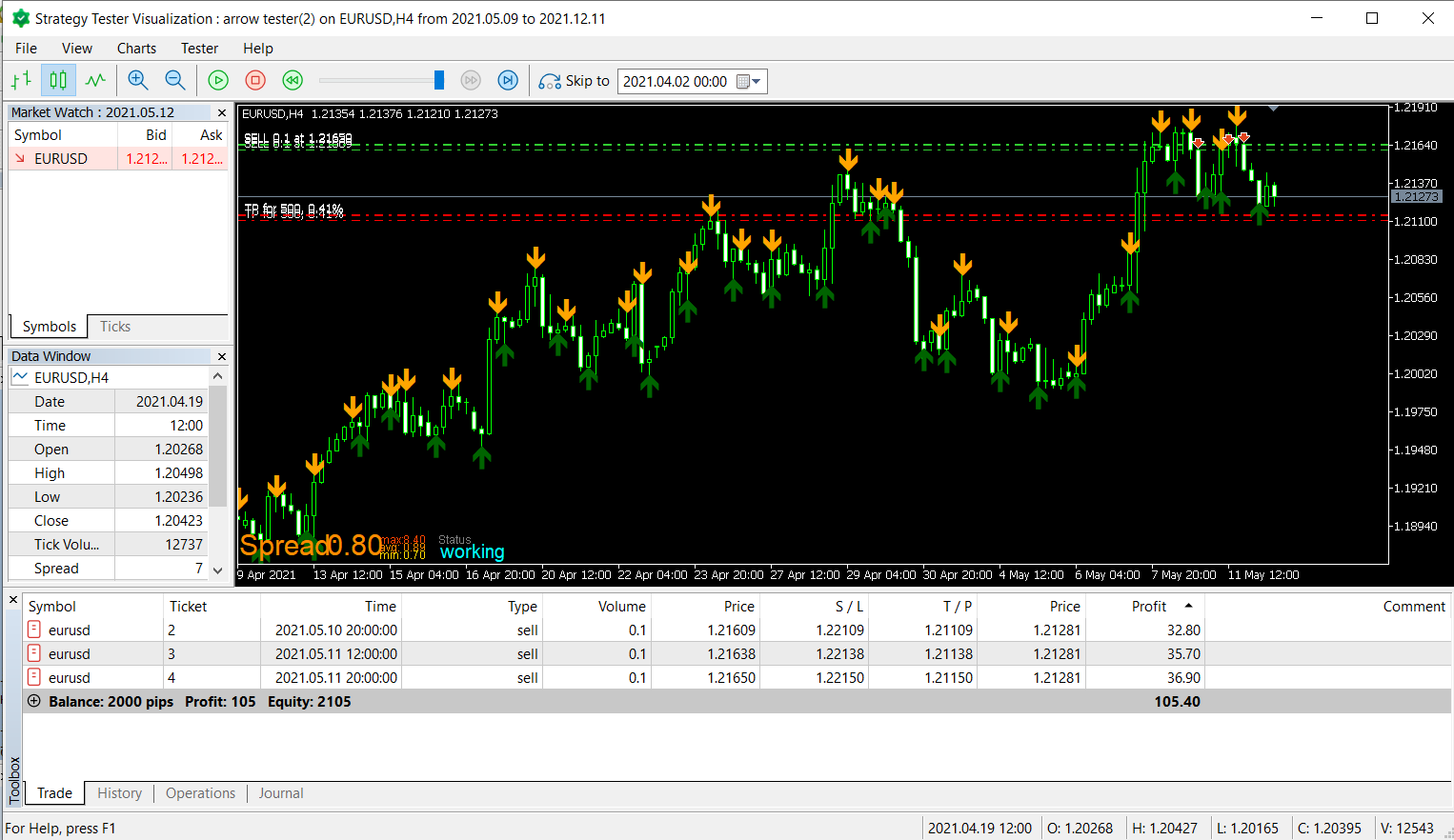
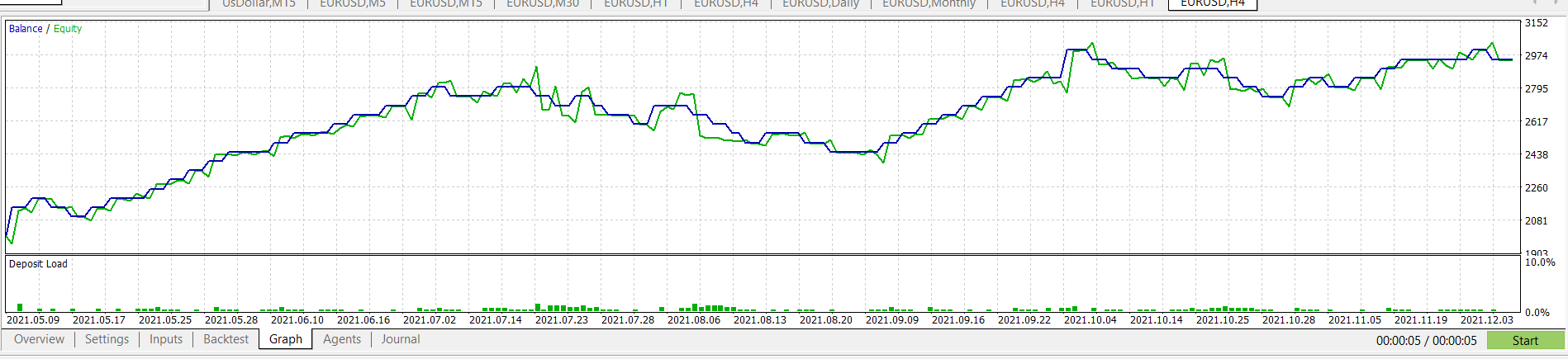
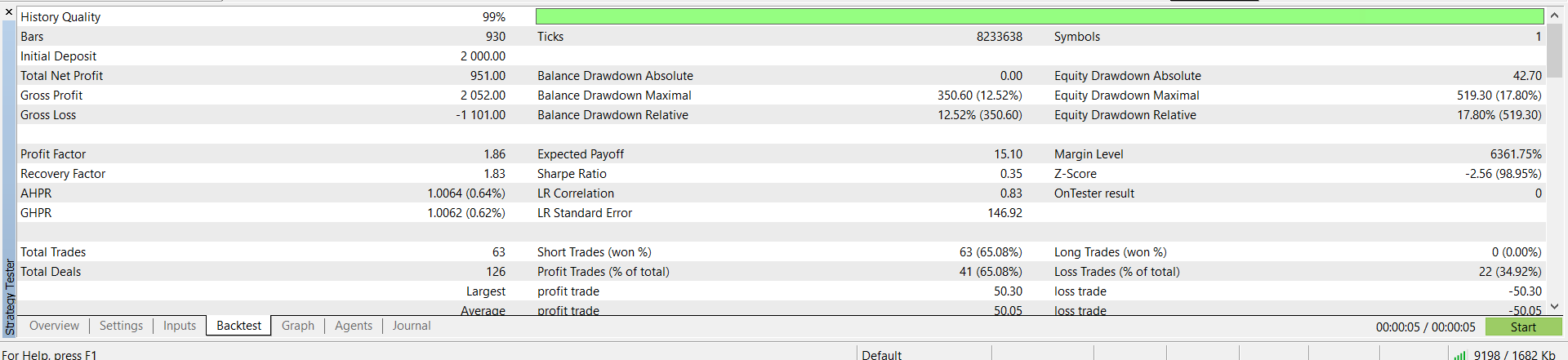
      Forget how many arrows man... check your entries.. There is slow and fast arrows .. so I just insert the buffers for them and choose entry at the buffers.. so Its not the arrow that important but where your entries are.
      0_1639859763961_d307207e-8674-496c-9db8-0211303aa933-image.png
      0_1639860033260_89293515-18e3-4b5d-9780-e6e0e37dde49-image.png

      posted in Questions & Answers
      AlphaOmega
      AlphaOmega
    • RE: icustom ex5 arrow indi buffer help

      @stantham there is lots of inputs .. which you talking about? I am assuming you talking about the variables?
      check this thread:
      https://fxdreema.com/forum/topic/5164/example-save-variables-into-file-and-read-them-back-advanced
      https://fxdreema.com/forum/topic/4510/tutorial-loop-advanced-find-and-save-specific-value-from-indicator-history

      posted in Questions & Answers
      AlphaOmega
      AlphaOmega
    • RE: icustom ex5 arrow indi buffer help

      @stantham Hi Try this... but what Jstap is trying to do is for you to do something so you can learn.... His way with the code would work better/faster
      https://fxdreema.com/shared/nVptpYdqc
      0_1639780330240_b7c1a98c-a022-472d-84a5-9a3c8007b112-image.png
      0_1639780545387_df438821-2acc-4689-a87a-8e3e3dc5fbbe-image.png
      0_1639780577474_9fff014e-3b5b-4132-a98b-390b0f00d234-image.png

      posted in Questions & Answers
      AlphaOmega
      AlphaOmega
    • RE: ICustom problem

      I forgot to answer your question... What can I do with them... check picture:
      0_1639544418493_cb62caa0-c8ce-4bba-8126-60c639bcea42-image.png eurusd M5
      Problem is I cannot see that angled trend-lines to use in the expert?

      posted in Questions & Answers
      AlphaOmega
      AlphaOmega
    • RE: ICustom problem

      @fxdreema Thanks so much for your patience and valuable time! I looked at your new creation.. but do not know how to implement it into my project and utilize the information. I am real sorry that I am to daft to understand, but I have attached my project for you to see that I am not getting anywhere with this new information.
      https://fxdreema.com/shared/lJjGNehHc

      posted in Questions & Answers
      AlphaOmega
      AlphaOmega
    • RE: ICustom problem

      @fxdreema Wow you guys think alike... I just looked at your link... It looks like exactly the same roar did!! Thank you..

      posted in Questions & Answers
      AlphaOmega
      AlphaOmega
    • RE: ICustom problem

      @fxdreema I am grateful to you taking the time to check this out. I have not look into what you did but read there is a timing issue.
      You do know that the two angled trend lines does move as PA move right? So I do not think the timing will work quite well but what would work is if you can change the code for the angled trend line will look back at the candles already printed and then look into the future projected candles?

      This is an example of what I am talking about.. You could just copy the code and paste into the correct space at Autotrendlines? (maybe.. I don't know what you people eat to understand code because I don't .. lol)
      This is something roar did but never finished although I think is has big potential
      https://fxdreema.com/shared/dQjckUy3b
      Please take a look.
      edit:: 0_1639494269457_0515dba6-23b5-4a02-a1e4-5f832caf4e7f-image.png

      posted in Questions & Answers
      AlphaOmega
      AlphaOmega
    • RE: ICustom problem

      @fxdreema I know you are a busy but while you moved this topic to the correct section, you maybe did not get the urge to change something inside the indicator so I could use the angled red and blue sup/res lines? Please and thank you!
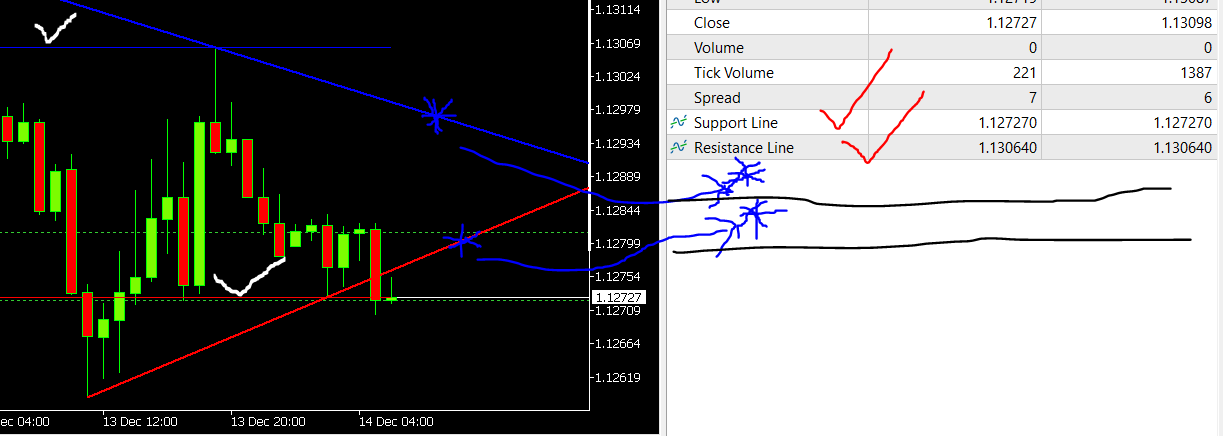
      Edit: The problem is .. there is no buffer in the indicator showing to those angle lines.. maybe some coder can add it?
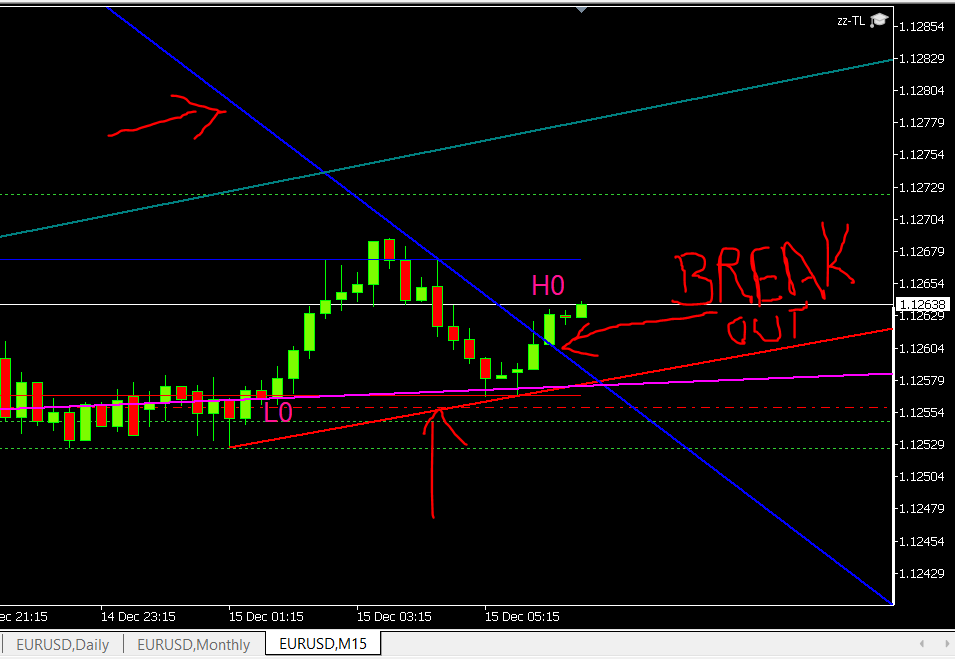
      0_1639456126063_32770099-ac0b-4677-ac0f-4f161e2aac10-image.png

      posted in Questions & Answers
      AlphaOmega
      AlphaOmega
    • RE: Geez!! How is this order possible??? Need help with indicator Please!

      @tipsywisdom I get you. Thanks for your thoughts... will play around with this some more.

      posted in Questions & Answers
      AlphaOmega
      AlphaOmega
    • Geez!! How is this order possible??? Need help with indicator Please!

      Why is this indicator taking the order on the wrong place? What am I doing wrong? Why is it never just straight forward... Geez! Always a struggle... need help please.
      The indicator: 0_1638894880799_PTL (2).mq5
      and I need it to just take buy order on the correct place, which it does not!!! That is the 3rd blue candle moving upwards.. but it does not!!
      Check picture
      0_1638894966292_439d93ad-5abc-4188-bee8-c4cacfec9c21-image.png

      My project: https://fxdreema.com/shared/B807Pnzyc

      posted in Questions & Answers
      AlphaOmega
      AlphaOmega
    • @l-andorrà [Some Insight Please](/forum/topic/9475/some-insight-please)

      Re: Some Insight Please

      My apologies to @l-andorrà .. I never saw or got a message that you replied. I think it is just respectful to acknowledge the fact that someone actually took their valuable time to answer to my plea... Sorry brother

      posted in Questions & Answers
      AlphaOmega
      AlphaOmega
    • RE: How can we modify a variable via chart?

      @l-andorrà brother.. I do not use mt4 but the last time roar explained I have to change the lot-size here: Where do you change it?
      0_1638714776694_e8d8f8c6-fe45-4e34-b4d2-a0e7427e6544-image.png

      posted in Questions & Answers
      AlphaOmega
      AlphaOmega
    • RE: Trailling Stop (How to use)

      @alphaomega Wow! .. after days I found the problem, why this trailing did not want to work!!!

      I never specify the group number of the condition how the trade was opened in the first place. In other words the trailing condition followed only group 1 the sell orders that was opened.
      0_1638597603584_3c14b3ba-8812-4d49-874e-9784c800b6ef-image.png

      posted in Tutorials by Users
      AlphaOmega
      AlphaOmega
    • RE: Trailling Stop (How to use)

      @ontradingx I have asked all the correct question as taught but still no joy here.. Why would that be?
      0_1638542280898_5b777124-c37b-4f6c-b4f3-f253c67ff69f-image.png
      0_1638542351272_7987678a-9b1f-4d8d-b99e-dbac8b91f234-image.png

      posted in Tutorials by Users
      AlphaOmega
      AlphaOmega
    • RE: Trailling Stop (How to use)

      @ontradingx Excellent!!

      posted in Tutorials by Users
      AlphaOmega
      AlphaOmega
    • RE: I dont understand trailing stop

      @ontradingx Thank you for this wonderful detailed explanation!! Would you please take this post of yours and make in the Tutorial thread, because many people have problems with this and will miss this great tutorial because they will not search this post name under "I dont understand trailing stop". I myself just by luck stubled upon this post as the search option is not that efficient or maybe I am using it wrong.

      posted in Questions & Answers
      AlphaOmega
      AlphaOmega
    • 1
    • 2
    • 3
    • 4
    • 5
    • 6
    • 7
    • 28
    • 29
    • 5 / 29