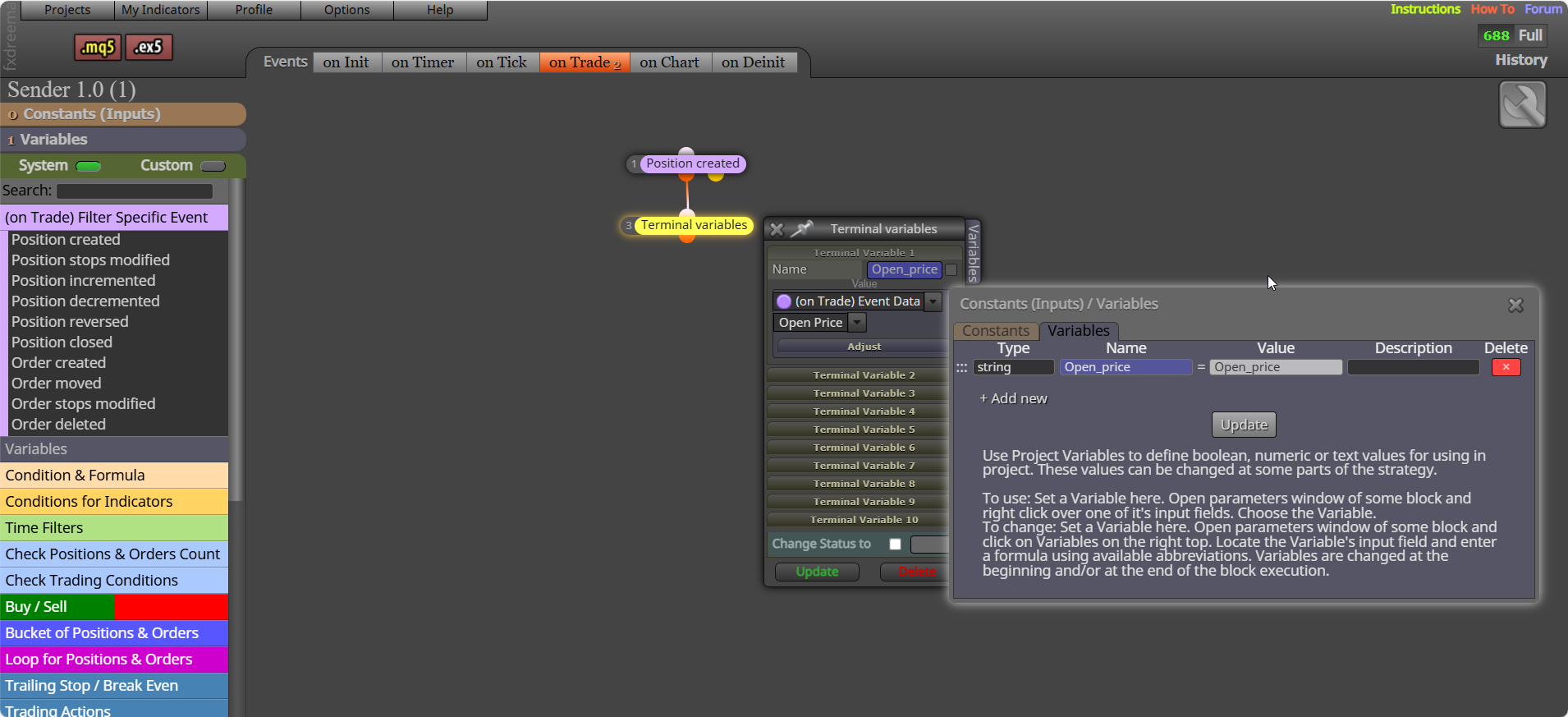
on trade tab - trade closed by SL - check last trade profit (<0 = SL, >0 =BE if offset used) - print text. This should put the comment on chart where the trade closes.

on trade tab - trade closed by SL - check last trade profit (<0 = SL, >0 =BE if offset used) - print text. This should put the comment on chart where the trade closes.
you need to create a loop, that checks and link's into other loops. Try this, should work but unsure if it will select the correct position:
https://fxdreema.com/shared/difMA1pKc
The ZZ values are relatively easy to get, but are obtained via ZZ buffers, so another indicator will not be known. This contains lots from the ZZ indicator:
A lot is from mirros work
https://fxdreema.com/shared/tZtS4KoWd
Looking at this it looks like the stoc < and > will be true at the same time, I don't use this indicator, but maybe you need to use 2 conditions per tree... if < x.xx and > x.xx place trade, this will give you a window for placing a trade.
you need a reason why, is it the last low on the indicator... is there a buffer in the buffer window saying this candle?
this should work, although profit needs to be greater than 0. And if trades placed are not placed by the EA blocks are in, you need to specify:
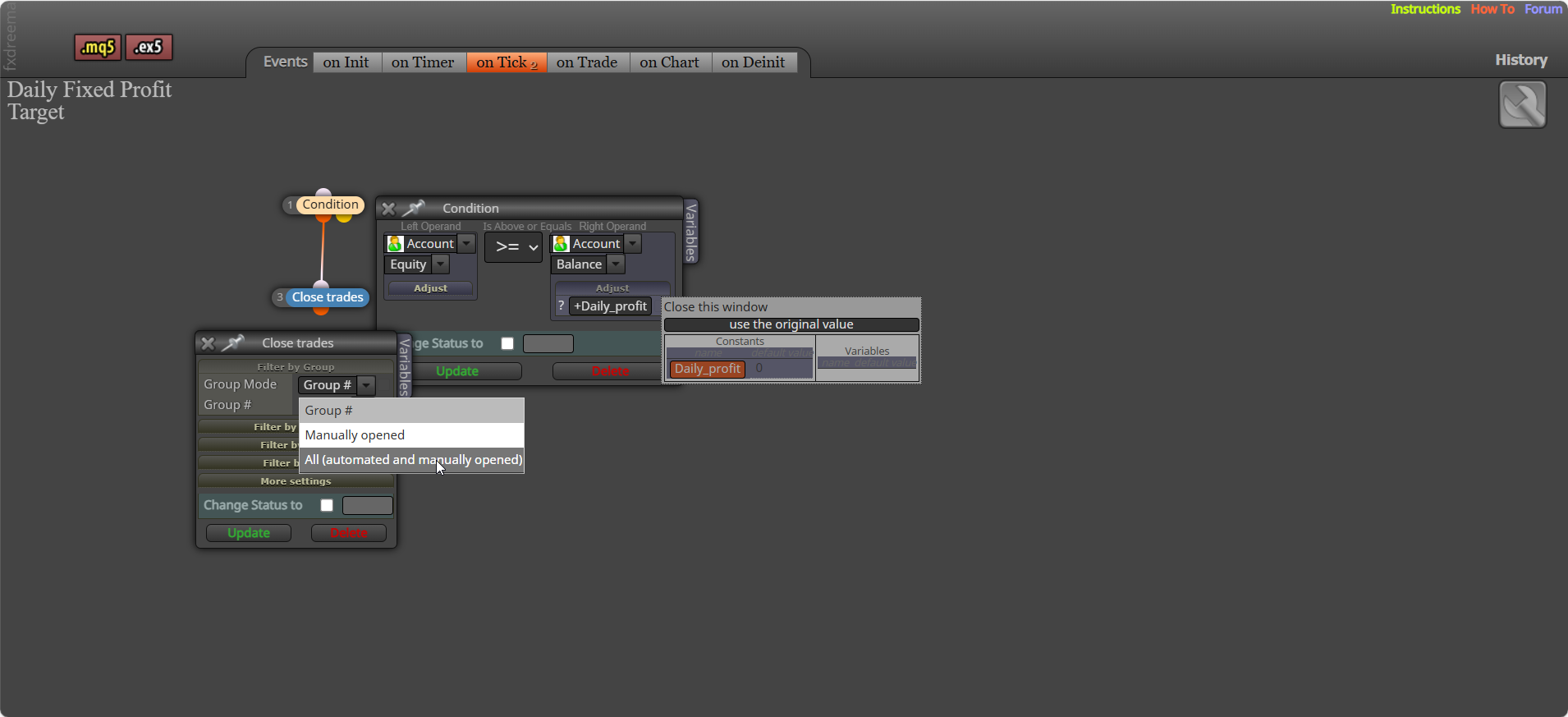
On init will work on EA start, on tick, with a reason above will send alert when needed
Yes it's fine, I would set to 1 if you are only working with the last trade (not important, just limits the EA work). Let me know what it's doing now
Ok, if you change, test, you will learn, then you can ask and improve.
I don't mind helping, but all I have suggested is what you should be able to do simply, and you need to understand why I am saying it, this is how you learn what you need to do so you do not have to constantly request help. Add 2 for each position blocks above modify, and switch off the right side of both trees. Then you can ask about any more problems.
in trade (loop) needs to be under a for each block, so the trade order needed is selected before using.
For now turn off one side of your tree to see what is causing the extra trade.
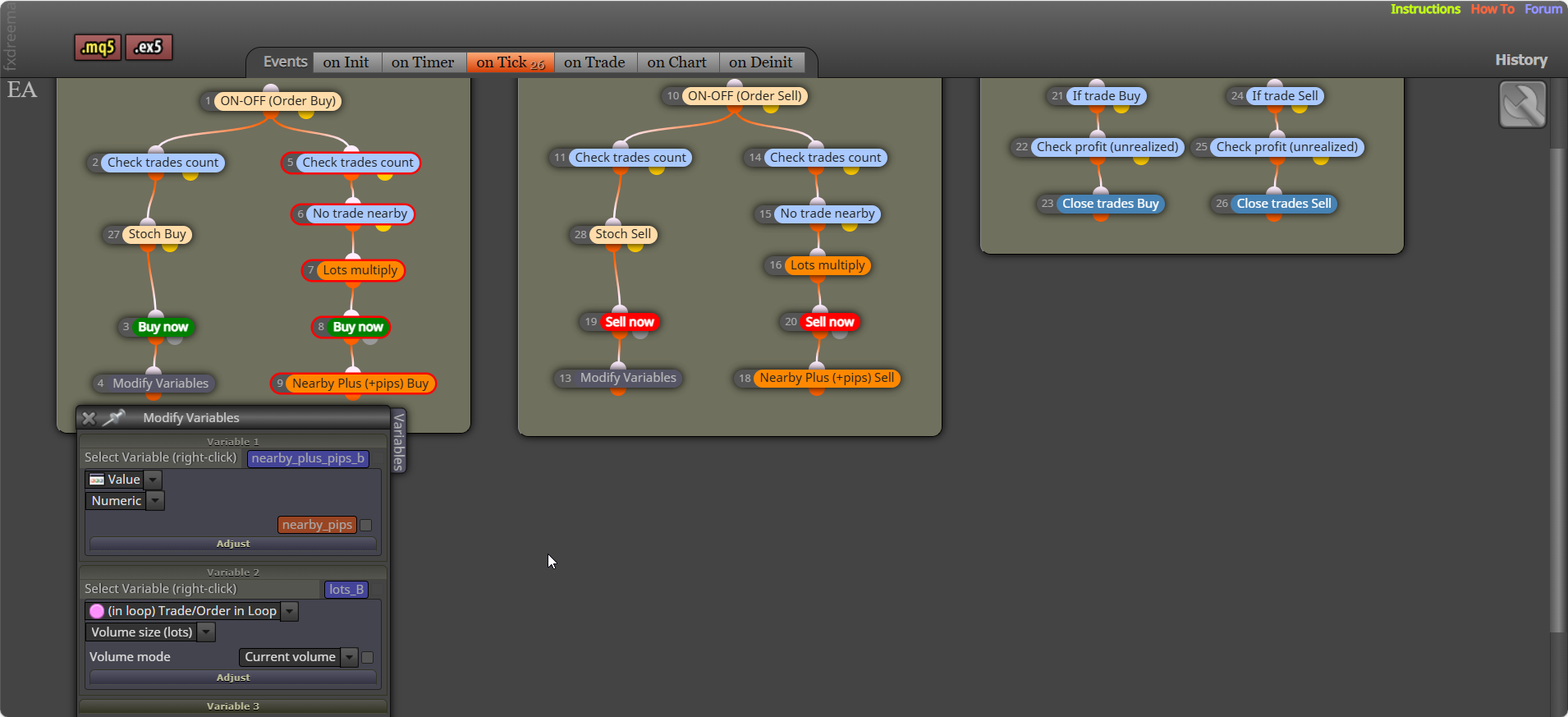
maybe, but add your latest shared link to asses what might be causing this
Sopping buy/sell at the same time is relatively simple, there will be a reason why it is getting a buy/sell signal at the same time, add your latest link. Generally when testing, turn off 1 of your buy/sell trees so you know which one is placing the unwanted trade.
You can add a shared link to look at, but it should still work anyway.
Try putting the condition linked to your but/sell block.
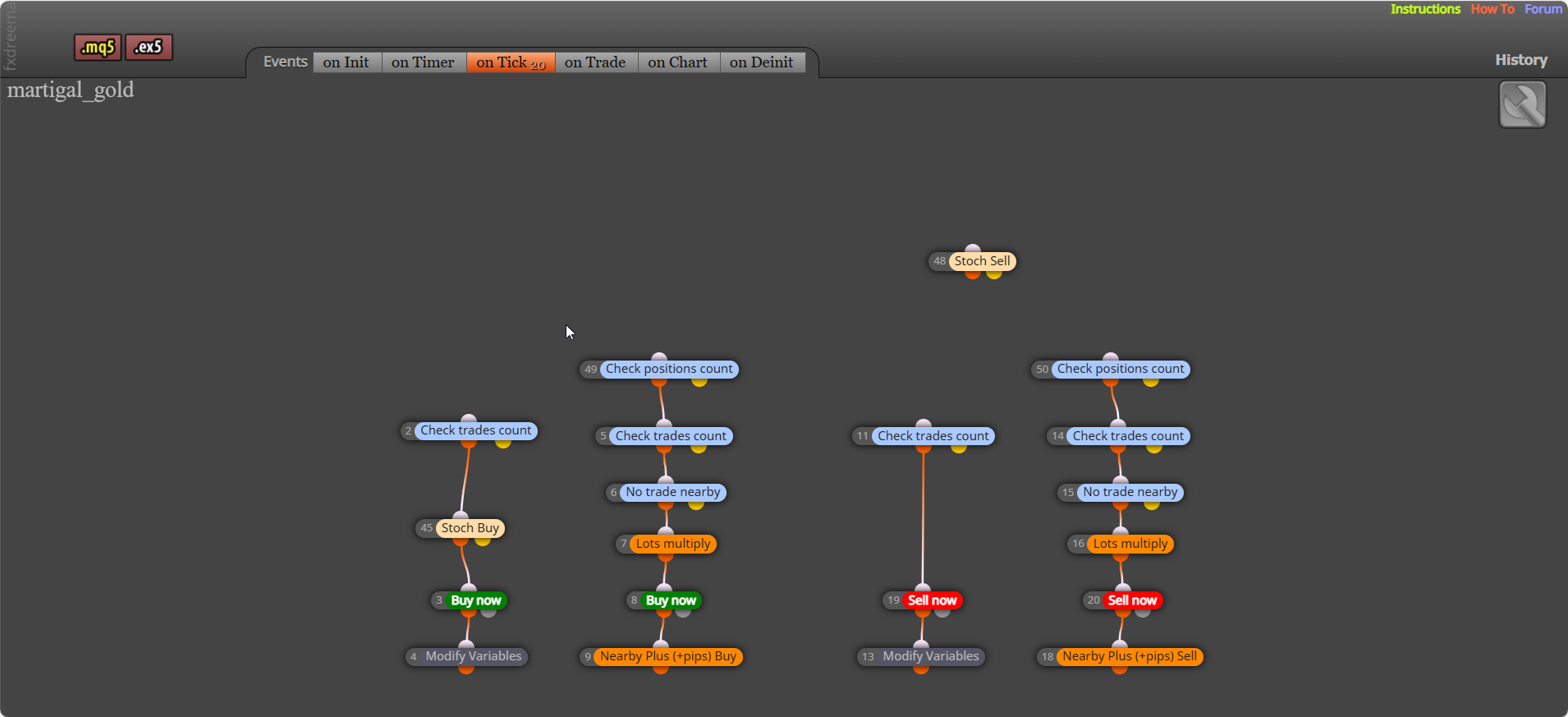
I think it's because the variable need to have a value of the name, if you press F3 you should see a list of the global variables