What I am talking... the parameter names in the indicator file does not matter. Try to rename Period to something else, I think it will work.

What I am talking... the parameter names in the indicator file does not matter. Try to rename Period to something else, I think it will work.
I'm not sure what I'm looking on your screen. Is the indicator work in your MetaTrader when you put it there manually?
Aaaa maybe the problem comes from the fact that there is a Period variable already, this is the Period parameter that exists for all indicators. So I guess there is a collision that happens. This is something that I'm aware that it's possible to happen for years, you are just the first one to report that. In the past the Period variable was named TIMEFRAME, but lately I renamed it to Period. I also renamed SYMBOL to Symbol and SHIFT to Shift. I guess that I have to review how custom indicators are used in the system and who knows when will I do that. My suggestion is unfortunately to rename that variable in the indicator itself, this will probably fix the problem.
This mouse-wheel feature simply works over all input fields in general. I personally use it a lot, because I'm lazy to type on the keyboard. And I'm used to move the mouse away from such fields when I scroll 
Most people don't have so many variables, but I see that there is a bit of horror going on when their number is so big. I remind myself to do something about this, but I also remind myself of other things
To be honest, I still don't understand what this chart id option is, or how should I work with it
I think you have 2 identical groups of blocks and I guess that when you see a trade, they are 2 trades at the same time. I don't see second strategy
Error message or something? I see you don't have any projects at the moment.
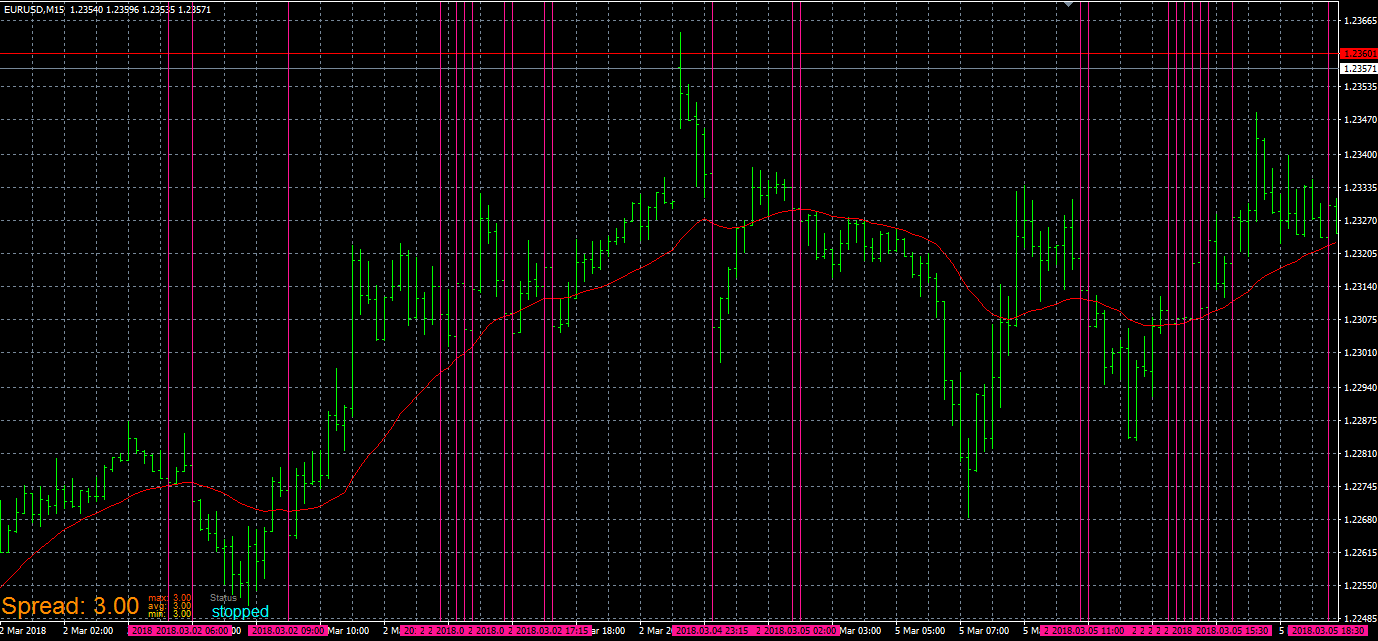
I tried the first example I have many vertical lines.
This is what I tried: https://fxdreema.com/shared/c2HtaLwyb
And this is my result:
The same thing, but with another object:
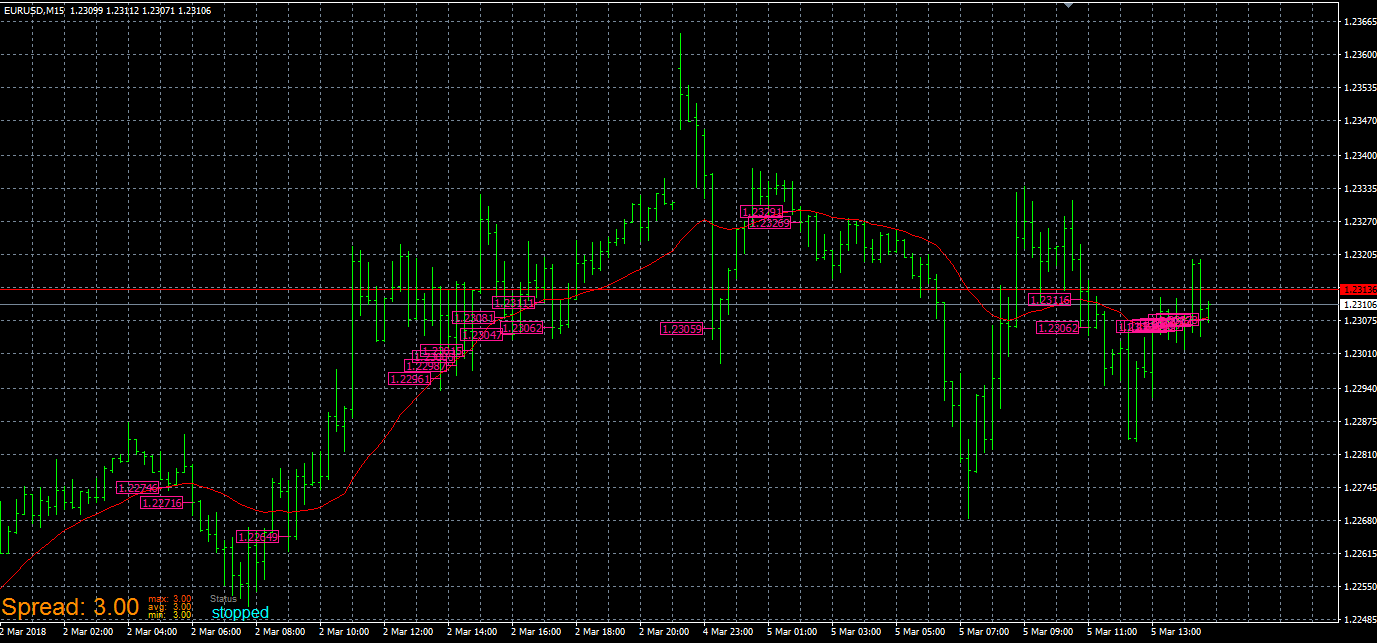
in "on Tick" I have Pass -> Trace (with the indicator selected inside). It's pretty simple.
I updated the certificate, I hope that the website can be accessed from all
So, version 66 landed already. I'm aware that this problem was expected at this version, but the certificate expires in May anyway, so I was thinking to update it in few days. It looks that I must do it now
The problem is with this particular indicator, for some reason fxDreema cannot read its parameters. I can only speculate that this has something to do with the russian language inside.
Here are the parameters. I tried it and it works:
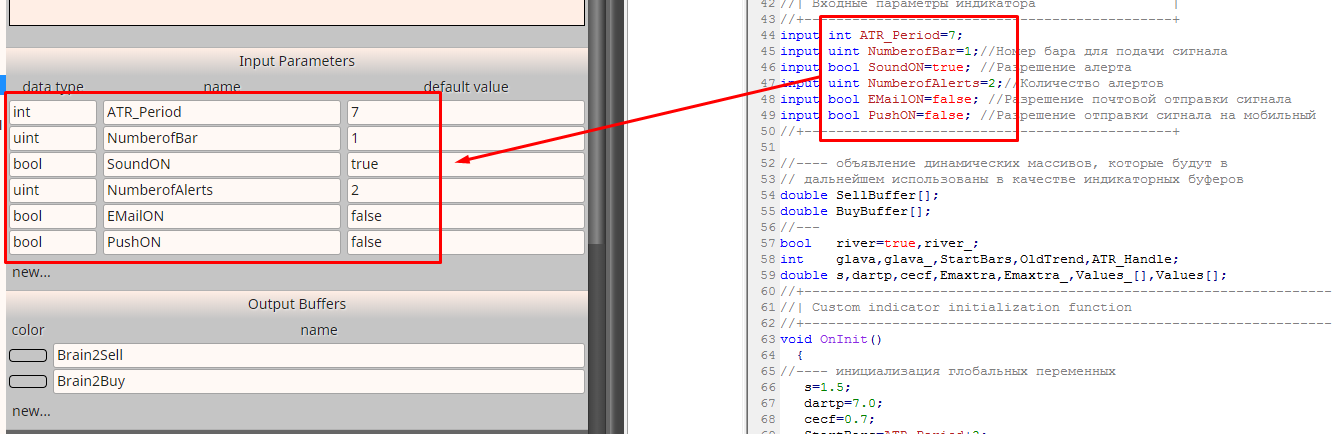
Those are the 2 buffers:
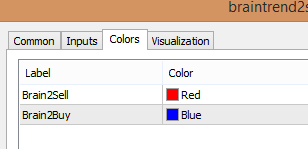
I think I fixed these problems.
For Martingale in the "pending order" blocks, I'm confused how it should work. Normally this strategy requires one position at a time. But these are pending orders - they don't even exist. If you place a new pending order with Martingale, what should be its lot size, from where it should be calculated - from some previous position or from the previous pending order? And I think that every answer to this question is correct and incorrect, because Martingale is not supposed to work like that
Ok, here is mine easy to test example - https://fxdreema.com/shared/mRvSlNKW Now I got the problem every time and also quickly.
That second order is expected to have lot size of 0.2 lots, but it opens 0.1 lots. If I remove block 2 (the first pending order that expires) everything is fine with the second order, it opens 0.2 lots. So it looks that something is wrong with that first order, maybe because of the expiration.
I'm sleepy now and I think I am going to sleep, but I will try to fix this problem tomorrow.
I don't know what happens, but I was able to see the problem (always 0.1 lots in Martingale) once and then magically everything works fine. Very strange, I think this happened with your "Comment" example, and also few months before when another guy reported something like this. I wonder what someone else can see - is there a problem?
I think that the problems happen when the orders have expiration, I will make some tests to see what is wrong.
You mean MQL4/Indicators/OsMA.mq4 ? I tried this and it works for me
This is where it appears to me:
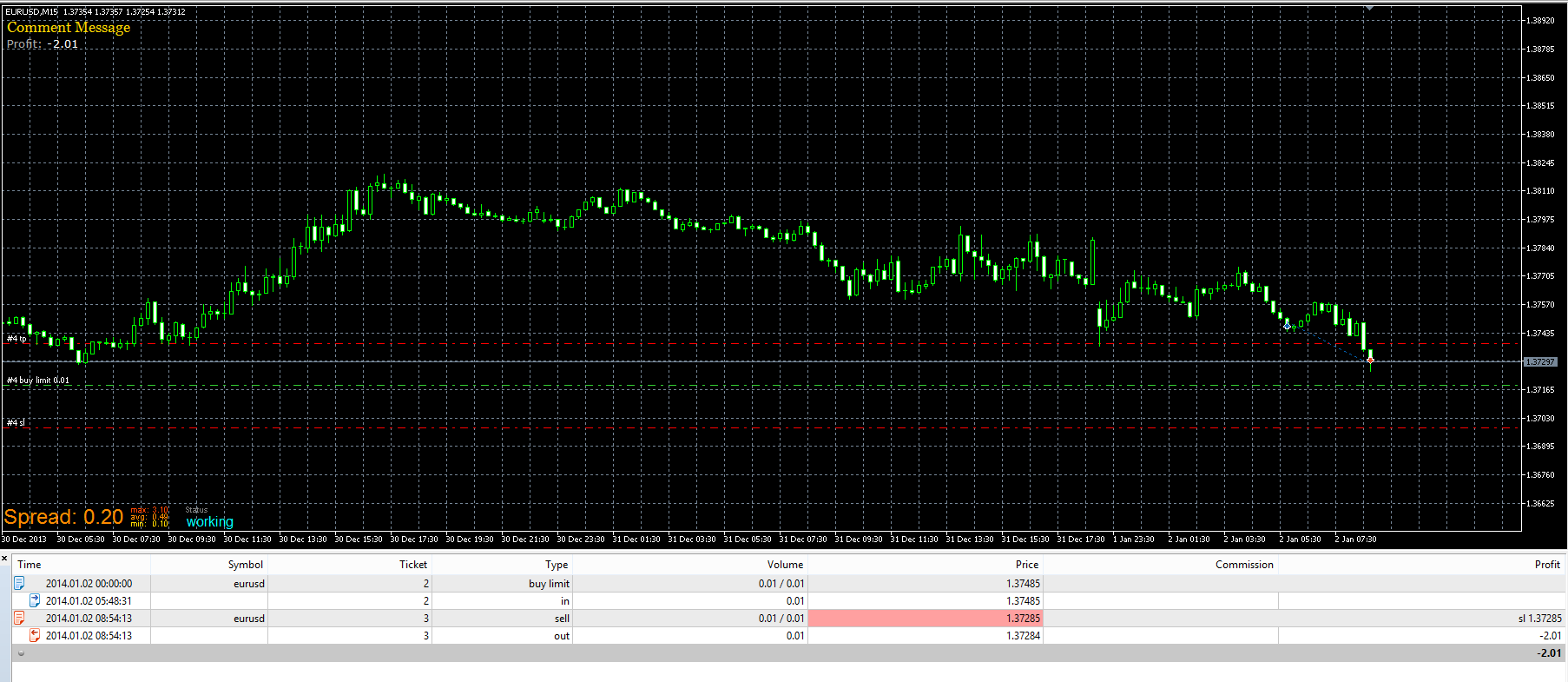
What if you move the chart left-right with the mouse a little bit? Sometimes objects are printed with delay in MT5.
@pipperoni All the parameters of this blocks are just filters, designed to select only certain trades. The last parameter is a must when working with closed trades, because in normal situation you may have 100s of closed trades and you don't want to select all of them. So this parameter only makes sure that no more than 10 trades are selected. If there are 5 trades in this period, they will be selected. If there are 15 - only 10 of them.