@sktsec ok, I do understand the logic but how do you actually do it in terms of placing blocks and the relevant settings please?
Do pardon my lack of knowledge, I have spent a long time trying to work it out.

@sktsec ok, I do understand the logic but how do you actually do it in terms of placing blocks and the relevant settings please?
Do pardon my lack of knowledge, I have spent a long time trying to work it out.
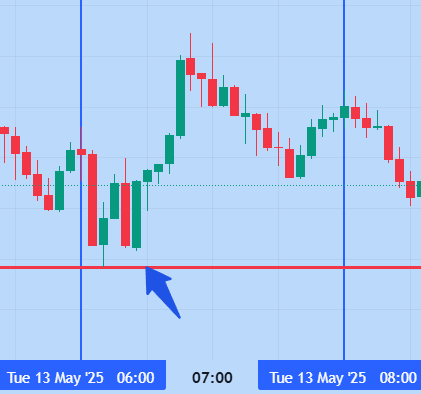
@jstap On the Chart, the two lines drawn are two vertical lines. I would like to know how to detect the minimum candle low (in between the two vertical lines) and put a horizontal line there. (the blue arrow points towards what I need, the red horizontal line to be drawn)
Hi Guys
How can I place this horizontal line here?
Please note that the two vertical lines are variable and will be updated as new trends take place.
Thanks!
@jstap I do apologize, I will keep it short and simple next time.
It's ok, I need to use a set flag. I figured it out. Thanks
He said crosses above then crosses back on the same logic tree. Why have you given him misinformation. You clearly just made two different branches which does not answer the question.
I do know I cannot change a constant. It is quite evident now you are not reading clients' messages properly....I said "next to constants" in brackets! With all due respect buddy, the only reason I initially explained my query in depth is to allow you to know what I needed....it was to give you a keen insight into what needed to be done. All I would like to know, in all simplicity is how to place a bool. Thanks for your dedication!!
Should have just kept my question nice and simple lol
@jstap my friend, my logic is on point and I do appreciate your advise.
I would like to simply know how to run a bool using a condition block to pass the condition before it.
That's all.
I can remember doing so using a variable (next to constants) in a past project but deleted it by accident.
Thanks!
I have a simple one guys and I cannot remember how I done it.
I need to set a bool to say that the condition is true then continue with the rest of my condition blocks.
I have a candle crossing over a Moving Average then I want it to cross over in the opposite way, so I would need a bool to pass that condition to say "yes it's met"
I tried putting both conditions on below the other but it obviously didn't work.
Please advise!
Hi...
I am looking to place a buy at position 2 (MA Crossover).
The EA needs to check first...if condition 1 is first met. (Previous Candle/MA Crossover over the red MA)
How can I do this please?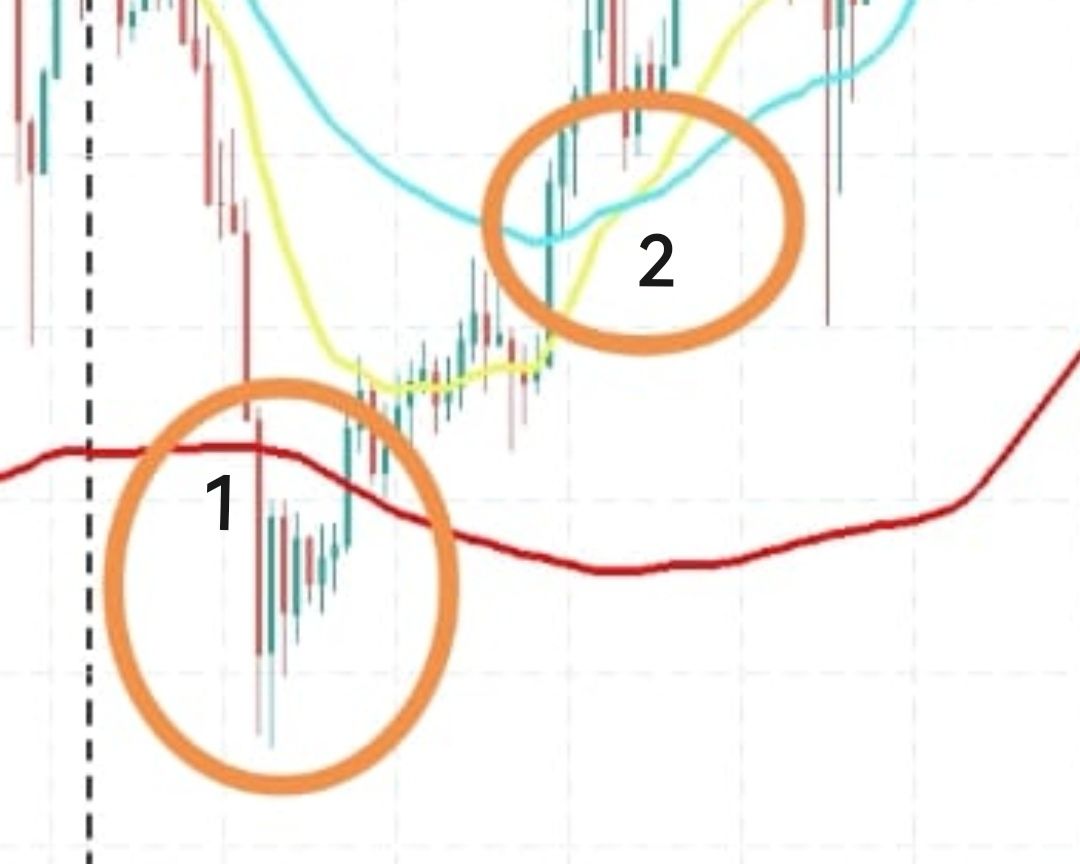
@jstap Aye, nice one. I'll check it out later. Thanks!
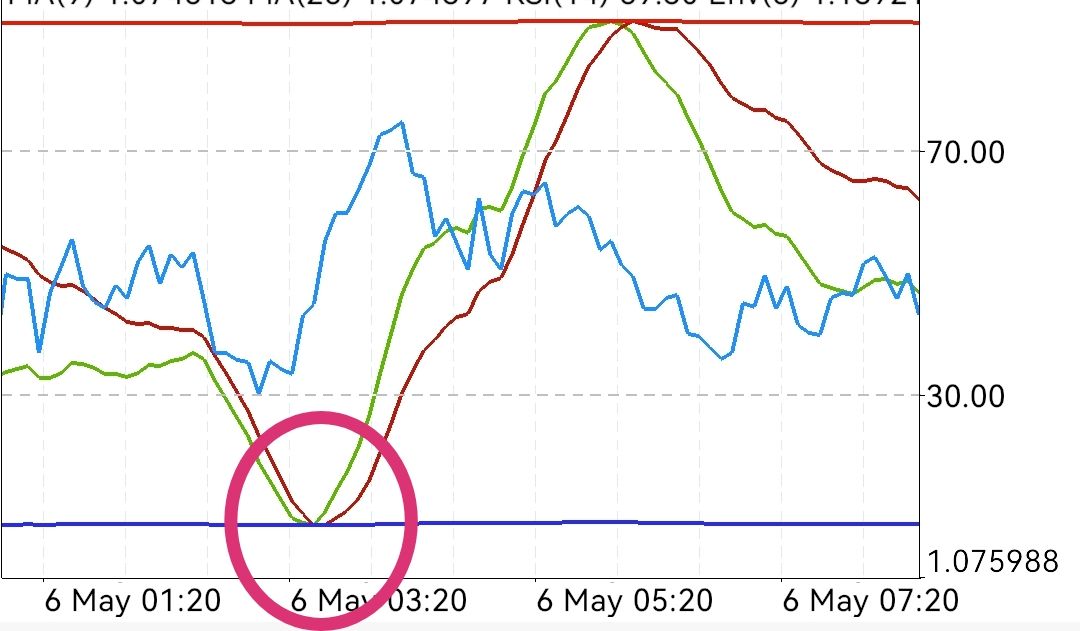
Is it possible to have my trades based on the Indicator Window Crossover instead of the main chart?
I've tried plugging in my indicators as "custom indicators" but they don't even show up when I'm trying to backtest!
Please help
@Ali-pahlawan well to be honest I was thinking the same thing was happening to me today.
I've created many versions of my EAs, each one supposedly better. Later versions do not perform as expected regardless of correct calculations and input.
It seems to me when you go back and "re-jig" your already existing blocks or variables etc sometimes the natural algorithm flow gets strangely altered.
It doesn't happen all the time though.
The performance of the EA works like prince charming when ran on a SINGLE chart. On ANY single chart it's fine.
When it's dropped on more than one orders DO NOT open correctly.
That's all I'm trying to express fella.
@jstap It's fine, you've been great help nevertheless.
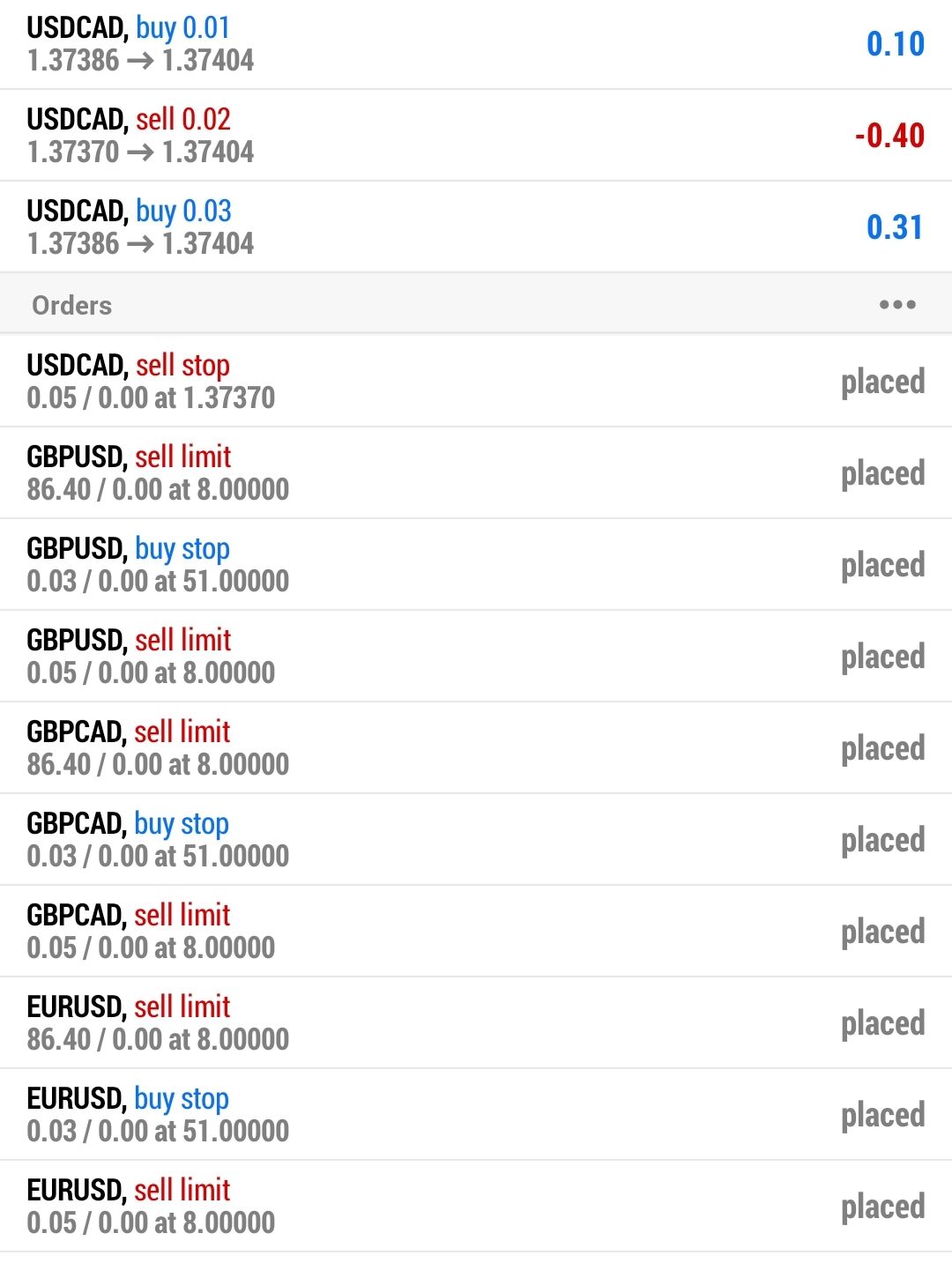
There's obviously a reason as to why every order you see is placed and pending etc .
My problem was to rectify as to why other pairs (apart from the first! triggered trade) were opening at a totally random value contradictory of my formule (which are all correct)
Thank you. Have a wonderful day ahead.
@fxdreema please delete this image upload!!!! (Done in error)
This is the correct one...