Notice: This is not proved EA and is not prepared for real trading. Test it only with demo account.
All you are doing is your own responsibility, not mine.
How to make price PullBack EA.
It is a lot of meanings what price PullBack can be, here is one of them based on 3 exponential moving averages:
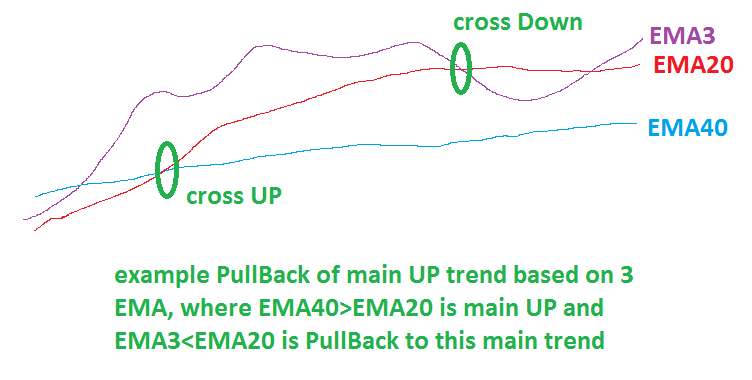
and here is my example of EA in fxDreema how to make this one with more additional settings:
https://fxdreema.com/shared/1IpxvLruc

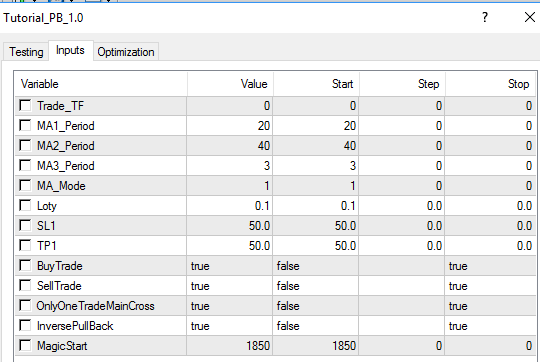
I added few next options, like "OnlyOneTradeMainCross" if true, only one trade is taken on main cross and after that wait for next main cross
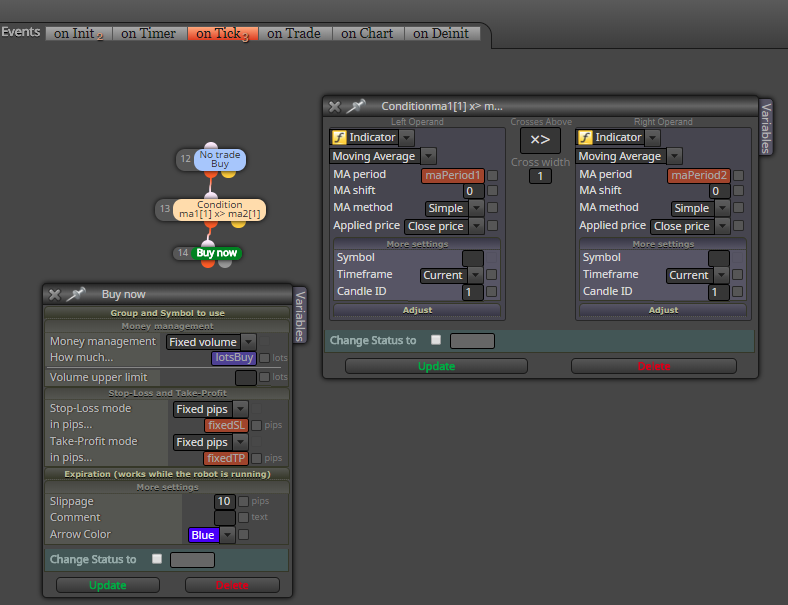
EMA20 x> EMA40 for main UP (buy)
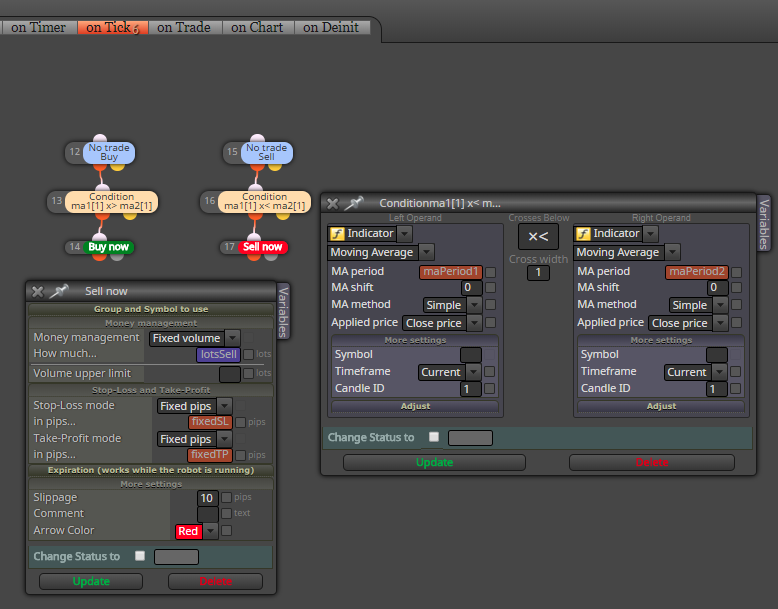
EMA20 x<EMA40 for main DN (sell)
if OnlyOneTradeMainCross is false, more trades are opened on one cross and for simplify cross is not needed, only condition EMA20>EMA40(buy), or EMA20<EMA40(sell)
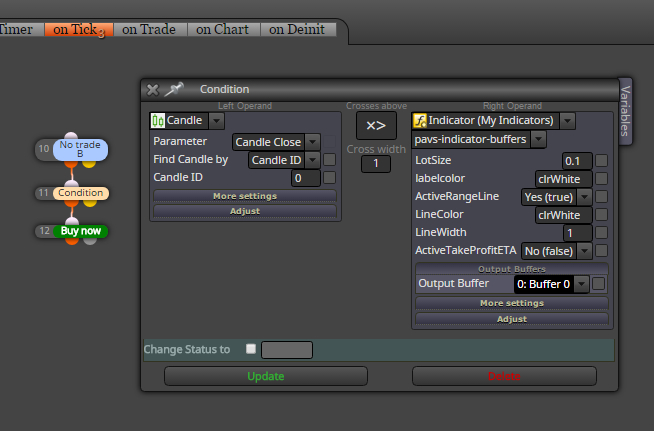
next option is InversePullBack, this option is probably bad named, but when it is false it wait for cross: EMA3 x> EMA20 and next condition EMA3>EMA40 for buy
when it is true pullback for buy is when EMA3<EMA20
With "BuyTrade" or "SellTrade" selected as false can be trading buy/sell disabled.
These additional options shows you, how to make more alternatives for EA easily switched in EA settings.
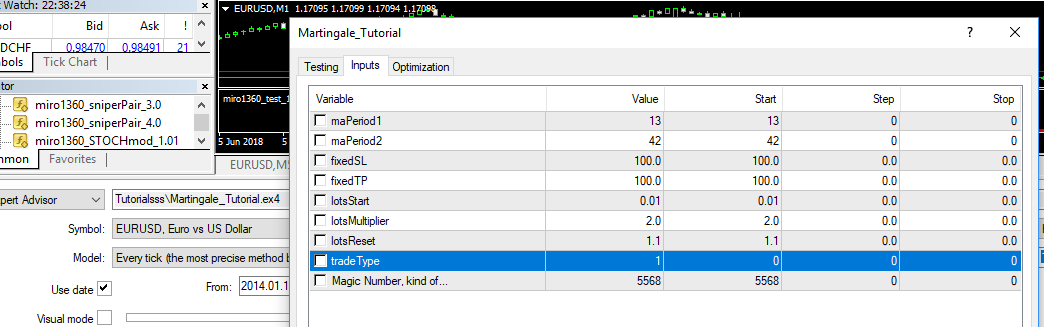
Default EA settings for above described strategy:
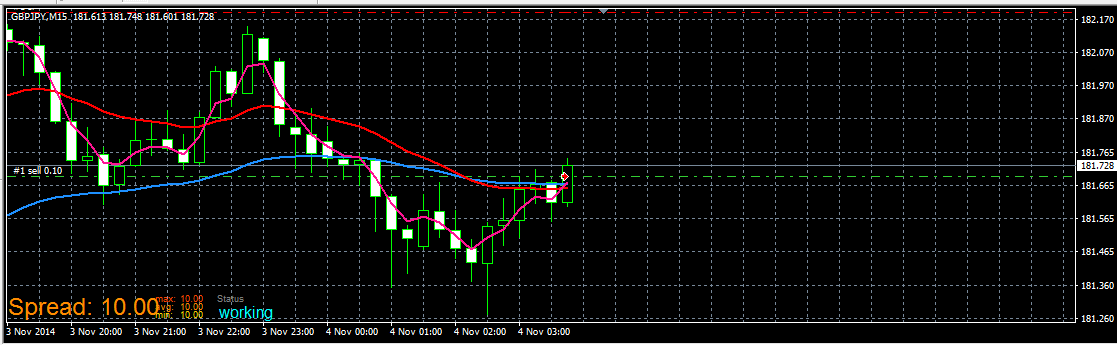
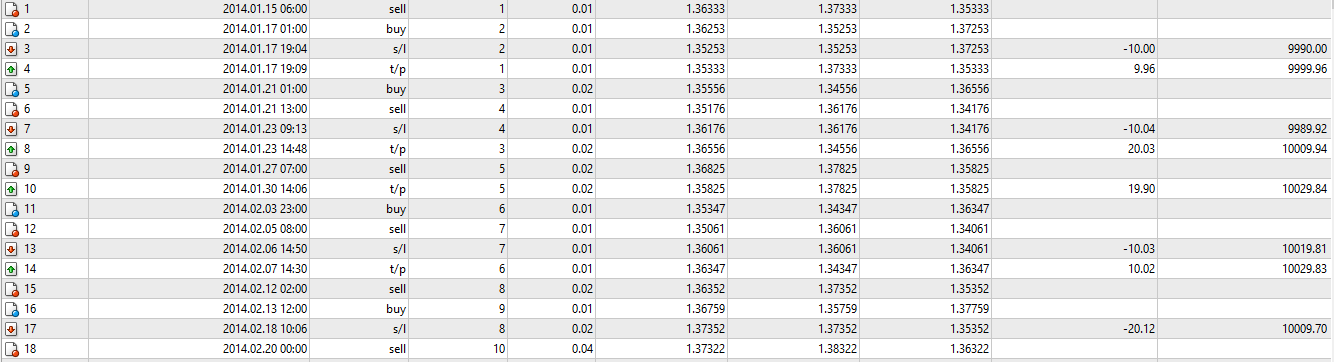
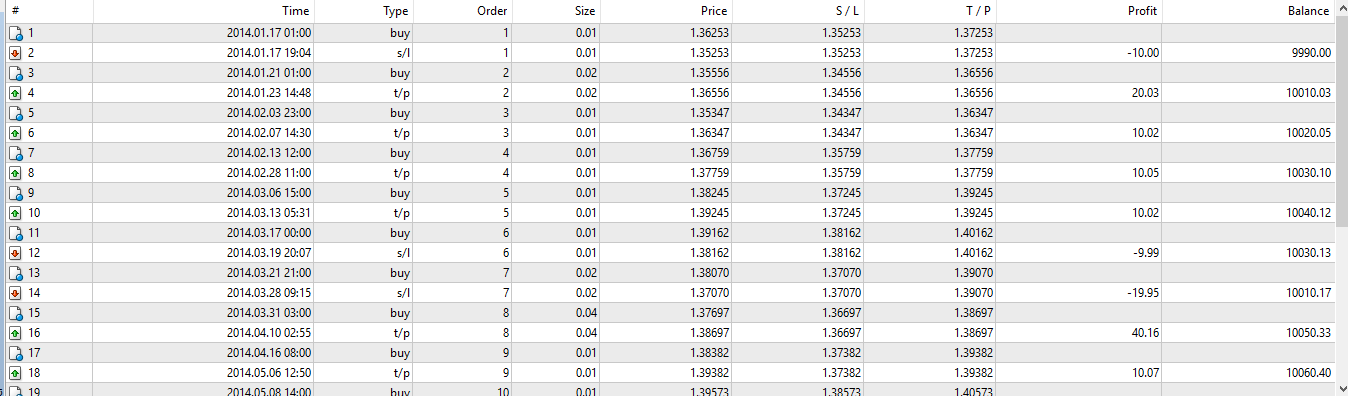
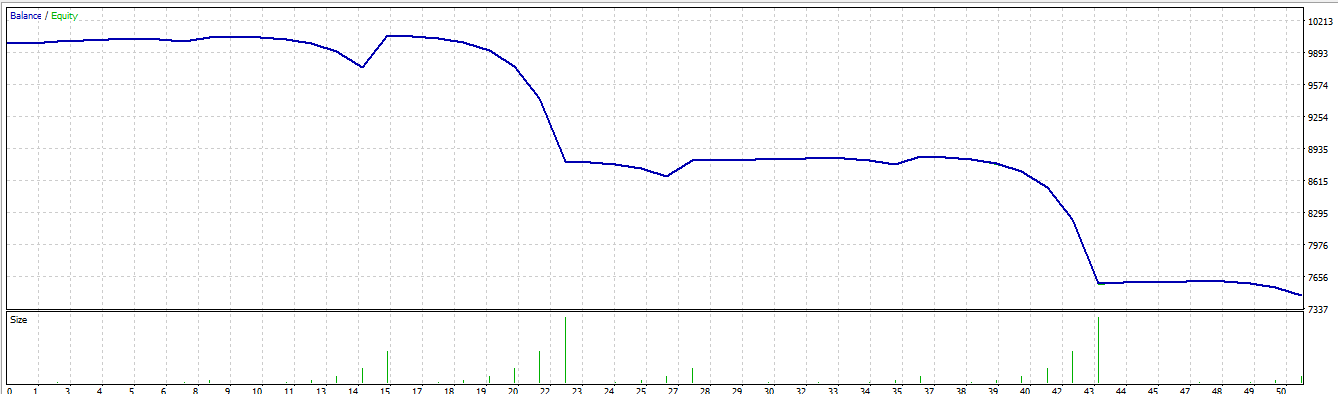
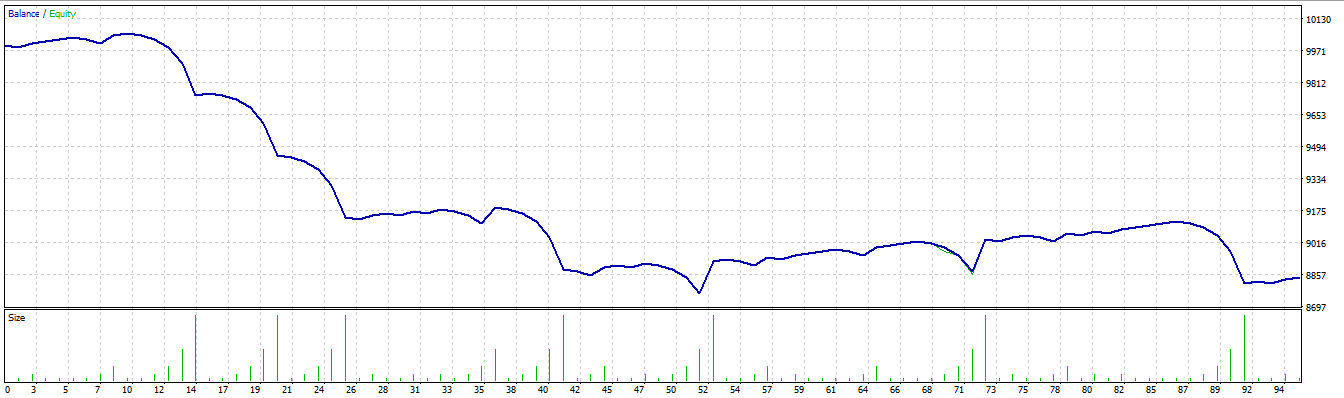
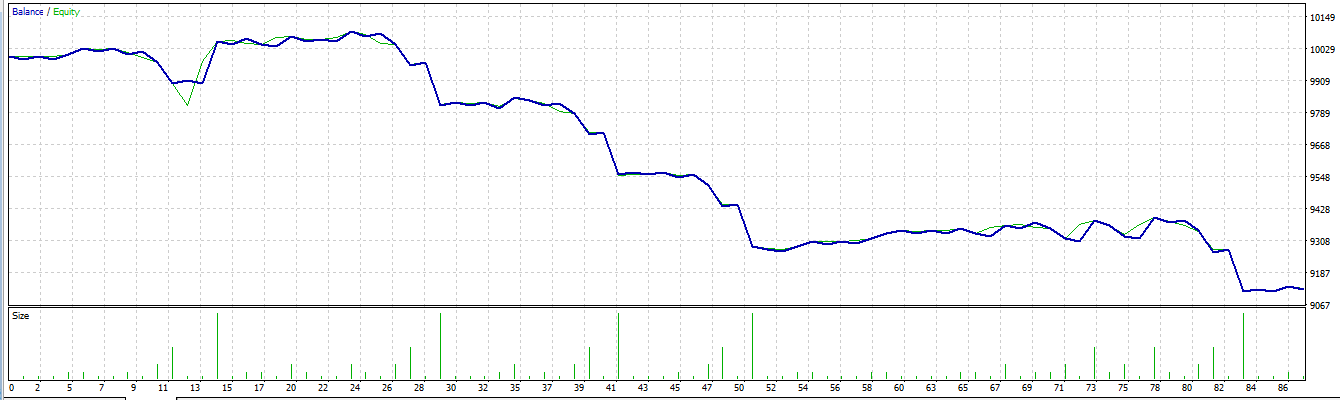
Demo trades from EA:
start of Sell
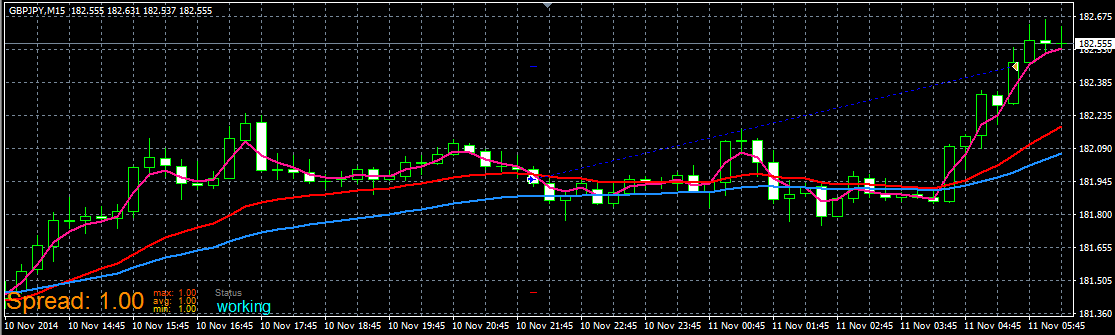
completed Buy:
In other tutorials you can find how to work with buttons. Using buttons you can create this EA for better manual control.
have fun!
 ...
... ...
...




 { TF_used = 10080; } //W1