Hello,
Does anybody know how to delete all chart object that was generated automatically by previous logic?
I wanna delete those object on the chart for every 30 minutes
Thank you very much
Hello,
Does anybody know how to delete all chart object that was generated automatically by previous logic?
I wanna delete those object on the chart for every 30 minutes
Thank you very much
@l-andorrà Hello, yes it might be could be done through custom block
Hello,
I just have an idea whether we can embed a youtube video on the chart, so we can avoid boring meanwhile we're waiting for the right timing to trade 
Is it possible?
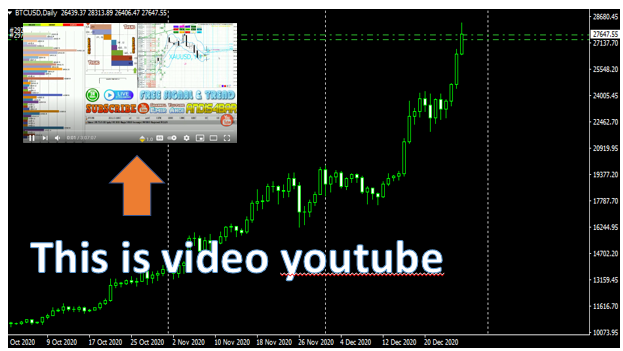
@l-andorrà Yes, it's without dong it manually
@l-andorrà Helo, Yes it's very simple for few logic. But it can be difficult for many logics i.e : v1+v2+v3+v4=v5
Thank you
@rafaels919 Hello, sometimes the line will be appear soon after good internet connection
Hello,
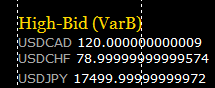
How to reduce the digit value after coma?
in example, the JPY's current digit is 17,99999999574, and I wanna make it to be only 17,99
How to do it inside the block text or?
Thank you very much
@miro1360 Hello,
Any link explanation regarding any custom function? -> "learn to code  mql4 language is very simple. You can insert custom functions in fxdreema studio"
Thank you
Hello,
How to create logic : Var1+Var2 = Var3 in Custom Block?
I have already some Variables Var1, Var2 but I want to do a logic calculation inside the custom block.
Because I think it's more simple than I must create new block of var3, etc
Anybody can help me to explain it?
Thank you very much

@l-andorrà Hello, It's working well. Thank You very much
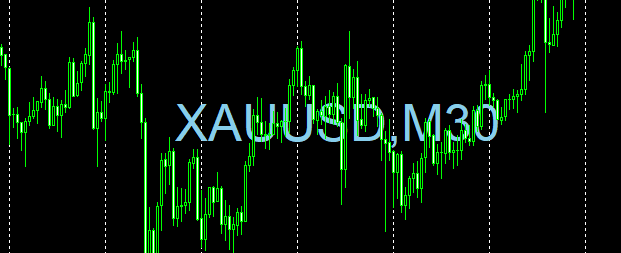
Another question, How about the text and time info will be changed automatically once it's attached to any different pairs? Because This block is now fix only for the xauusd, m30
Thank you
@l-andorrà Hello, Thank You very much for your reply. I will try it.
Regards
@l-andorrà Hello, which tab should I put this block? on init, or?
And there is no need some previous block, right?
Thank you
@l-andorrà That's why I am getting confuse
@l-andorrà Hello,
1 I put the block "no trade" is to avoid opening order than 1x
2 I don't want the ea will do new order once it"s attached to chart. Can we do filter with button in tab on tick and connect it to the blocks on trade?
Here is the block https://fxdreema.com/shared/xS4QlIS1d
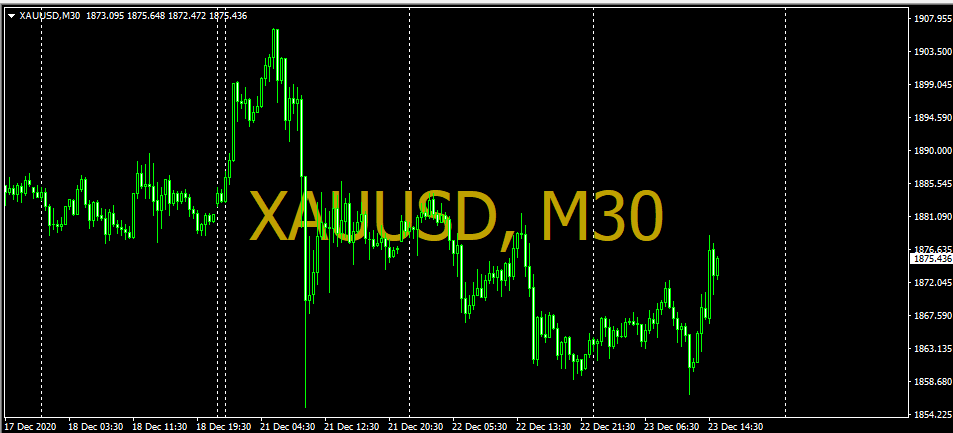
Hello all,
Anybody know on how to create a text like below picture?
Thanks a lot in advance
@l-andorrà Hello, I am also interested to know this topic. So what is the final result of those blocks, any shared link to learn it?
Thank you
@xyon126 Hello, sorry for very late reply. Is there any alternatif way to code it? Let' say using a kind of label name
@l-andorrà Hello, yes those conditions are ALWAYS met every time I run the EA on the chart no matter what...
And Is this because I put those blocks are on tab ON THICK? Should I remove it to tab ON TRADE?
And what's difference both tab ON THICK and ON TRADE?
Thank you very much for your explanation