Compiling errosr
-
It appears FX Dreema is not compiling the code properly when exporting to mt4 to run it in strategy tester.
Same EA that works fine yesterday will not work when saved as a different file name today.
Very frustrating as I must stop work.
-
still not working?
-
Compiling into MT5 also doesn't work properly.
Input fields in Strategy Tester ("input parameter for optimization") are with wrong "inp"-numbers and some are not showed at all. -
No, it's still not working.
-
can you post link to example project where it is wrong?
-
@miro1360
This one compiled yesterday works OK
0_1503193603698_170810dca03-3.mq4Same project exported to MT4 today without any changes won't run
0_1503193617314_test2.mq4205 errors when compiled in MetaEditor
-
for me it compiled without warnings:
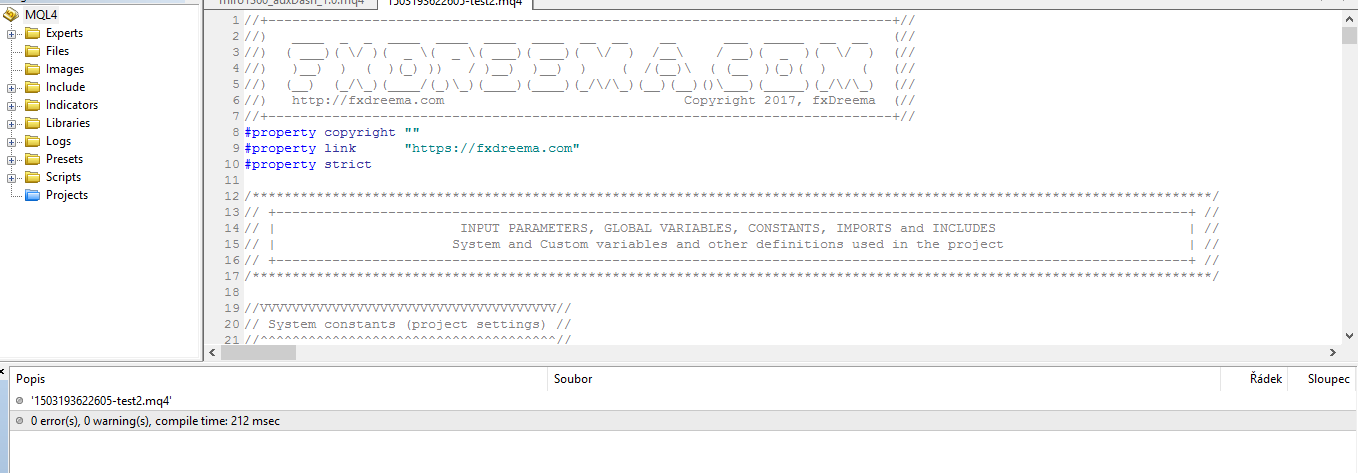
-
The problem seems to be that I'm running an older version of MT4. To get free tick data I have to run an older version. The upgraded FXdreema code doesn't run on the old MT4 version. If I open it on the latest version its all good.
Thanks for your help
Drew -
Drew, what if you compile the .mq4 file in your MetaEditor? What are the errors?
-
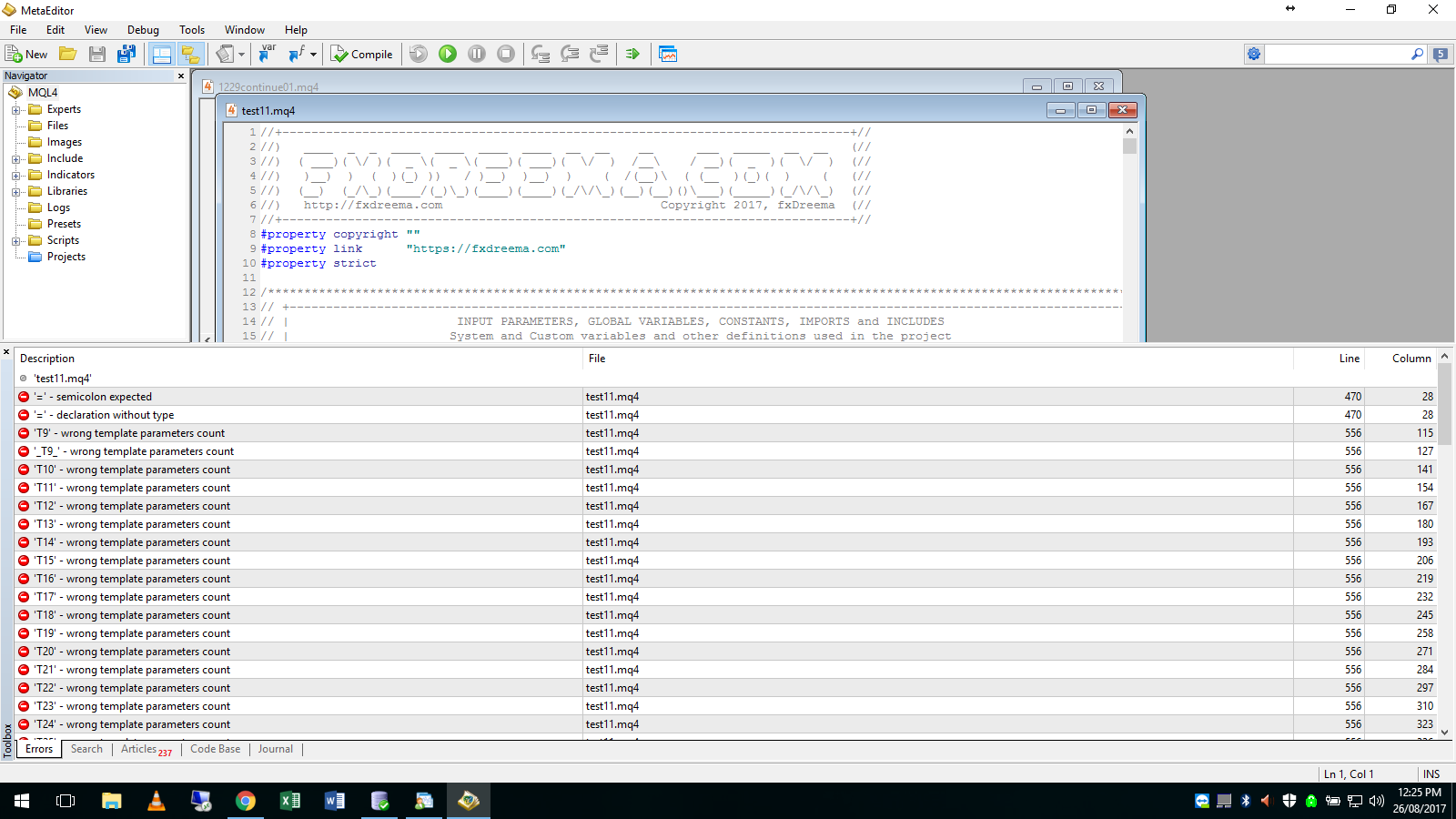
I still can't get any ea compiled since the last upgrade about a week ago to run at all. I've tried on 3 computers with many versions of mt4 including the lastest and nothing will run. all earlier versions of all eas are fine.
Here is an example meta editor compile errors... EA only has 2 blocks as attached0_1503714593314_test11.mq4
-
I have found if I open the EA generated from the new FXDreema build using Tickstory I get the errors shown in the previous post. If I don't use tickstory and open the same EA I get no errrors and it runs.
Something in the latest FxDreema build is causing it not to work when MT4 is opened by Tickstory? When Tickstory open MT4 it makes the data files read-only. It must have some other impact when MT4 compiles the ex4
Thanks Drew
-
If I use FXdreema to compile the file by exporting the .ex4 it will run. If I export as .mq4 and let MT4 (opened by Tickstory) compile it, MT4 can not open the file. While this is a workaround it doesn't solve the underlying problems of the .ex4 not compiling in MT4 when MT4 is opened by Tickstory. This hasn't ever been a problem before until this release of FxDreema. Nothing has changed with MT4 or Tickstory.
-
But how... Even the current version of MetaEditor complains when the template parameters count is wrong. But Some of the parameters are not just a regular values, and maybe this is what the oldest MetaEditor can't work with. Also at row 470 we have this:
virtual void _execute_() = 0;... which is fine. Will your MetaEditor understand it like this?
virtual void _execute_() = NULL; -
I just signed up...I built something very simply but when i click on mq4, it shows 'compiling' but cannot save the file (no dialog box pops up).
Any suggestions?
Thanks.
' -
@keenuo
it seems there is something wrong with the website
thats whyyou cant download the file
hopefully it will get fixed soon
you can download the desktop version , its working fine. -
@keenuo Me too, can't save the file
-
I tried the desktop version and it doesn't work for me. Also, the all the text and blocks are extremely small and I can't zoom in.
Please advise.
-
@keenuo
I'm facing the same problem. I can't download the files (today 4-9-2017).But yesterday 3-9-2017, I was working ok.
-
@David197
I solved the problem by using FXDreema to generate both the Mq4 file and the ex4 files. This way it always works. Both buttons are at the top left of the screen.
