Same, i hope it is fixed soon, cannot finish my work 

It will only recognize the "not matter how" condition. Won't run the stop-loss or take-profit condition if selected.
Don't know if this has been reported yet (MQ4 only).
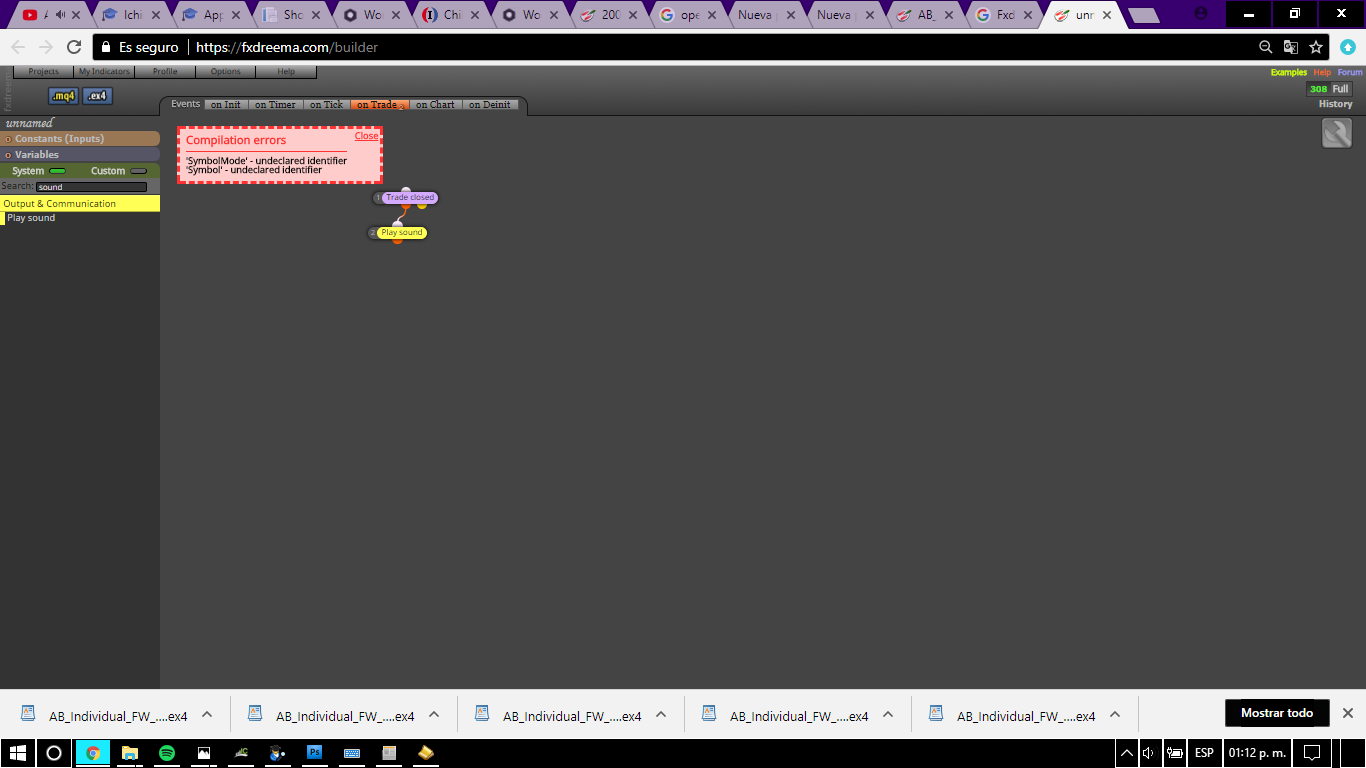
Tried on a new file and old one, same error appears.
@timmyhanke Nice  i am glad you could make it work! Good luck with your project.
@fxdreema Hello! Another thing i noticed... I cannot create fibos that are not "ray" (they always extend to infinity from both sides). And a scary bug where ALL my blocks get erased (web mq5 version), the latest only happened once and luckly i had a backup source code. Tried to refresh and restart Fxdreema but they appeared to be erased for good (variables too!). Don't know what may have caused it, i only remember trying to erase a single corrupted block and being very hasty about it, then all of the blocks were gone.
@timmyhanke I see, perhaps i am a little lost, but there is way to make these work with the "for each object" block? Or just the "select object by name" can detect whether an object exists or not  (never looker at it myself).
@timmyhanke Interesting, hope Mr. Fxdreema hears our prayers.
Would it be possible to take a little sneak peek on that project? (or at least the overall idea) just curious
There, isn't it beautiful? Had to replace the labels with similar names

Don't know if this has been reported yet, but there is no way to make these two blocks work together from init. This happens in mq5.
The "Select Object by Name" block can pass, but it doesn't select anything. Modify Properties works well with the "For Each Object" block, the problem being it cannot select specified names, so modifications get all messed up if labels start with the same partial names (trying to customize the built-in spread labels).
@fxdreema said in Help me open the csv files in SPSS :
To be honest, I don't have very much experience with csv files, I only know that they are "comma separated" and if you open the file with text editor, you will see that the format is very simple. I also don't know what this SPSS expects, I only heard of this program some years ago
CVS files exported by Fxdreema seem to work ok on excel, but not for SPSS (unknown reason). I got them to work in SPSS by re-exporting them again from excel. Seems there are several formats for CVS files.
So i used the "write to file" function to write in some variables, then located the written files and opened in excel, but i would like to import them into SPSS for analysis without copy, pasting every column. I have opened CVS before (OHCL data), but for some reason the same process is not working for FxDreema generated files, any ideas?
@miro1360 Thank you as always miro, i am going to check them out wish you have have a nice day
Any of the following:
A) Hide them.
B) Change their color.
C) Insert/remove them from the chart.
Using a key stroke, condition, command from within the EA, and without changing templates (as it resets the variables and screws everything). I know i can do this with objects. Anyone?
I am going to take my time, so how much?
Good day, i would like to create an EA that checks if ANY trade of an specified symbol is without stop loss, either by failed modification (ie: trailing) or purposely created as that, and then forces the creation of a new SL on a predeterminied price level, everything set tick by tick.
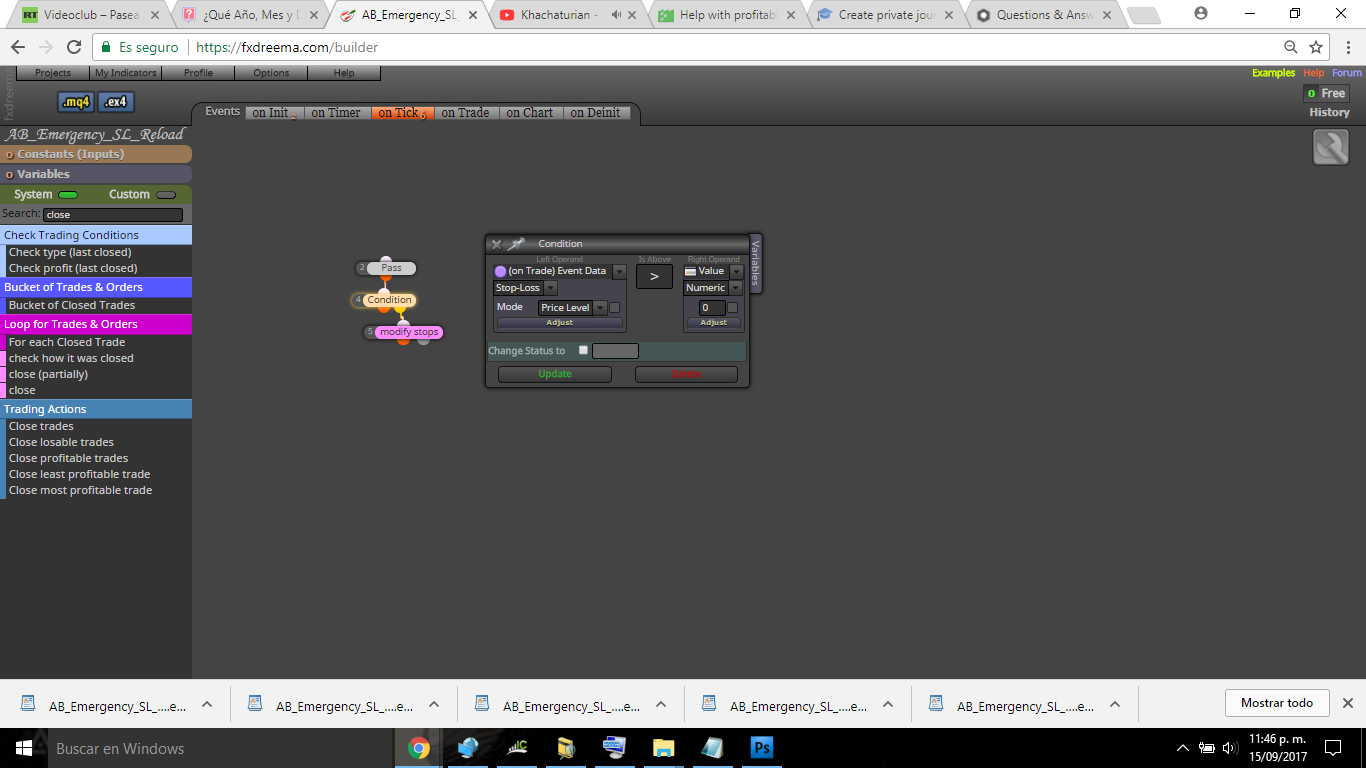
The following condition block only works as a "on trade" event, and will send me an "error" message if i use it under "tick" event:
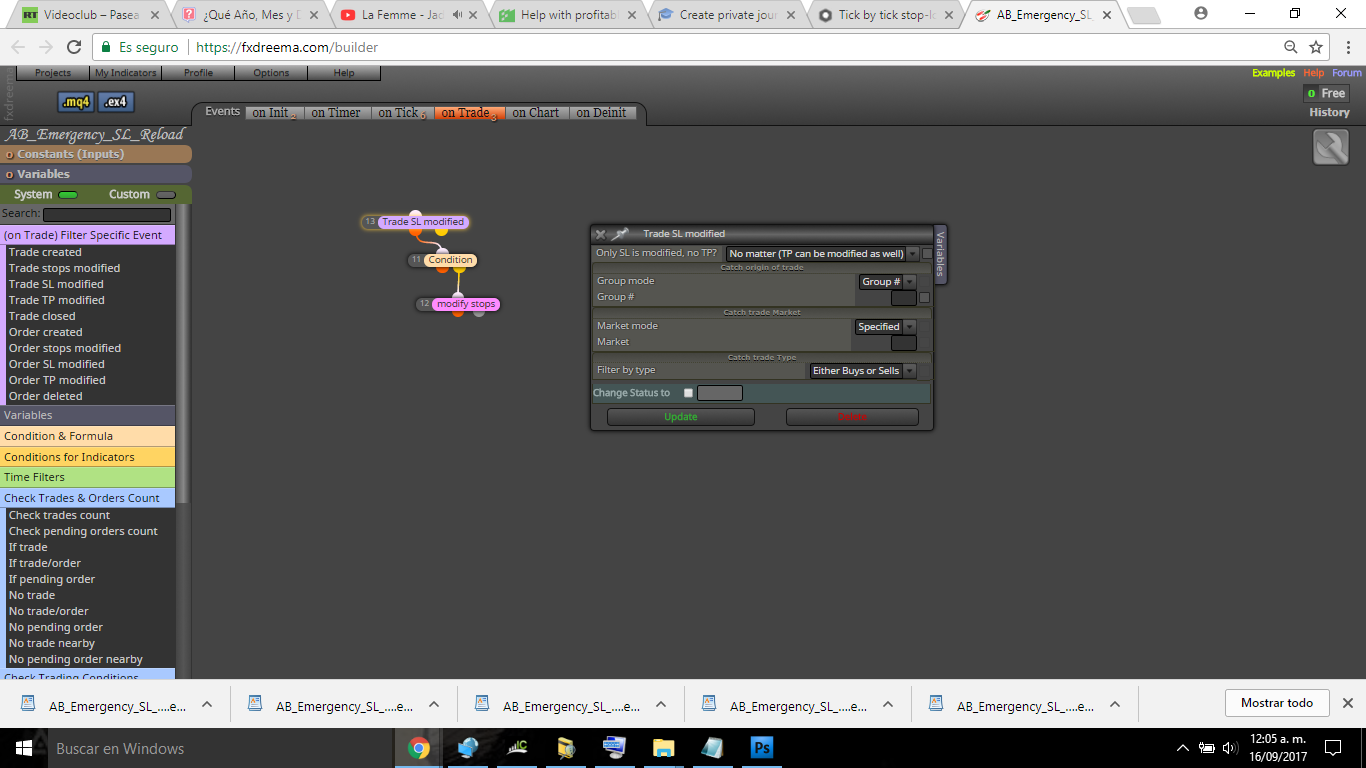
I am not sure if the "Trade SL modified" block event works with these kind of errors, or if it would persist on a second modification error/failed order or possible disconnection, that's why i would like to use tick events.
I am creating a secondary robot to support an scalping EA that gets a lot of modification errors and resets its SL to 0.00000 creating a runaway loss in most cases. Already created one that draws and trails an horizontal line on the past SL levels and closes by market, but i would like to reinforce it.
Here it is:
https://fxdreema.com/shared/Wi6Slhlge
I think this happens when the formula tries to return a value that is less than 0.01, but not sure.
Yeah, but why zero?, the SL is calculated using ATR multiplier so i don't see how it may return a 0, the only problem i have seen myself is that sometimes the formula for volume size tries to return a value less than 0.01 lots.