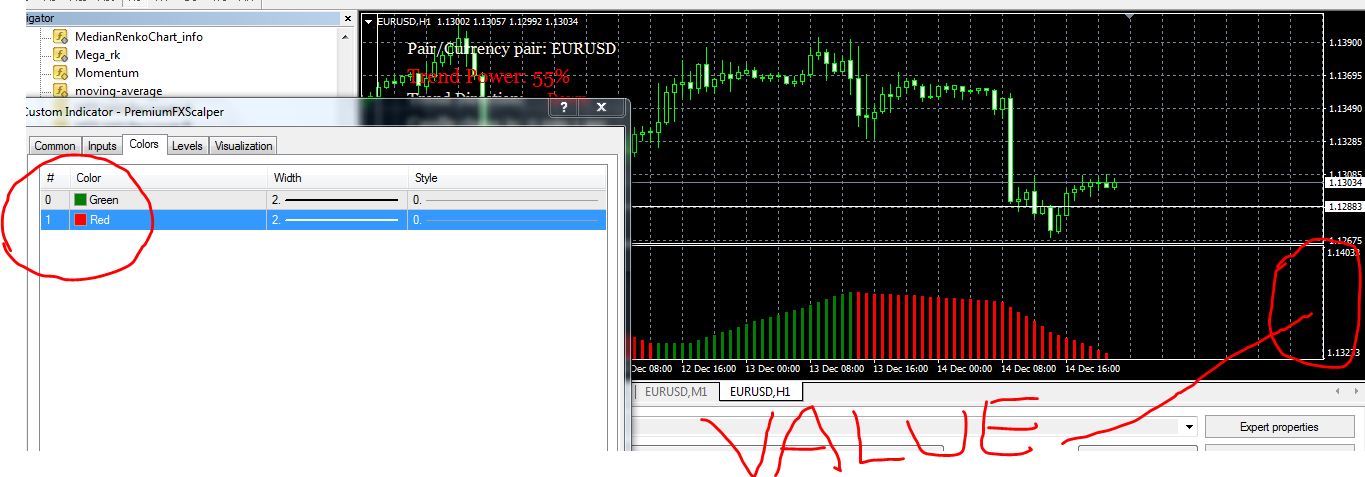
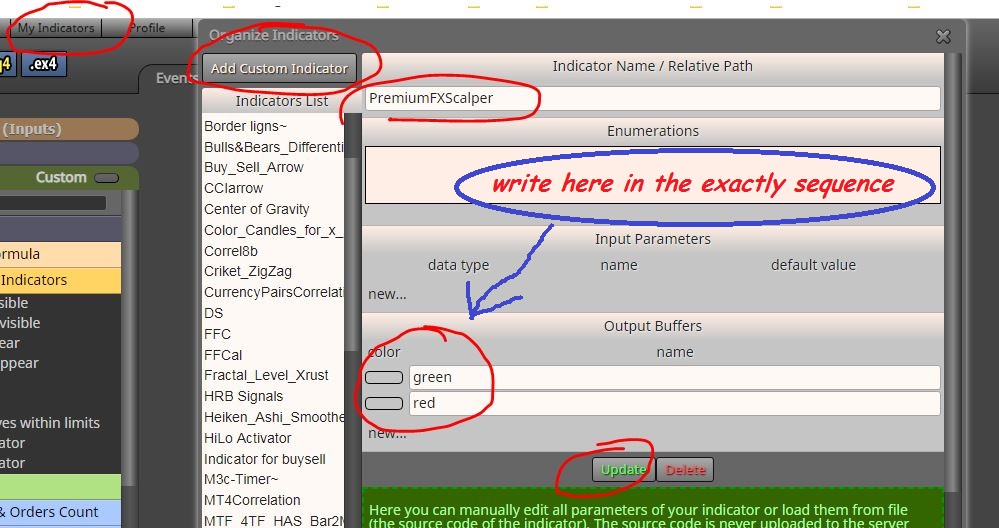
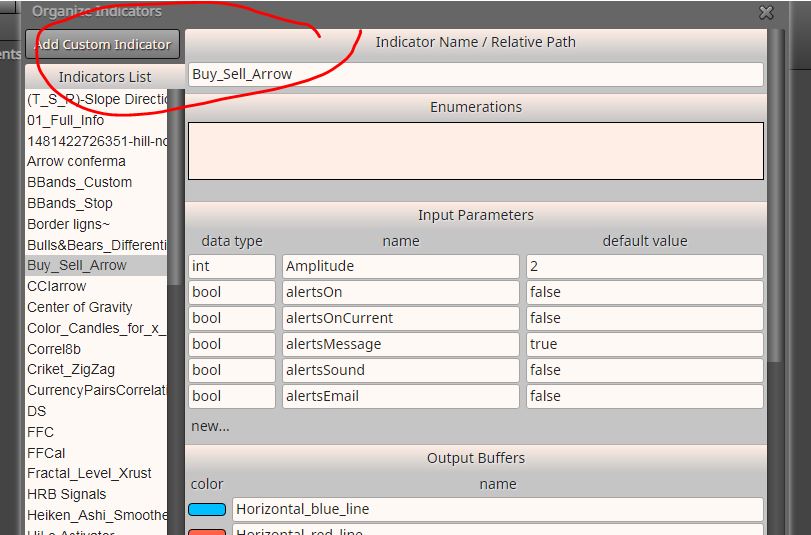
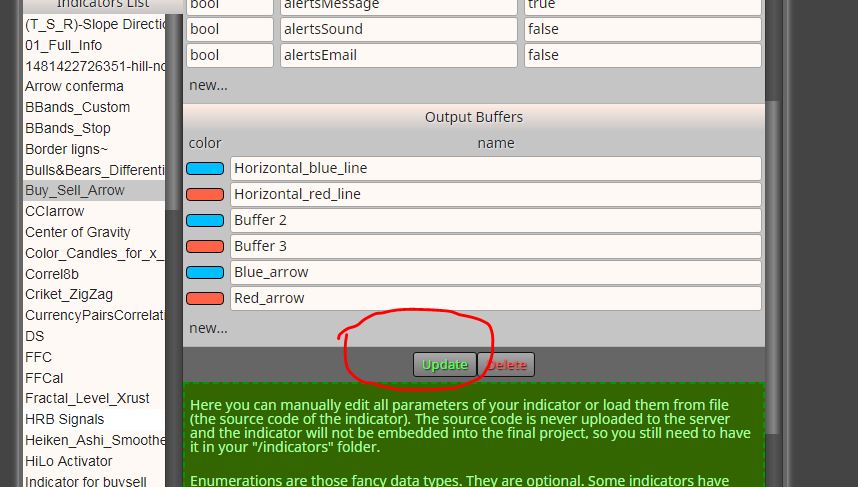
@navid first you need to upload your indicator to the list of custom indicators
I renamed your indicators for convenience
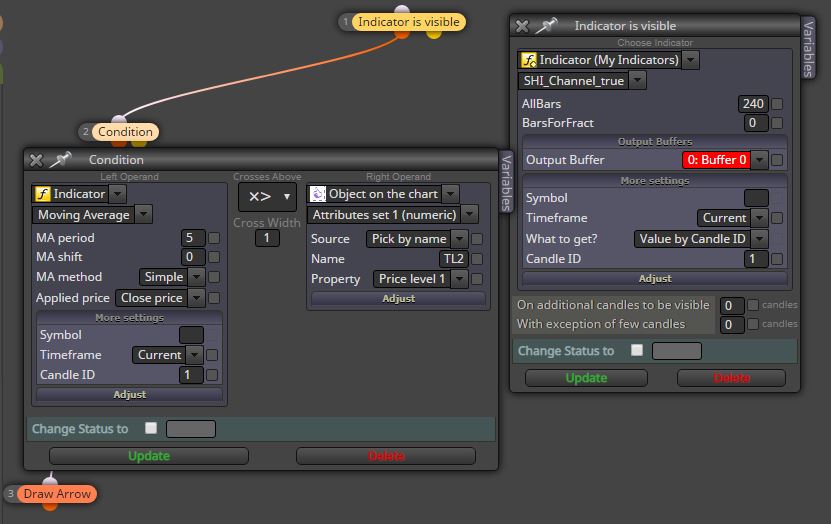
you can use "indicator appear" block, then choose the purchase or sale buffer (blue or red)
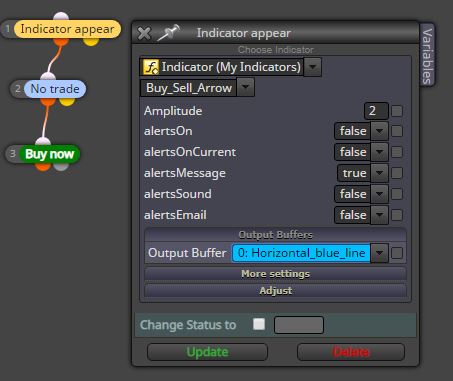
@navid first you need to upload your indicator to the list of custom indicators
I renamed your indicators for convenience
you can use "indicator appear" block, then choose the purchase or sale buffer (blue or red)
It's not possible, the code is different.
@zackry I think you are right, in manually mode we manage to load the template on the chart first and only then the EA. Conversely if you load the EA first and in second time you attempt to load a template, then the EA is removed from the template
You need a custom indicator, you can search on mql5 site, "codebase" section
@alphaomega hi! A long time ago I solved this way: I copied the code generated by the converter into an empty meta editor indicator file, then i compiled it.
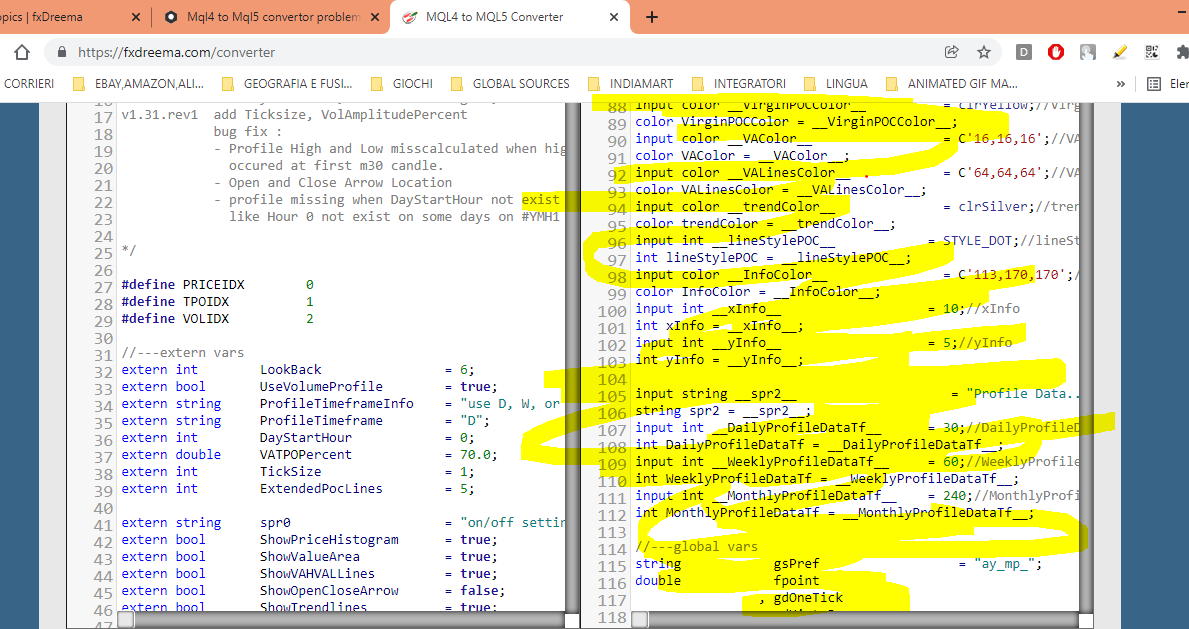
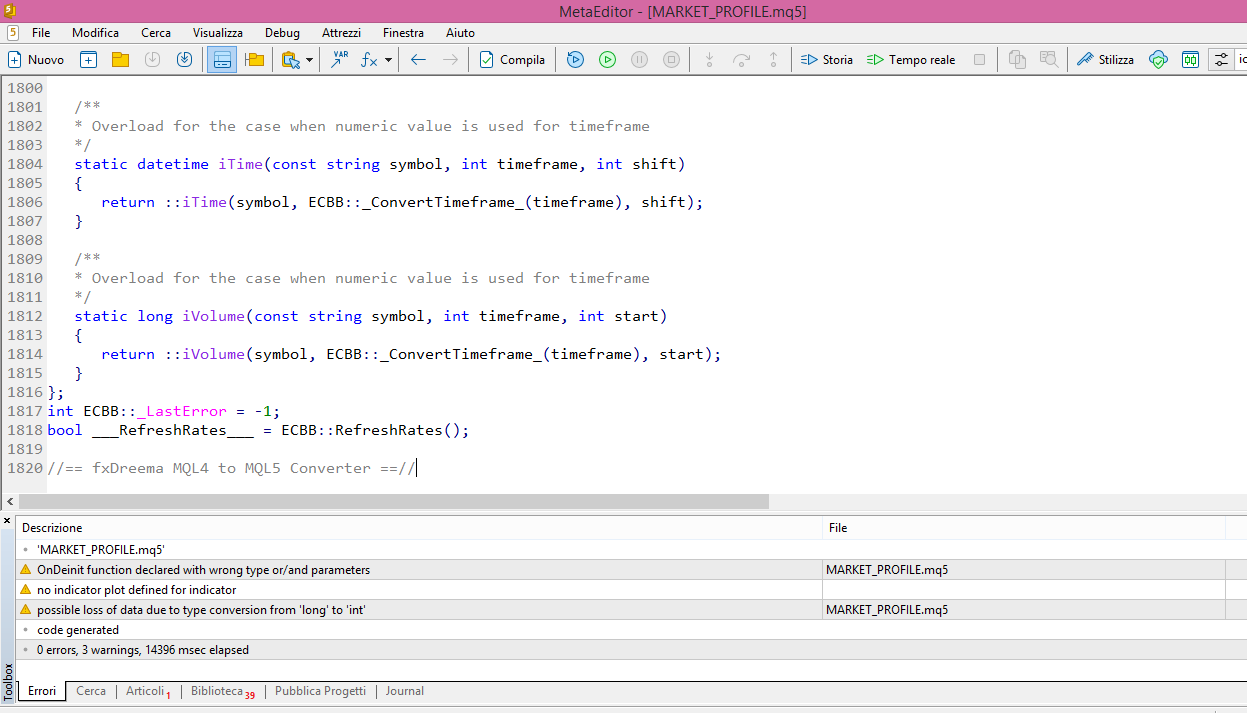
But this time I wasn't lucky, the file doesn't show anything on the graph
These are the files: 0_1640987888846_MARKET_PROFILE.ex5
0_1640987894856_MARKET_PROFILE.mq5
Maybe the mq5 file needs some fix, but i don't know, i'm not a coder.
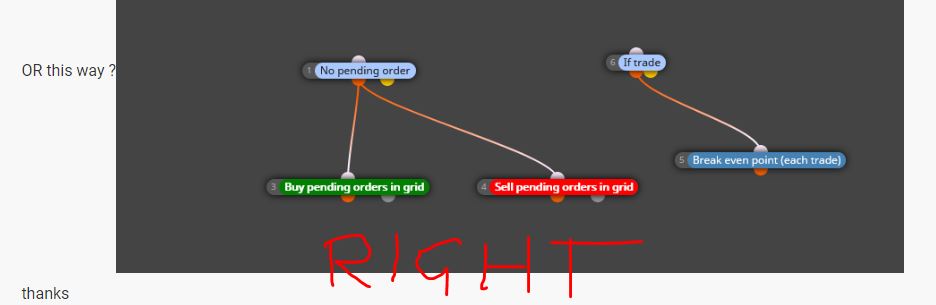
@andy10e6 Always put candle ID1 and never ID0, split the block "no trade" and "if trade" (no trade buys and another block no trade sells, the same for if trade : if trade buys and if trade sells)
Let me know
@fx_bwoy said in Finally Finished A bot:
I started creating a bot that will work for my personal strategy since 2022.
Its a whole lot of brain works and assistance from folks on this platform.
I thank you all. But i realized you can't finish the bot; you will always keep updating them to the current market condition. So i hope @FXdreema is here to stay for a long time else i will have to go back to doing it manually. Im still working to integrate a breakeven system to the EA. which almost seems like impossible. but i know it will come around
What's your problem with break even?
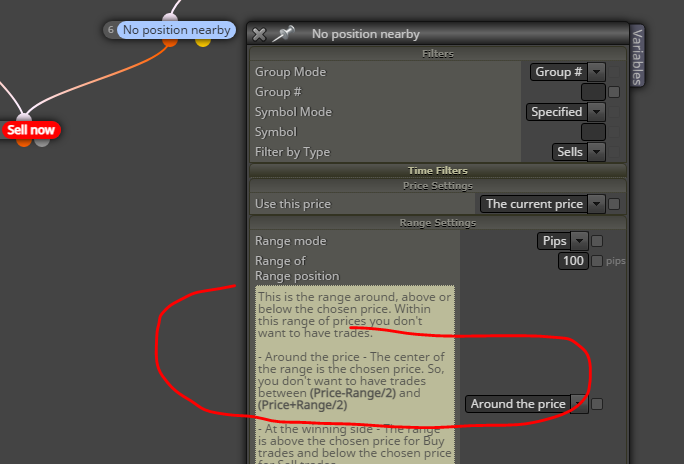
@breeeeen said in "No positions nearby" block calculating 5x bigger pip size:
Sure thing, here's a simple example I created: no constants or variables and a super simple structure to make it easy to identify.
I did a test and it's still 5x the size.
it's right for me, looking at how the range around the price is calculated, you have the sells trades spaced 50 pips (100 pips / 2 = 50)
RSIOMA indicator buffers doesn't work on MT5
@breeeeen You're welcome! Don't mention it!
@KARUBANGA ..............i already answered to you above.
@sm24 said in Stop and Reverse Strategy not working MT5:
Trust me I've tried moving around the blocks, there's an issue with the code.
Here's a screenshot of the error.
i said to look for any errors because it works on my MT5, i already backtested it. One thing: are you backtesting on "every tick model" or not?
@KARUBANGA said in Help with adding an input of "Applied Price" to "WILLIAM PERCENTAGE RANGE INDICATOR":
Hye guys I am in need of help now to add the input of "APPLIED PRICE "-Open Price to the mt5 indicator of William percentage range
It's not possible, basically it's a price range calculated on the highs and lows of the period, this is the formula:
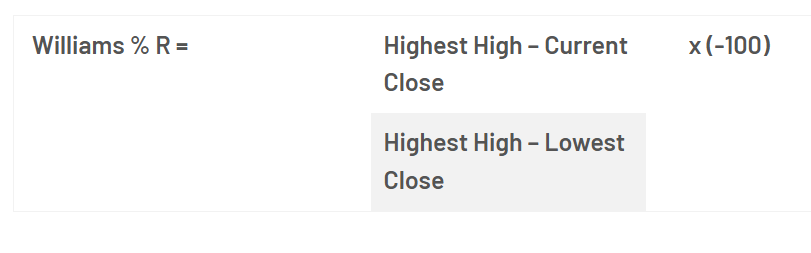
Also the indicator itself only shows the period to choose
@juan-9 said in Tutorial Expert Advisor with some recent issues solved:
@trader-philipps hello do you have the fxdreema project link? please, it would help me a lot to learn from this world of EAs
you can find everything in the first post