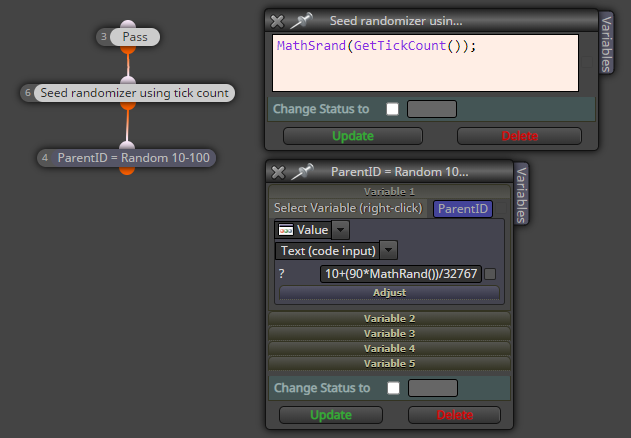
this? 
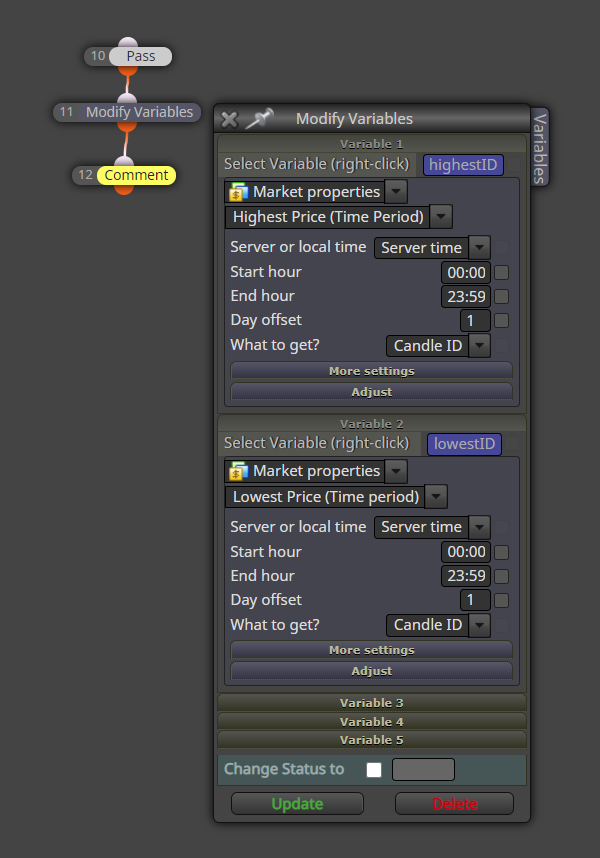

zigzag in subwindow? rather not stay in the main window with zigzag 
15 + 16 is ok + I added next 2 conditions to match his conditions
https://fxdreema.com/shared/wNc69PEP
here some results:
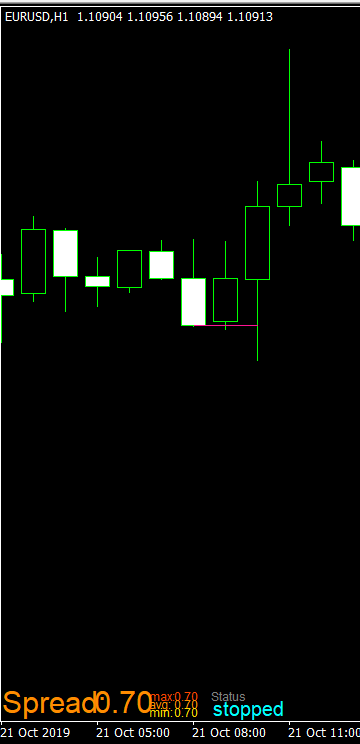
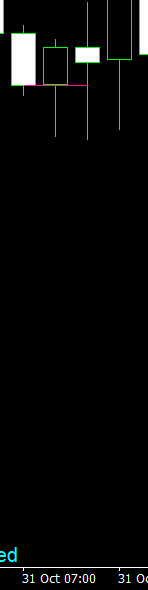
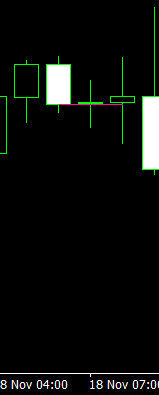
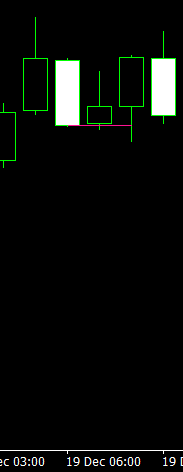
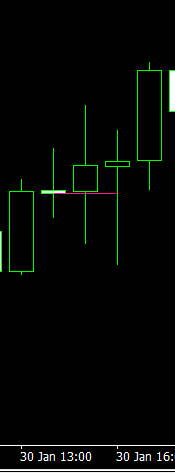
you are able to create it without loops, just with the basic vertical logic:
https://fxdreema.com/shared/zHbQFhkke
of course you can transfer the logic into one complex mega Condition, always debug the big condition (divide it into smaller) and check for bugs
it is possible with fxdreema but not that simple, a custom code can be necessary, not that simple ... begin with something more easy and master your know-how
here is something ... alert is slightly tricky, the whole system can be complicated and not easy to explain
22 and 23 does nothing
alarm for what condition?
https://fxdreema.com/shared/W5N4D492d
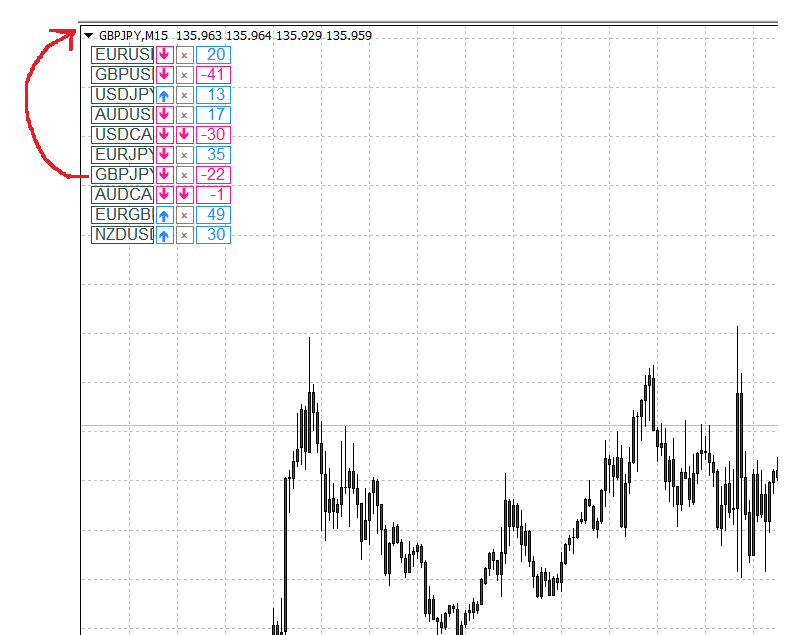
you look on it through the loop + mouse clicked on object (the loop iterates over an object name, the object name (and pair name) is selected/changed in the loop)
now as you click on a pair name, the chart is changed accordingly ... so you can make any object clickable from any array contained its name:
@xyon126 said in Video Tutorial - Signals Dashboard EA [advanced] - looping Objects, arrays:
@ miro1360. Thank you very much for the tutorial and the video, they are phenomenal, unique. This help is the best. I have a question. It is possible that the buttons of the pairs or symbols EURUSD, GBPUSD, etc. have a LINK that when pressed does not send to the window of that pair, if so, how could it be done. Thank you very much in advance and sorry for my English.
It is pretty simple, just continue with the loop template. I assume that you need to change a pair on the same chart (not open a new one). Add this to "on Chart" section.
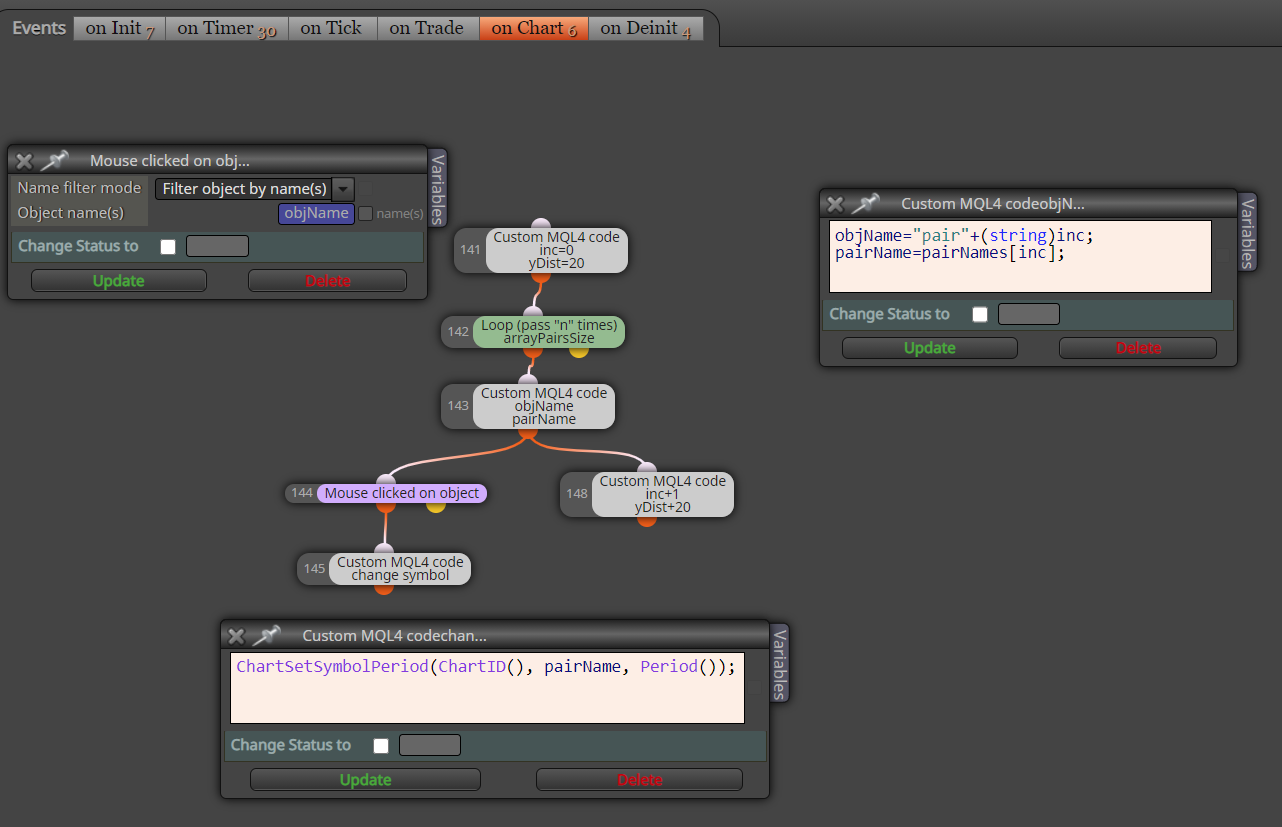
Now when you click on the pair name, the chart changes accordingly.
Hi, sorry for later reply. Well, it is possible to make it scrollable, but it also needs more variables or even more complex functions in the code. Even if it is scrollable, the part will still be hidden and you have to do something with the mouse.
So it will be much easier for you to "divide" the pairs on several dashboards by 40 pairs.
Each of these dashboards can be offseted horizontally (to the right on x axis).
Or alternatively put each one dashboard with 40 pairs on own chart and open/arrange the charts side-by-side to see them all - it is the fastest solution.
As roar told you, no easy way, only manually in code, moreover you have to understand the code quite detailed ... 2 ways are possible, pay someone to do it for you, or learn to code mql4 language is very simple. You can insert custom functions in fxdreema studio. As a result, it will be more work than it's worth .... but with fxdreema it still be less work than the whole EA manually
this is code to round the number on a specific decimal places (set with decimals, now it is set on 2 places),
use it as is, just change the variables (curA0, ...) ... it can be omitted if you don't need rounding
@sidmcfarland said in RANDOM NUMBERS:
The answer given by @miro1360 is not quite correct and overly complicated. It unnecessarily checks itself and tries again whenever it generates a number outside of the 10-100 range. So why not instead update the block that generates the number so that it never generates a number outside of the 10-100 range? Also, you should not divide by 32768 because the max of MathRand() is 32767. Dividing by 32768 means you will sometimes get a value larger than 100. Additionally, this random number generating actually produces numbers 10-110, which is probably why there is a block to check if the value is within range. I feel my example is better and simpler. It also properly seeds the random number generator.
when you escape the condition 9, the ctr should be increased, otherwise the condition 3 will never be false ...

maybe there will be other things, I have not checked details ...
it is possible that the indicator is working on the timer and therefore it can caused problems in any EA
just try it in code, it is so simple although time consuming
https://fxdreema.com/shared/vcEWDohzc

here you have to fix a few things, for example if EUR crosses AUD, both will be alerted (EUR>AUD and AUD<EUR, because both are valid in for loop) ... but as I told you, there may be a problem with the indicator being recalculated (I think it is using recalculation based on timer)
or I have an error somewhere, try to debug it, I didn't try it thoroughly
it is possible with the lookback, or with an additional array, if I had enough time, I would give you an example here, but I'm sure it's possible
array is a variable so it holds the value, when the array is changed then objects on the chart (dashboard) must be accordingly refreshed
the loopback system can be used, but then don't use the green loop block and adjust the whole thing for loopback, it's a slightly different visual system, but the logic in it is similar, it depends on what is easier for you to work with, the speed should be the same
currChart is variable for a Chart ID, it seems to me that it cannot be set specifically and is assigned automatically, so you have to move impractically by increasing the ID value and with the use of conditions to search for the correct chart ... maybe there's a way but I've never been looking for it
do it once again with no missing blocks, they are important:

add only one group of columns at once and edit it until it starts working with no errors, only then add more columns