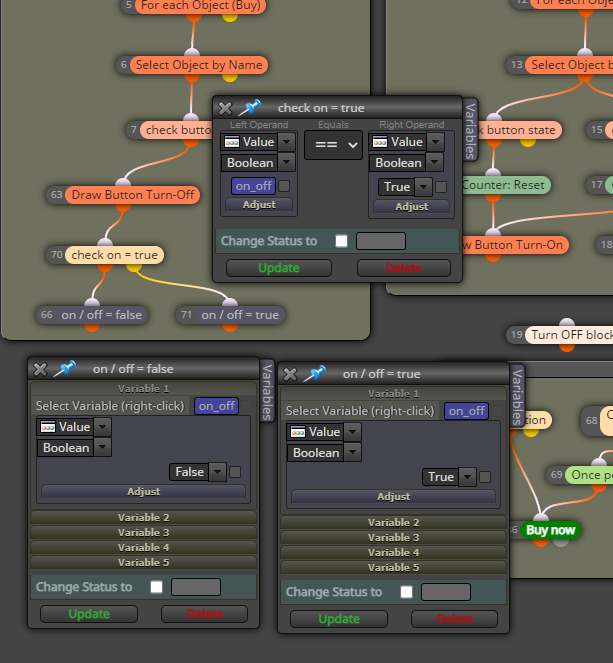
@QuantEngineer
Hello @QuantEngineer , can you help me to write a customer block that calculates the "break even" and outputs it for further use? I am currently solving this task with such a constellation.
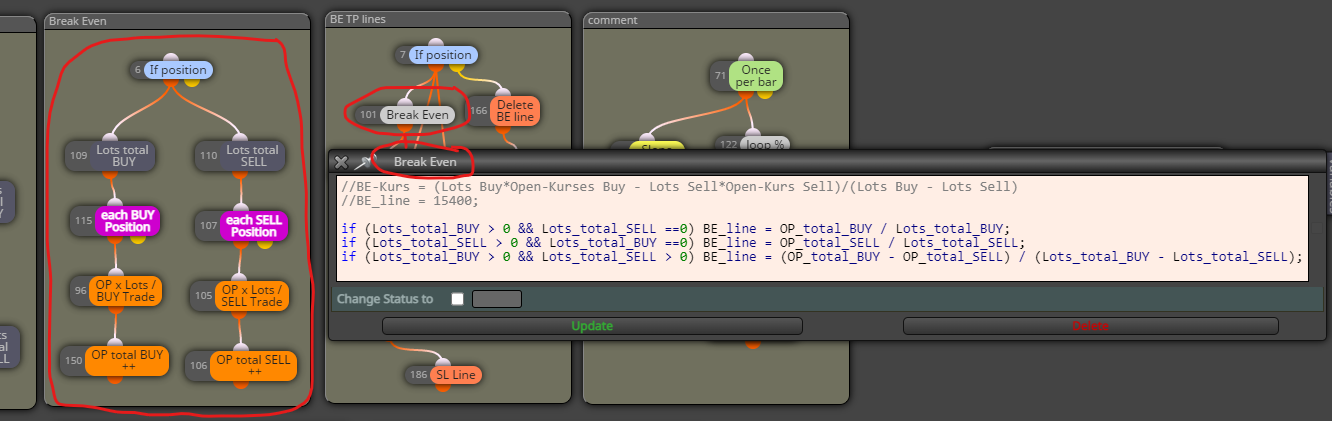
@QuantEngineer
Hello @QuantEngineer , can you help me to write a customer block that calculates the "break even" and outputs it for further use? I am currently solving this task with such a constellation.
@tec-nacks
Yes, of course you can do that with every action, but please try to do it yourself, otherwise you will always be dependent on others and will never get ahead!!!
@tec-nacks
I think you can make what you want to do easier, I made an example for you that works. The Control Block is for control only. If it counts up with every tick, you know that the next block is switched, if not it is blocked.
But you have to do the rest on your own, this is the only way to get further in your understanding of the program.
https://fxdreema.com/shared/WS5iUoaGc
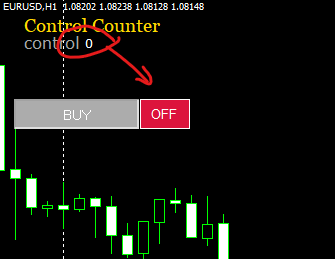
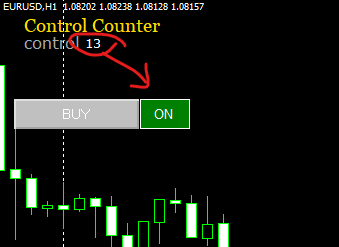
Now it's back to me, a button is a switch not a button so it probably won't work. You have to take an object and activate it by clicking on it. This can be an area, you can then change the color individually. So you actually only need one button and the Delete objects button must be an area that is only activated once.
So you want to press the button once and it should stay on until you press it again.
@tec-nacks Ahh, I didn't understand that. let me think
@tec-nacks
Here's a little idea, I haven't tested it, but that's how you use the blocks for a button. If I understand correctly, you need a button, not a switch.
https://fxdreema.com/shared/Pv2tbtkkb
@l-andorrà
The links between the blocks previously looked like this:

After "Display Status Messages" to "No", all the links were redistributed.


@elmasimo505
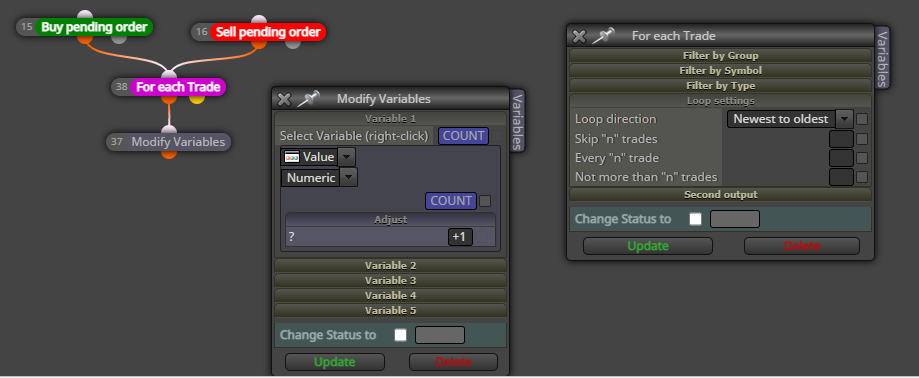
There are many solutions to this, like @jstap saying a bucket, you can count the trads or generally limit the number of trads per day.
@javadTT
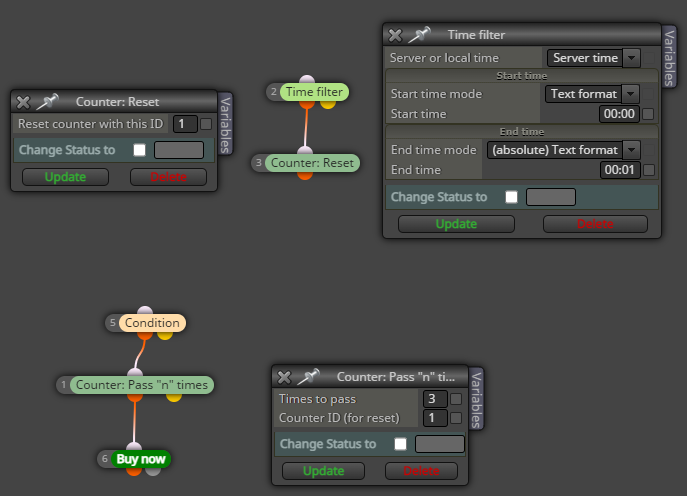
Try this, it's a simple solution that you can use to test your strategy at least once. The time filters must be arranged correctly. And since the candle to be checked is in the past day, there must also be 2. Of course, the time can be converted much more comfortably, but with this method you can easily make improvements yourself. In the "on Init" function the candle is calculated, of course this only works if there are no trading hours, so be careful here. You can set different time frames, which will be converted automatically. At 30 minutes you have 44 candles and at 1 hour you have 22.
https://fxdreema.com/shared/F7DrrzpFd
The problem could be the day the system needs to know. If you want to implement your idea over time, you also have to consider the day. You would then have to use the "datetime" function. But you can implement a simpler solution: set the time frame, then you know the number of candles until your desired time in the past day, when the other candle (10:30) is reached.
You should also reconsider block 12. You can only trade after the candle closes at 10:30 a.m. and this only happens once on that day. So you can see here only one trade a day or from 10:30am. Because you have Block 4 you don't even need this.
This should only be a hint, I didn't want to write in the program structure of your EA. But I still think you should think about the logic again.
Here's an example: If you want to store 2 values related to a trade in variables to work with later, consider the following: The trade has a ticket number and an initial size (lots) that should be stored. Then a possible array would be something like this: (double) trade[5][2] , where the numbers in the brackets don't matter as long as they are larger than the number of variables you want to store. Well, you open the first trade and want to save the ticket number for this trade, then you put it in the variable: trade[0][0]. For example, if the ticket number is 65, the current size of the variable trade[0][0] == 63, you store the lots in the variable trade[0][1]. You can now easily find both variables via the assignment trade[0][...], The next trade has the variables trade[1][0] and trade[1][1] etc. If the lot size changes, you search the variable you changed via a loop and save trade[...][1] again.
If you can display an indicator in a sub-window without a new value scale appearing, the indicator values must be converted for display, e.g. into a percentage based on another value, possibly an MA or current price. This can usually be calculated quite easily in the EA. Please describe exactly what you want to do, then we can finally assess whether it is possible.
What you want to connect, you can also do with the help of the EA. In principle, you could also use the EA to replicate any indicator. Strictly speaking, an indicator is only a sub-program.
@l-andorrà
Many thanks for the explanation, which I had read several times in the description but never really understood. It is very important to make it clear that ALL BLOCKS ABOVE can only be executed again after they have been passed. I didn't immediately understand that in the general description, it might be good to emphasize this again clearly in the general description.
@Pheaktra-Capo
If you need your EA to calculate a lot of data related to a common ground, e.g. the data of a series of candles, you need to use arrays. Otherwise you lose track. You then only need one variable e.g. myarray[10][5] to replace 50 individual variables. A huge advantage!
And actually, working with arrays is very easy if you take some time and invest some practice.