easiest example, connecting blocks minutes+seconds as I said you in first reply,,,,, every 15 minutes, that means at 14min45s, 29min45s, 44min45s, 59min45s:
https://fxdreema.com/shared/ahYvLH0E
you can do this also for other periods, for M5 candles (04m45s, 09m45s, 14m45s, 19m45s, 24m45s, 29m45s, 34m45s, 39m45s, 44m45s, 49m45s, 54m45s, 59m:45s) ... etc.
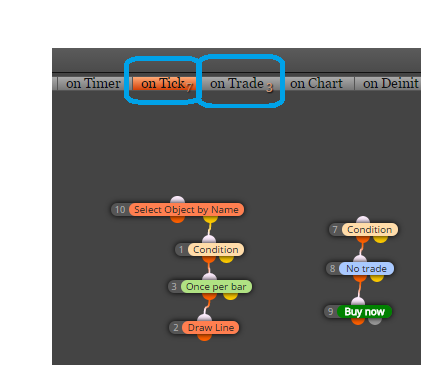
note one thing, you are working with onTick section, that means, blocks are runing tick after tick, but situation can happen, when no tick arrived in time interval 14min45s-14min59s and when no tick arrived - your blocks are skipped and EA is waiting for next time interval
here is more complicated example with every minutes that can be set:
https://fxdreema.com/shared/ibSC6YfV
and this one is more precisely working with on Timer section, which is not depending on ticks and blocks are not skipped when are missed ticks (as in first example), but you can not test this with tester (tester is not supporting onTimer), only with demo:
https://fxdreema.com/shared/mBV1TnxVd
note: I have tried only first example in tester and was working for me, the next 2 examples must not working, who knows 
again, investigate more effort into creativity - it is only way
... fast all is possible with fxdreema ...